
The best AI website builder for most people is Wix — with 282 million users, a mature AI system called Wix Harmony, and the widest set of built-in business tools of any platform tested, it covers the most ground for the most use cases. For founders and teams who want to build full web applications — not just marketing pages — Lovable is the most capable tool, having grown from zero to $200M ARR in under 12 months. For local businesses that need to be live online in under 60 seconds, Durable is the fastest path from nothing to a published site.
The AI website builder market has fundamentally changed. What used to take weeks of developer time and thousands of dollars can now be done in minutes using plain English descriptions. But with dozens of platforms now claiming to "build your website with AI," the differences between them are enormous — and choosing the wrong one wastes real money and time. We tested 10 platforms head-to-head and this guide gives you the unfiltered truth on what each one actually does, what it costs, and which situation it fits best.
If you're comparing traditional builders alongside AI-powered ones, our guide to the Best DIY Website Builders explains which platforms are easiest to use for beginners.
What Has Actually Changed With AI Website Builders
Before comparing platforms, it helps to understand the key shift that happened in the last two years — because it changes how you should think about every tool on this list.
The Old Way vs The New Way
The original wave of "AI" website builders — Wix ADI, Jimdo Dolphin, Squarespace — used AI to do one thing: pick a template and pre-fill some text based on your industry. You still used a drag-and-drop editor to actually build everything. The AI was really just a smart questionnaire.
The new generation of AI builders works fundamentally differently. You describe what you want in plain language — the way you would explain it to a developer — and the AI writes real code, builds the page structure, and connects the data behind it. Tools like Lovable, Base44, and Bolt.new produce actual React code, real databases, and working authentication systems from a conversation. This is what the term vibe coding refers to — and it is the most significant shift in how websites get built since WordPress launched in 2003.
If you're unfamiliar with the concept, we explain it in detail in our guide to what vibe coding is and how it is changing the way software is built.
Two Categories of AI Builder — And Why It Matters
Understanding which category a tool belongs to is the most important distinction on this list:
Hosted AI Builders generate and host your site on their platform. You describe what you want, the AI builds it, and you publish — all without touching code. Examples: Wix, Squarespace, Durable, Hostinger. These are fast, require no technical knowledge, and include hosting. The trade-off is platform lock-in — you cannot export your site and move it elsewhere.
Code-First AI Builders generate actual code you own. You can export it, deploy it anywhere, and hand it to a developer to extend. Examples: Lovable, Bolt.new, Base44, v0 by Vercel. These produce professional-grade output and give you full ownership. The trade-off is that they require more technical literacy and you manage hosting separately.
Choosing between these two categories should be your first decision — not which specific platform.
Quick Comparison — Best AI Website Builders
Builder | Category | Best For | Starting Price | Free Plan | Code Ownership |
|---|---|---|---|---|---|
Wix | Hosted | Best all-around | $17/month | ✅ Yes | ❌ No export |
Lovable | Code-First | Full web apps, founders | $25/month | ✅ 5 credits/day | ✅ React export |
Durable | Hosted | Local businesses, fastest setup | $12/month | ✅ Trial | ❌ No |
10Web | Hosted (WordPress) | WordPress users | $10/month | ✅ Trial | ✅ WordPress |
Base44 | Code-First | Non-technical founders, MVPs | $16/month | ✅ Yes | ✅ Frontend export |
Framer | Hosted | Designers, portfolios, startups | $0/month | ✅ Yes | ❌ No |
Hostinger | Hosted | Budget, small business | $2.99/month | ❌ No | ❌ No |
Bolt.new | Code-First | Developers, rapid prototypes | $20/month | ✅ Free tier | ✅ Full code |
v0 by Vercel | Code-First | React developers, UI components | $20/month | ✅ Free tier | ✅ Full code |
Squarespace | Hosted | Visual brand, service businesses | $16/month | ❌ Trial only | ❌ No |
The 10 Best AI Website Builders — Full Reviews
1. Wix — Best Overall AI Website Builder
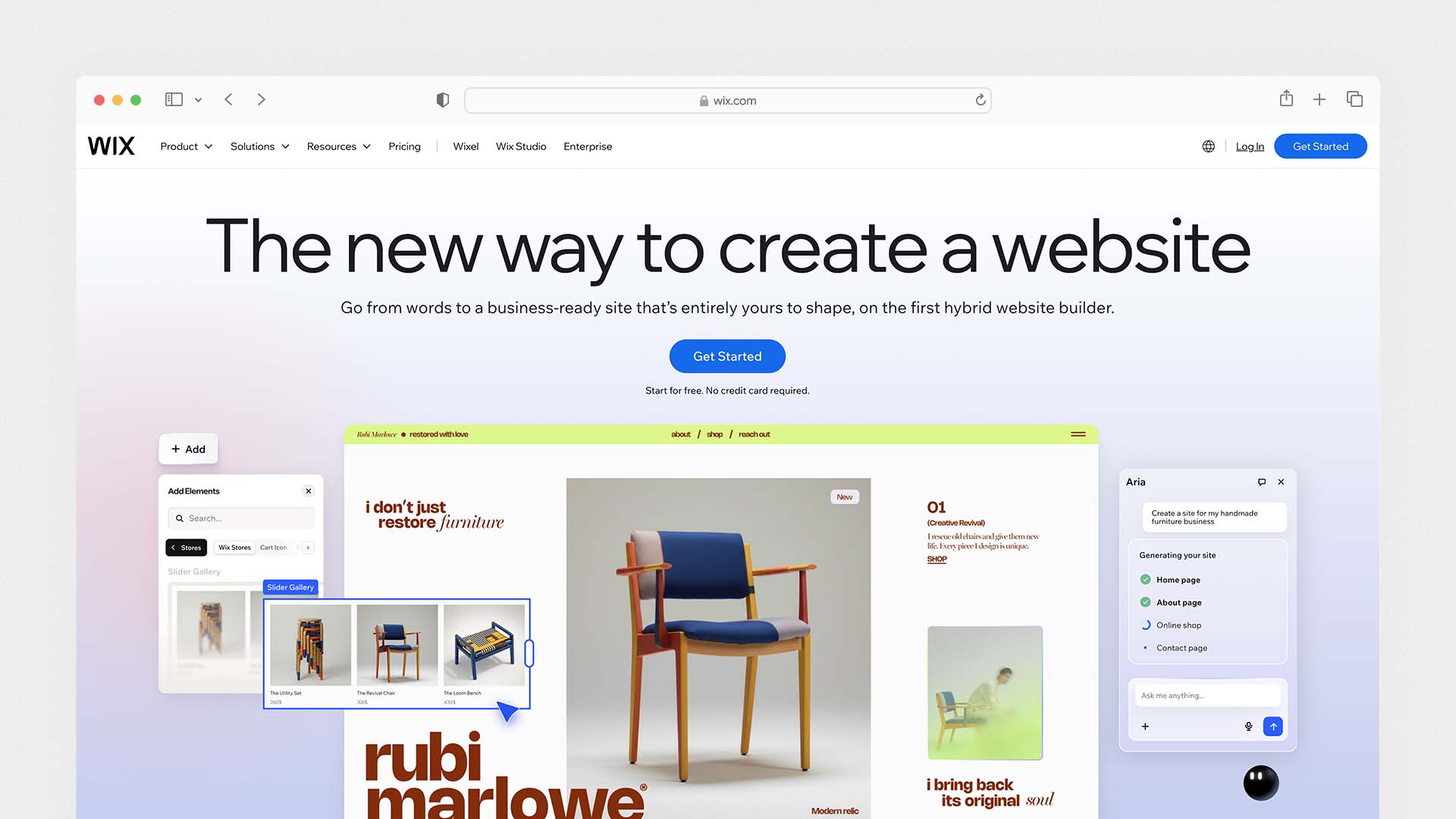
Wix is the most complete AI website builder for the majority of users — not because it is the most cutting-edge AI platform, but because it combines mature AI tools with the widest set of business features of any builder tested. Its Wix Harmony system, powered by an internal AI called Aria, now lets you edit your website using plain language: you type what you want changed — "move the contact form above the testimonials" or "make the hero section full-width" — and it happens instantly. This is a fundamentally different experience from drag-and-drop editing, and it works reliably across all page types.
Wix also ranks as the best overall platform in our guide to the Best Website Builder and Hosting for Small Business.
The Wix AI Site Generator takes your business description and creates a fully structured website with relevant sections, page layout, and placeholder content in under 60 seconds. The AI Meta Tag Creator automatically generates SEO-optimised page titles and descriptions for every page. The Wix Semrush integration gives you access to keyword research directly inside the editor — meaning you can optimise your pages for Google without leaving your website dashboard.
What separates Wix from every other hosted builder is the depth of what happens after the AI generates your site. You have access to 900+ templates, a full ecommerce system, email marketing, CRM, bookings, events, and a 500+ app marketplace. Wix is not just a website generator — it is a platform for running a business online. No other tool on this list matches that scope.
Wix acquired Base44 for $80M in 2025 to expand into the vibe coding space — which means more AI app-building capabilities are expected to roll into the platform in 2026.
Wix Pros:
The broadest feature set of any AI website builder — website, ecommerce, CRM, email, bookings, analytics in one platform
Wix Harmony lets you edit using plain language commands
AI Site Generator builds a complete site from a description in under 60 seconds
AI Meta Tag Creator and Semrush keyword research built in
900+ templates across every industry
282 million users — the most trusted name in the market
Free plan available with no time limit
Wix Cons:
No code export — platform lock-in if you ever want to switch
Online selling requires the Core plan at $29/month
Cannot switch templates after publishing
More feature-heavy than users who just need a simple site require
AI tools are spread across many features rather than one unified interface
Wix Pricing:
Plan | Monthly Price | Key Feature |
|---|---|---|
Free | $0 | Basic site with Wix branding |
Light | $17/month | Custom domain, no ads |
Core | $29/month | Ecommerce, accept payments |
Business | $36/month | Advanced analytics |
Business Elite | $159/month | Enterprise tools |
Best for: Small businesses, service providers, local companies, and anyone who wants a complete AI-powered business website with marketing and ecommerce tools included — and does not need to own or export their code.
2. Lovable — Best AI Builder for Full Web Applications
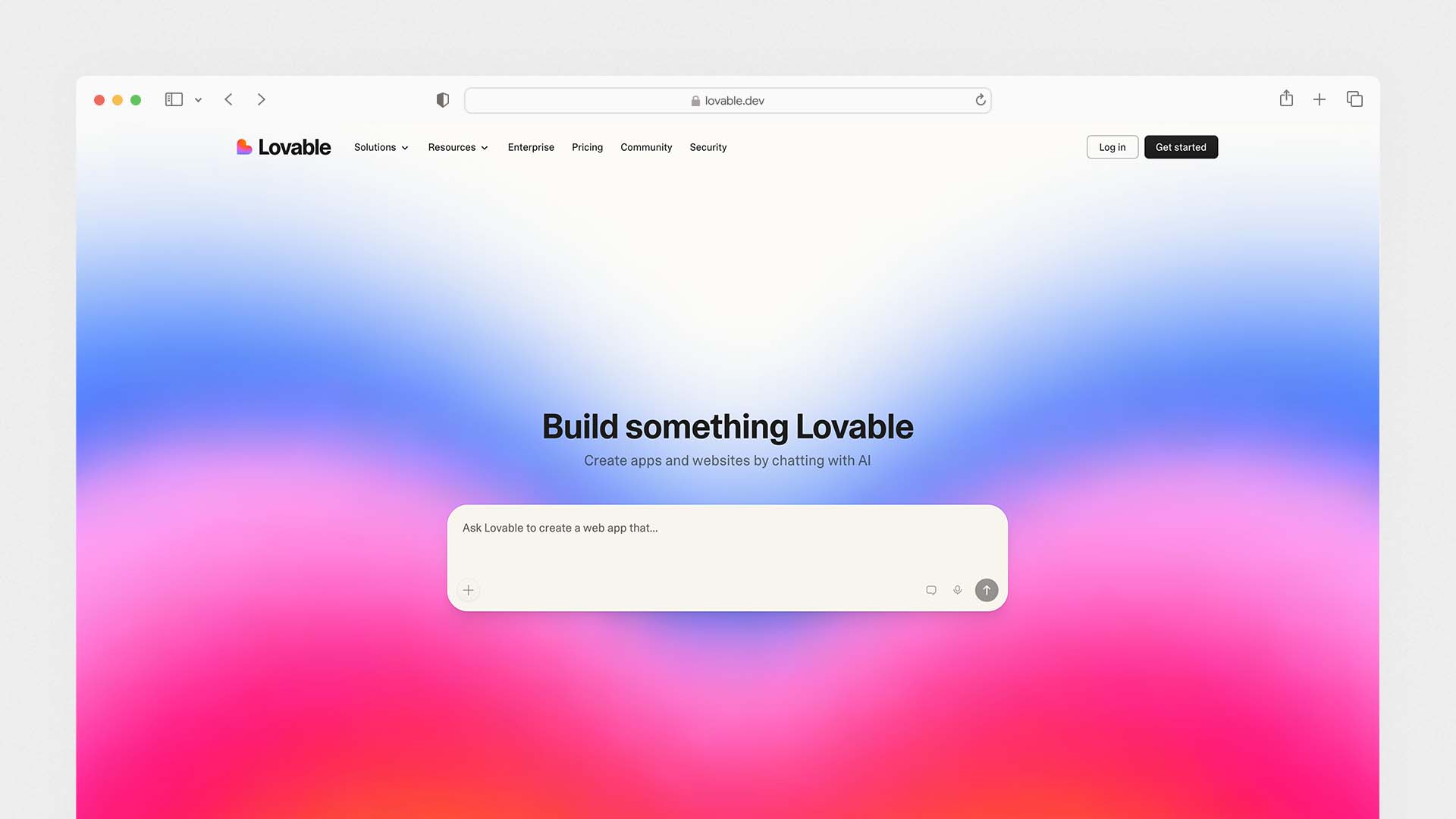
Lovable is the fastest-growing AI website builder in history — it went from zero to $200M ARR in under 12 months, making it the fastest-scaling European startup ever recorded. That growth is not hype: Lovable genuinely does something different from every hosted builder on this list. It does not generate a template. It writes real, production-grade React and TypeScript code from a plain English conversation.
You describe your app — "build a booking system where clients can schedule calls, pay via Stripe, and receive a confirmation email" — and Lovable generates the interface, the database via Supabase integration, the payment flow via Stripe integration, and the email confirmation logic. In testing, a working task-management app was built in approximately 20 minutes of conversation. No code was written manually.
The key difference from other builders is code ownership. Every project Lovable builds can be exported as a complete React/TypeScript codebase. You can hand that to a developer to extend, deploy it on your own servers, or fork it into a custom project. You are not locked into Lovable's platform.
In February 2026, Lovable added a Plan Mode — a pre-build review step where you can read and approve the AI's plan before it starts generating code. This reduces wasted credits on projects where the AI misunderstands the brief, which was the most common complaint from users before the feature launched.
The limitation is that Lovable works best when you understand basic concepts like databases, user roles, and APIs — even if you cannot code. Complete beginners who only need a simple informational website are better served by Wix or Durable. Lovable is a tool for people building products, not just pages.
Lovable Pros:
Generates production-grade React and TypeScript code from plain English
Full-stack capability — databases (Supabase), payments (Stripe), authentication all included
Code export — you own everything you build, no platform lock-in
Plan Mode lets you review the AI's approach before it builds
$200M ARR in 12 months — most validated AI builder in the market
Real-time collaboration and live preview
Student discount of 50% on Pro plan
Lovable Cons:
Credit-based pricing can be confusing — not a simple flat monthly fee
Requires basic technical literacy (understanding databases and APIs)
Not ideal for simple informational websites — overkill and expensive
Free plan limits you to 5 credits per day (30/month total)
Hosting and AI usage costs are separate from the subscription fee
Lovable Pricing:
Plan | Monthly Price | Credits | Key Feature |
|---|---|---|---|
Free | $0 | 5/day (30/month) | Public projects, 5 domains |
Pro | $25/month | 100/month + 5/day | Private projects, custom domain, credit rollover |
Business | $50/month | 100/month + 5/day | SSO, data training opt-out, design templates |
Enterprise | Custom | Custom | Dedicated support, custom integrations |
Best for: Founders validating startup ideas, product managers building internal tools, marketers creating landing page systems, and developers who want to move 10x faster on web app prototypes.
3. Durable — Best AI Builder for Local Businesses
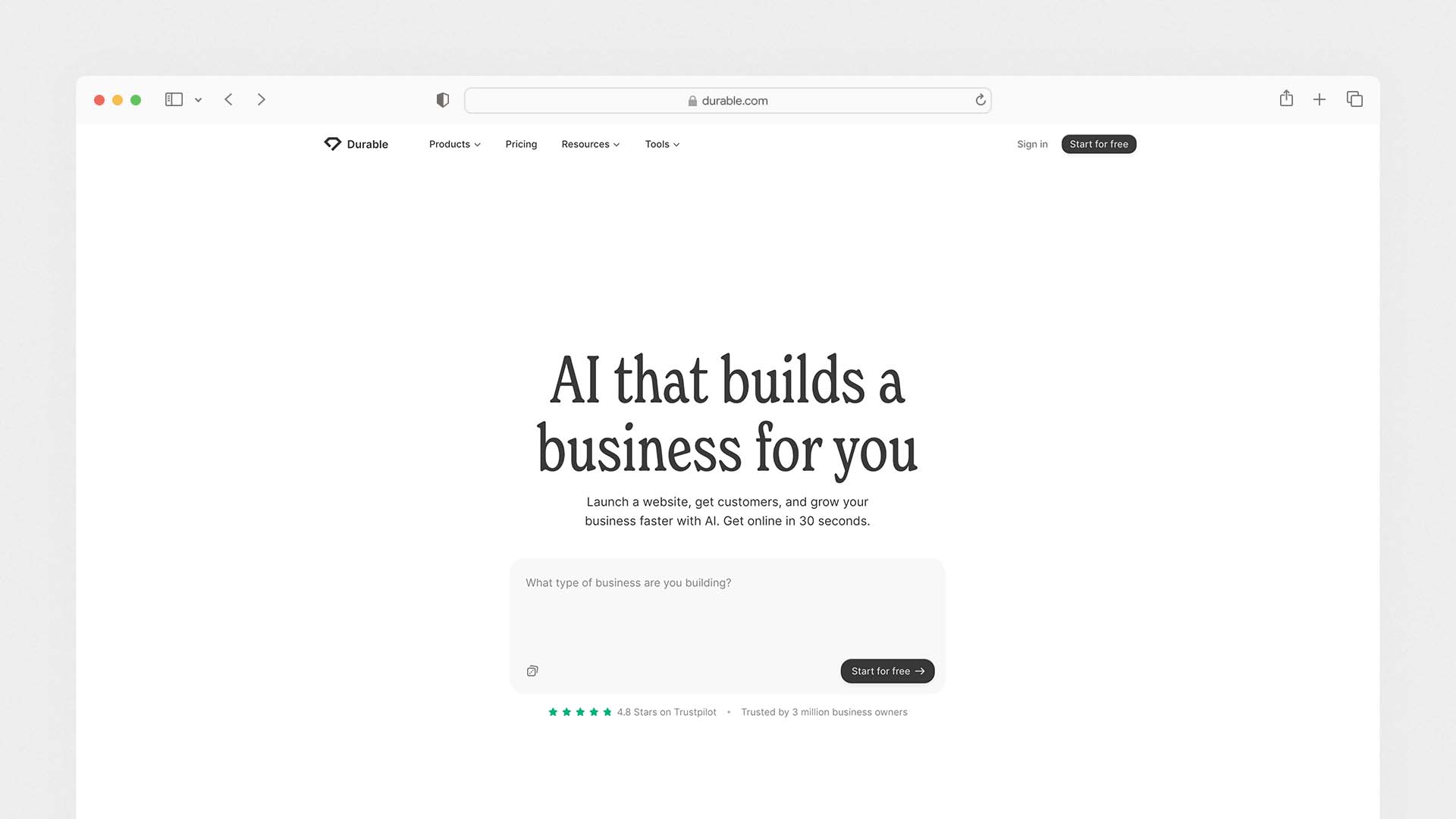
Durable is the fastest AI website builder on this list — not the most advanced, but the most aggressive about getting you from nothing to a live website in the shortest possible time. In independent testing, Durable built a complete, functioning business site in 47 seconds from the moment the prompt was submitted. No other platform comes close to that speed.
If you are building a website for a service business rather than a startup or web app, you may also want to see our comparison of the Best Website Builders for Construction Companies.
Durable's AI uses GPT-based generation to create not just a website, but a complete business starter kit: a homepage with relevant copy and images, a contact page, a services section, and a matching brand identity — all generated from your business name and category. You do not need to write copy, find images, or make design decisions. The AI makes them all based on what works for your industry.
What makes Durable genuinely different from other fast-launch builders is the business tools bundled alongside the website: a built-in CRM for managing customer contacts, invoicing for sending and tracking payments, AI-generated marketing campaigns for Google and social ads, and a Google Business Profile integration. Durable is not really a website builder — it calls itself a "business builder," and that framing is accurate.
The trade-off is customisation. Durable's templates are intentionally limited. The design options are more constrained than Wix or Squarespace. The SEO tools prioritise automated optimisation over manual fine-tuning — which is fine for a local plumber or a dentist, but not sufficient for a content-heavy business that needs granular SEO control. The platform is also best for simple business sites — anything with complex functionality will quickly hit the edges of what Durable can do.
Durable Pros:
The fastest AI website builder tested — live site in under 60 seconds
Generates copy, images, and brand identity automatically — no decisions required
Bundled CRM, invoicing, and marketing tools included
Google Business Profile integration
AI-generated ad campaigns for Google and social
Strong choice for non-technical users with zero design experience
Durable Cons:
Limited design customisation — less creative control than Wix or Squarespace
SEO tools are automated rather than manual — not suitable for SEO-heavy strategies
Not suited for complex websites or web applications
AI-generated copy can feel generic without personalisation
No code export — full platform lock-in
Durable Pricing:
Plan | Monthly Price | Key Feature |
|---|---|---|
Starter | $12/month | Website, CRM, basic invoicing |
Business | $20/month | AI marketing, advanced CRM, invoicing |
Scale | $40/month | Priority support, multiple locations |
Best for: Local service businesses — plumbers, dentists, consultants, photographers, fitness instructors — that need a professional web presence immediately with minimal time invested, and benefit from bundled business management tools.
4. 10Web — Best AI Builder for WordPress Users
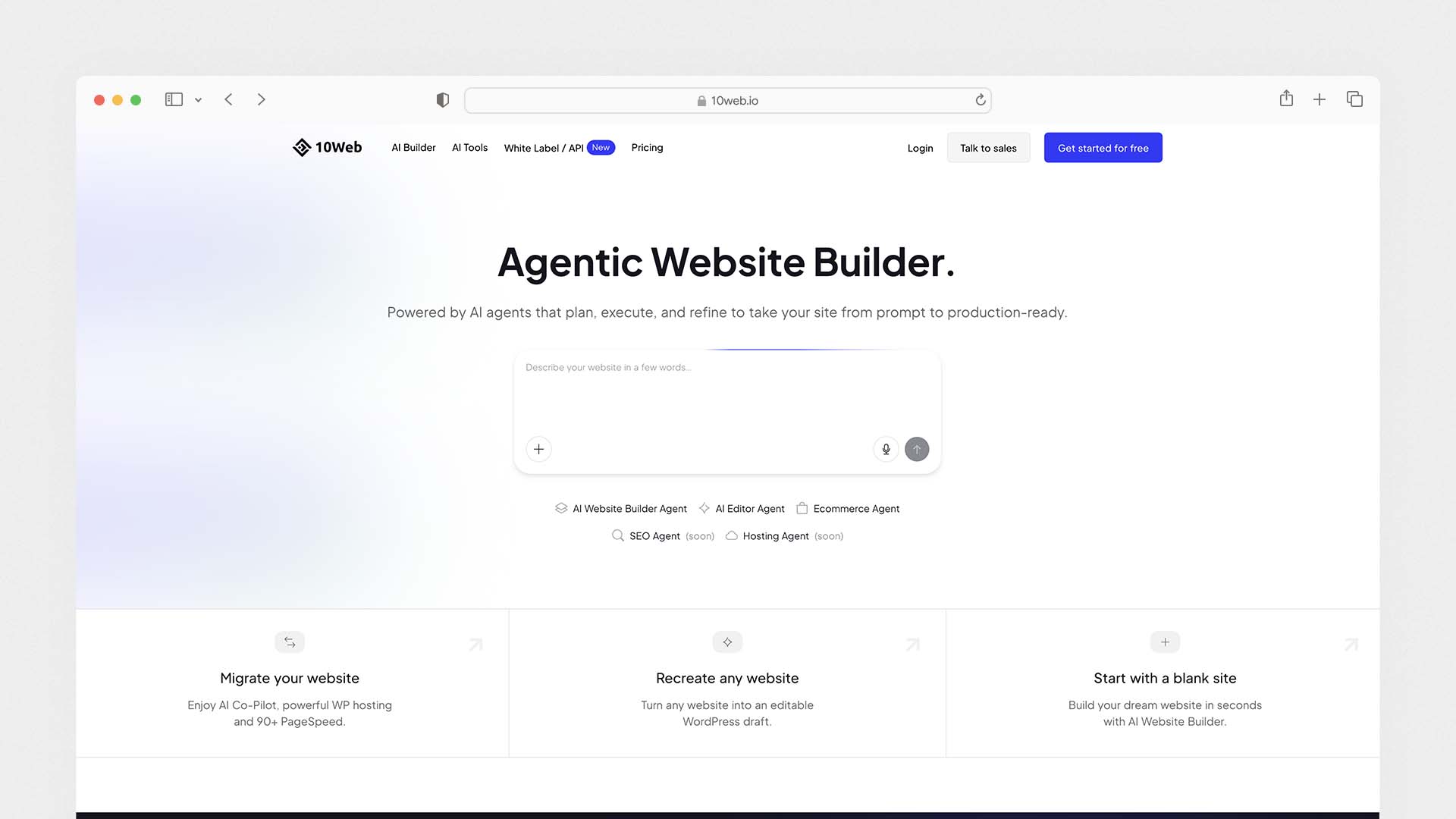
10Web is the most important AI website builder for anyone who wants to remain in the WordPress ecosystem. It does not replace WordPress — it automates the most tedious parts of WordPress setup and management, giving you the flexibility of the world's most-used CMS with a fraction of the setup time.
The way it works: you describe your business or paste a competitor's URL, and 10Web's AI generates a complete WordPress site — including layout, content sections, and images — on Google Cloud-powered managed hosting. From that point, you edit using a visual builder based on Elementor, which gives you full WordPress flexibility including access to the entire plugin library and WooCommerce for ecommerce. Over 2 million AI-generated sites have been created on 10Web to date.
The unique feature that no other builder on this list offers is website cloning. You enter any website's URL, and 10Web's AI recreates that site's layout and structure as a customisable WordPress template. This is genuinely useful for businesses that want to build a site in the style of an existing brand they admire, without copying content. In October 2025, 10Web launched Vibe for WordPress — a natural language editing mode that lets you make structural changes to WordPress pages by typing instructions, similar to Wix Harmony but built on WordPress infrastructure.
The limitation is that 10Web is not truly beginner-friendly for people with zero WordPress experience. The AI handles the generation step well, but once you are in the Elementor editor making customisations, you are working with WordPress — and that brings its learning curve with it. Complete beginners with no interest in WordPress should look at Wix, Durable, or Hostinger instead.
10Web Pros:
AI generation + managed WordPress hosting in one platform
Full WordPress ecosystem — all plugins, WooCommerce, custom themes
Website cloning — recreate any site's layout from its URL
Vibe for WordPress — natural language editing for WordPress pages
Google Cloud hosting included — fast, reliable, scalable
WooCommerce online store built in 10 minutes with AI
24/7 support including a dedicated Slack channel for engineers
Import and migrate existing WordPress sites seamlessly
10Web Cons:
Not beginner-friendly for people with no WordPress experience
Elementor editor has a learning curve
Lower pricing tiers restrict traffic and storage
Generated sites often need manual tweaking to feel truly unique
More complex setup than hosted builders like Wix or Durable
10Web Pricing:
Plan | Monthly Price (Annual) | Key Feature |
|---|---|---|
Personal | $10/month | 1 website, AI builder, Google Cloud hosting |
Business | $19/month | 3 websites, priority support |
Agency | $38/month | 10 websites, white-label options |
Agency+ | $69/month | 25+ websites, client management |
Best for: Freelancers, agencies, and businesses already committed to WordPress who want AI-powered setup speed without abandoning the plugin ecosystem, WooCommerce, or standard WordPress development practices.
5. Base44 — Best AI Builder for Non-Technical Founders
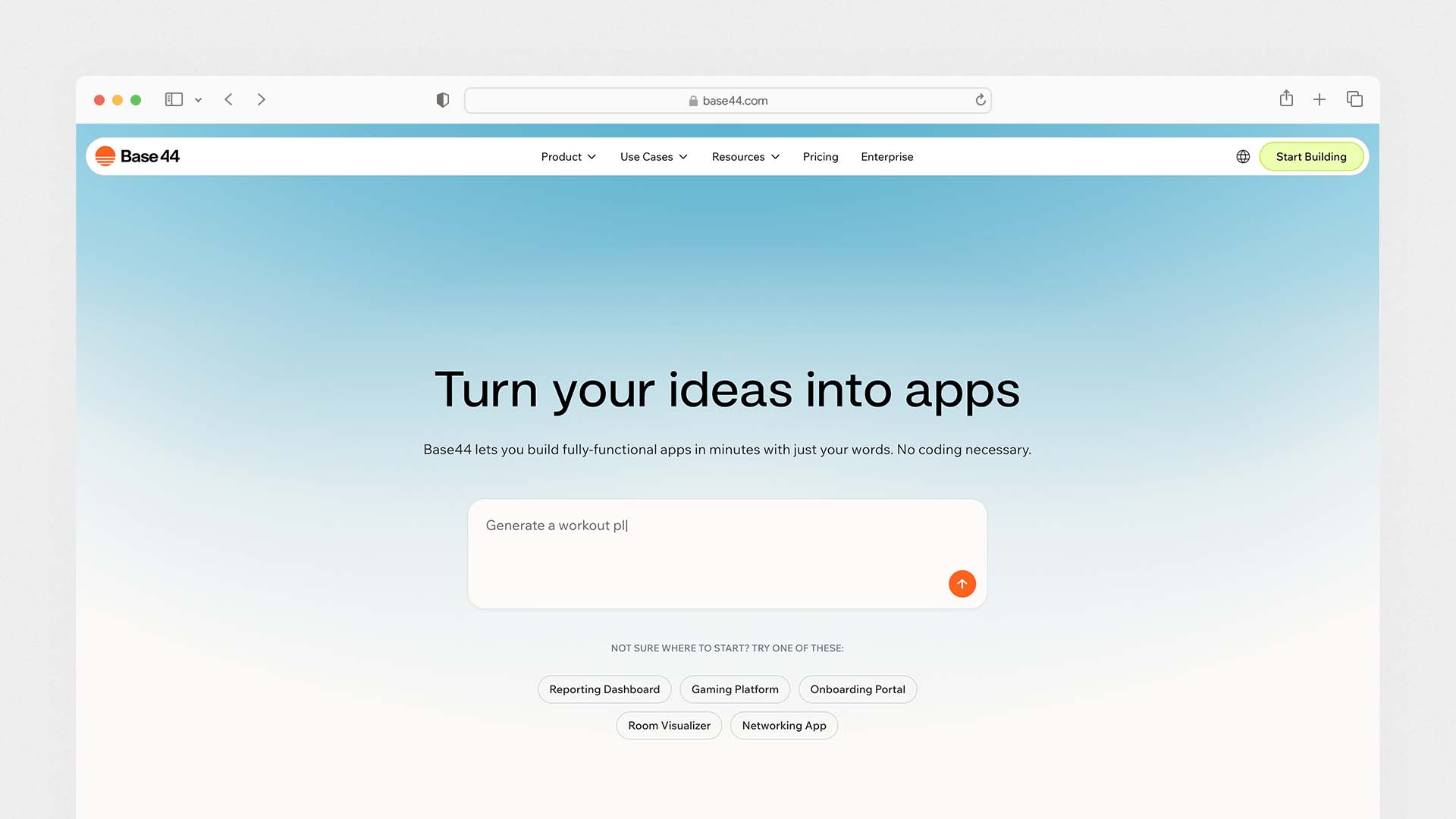
Base44 launched in late 2024, became profitable within months, and was acquired by Wix for $80M in 2025 — all within roughly six months of launch. That trajectory tells you something important about how well it solves a real problem: letting non-technical founders build fully functional web applications without needing to understand code, databases, or hosting.
Base44's approach is all-in-one integrated app building. Unlike Lovable, which generates code that connects to external services like Supabase for the database and Stripe for payments, Base44 handles the frontend, backend, database, authentication, and hosting in a single integrated platform. You describe your app, the AI builds the entire thing, and it is live — with no external service accounts needed. This makes it meaningfully easier to use than Lovable for people who are not comfortable setting up third-party integrations.
In February 2026, Base44 added the ability to publish apps directly to the Apple App Store and Google Play Store — a major feature that significantly expands what you can build and distribute. The update also introduced a Plan Mode (matching Lovable's same-month update) and improved Gmail integration.
Base44 allows you to choose your preferred AI model when building — including GPT-5, Claude Sonnet, and Gemini 2.5 Pro — which is unique among all builders on this list and gives power users meaningful control over the quality and style of generated output.
The trade-off is ownership. While Base44 allows frontend code export on its $50/month plan, the backend logic remains hosted on Base44's infrastructure. If you want full code ownership including the backend, Lovable or Bolt.new are better choices.
Base44 Pros:
Fully integrated platform — frontend, backend, database, auth, and hosting all in one
No external service accounts needed — the easiest full-stack setup on this list
Choice of AI model: GPT-5, Claude Sonnet, Gemini 2.5 Pro
Publish directly to Apple App Store and Google Play (added February 2026)
Plan Mode for reviewing the AI's approach before building
More generous free plan than Lovable — 25 message credits per month
$16/month Starter plan — cheapest entry point among code-first builders
Base44 Cons:
Backend code remains on Base44's servers — not fully exportable
Frontend code export only available on $50/month plan
Integration credits for live app features can run out faster than expected
Less suitable for complex enterprise applications
Fewer third-party integrations than Lovable
Base44 Pricing:
Plan | Monthly Price (Annual) | Message Credits | Integration Credits | Key Feature |
|---|---|---|---|---|
Free | $0 | 25/month | 100/month | Test and prototype |
Starter | $16/month | — | — | Custom domain, private apps |
Builder | $40/month | — | — | GitHub export, priority support |
Pro | $80/month | — | — | High-volume production apps |
Elite | $160/month | — | — | 50,000 integration credits |
Best for: Non-technical founders building MVPs, startup teams validating ideas, small businesses needing internal tools, and anyone who wants to build a complete web application without managing external services.
6. Framer — Best AI Builder for Designers and Creatives
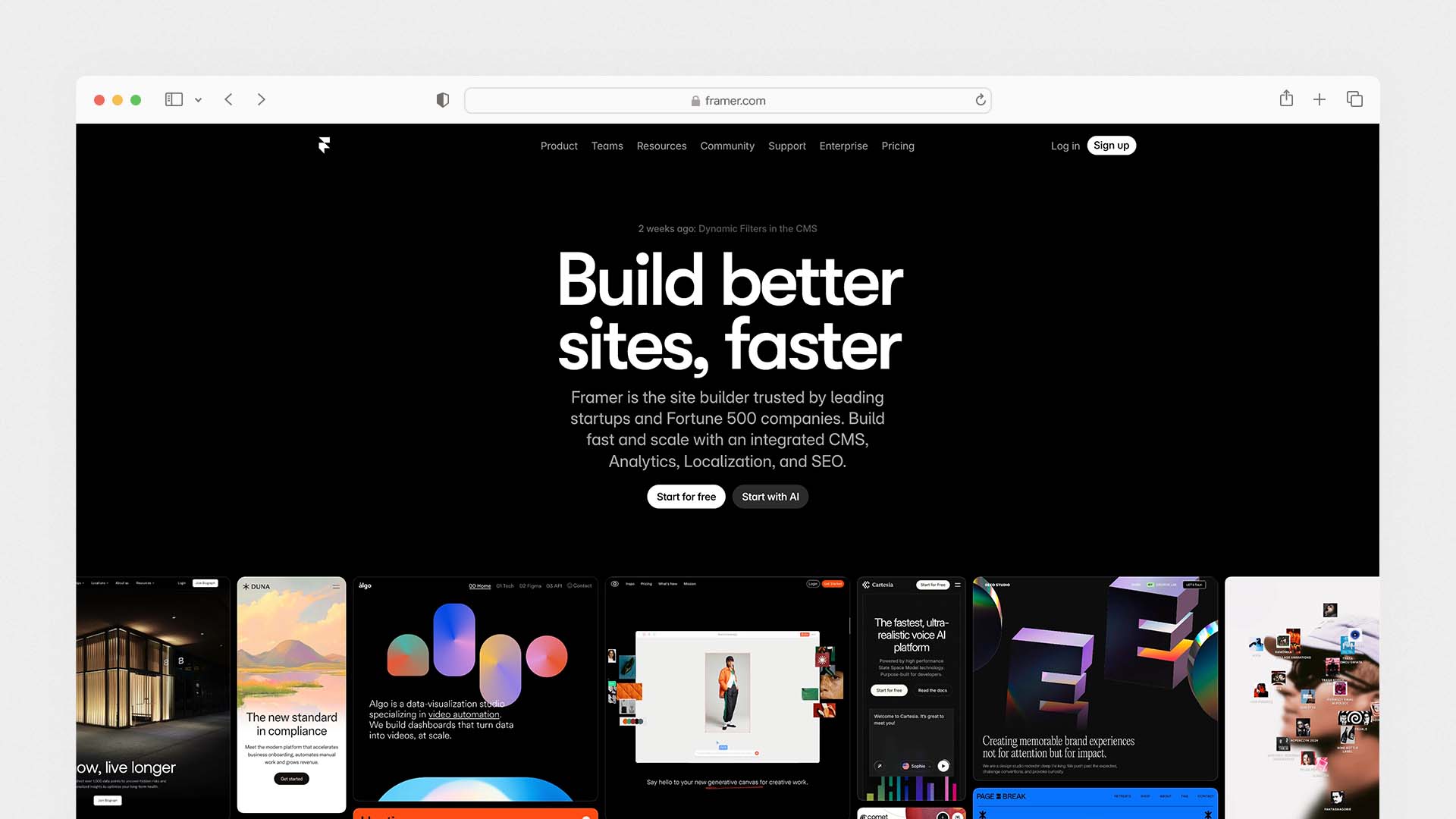
Framer is the AI website builder that produces the most design-forward output of any platform on this list. It sits at the intersection of a professional design tool and a website builder — giving you real creative control over layouts, typography, animations, and interactions while AI handles the structural and content generation work in the background.
The Framer AI feature takes a text prompt and generates a complete starting website — including layout, sections, and a working CMS — in seconds. From there, you work on a visual canvas that behaves like a design tool: you can click on any element, drag it to a new position, adjust spacing, change typography, and add animations without touching code. The result looks and feels like it was designed by someone who knows what they are doing — which is rare for AI-generated output.
Framer also supports dynamic pages and CMS collections — meaning you can create content-driven sites where pages are generated automatically from a database. For portfolios, startup landing pages, product documentation, and digital agency sites, this is genuinely powerful.
The free tier is one of the most generous on this list — you can publish a basic site on a Framer subdomain at no cost, which makes it easy to test before committing to a paid plan.
Framer Pros:
The most visually polished AI-generated output of any builder tested
Design-tool-level creative control over every visual element
CMS collections for dynamic, database-driven pages
Animations and interactions without writing code
Generous free tier — publish a basic site at no cost
Strong performance — faster page load times than Wix or Squarespace
Used by major companies and design agencies as their primary builder
Framer Cons:
Less beginner-friendly than Wix or Durable — assumes some design sensibility
No built-in ecommerce (limited to third-party integrations)
No built-in email marketing or CRM
Platform lock-in — no code export
Monthly costs increase quickly for high-traffic sites
Framer Pricing:
Plan | Monthly Price | Key Feature |
|---|---|---|
Free | $0 | Framer subdomain, basic site |
Mini | $5/month | Custom domain, 1 editor |
Basic | $15/month | 1,000 pages, CMS |
Pro | $30/month | 10,000 pages, advanced analytics |
Best for: Designers, creative agencies, startup founders building landing pages, and portfolios — anyone who needs a site that looks exceptional and where visual quality is a central part of the brand.
7. Hostinger — Best Budget AI Website Builder
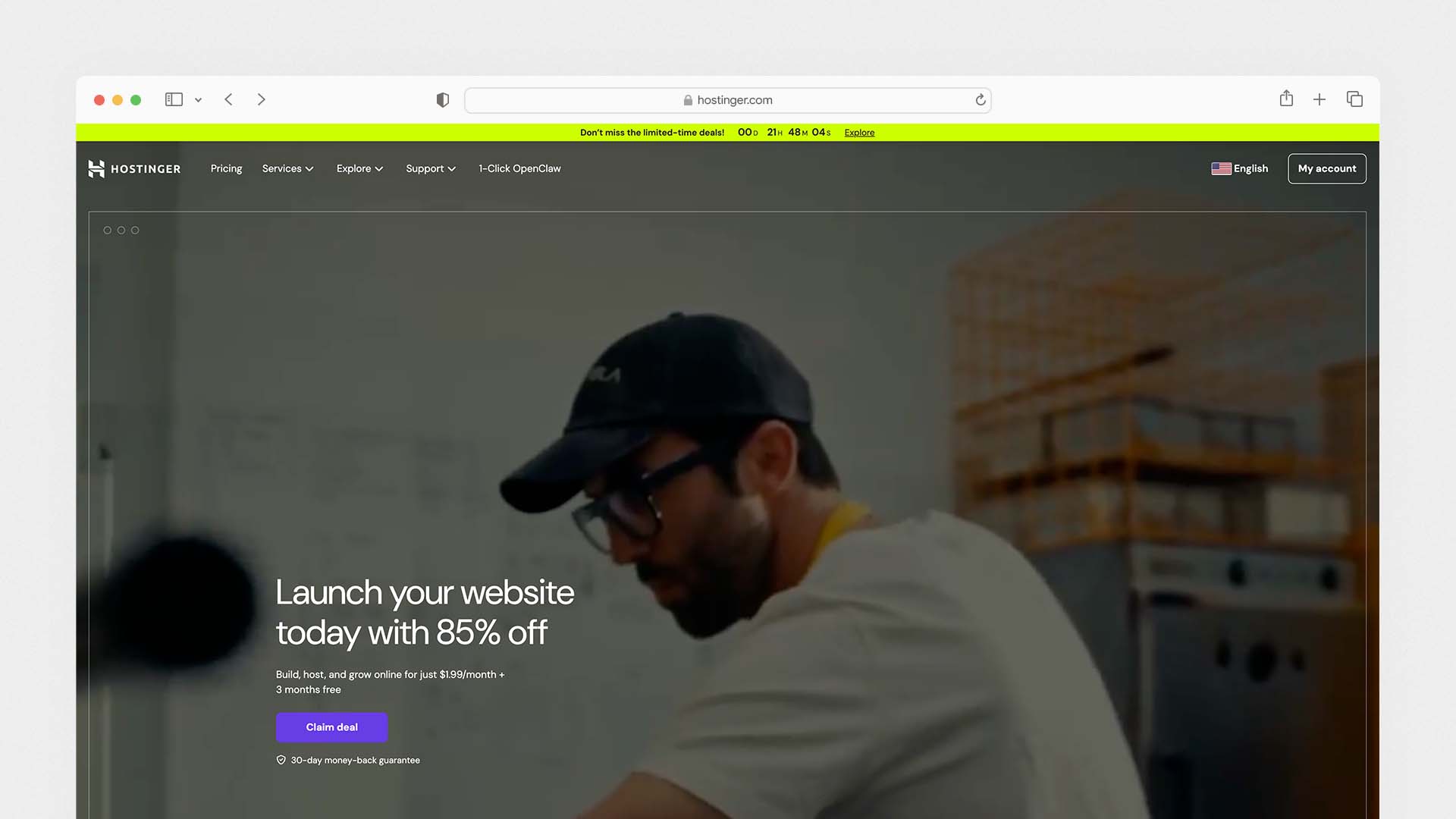
Hostinger is the most affordable AI website builder with hosting included, and it delivers more at its price point than any other platform in this comparison. It is particularly relevant for small business owners, freelancers, and first-time website builders who want the benefits of AI site generation without paying for platforms designed around more complex use cases.
We also tested Hostinger in our guide to the Best Mobile Website Builders, where it scored among the fastest for real mobile performance.
The Hostinger AI Website Builder generates a complete, industry-relevant website from a two or three sentence description in under 60 seconds. The AI creates the layout, writes the page copy, generates your about section, and creates a contact form — in a single pass. Higher-tier plans include Kodee, Hostinger's AI assistant that helps run your online store, write product descriptions, and manage promotional content, and Horizons, an AI app builder for creating no-code web applications directly within Hostinger.
Hostinger's page load performance is consistently the fastest of any hosted builder tested — averaging a Time to First Byte (TTFB) of around 0.19 seconds. This speed advantage is partly due to its NVMe storage and partly due to a lighter infrastructure than Wix or Squarespace. Google's Core Web Vitals scores on Hostinger sites consistently outperform the same sites on Wix.
Hostinger Pros:
Starts at $2.99/month — the lowest real cost of any quality AI builder
AI builder generates a full industry-relevant site in under 60 seconds
Fastest page load speed of any hosted builder tested (TTFB 0.19s)
Price can be locked in for up to 48 months — no renewal price shock
Hosting, SSL, domain, and DDoS protection all included
Horizons AI app builder and Kodee AI store assistant on higher plans
Hostinger Cons:
Not suitable for complex web applications
Less polished template designs than Squarespace or Framer
No built-in email marketing
eCommerce requires the Business plan at $3.99/month
Not PCI-DSS compliant — card payments need Stripe or PayPal
Hostinger Pricing:
Plan | Monthly Price (48-mo) | Key Feature |
|---|---|---|
Premium | $2.99/month | AI builder, basic site, 25 websites |
Business | $3.99/month | Kodee AI, ecommerce, 100 websites |
Cloud Startup | $7.99/month | Daily backups, dedicated IP, CDN |
Best for: Small businesses, freelancers, and solo operators who want a fast, professional AI-built website at the lowest possible monthly cost.
8. Bolt.new — Best AI Builder for Developers
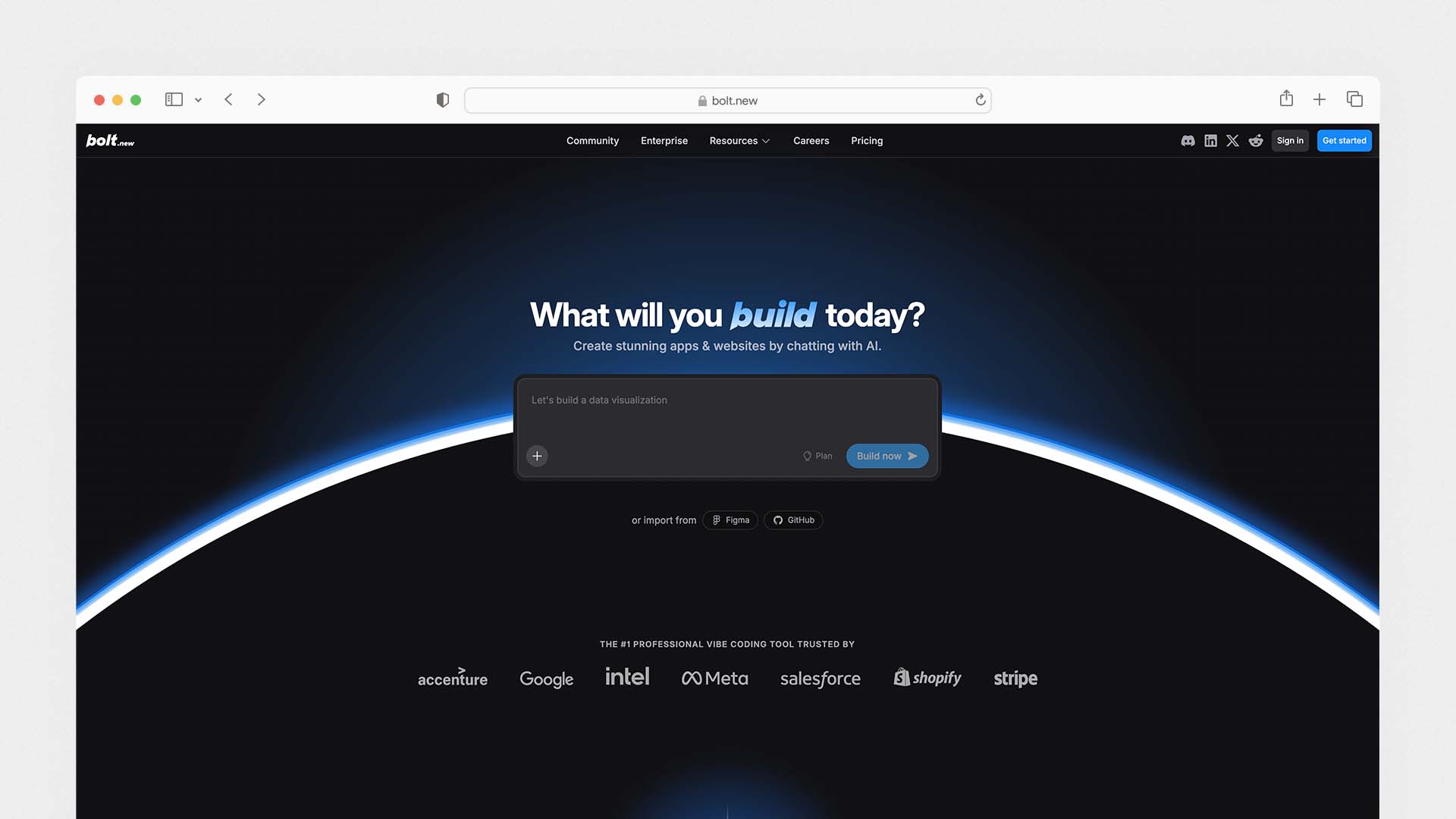
Bolt.new is the most developer-friendly AI website builder on this list. Built by StackBlitz and powered by Claude AI, it runs a complete Node.js development environment directly inside your browser — no local installation, no terminal setup, no dependency management. You describe what you want, and Bolt generates a working project with real code, real file structure, and live preview — all within a browser tab.
What makes Bolt different from Lovable and Base44 is that it does not abstract away the code. You can see every file that gets generated, edit code directly in the browser editor, and deploy to your own hosting in one click. It supports multiple JavaScript frameworks including React, Vue, Svelte, Astro, and Next.js — giving developers meaningful choice over their technology stack.
Bolt.new pioneered browser-based AI development and remains the fastest way for developers to scaffold a new application without any local setup. Its token-based pricing gives you more granular control over cost per session than credit-based systems, though complex operations can consume tokens quickly.
Bolt.new Pros:
Full browser-based development environment — no local setup required
Powered by Claude AI — high-quality, readable code output
Supports React, Vue, Svelte, Astro, Next.js — real framework choice
Full code ownership and export — deploy anywhere
Token-based pricing gives granular usage control
Live preview as the AI generates code
Ideal for developers who want AI scaffolding without losing control
Bolt.new Cons:
More developer-oriented than beginner-friendly
Token consumption can be hard to predict for complex projects
No built-in hosting — you deploy separately
No business tools (CRM, email, ecommerce) included
Less suitable for non-technical users compared to Lovable or Base44
Bolt.new Pricing:
Plan | Monthly Price | Tokens | Key Feature |
|---|---|---|---|
Free | $0 | Limited | Test and prototype |
Basic | $20/month | 10M tokens | Full builder, deploys |
Pro | $45/month | 25M tokens | More tokens, priority |
Best for: Developers who want to scaffold and prototype web applications using AI without environment setup — and who want full code ownership and framework flexibility.
9. v0 by Vercel — Best AI Builder for React UI Components
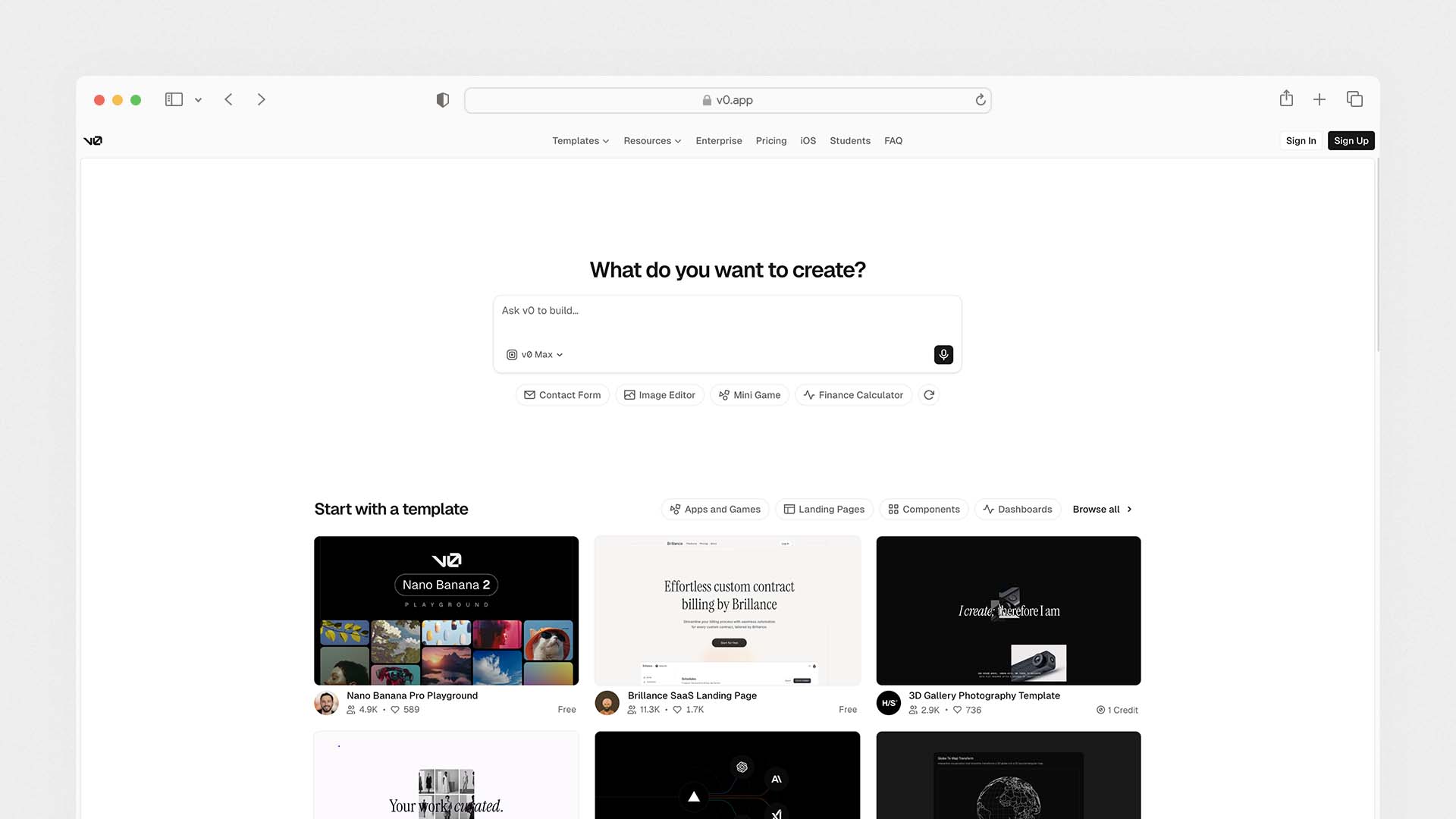
v0 is Vercel's AI tool for generating React user interface components from text descriptions. It occupies a specific niche: it is the best option for developers or technically-minded designers who want to generate clean, modern React code for specific UI elements — navigation bars, pricing tables, dashboards, forms, hero sections — without building entire applications from scratch.
You describe the component you want, v0 generates it as working React + Tailwind CSS code, and you copy it directly into your project. The output quality — particularly for component-level work — is cleaner and more production-ready than most other AI code generators. Vercel also now lets you build more complete pages and deploy directly from v0, making it increasingly competitive with Lovable and Bolt.new for full-page work.
Its free tier is genuinely useful for evaluation and light use. Paid plans give you significantly more monthly generations and access to premium models.
v0 Pros:
Best-in-class React component generation quality
Clean, readable Tailwind CSS output
Deploy directly to Vercel with one click
Backed by Vercel — deep Next.js and edge deployment integration
Free tier useful for regular individual use
Strong community of shared components and prompts
v0 Cons:
More suitable for component work than full applications
Requires technical knowledge to integrate components into projects
Not a standalone website builder — needs a developer environment
No built-in business tools, hosting, or CRM
v0 Pricing:
Plan | Monthly Price | Key Feature |
|---|---|---|
Free | $0 | Limited generations per month |
Premium | $20/month | More generations, premium models |
Team | Custom | Team collaboration features |
Best for: Front-end developers and design engineers who want to generate high-quality React and Tailwind UI components and deploy to Vercel — not a beginner tool.
10. Squarespace — Best Hosted AI Builder for Service Businesses
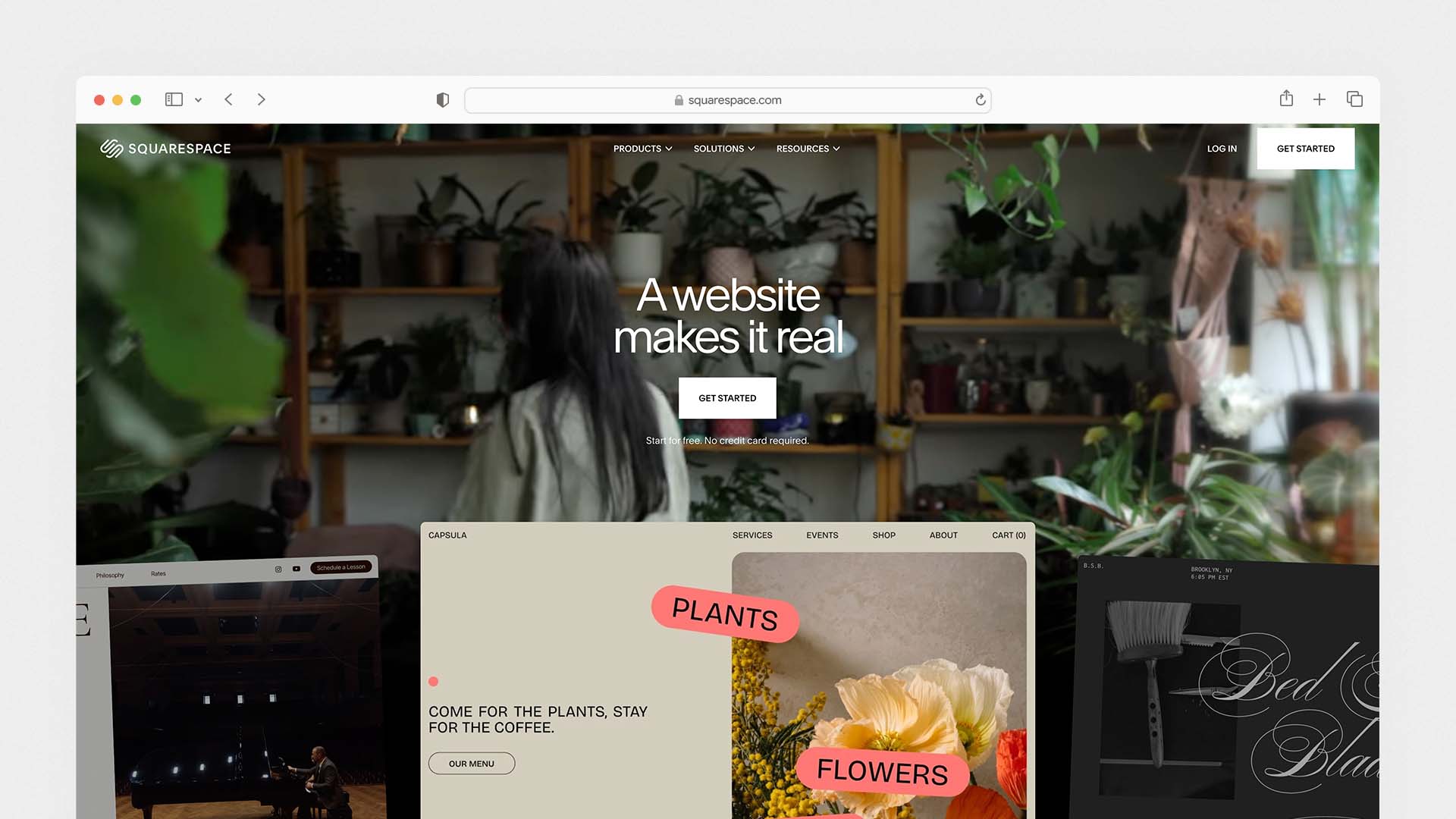
Squarespace remains one of the most widely used website builders in the world with over 4.9 million active subscriptions, and its Blueprint AI system — launched in late 2025 — meaningfully improves the initial setup experience without changing what made it successful in the first place: beautiful, consistent design quality.
Blueprint AI takes you through five guided questions about your business, style preferences, and content needs, then assembles a tailored starting site with generated copy and imagery in under 10 minutes. The AI does not generate code — it selects and arranges Squarespace's existing design system intelligently. The result is a starting point that requires noticeably less customisation than the old template-first approach.
Squarespace's AI features extend beyond site generation: it has an AI image generator for creating original photos and graphics, AI-written product descriptions, and AI-assisted email campaigns. These are genuinely useful additions for small business owners who produce their own content.
The platform excels for service-based businesses — consultants, coaches, photographers, designers — who need a polished, professional website that handles scheduling, selling, and client communication. It does not compete with Lovable or Base44 in terms of application-building capability, and it does not match Wix's breadth of business tools. But for what it does — beautiful, reliable websites for service businesses — it remains one of the strongest options available.
Squarespace Pros:
Blueprint AI generates a tailored starting site in under 10 minutes
The most consistent and polished design quality of any hosted builder
Unlimited storage and bandwidth on all plans
Built-in client documents, scheduling, invoicing, and proposals
AI image generation, AI copy, and AI email campaigns
Ecommerce available on all plans
14-day free trial, no credit card required
Squarespace Cons:
2% transaction fee on the Basic plan
No free plan — trial only
Page load times slower than Hostinger and Framer
No code export — full platform lock-in
Less flexible layout control than Wix or Framer
Squarespace Pricing:
Plan | Monthly Price | Key Feature |
|---|---|---|
Basic | $16/month | Website, ecommerce, client docs (2% fee) |
Core | $23/month | No transaction fees, digital downloads |
Plus | $39/month | Advanced analytics, 5 contributors |
Advanced | $99/month | Full ecommerce suite |
Best for: Service businesses, creative professionals, coaches, and consultants who want a polished, professional website with scheduling, client documents, and ecommerce — and where design quality is a central business asset.
Which AI Website Builder Should You Choose?
Your Situation | Best Choice |
|---|---|
You want the best all-around business website with AI | Wix |
You are building a web app or startup product | Lovable |
You need to be live in under 60 seconds | Durable |
You are committed to WordPress | 10Web |
You are a non-technical founder building an MVP | Base44 |
You want the most design-forward output | Framer |
You are on the tightest budget | Hostinger |
You are a developer who wants AI scaffolding | Bolt.new |
You want to generate React UI components | v0 by Vercel |
You run a service business and care about design | Squarespace |
The Real Difference Between AI Website Builders and Vibe Coding Tools
One question that comes up constantly in this space is: what is the difference between an AI website builder and a vibe coding tool?
The honest answer is that the line is disappearing. Vibe coding — a term coined by AI researcher Andrej Karpathy — refers to the practice of building software entirely through natural language descriptions, with the AI writing all the underlying code. Tools like Lovable, Base44, and Bolt.new are vibe coding tools that happen to build websites and web apps.
The practical difference for most users comes down to complexity and ownership:
Use a hosted AI builder (Wix, Durable, Squarespace) if you need a business website that is live, maintained, and updated without technical involvement. You trade code ownership for simplicity and ongoing platform support.
Use a vibe coding tool (Lovable, Base44, Bolt.new) if you are building a product — something with user accounts, databases, payment flows, or custom logic. You get code ownership and unlimited flexibility in exchange for a higher learning curve and managing your own deployment.
Most small businesses need the first category. Most founders building software products need the second.
What to Check Before Choosing Any AI Website Builder
Does It Lock You In?
Every hosted builder — Wix, Squarespace, Durable, Hostinger — stores your site on its own servers in its own format. If you cancel, your site is gone. If the platform shuts down or changes its pricing dramatically, you have no options. Code-first builders like Lovable and Bolt.new give you exportable code that you can deploy anywhere.
What Does It Actually Cost at Your Usage Level?
Headline prices are misleading across this category. Wix shows $17/month but ecommerce needs $29. Squarespace shows $16 but takes 2% of your sales. Lovable shows a low monthly fee but charges separately for cloud hosting and AI usage. Base44's integration credits can run out mid-project for active apps. Always calculate the real total cost for your specific usage before committing.
How Does It Handle SEO?
The AI website builders that are best for SEO are the ones that let you fully customise your page titles, meta descriptions, URLs, and schema markup — and that generate fast, clean HTML. Wix, Squarespace, and 10Web have the strongest SEO toolkits. Framer and code-first tools produce the fastest load times. Durable and Hostinger prioritise automated over manual SEO control.
Hosting infrastructure also affects SEO performance. If you're unfamiliar with it, this guide explains what cloud hosting is and why it impacts page speed and reliability.
Will It Scale With You?
Your site today is not your site in two years. A platform that works perfectly for a five-page business site may become a constraint when you need 50 location pages, a blog with 200 posts, a membership area, and an ecommerce shop. Wix, 10Web, and WordPress handle scale well. Durable and Hostinger are better suited for simpler, long-term-stable sites.
Final Verdict
The AI website builder market has split into two distinct categories, and the best choice depends entirely on what you are building:
For a business website: Choose Wix for the most complete platform, Squarespace for the best design, Durable for the fastest launch, or Hostinger for the lowest cost. None of these require technical knowledge and all include hosting.
For a web application or product: Choose Lovable for the most capable full-stack builder with code ownership, Base44 for the easiest all-in-one setup without technical complexity, or Bolt.new if you are a developer who wants full framework control.
For WordPress users: Choose 10Web — it gives you AI speed without abandoning the ecosystem you already know.
For designers: Choose Framer — nothing else produces output at that visual quality level from AI generation.
The most important thing is to start. Every platform on this list has a free tier or trial. Pick the one that matches your category, build something, and see what the AI can do. The results in 2026 are genuinely remarkable compared to anything that existed three years ago.
You can also explore our comparison of the Best Website Builders for Restaurants if you're building a site for a food business.
FAQs
What is the best AI website builder?
Yes. Wix, Lovable, Base44, Framer, Bolt.new, and v0 all have free plans that let you build and test a website using AI without paying. Free plans typically come with limitations — platform branding, no custom domain, restricted features, or credit limits. To publish a professional site on your own domain, expect to pay at least $3–25 per month depending on the platform.
Can AI build a website for free?
Yes. Wix, Lovable, Base44, Framer, Bolt.new, and v0 all have free plans that let you build and test a website using AI without paying. Free plans typically come with limitations — platform branding, no custom domain, restricted features, or credit limits. To publish a professional site on your own domain, expect to pay at least $3–25 per month depending on the platform.
Is an AI website builder better than hiring a web designer?
For most small businesses and informational sites, yes. An AI website builder costs $3–50 per month and produces a live website in under an hour. Hiring a web designer costs $1,500–8,000 upfront and takes 4–8 weeks. For complex, custom applications or businesses where website design is a significant competitive differentiator, a professional designer still adds value that AI builders cannot fully replicate — but for the majority of business websites, an AI builder is faster, cheaper, and sufficient.
What is the difference between Lovable and Wix?
Wix is a hosted website builder — it generates and hosts your site on its own platform, gives you no code access, but includes every business tool you need to run a company online. Lovable is a code-first AI builder — it generates real React code that you own and can deploy anywhere, and builds full web applications with databases and payment logic. Wix is for businesses that need a website. Lovable is for founders that need to build a software product.
What is vibe coding and how does it relate to AI website builders?
Vibe coding is the practice of building websites and software by describing what you want in plain English — with AI writing all the code. Tools like Lovable, Base44, and Bolt.new are vibe coding platforms. Traditional AI website builders like Wix and Squarespace use AI differently — to generate templates and suggest content, but without producing exportable code. The distinction matters because vibe coding tools give you ownership of what is built; hosted AI builders do not.
Which AI website builder is best for SEO?
Wix has the most comprehensive built-in SEO toolkit — including an SEO checklist, AI meta tag creator, Semrush keyword integration, and full control over technical SEO elements. Squarespace and 10Web also have strong SEO tools. For page speed — which directly affects Google rankings — Framer and Hostinger consistently produce the fastest load times. Code-first builders like Lovable and Bolt.new give you full control over SEO but require manual implementation.
Latest Blogs
Get the Latest Tech Insights in Your Inbox.
No spam, unsubscribe anytime.