
The best DIY website builder for most people is Wix — it is the most popular website builder by market share, gives you a drag-and-drop editor with true freeform placement, over 2,700 templates, and a complete suite of AI tools that help beginners get a professional result without any design experience. For beginners who want the most polished result with the least effort, Squarespace delivers beautiful templates that look professional from day one. For anyone who wants to build a full website for under $3 per month, Hostinger is the most affordable DIY option tested, with an AI builder that creates a complete site from a text description in under 60 seconds.
DIY website builders have fundamentally changed what it means to build your own site. You no longer need to choose between paying a developer thousands of pounds or spending weeks learning HTML. The right builder gets you from a blank screen to a live, professional website in an afternoon — with no code, no agency fees, and full ownership of the result. This guide cuts through the marketing noise and tells you exactly which builder fits your skill level, your budget, and your goals.
If you're comparing platforms more broadly, see our guide to the Best Website Builder and Hosting for Small Business.
What "DIY Website Builder" Actually Means in 2026
The term DIY website builder covers a wide range of tools — from dead-simple one-page creators to full-stack AI platforms that write code from a text description. Before comparing specific platforms, it helps to understand the three main categories:
Drag-and-Drop Builders
The classic DIY model. You choose a template, click on any element to edit it, and drag things where you want them. No code, no command line, no configuration files. Wix, Squarespace, and GoDaddy are the clearest examples. The best choice for: anyone who wants visual control over their layout without any technical knowledge.
AI-Powered Builders
You describe your website in plain English — "I run a photography business in Chennai, I need a portfolio gallery, services page, and contact form" — and the AI generates a complete, styled starting site in under a minute. You then refine it through editing or more text prompts. Hostinger, Durable, and Wix Harmony fall into this category. The best choice for: people who want results even faster than drag-and-drop, with less design decision-making required.
For a deeper comparison of AI-powered platforms, see our guide to the Best AI Website Builders.
No-Code / Visual Development Builders
More powerful than standard drag-and-drop, these tools give you design-level control over every element — spacing, typography, animations, responsive behaviour across screen sizes — without writing CSS. Webflow and Framer are the main examples. The best choice for: designers, creative professionals, and anyone who needs a website that looks genuinely custom rather than template-based.
What to Look for in a DIY Website Builder
Genuine Beginner-Friendliness
"Easy to use" is the most overused claim in this market. What it actually means varies enormously. The right test: can a first-time user get a publishable five-page website live within two hours, without watching a tutorial? Run every builder below through that mental model when reading the reviews.
Templates That Fit Your Industry
A great template is more than a good-looking design. It has the right sections in the right order for your specific type of business — a restaurant template with a menu section and reservation button, a photography template with a full-width gallery, a service business template with a testimonials section and booking form. Generic-looking templates that work for every industry usually look perfect for none.
SEO Tools You Can Actually Use
Your DIY website is worthless if nobody can find it on Google. Look for a builder that lets you set custom page titles, meta descriptions, and URL slugs for every page — and ideally one that provides an SEO checklist or built-in guidance rather than leaving you to figure it out alone.
Honest Total Pricing
The headline price on most builders is the lowest possible tier, which often lacks key features like a custom domain, ecommerce, or basic analytics. We calculate the realistic monthly cost for a standard functioning website at each platform — not just the advertised entry price.
Room to Grow
The DIY builder you choose today should still work for your business in three years. Check whether the platform can handle more pages, a blog, online selling, team members, and higher traffic without requiring a complete rebuild on a different platform.
Quick Comparison — Best DIY Website Builders
Builder | Best For | Starting Price | Free Plan | AI Builder | Ecommerce | SEO Tools |
|---|---|---|---|---|---|---|
Wix | Best all-around DIY | $17/month | ✅ Yes | ✅ Yes | ✅ Core plan | ✅ Strong |
Squarespace | Best design quality | $16/month | ❌ Trial | ✅ Blueprint AI | ✅ All plans | ✅ Strong |
Hostinger | Best budget DIY | $2.99/month | ❌ No | ✅ Best-in-class | ✅ Business plan | ✅ Good |
GoDaddy | Fastest setup | $9.99/month | ❌ No | ✅ Airo AI | ✅ Commerce plan | ✅ Basic |
Webflow | Best design control | $14/month | ✅ Limited | ✅ Yes | ✅ Ecommerce plan | ✅ Strong |
Framer | Best for creatives | $0/month | ✅ Yes | ✅ Yes | ❌ Via integrations | ✅ Good |
IONOS | Lowest first-year cost | $1/month (yr1) | ❌ No | ✅ Basic AI | ✅ Yes | ✅ Basic |
SITE123 | Simplest free option | $0/month | ✅ Yes | ❌ Limited | ✅ Paid plan | ✅ Basic |
The 8 Best DIY Website Builders — Full Reviews
1. Wix — Best Overall DIY Website Builder
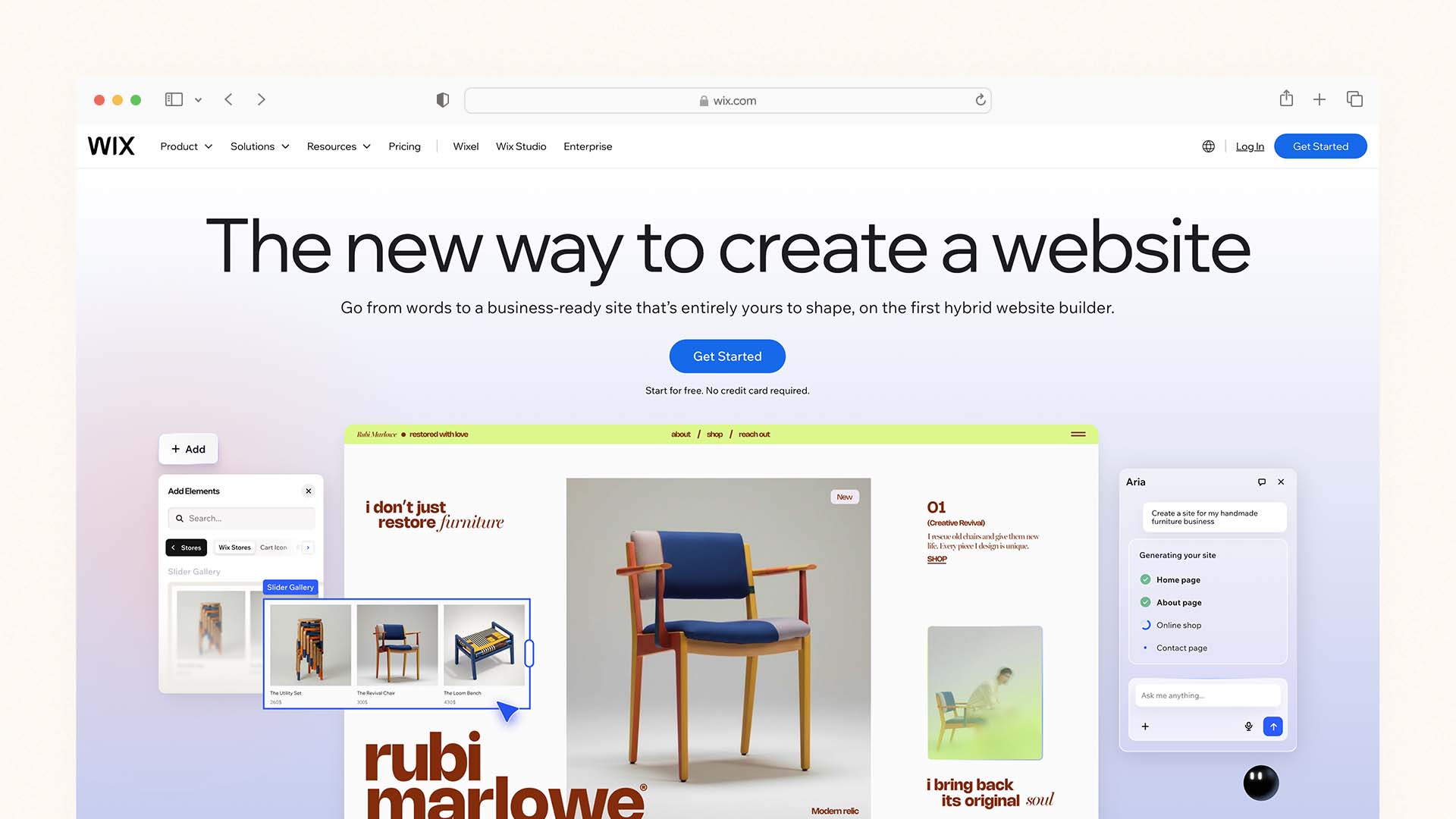
Wix is the most complete DIY website builder for the widest range of users. With 282 million users worldwide and the largest template library of any builder on this list, it has earned its position at the top by consistently offering more features, more flexibility, and more AI assistance than any comparable platform — while remaining genuinely accessible to someone building their first website.
We also ranked Wix first in our comparison of the Best Mobile Website Builders.
The defining feature of Wix's DIY experience is its freeform drag-and-drop editor — unlike builders that restrict you to a grid or section-based system, Wix lets you place any element anywhere on the page. This gives you more creative freedom than Squarespace, but also introduces the possibility of accidentally creating a layout that looks great on one screen size and broken on another. The trade-off between freedom and guardrails is the central tension in the Wix editor, and it is why some reviewers list the drag-and-drop as both a pro and a con simultaneously.
The Wix Harmony AI system, which sits across the entire platform in 2026, brings genuine DIY-friendly intelligence to the experience. You can type layout instructions in plain language — "make the hero section full-width and centre the text" — and the editor executes them. The Wix ADI generator builds a complete site from a few questions about your business. The AI Meta Tag Creator writes SEO titles and descriptions for every page automatically. The Semrush keyword integration gives you search volume data inside the editor. For a first-time builder, these tools remove the most intimidating parts of website creation — blank-page paralysis, SEO uncertainty, and layout decision fatigue.
The realistic total monthly cost for a standard DIY Wix site with a custom domain and no ecommerce is $17/month (Light plan). For selling products, that rises to $29/month (Core plan). Both include hosting, SSL, unlimited bandwidth, and a free domain in year one.
Wix Pros:
Most popular DIY builder by market share — the most trusted brand in the space
Freeform drag-and-drop editor gives maximum creative freedom
2,700+ templates across every industry and use case
Wix Harmony AI edits your layout from plain language instructions
Built-in SEO checklist, AI meta tags, and Semrush keyword research
Free plan available — test everything before paying
Scales from a hobby site to a full business website with CRM, bookings, and ecommerce
Wix Cons:
Cannot switch templates after publishing — choose carefully
Freeform editor can produce mobile layout issues if not checked
Ecommerce requires Core plan at $29/month
Free plan shows Wix branding and no custom domain
Feature volume can feel overwhelming for users who want simplicity
Wix Pricing:
Plan | Monthly Price | Key Feature |
|---|---|---|
Free | $0 | Build and test — Wix subdomain, Wix branding |
Light | $17/month | Custom domain, remove ads, 2GB storage |
Core | $29/month | Ecommerce, analytics, 50GB storage |
Business | $36/month | Advanced ecommerce and marketing tools |
Best for: Small businesses, service providers, bloggers, portfolio sites, and anyone who wants the most feature-complete DIY builder with AI assistance and the freedom to build any layout they can imagine.
2. Squarespace — Best DIY Builder for Design Quality
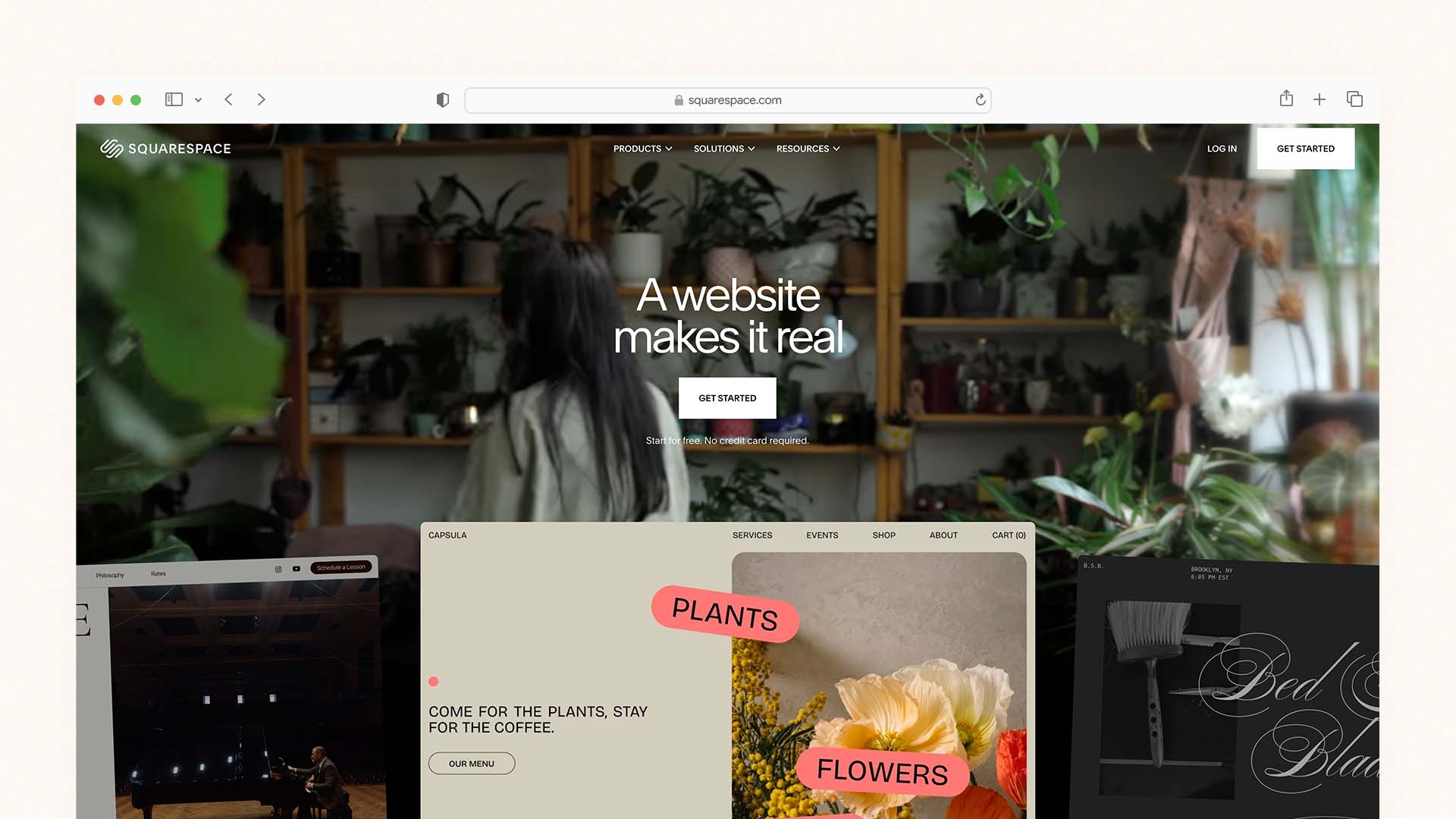
Squarespace is the right DIY builder when the visual quality of your website is a central part of your brand — and when you want that quality to come from the templates themselves rather than from your own design decisions. Its templates are created by professional designers, optimised for every screen size, and consistently produce the most polished-looking DIY websites of any platform on this list — with less manual adjustment than Wix requires to achieve a comparable result.
The Blueprint AI setup tool makes the initial DIY experience genuinely smooth. You answer five questions about your business, your style preferences, and your content needs, and Blueprint assembles a tailored starting site with AI-generated copy in under ten minutes. For a first-time builder who fears the blank canvas, this guided approach is meaningfully less daunting than Wix's open editor.
Every Squarespace plan includes selling — even the Basic tier at $16/month — which means there is no separate "upgrade to ecommerce" barrier for DIY builders who want to sell a service, a digital product, or a few physical items alongside their main site. The client documents feature — native proposals, invoices, and contracts — is unique to Squarespace among DIY builders and is particularly valuable for freelancers and service businesses that want to handle client paperwork from the same platform as their website.
The limitation most relevant to DIY builders is that Squarespace's structured editor is less freeform than Wix. You work within a section-and-block system rather than placing elements anywhere on the page. For most users this produces better results because it prevents common layout mistakes — but if you have a specific layout in mind that does not fit Squarespace's system, achieving it takes more effort than on Wix.
Squarespace Pros:
The most consistently beautiful DIY templates of any builder — professional designer quality
Blueprint AI generates a tailored starting site in under 10 minutes
Sell on all plans — no separate ecommerce upgrade required
Built-in client documents for proposals, invoices, and contracts
Unlimited storage and bandwidth on all plans
14-day free trial and 30-day money-back guarantee
Switch templates without losing content — easy to rebrand later
Squarespace Cons:
No free plan — trial only
Structured editor limits layout flexibility compared to Wix
2% transaction fee on the Basic plan — upgrade to Core to remove it
Email marketing is a paid add-on, not included in base plans
Fewer templates than Wix (under 200 vs 2,700+)
Squarespace Pricing:
Plan | Monthly Price | Key Feature |
|---|---|---|
Basic | $16/month | Website, ecommerce, client docs (2% transaction fee) |
Core | $23/month | No transaction fees, digital downloads |
Plus | $39/month | Advanced analytics, 5 contributors |
Advanced | $99/month | Full ecommerce suite |
Best for: Creative professionals, photographers, consultants, boutique retailers, and any DIY builder where looking premium matters and whose site will be judged on design quality.
3. Hostinger — Best Budget DIY Website Builder
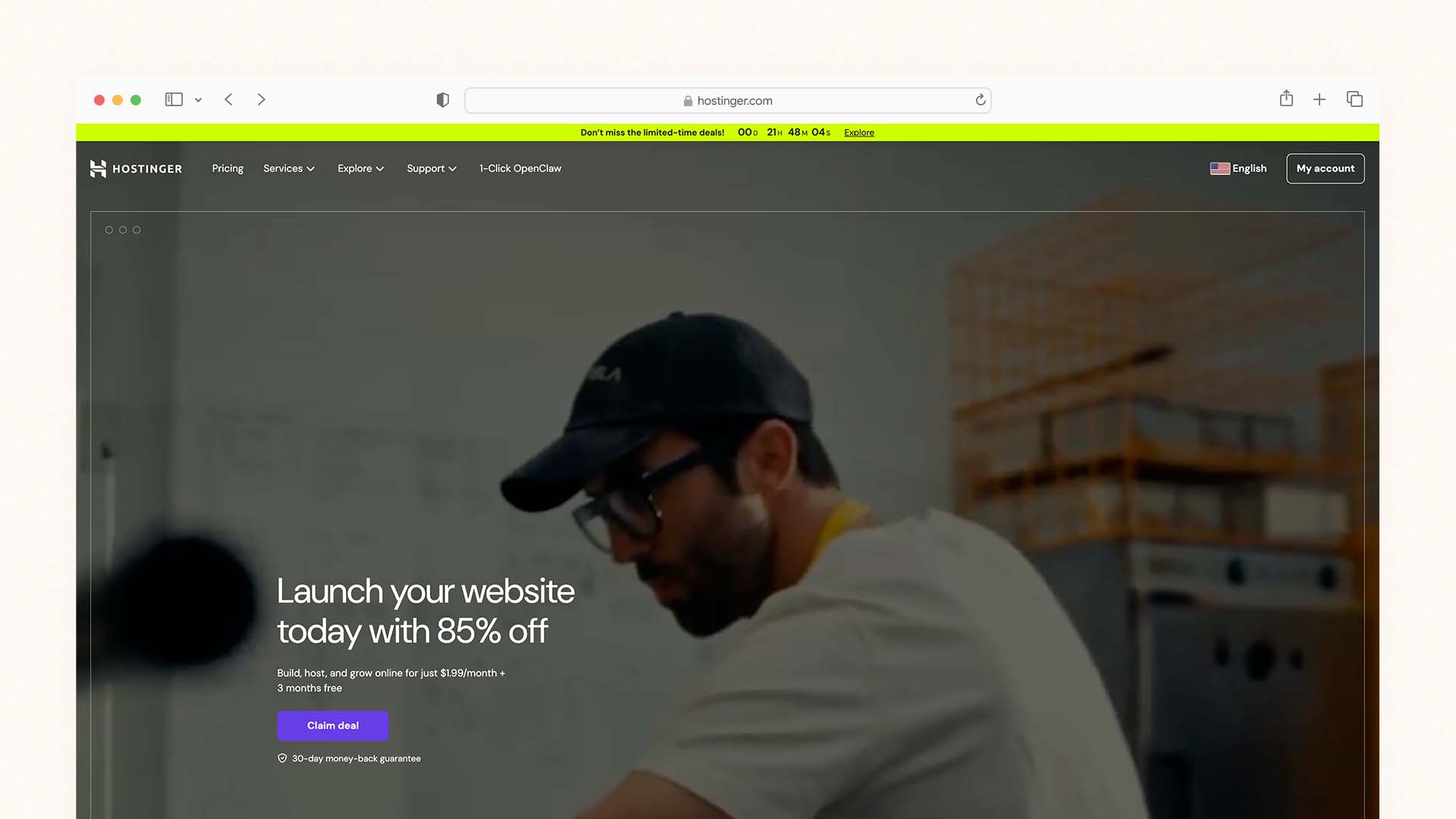
Hostinger is the most affordable DIY website builder on this list with hosting included — and at $2.99 per month it consistently delivers more value at that price point than any competitor. For DIY builders who want a professional website on their own domain at minimum monthly cost, no other platform comes close to matching what Hostinger provides.
Hostinger also appears in our guide to the Best Mobile Website Builders because of its fast mobile performance.
The Hostinger AI Website Builder is the star feature for DIY users. You write two or three sentences about your business — your industry, your location, your key services — and the AI generates a complete, styled, mobile-ready website in under 60 seconds. It writes your About section, creates your service descriptions, designs the section layout, and adds industry-relevant placeholder images. For a first-time DIY builder, this removes the hardest part of building from scratch: getting started with something that looks professional enough to work from.
Higher-tier plans include Horizons — Hostinger's AI app builder that lets you create no-code web applications within the platform — and Kodee, an AI assistant that helps manage your online store with product description writing, promotional content, and inventory guidance. These features push Hostinger firmly into the AI-powered DIY category, not just the cheap-hosting category it was known for previously.
Every Hostinger plan includes web hosting, unlimited SSL certificates, a free domain in year one, DDoS protection, and a malware scanner. The price can be locked in for up to 48 months at the introductory rate — eliminating the renewal price shock that affects IONOS and GoDaddy. In independent page speed testing, Hostinger consistently records a Time to First Byte of around 0.19 seconds — the fastest of any hosted builder tested, which directly benefits Google rankings.
Hostinger Pros:
Starts at $2.99/month — the lowest real cost of any quality DIY builder
AI generates a complete, styled site from a text description in 60 seconds
Fastest page load times of any hosted builder tested (TTFB 0.19s)
Price lockable for 48 months — no renewal surprise
Hosting, SSL (unlimited sites), domain, and security scanning all included
Horizons AI app builder and Kodee AI assistant on higher plans
30-day money-back guarantee
Hostinger Cons:
Template designs less polished than Squarespace
No built-in email marketing tools
Not PCI-DSS compliant — card payments require Stripe or PayPal integration
Basic SEO tools compared to Wix or WordPress
Mobile management app less full-featured than Wix Owner
Hostinger Pricing:
Plan | Monthly Price (48-mo) | Key Feature |
|---|---|---|
Premium | $2.99/month | AI builder, 25 websites, free domain |
Business | $3.99/month | Ecommerce, Kodee AI, 100 websites |
Cloud Startup | $7.99/month | Daily backups, dedicated IP, CDN |
Best for: Budget-conscious DIY builders, freelancers, and small business owners who need a professional website for as little as possible per month — without sacrificing load speed or AI-assisted design.
4. GoDaddy — Best for the Fastest DIY Setup
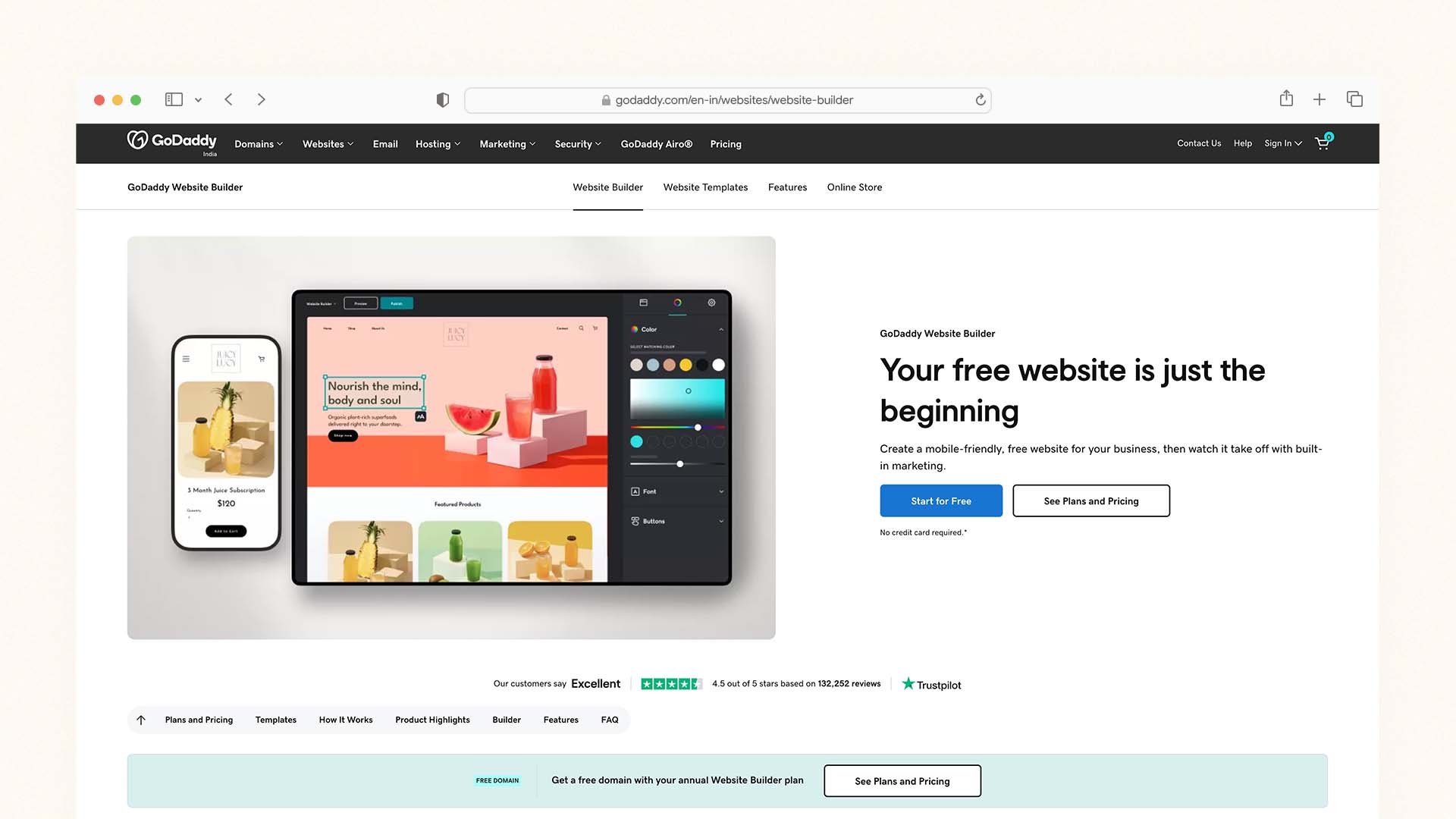
GoDaddy is the fastest DIY website builder from zero to published, and for business owners who need a professional online presence today with no learning curve, it delivers. The GoDaddy Airo system generates a complete starting site — including a logo, website layout, marketing copy suggestions, and a professional email address — from your business name and a short description in a single session. No other platform on this list handles that breadth of initial setup in one place.
GoDaddy's appeal to DIY builders is practical rather than feature-driven: it is familiar, reliable, has 24/7 phone and chat support, and bundles domain registration, hosting, SSL, email, and website management into one account with one invoice. For a business owner who has already purchased a domain through GoDaddy, staying within the same account to build the website is a natural path that many follow.
The limitation is depth. GoDaddy's editor has fewer customisation options than Wix or Squarespace, its templates are functional but not as refined, and its SEO tools cover the basics without the advanced keyword research and schema markup features that serious DIY builders need for ranking on Google. It is optimised for getting a site live quickly rather than building a long-term SEO asset.
GoDaddy Pros:
Fastest DIY setup — site live in under an hour
Airo AI generates site, logo, and marketing content in one session
Domain, hosting, email, and website in one account
Built-in appointment booking and contact forms on all plans
24/7 phone and chat support — the most accessible customer service on this list
GoDaddy Cons:
Renewal prices increase significantly — check before committing
Less design customisation than Wix or Squarespace
Basic SEO tools — not suitable for organic search growth strategies
Ecommerce requires the Commerce plan at $23.99/month
GoDaddy Pricing:
Plan | Monthly Price | Key Feature |
|---|---|---|
Basic | $9.99/month | Website, Airo AI, domain |
Standard | $14.99/month | Email marketing included |
Premium | $20.99/month | Advanced marketing tools |
Commerce | $23.99/month | Online store and checkout |
Best for: Local service businesses, sole traders, and first-time DIY builders who want the fastest possible setup and value simplicity over design depth.
5. Webflow — Best DIY Builder for Designers
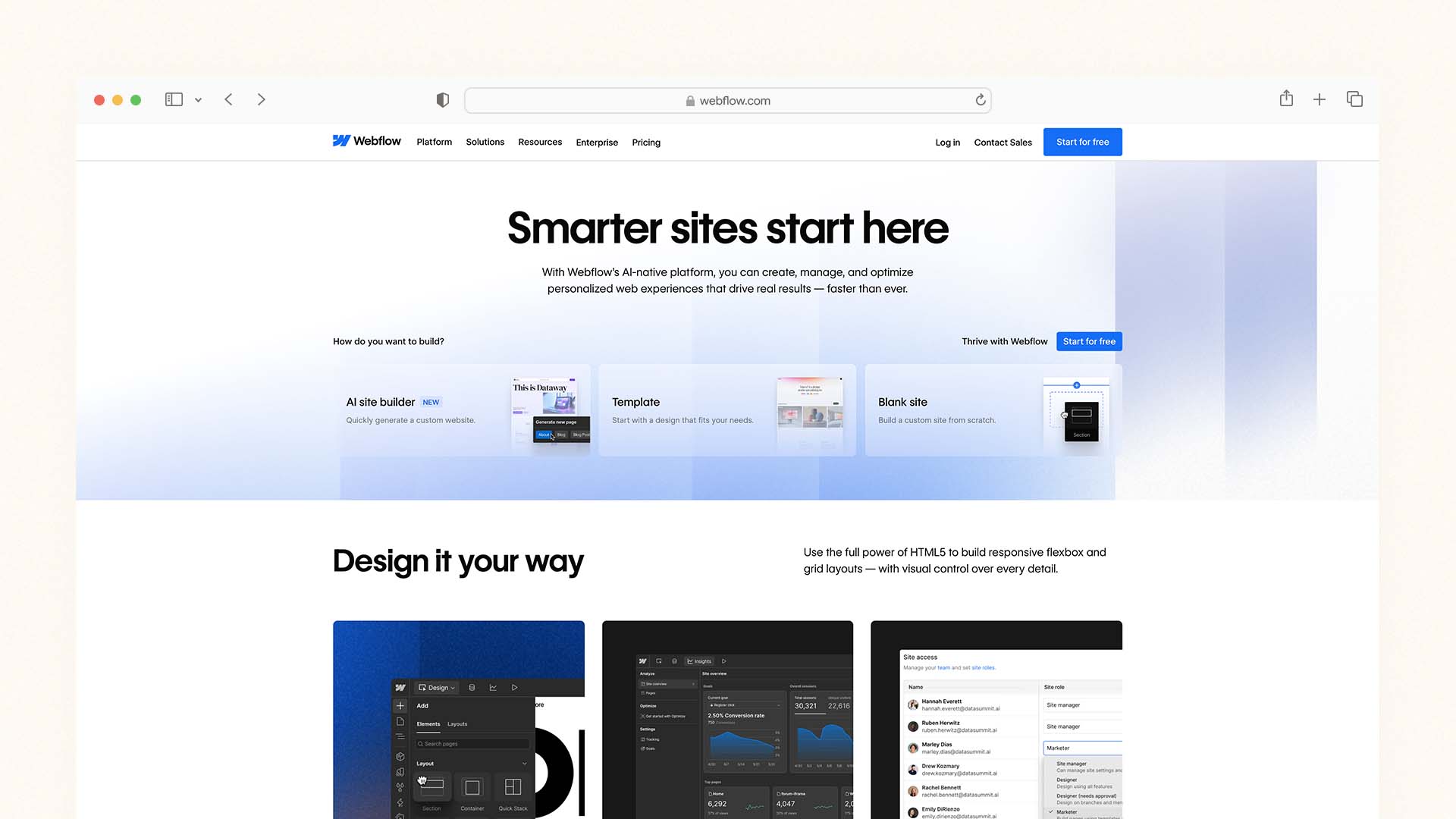
Webflow sits at the intersection of a design tool and a website builder — it gives you CSS-level control over every element on the page without writing code. For DIY builders who have a design background, or who are willing to invest time learning the interface, Webflow produces results that look genuinely custom rather than template-derived.
If you're exploring advanced platforms beyond DIY tools, see our comparison of the Best AI Website Builders.
Its breakpoint control system lets you independently define how every element looks and behaves at five different screen widths — desktop, laptop, tablet, mobile landscape, and mobile portrait. The CMS collections feature generates beautifully designed, database-driven pages automatically from structured content, which is the professional way to handle blogs, portfolios, and product catalogues. The output is clean, semantic HTML and CSS — the fastest-loading pages of any hosted builder on this list, consistently scoring well on Google's Core Web Vitals.
The honest limitation is that Webflow is not for everyone. The learning curve is real and significant — reviewers consistently describe it as overwhelming at first. If you have never thought about flexbox, CSS grids, or how padding and margin interact, expect several days of tutorial-watching before you feel comfortable building freely. The payoff in design quality and performance is real, but the investment of time to get there is equally real.
Webflow Pros:
CSS-level design control without writing code — the most powerful DIY output
Pixel-perfect layouts at every screen size via full breakpoint control
CMS collections for professional content management
Cleanest HTML output and best Core Web Vitals scores of hosted builders
Free plan for testing and learning — no time limit
Strong SEO tools including schema markup support
Webflow Cons:
Steep learning curve — not beginner-friendly
No mobile management app — desktop-only administration
CMS setup required before publishing content
Costs scale significantly with traffic and CMS item volume
Webflow Pricing:
Plan | Monthly Price | Key Feature |
|---|---|---|
Free | $0 | Webflow subdomain, 2 projects |
Basic | $14/month | Custom domain, full design control |
CMS | $23/month | 2,000 CMS items, 3 editors |
Business | $39/month | 10,000 CMS items, advanced analytics |
Best for: Designers, creative directors, and visual-brand-conscious DIY builders who want professional-grade output and are prepared for a meaningful learning investment.
6. Framer — Best Free DIY Option for Portfolios and Startups
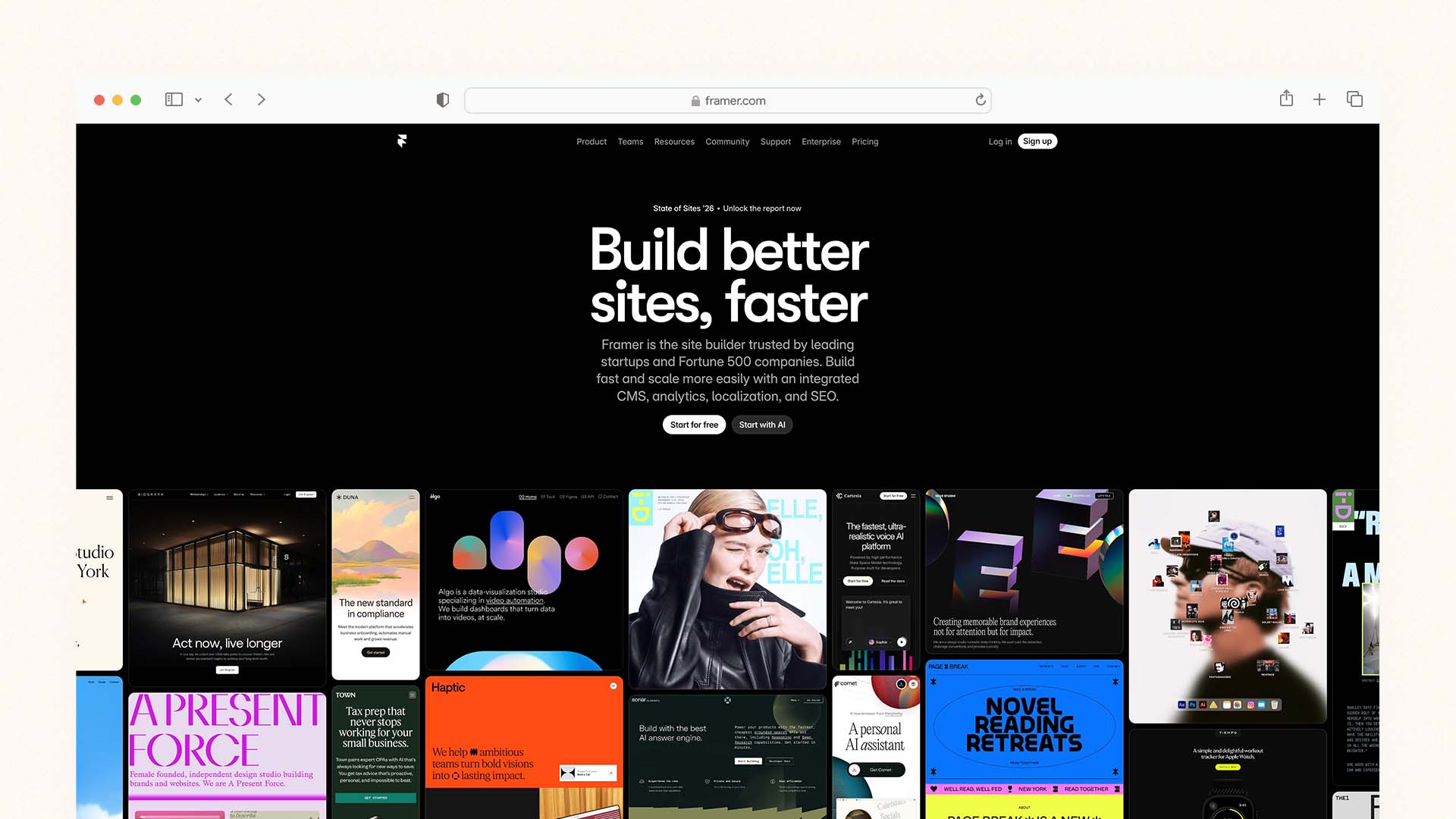
Framer combines design-quality output with a free tier that is genuinely usable — making it the most accessible high-quality DIY option for builders on a zero budget. Its AI generates a complete starting site from a text prompt, its templates are among the most visually striking of any builder, and its free plan lets you publish on a Framer subdomain indefinitely.
The editor works on a visual canvas similar to Figma — you click any element to edit it, drag to reposition, and adjust spacing, typography, and layout with design-tool precision. Framer AI generates new page sections from text descriptions inside the editor, which makes extending your site as intuitive as describing what you want added. The CMS and animation tools are included on paid plans.
Where Framer stands out relative to Wix and Squarespace is page performance — Framer sites load very fast, with clean output that scores well on Core Web Vitals without image optimisation work. Where it falls short is in built-in business tools: there is no native ecommerce, no email marketing, no CRM, and no booking system. Framer is for building a beautiful website, not running the operational side of a business from it.
Framer Pros:
Genuine free plan — publish a polished site at zero cost
Design-tool quality templates — among the most visually impressive DIY output
Framer AI generates page sections from text descriptions in the editor
Fast page load times with clean output — strong Core Web Vitals
Animations and scroll effects without writing code
Free custom domains added in January 2026
Framer Cons:
No native ecommerce, email marketing, or CRM
Less beginner-friendly than Wix or Squarespace — assumes design sensibility
Costs increase quickly for high-traffic sites on paid plans
No mobile management app
Framer Pricing:
Plan | Monthly Price | Key Feature |
|---|---|---|
Free | $0 | Framer subdomain, AI builder, 1 site |
Mini | $5/month | Custom domain, 1 editor |
Basic | $15/month | 1,000 pages, CMS |
Pro | $30/month | 10,000 pages, analytics |
Best for: Freelancers, startup founders building landing pages, and creative professionals who want a portfolio or marketing site with premium design quality — for free or close to it.
7. IONOS — Best DIY Builder for Lowest First-Year Cost
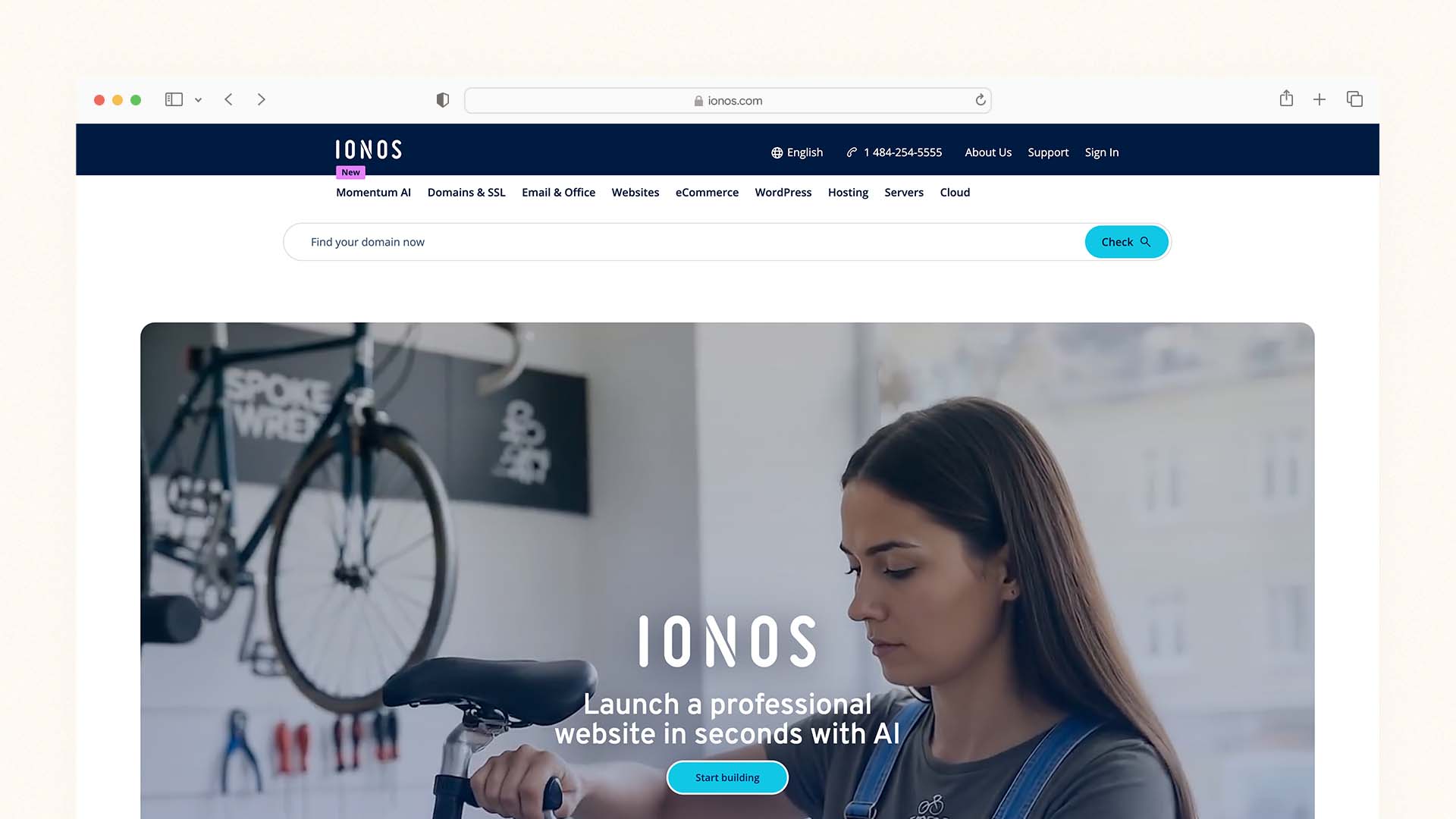
IONOS starts at $1 per month for the first year — the lowest introductory price of any serious DIY builder on this list. That price includes unlimited websites, unlimited storage, a free domain, daily backups, a Wildcard SSL certificate covering all subdomains, and a professional email account. At renewal, prices increase to $6–16 per month depending on the plan, so IONOS is most valuable as a low-risk entry point for testing a DIY website before committing to higher monthly costs.
The builder itself is functional but less design-flexible than Wix or Squarespace. Templates are clean and professional without being exceptional. The AI builder provides basic layout and content suggestions but is less sophisticated than Hostinger's or Wix's AI systems. Where IONOS consistently performs well is in the infrastructure basics — reliable European hosting, strong GDPR compliance, and a comprehensive business tools suite including a Competitor Tracking feature that monitors up to five competitors' keyword rankings directly from your IONOS dashboard.
IONOS Pros:
$1/month in year one — the lowest entry price on this list
Unlimited websites and storage even on the lowest plan
Daily backups included — unusual at this price point
Wildcard SSL certificate and professional email account included
Competitor tracking tool — monitor rivals' keyword rankings from your dashboard
IONOS Cons:
Introductory price increases sharply at renewal (to $6–16/month)
Design templates less polished than Wix or Squarespace
No genuine free plan — 30-day money-back guarantee only
AI builder less capable than Hostinger, Wix, or Squarespace
IONOS Pricing:
Plan | First Year | Renewal | Key Feature |
|---|---|---|---|
Essential | $1/month | ~$6/month | 1 website, unlimited storage |
Starter | $1/month | ~$8/month | Unlimited websites |
Plus | $1/month | ~$12/month | More resources |
Ultimate | $1/month | ~$16/month | Maximum performance |
Best for: New businesses testing their online presence before committing to a higher monthly fee, and DIY builders who want the lowest possible year-one cost.
8. SITE123 — Simplest Free DIY Builder
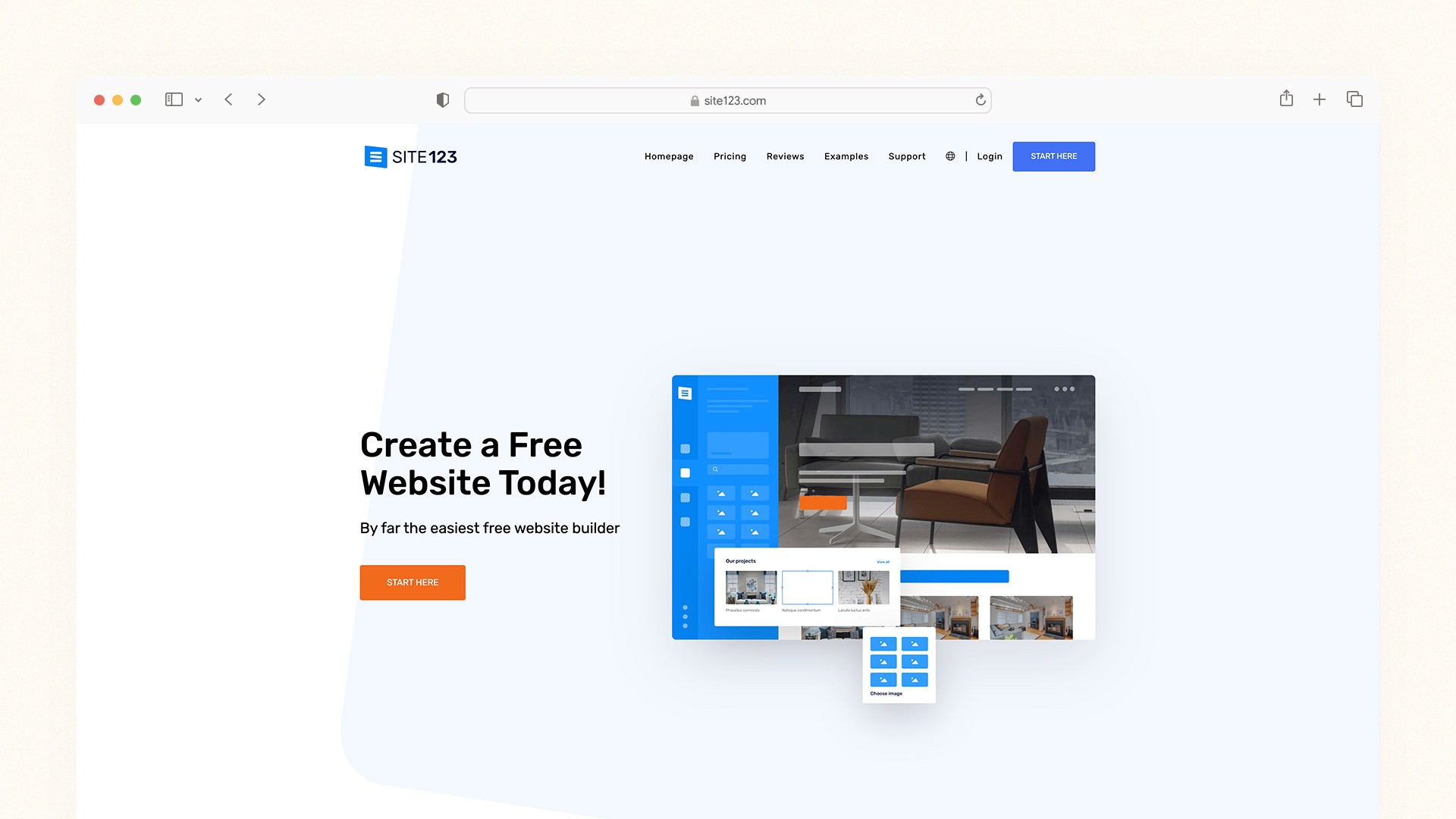
SITE123 is the most beginner-oriented builder on this list — section-based, guided, and designed explicitly to get first-time builders to a published site as fast as possible with the fewest decisions to make. Its free plan is unlimited in time and lets you build a mobile-responsive site on a SITE123 subdomain at no cost. Setup takes under 15 minutes for a basic site.
The trade-off for that simplicity is design flexibility. SITE123's section-based editor restricts layout choices more than any other builder on this list — you choose sections from a predefined library and edit their content, but you cannot reposition elements freely or add custom CSS without a paid plan. This is actually an advantage for first-time builders who are prone to accidentally creating broken layouts, but it becomes a constraint quickly once you want anything beyond a standard design.
SITE123 Pros:
Free plan with no time limit — completely free DIY website on a subdomain
Fastest setup — published in under 15 minutes
Section-based editor prevents common layout mistakes
All templates mobile-responsive by default
Device preview shows phone, tablet, and desktop views simultaneously
SITE123 Cons:
Very limited design flexibility — section-based only
Free plan shows SITE123 branding
No standalone mobile app for site management
Not suitable for growing businesses with complex needs
SITE123 Pricing:
Plan | Monthly Price | Key Feature |
|---|---|---|
Free | $0 | Mobile-responsive site on SITE123 subdomain |
Platinum | $12.80/month | Custom domain, remove branding, ecommerce |
Best for: Absolute beginners who want to build their first website at zero cost in the fastest possible time, with no technical knowledge whatsoever.
Which DIY Website Builder Is Right for You?
Your Situation | Best Choice |
|---|---|
You want the best all-around DIY platform | Wix |
You want the most beautiful result with least effort | Squarespace |
You want the lowest monthly cost | Hostinger |
You need to be live today with zero learning curve | GoDaddy |
You have design experience and want full creative control | Webflow |
You want a free, polished portfolio or startup site | Framer |
You want the cheapest year-one entry point | IONOS |
You need the simplest possible free website | SITE123 |
The Real Cost of DIY vs Hiring a Developer
One of the most common questions DIY builders face is whether building it themselves actually saves money — or whether the time cost makes hiring a developer more sensible.
Approach | Typical Cost | Time to Launch | What You Own |
|---|---|---|---|
DIY with Wix or Squarespace | $16–36/month | 1–2 days | Site content, no code |
DIY with WordPress + Bluehost | $3–10/month | 3–7 days | Full site, full code |
Freelance developer | $1,500–6,000 upfront | 4–8 weeks | Full site |
Web design agency | $5,000–25,000 upfront | 8–16 weeks | Full site |
AI vibe coding (Lovable, Base44) | $16–25/month | 1 afternoon | Full code ownership |
If you're curious about this new development approach, read our guide explaining What Is Vibe Coding.
For most small businesses and personal websites, the DIY approach on Wix, Squarespace, or Hostinger delivers a result that is professional enough to win clients and rank on Google — at a fraction of the cost of hiring someone. The exceptions where professional development genuinely adds irreplaceable value are: complex custom functionality, enterprise-scale systems, and businesses where website design is a core competitive differentiator rather than a supporting function.
This guide explains what cloud hosting is and why it affects website performance.
Five DIY Website Mistakes That Are Easy to Avoid
Using a Template From the Wrong Category
Every major builder has industry-specific templates — restaurant, photography, construction, retail, portfolio. Starting with a template designed for your type of site means the right sections are already in the right places. Starting with a generic template and trying to adapt it to your needs takes significantly more time and produces worse results.
Publishing Without Testing on a Real Phone
Every builder shows you a mobile preview in the editor. That preview looks different from what a real visitor sees on their phone. Before you publish, open your site on an actual mobile device and tap every button, fill in every form, and check every page. The issues that matter to real visitors only appear on real hardware.
Leaving the Default SEO Settings Untouched
Every page you publish has a page title and meta description that appears in Google search results. The default values — usually your business name repeated, or nothing at all — do not help you rank for anything. Spend five minutes on every page setting a specific, keyword-relevant title and a clear 150-character description. This single practice does more for your Google visibility than most other SEO tactics combined.
Adding Too Much to the Home Page
First-time DIY builders typically try to put everything on the home page — every service, every product, every team member, every testimonial, every award. Real visitors want to understand in five seconds what you do and whether you can help them. A clean home page with one clear message and one clear call to action consistently outperforms a cluttered one. Move detail to interior pages.
Choosing the Wrong Plan for Your Needs
Many DIY builders lead with a low monthly price that does not include the features most business sites need — a custom domain, ecommerce capability, or basic analytics. Check exactly what each plan includes before you start building, so you do not invest hours in a setup that requires an upgrade before it can do what you need.
Final Verdict
The right DIY website builder comes down to three questions: How much do you want to spend? How much design control do you want? And how quickly do you need to be live?
If you're starting your research from scratch, begin with our main guide to the Best Website Builder and Hosting for Small Business.
Choose Wix if you want the most complete DIY platform — AI tools, design freedom, business features, and a free plan to test before paying
Choose Squarespace if you want the most polished result with the least design work and the convenience of proposals, invoices, and scheduling in one place
Choose Hostinger if budget is your primary constraint and you want AI to do most of the building for you at under $3 per month
Choose GoDaddy if you need to be live today and want everything — domain, email, hosting, and site — in one account
Choose Webflow if you have design skills and want professional-grade output that looks genuinely custom
Choose Framer if you want a beautiful portfolio or startup site and want to start for free
Choose IONOS if you want to test the concept at minimal year-one cost before committing
Choose SITE123 if you want the absolute simplest free website in under 15 minutes
The best website is the one that gets built and published. Pick the platform that matches where you are today, get it live, and improve it from there.
FAQs
What is the best DIY website builder?
Yes. DIY website builders in 2026 are genuinely capable of producing professional results that win clients, rank on Google, and scale with growing businesses. Over 40% of all websites globally are built on self-managed platforms like WordPress, and tens of millions more run on Wix, Squarespace, and Hostinger. The quality ceiling of DIY has risen dramatically — particularly with AI-assisted tools that handle layout, copy, and SEO guidance automatically.
Can I really build a professional website myself?
Yes. DIY website builders in 2026 are genuinely capable of producing professional results that win clients, rank on Google, and scale with growing businesses. Over 40% of all websites globally are built on self-managed platforms like WordPress, and tens of millions more run on Wix, Squarespace, and Hostinger. The quality ceiling of DIY has risen dramatically — particularly with AI-assisted tools that handle layout, copy, and SEO guidance automatically.
How long does it take to build a DIY website?
With an AI-powered builder like Hostinger or Durable, you can have a complete starting site live in under an hour. A fully customised five-to-ten page website on Wix or Squarespace typically takes four to eight hours spread across one or two sessions. A WordPress DIY site typically takes one to three days including hosting setup, theme selection, and plugin configuration.
Is Wix or Squarespace better for beginners?
Both are genuinely beginner-friendly. Squarespace is better for beginners who want the best-looking result with the fewest design decisions — its structured editor and professional templates produce polished sites without much adjustment. Wix is better for beginners who want more control over where elements are placed and who appreciate AI tools that explain and automate the SEO process. The free plan on Wix also lets you test before committing.
Do DIY website builders have good SEO?
Wix, Squarespace, and Hostinger all have solid SEO tools that cover the needs of most small businesses — custom page titles, meta descriptions, URL control, sitemaps, and schema markup support. Wix has the most comprehensive built-in SEO guidance of any hosted DIY builder, including an SEO checklist and Semrush keyword integration. For the deepest SEO control — particularly for content-heavy sites targeting competitive keywords — WordPress with Yoast SEO remains the strongest option.
What is the cheapest DIY website builder?
IONOS offers the lowest introductory price at $1 per month in year one, but renewal prices increase to $6–16 per month. For the best long-term value at a consistently low price, Hostinger at $2.99 per month — with the option to lock in that rate for up to 48 months — is the cheapest option that includes AI-assisted building, fast hosting, and a free domain. Wix, Framer, and SITE123 also offer free plans if zero cost is the priority.
Latest Blogs
Get the Latest Tech Insights in Your Inbox.
No spam, unsubscribe anytime.