
The best website builder with hosting included for small businesses is Wix — it bundles a powerful AI website builder, unlimited bandwidth, free SSL, a custom domain in year one, and a full suite of marketing and ecommerce tools into one clean platform starting at $17 per month with no separate hosting bill. For small businesses on a tight budget, Hostinger starts at $2.99 per month and delivers more for that price than any other all-in-one option tested. For businesses where design and brand presentation drive sales, Squarespace is the most polished choice starting at $16 per month.
We spent over 40 hours testing eight of the most popular all-in-one website builder and hosting platforms, evaluating each on speed, storage, uptime, SEO tools, ecommerce capability, and real total monthly cost — including the fees most platforms hide in the fine print. This guide tells you exactly which platform fits your business type, team size, and budget so you can stop comparing and start building.
If you're looking for more specialized comparisons, we also tested builders designed for specific use cases in our guide to the Best DIY Website Builders.
Why Bundled Hosting Matters for Small Businesses
Most small business owners do not realise there are two separate things involved in putting a website online: a website builder (the tool you use to design and build your pages) and web hosting (the server that stores your files and serves them to visitors around the clock).
If you're unfamiliar with hosting infrastructure, this guide explains what cloud hosting is and why it affects your website's speed and reliability.
In the past, these were sold separately. You would buy hosting from a company like Bluehost or SiteGround, install WordPress, find a theme, install plugins, and then actually build your site — a process that could take days and required at least some technical knowledge.
All-in-one builders solve this by bundling the builder, the hosting, the SSL certificate, and often a free domain into one monthly payment. For a small business owner whose job is running their business rather than managing web infrastructure, this is almost always the better option.
What "All-in-One" Actually Means
When a builder advertises bundled hosting, you should expect these five things to be included — and if any of them are missing or cost extra, that is a hidden cost worth noting:
Web hosting: Server space where your website files live
SSL certificate: The padlock icon in browsers — required for Google rankings and customer trust
Custom domain: Your own branded URL (yourcompany.com) rather than yoursite.wix.com
Bandwidth: The amount of data that can be transferred between your site and visitors — most reputable builders offer unlimited bandwidth now
Backups: Automatic copies of your website so you can restore it if something goes wrong
Not every builder includes all of these on their base plan. We checked each platform for exactly what is and is not included at each price tier, and flagged every hidden cost in the reviews below.
What Small Businesses Should Look for in a Website Builder With Hosting
Speed and Uptime
Your website needs to be available 24 hours a day, load in under 3 seconds on a mobile device, and score well on Google's Core Web Vitals test. Slow websites lose visitors and rank lower in search results. Every platform on this list promises 99.9% uptime — but their real-world performance varies, and we have flagged where the gaps are.
Genuine All-in-One Value
Some builders advertise a low monthly headline price but charge separately for the domain, SSL, email hosting, or ecommerce features. A platform that costs $3/month but requires $10/month in add-ons to be functional is not actually cheaper. We calculate the real total monthly cost for a standard small business setup at each platform.
Ecommerce Without Surprises
If your business sells anything online — products, services, bookings, or digital downloads — confirm before signing up whether your plan includes selling, what transaction fees apply, and whether payment processing is PCI compliant. These details are not always prominent in the marketing copy.
SEO Tools That Actually Help
Getting your website found on Google requires more than just having a website. Look for a builder that lets you customise page titles, meta descriptions, and URLs for every page — and ideally one that includes a built-in SEO checklist, sitemap generation, and schema markup support.
We explain how these features work in practice in our comparison of the Best AI Website Builders, where we tested the SEO tools included in modern AI-powered platforms.
Room to Grow
Your website today is not your website in two years. Choose a platform that can handle more pages, more products, more team members, and more traffic without requiring you to migrate to a completely different system. Migration costs — in time and money — are often invisible at the point of choosing a platform.
Quick Comparison — Best Website Builders With Hosting for Small Business
Builder | Starting Price | Free Domain | Free SSL | Ecommerce | AI Builder | Best For |
|---|---|---|---|---|---|---|
Wix | $17/month | ✅ Year 1 | ✅ Yes | ✅ Core plan+ | ✅ Yes | Best all-around |
Hostinger | $2.99/month | ✅ Year 1 | ✅ Yes | ✅ Business plan | ✅ Yes | Tightest budget |
Squarespace | $16/month | ✅ Year 1 | ✅ Yes | ✅ All plans | ✅ Blueprint AI | Design-focused |
GoDaddy | $9.99/month | ✅ Year 1 | ✅ Yes | ✅ Commerce plan | ✅ Airo AI | Fastest setup |
Shopify | $29/month | ❌ Extra | ✅ Yes | ✅ All plans | ✅ Sidekick AI | Ecommerce-first |
IONOS | $1.00/month (yr 1) | ✅ Yes | ✅ Yes | ✅ Yes | ✅ Basic AI | Lowest entry cost |
WordPress + Bluehost | ~$3/month (hosting) | ✅ Year 1 | ✅ Yes | ✅ Via WooCommerce | ✅ WonderSuite | Maximum control |
Network Solutions | $4.99/month | ✅ Year 1 | ✅ Yes | ✅ Ecommerce plan | ✅ Yes | Local businesses |
The 8 Best Website Builders With Hosting for Small Business — Full Reviews
1. Wix — Best Overall Website Builder and Hosting for Small Business
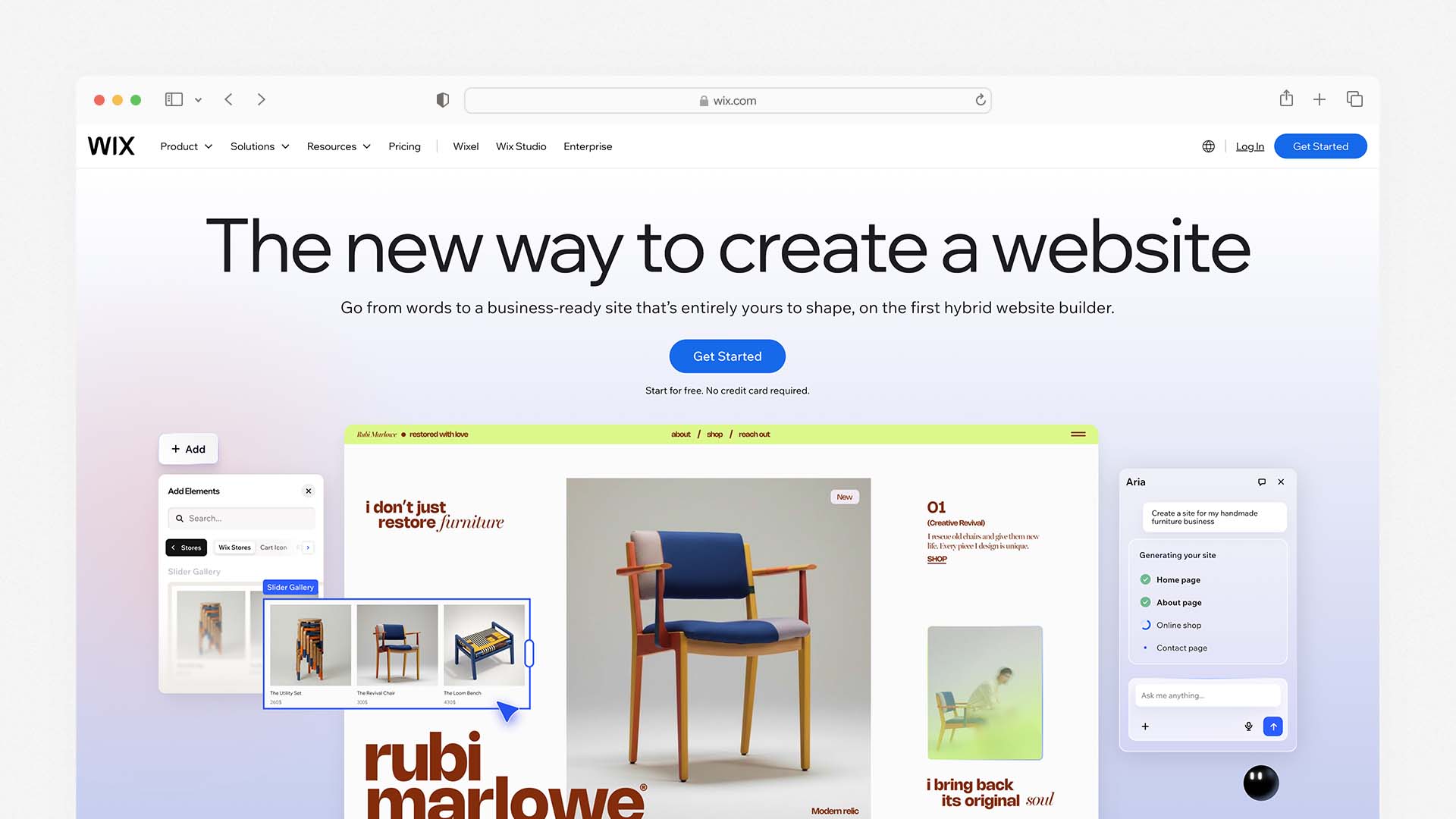
Wix is the most complete all-in-one platform for small businesses that want professional results without hiring a developer or managing separate hosting infrastructure. It has over 900 templates across every industry, a powerful AI website builder that generates a working site from a text description, and a full suite of business tools — email marketing, SEO, analytics, booking, ecommerce, and CRM — that are either built in or available through its App Market.
Wix also appears in several of our niche comparisons, including our guide to the Best Website Builders for Restaurants, where it ranks as the best overall option.
The Wix ADI (Artificial Design Intelligence) feature can take a few sentences about your business and generate a fully structured site in under 60 seconds, complete with relevant sections, placeholder content, and images from your industry. The newer Wix Harmony feature lets you refine and edit your site using plain language prompts — for example, typing "move the contact form above the testimonials" and watching it happen automatically. For a small business owner with limited time for website management, this is genuinely useful.
All Wix plans include web hosting, a free SSL certificate, unlimited bandwidth, and a free custom domain for the first year. The hosting infrastructure is powered by Wix's own cloud network, with server locations optimised for global performance and a 99.99% uptime track record.
For ecommerce, Wix supports selling physical products, digital downloads, services, subscriptions, and event tickets. Online payments require at least the Core plan at $29/month. Wix is PCI-DSS compliant, which means it meets the security standard required for accepting card payments — an important detail that not every builder on this list can claim.
The SEO tools are among the strongest of any all-in-one builder. Wix's SEO Setup Checklist guides you through the most important optimisations for your specific site. The AI Meta Tag Creator generates suggested titles and descriptions for every page. A built-in Semrush Keyword Research integration helps identify terms your target customers are searching for. These tools are genuinely useful for small business owners who want to rank in Google without hiring an SEO consultant.
Wix Pros:
900+ templates across all industries — the widest selection on this list
AI builder generates a full site from a plain language description
Hosting, SSL, bandwidth, and domain all included in every plan
PCI-DSS compliant ecommerce on all selling plans
Built-in SEO checklist, AI meta tag creator, and Semrush keyword tool
Email marketing, CRM, booking, and analytics — no extra apps required
Free plan available to test before committing
99.99% uptime and global hosting infrastructure
Wix Cons:
Ecommerce requires the Core plan at $29/month minimum
Cannot switch templates after publishing — choose your design carefully
Editor can feel overwhelming due to the number of available features
Storage is capped on lower plans (2GB on Light, 50GB on Core)
Renewal prices increase after introductory period
Wix Pricing:
Plan | Monthly Price | Storage | Ecommerce | Best For |
|---|---|---|---|---|
Light | $17/month | 2GB | ❌ No | Simple business sites |
Core | $29/month | 50GB | ✅ Yes | Online selling + full tools |
Business | $36/month | 100GB | ✅ Advanced | Growing businesses |
Business Elite | $159/month | Unlimited | ✅ Enterprise | Large operations |
Real Total Monthly Cost for a Standard Small Business: $29/month (Core plan) — ecommerce, domain, hosting, SSL, email marketing, and SEO tools all included.
Best for: Small businesses across every industry that want an all-in-one platform with strong AI tools, reliable hosting, and built-in marketing and ecommerce — without managing anything separately.
2. Hostinger — Best Budget Website Builder and Hosting
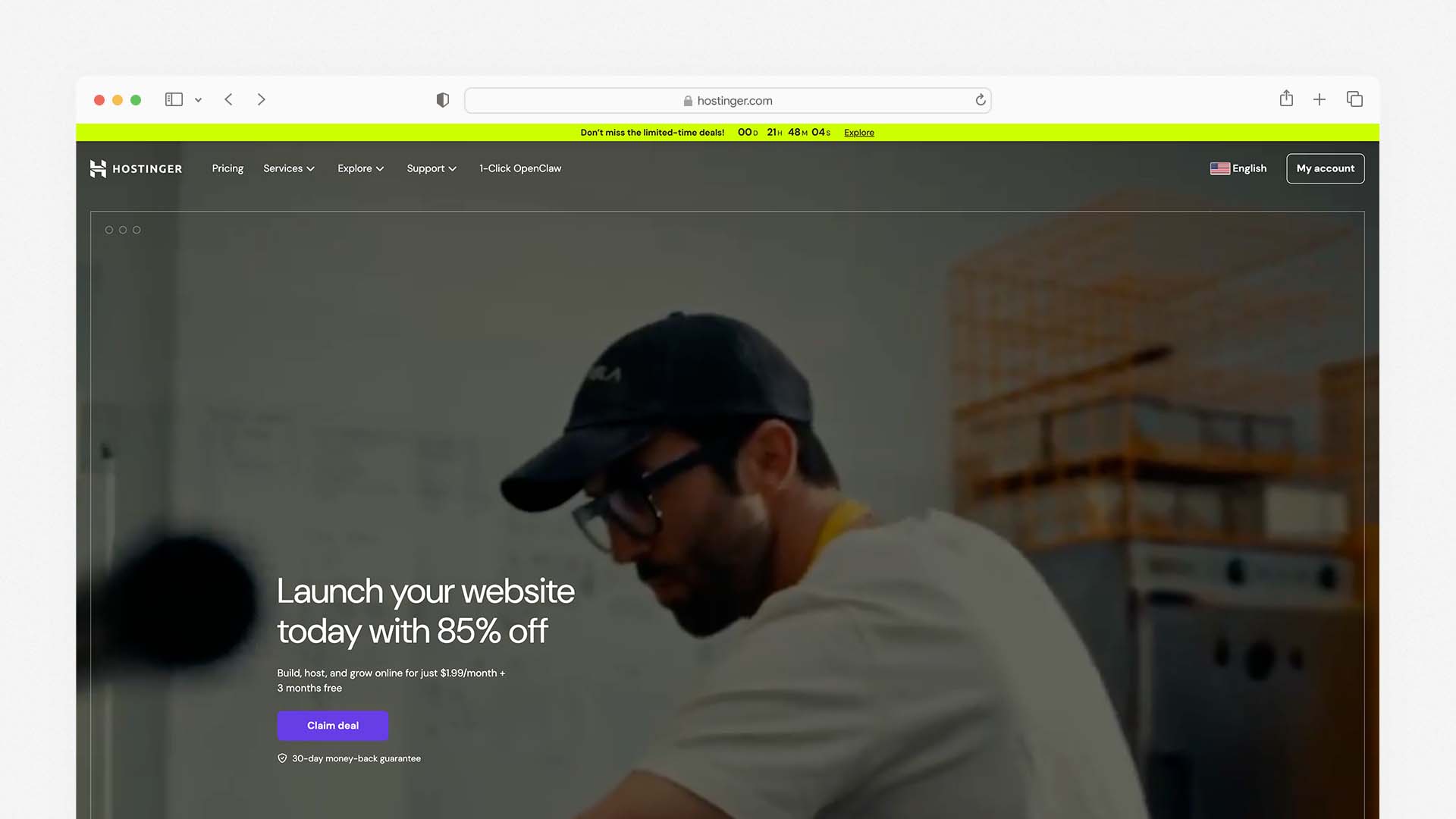
Hostinger is the most affordable all-in-one website builder and hosting platform on this list, and it consistently outperforms the expectations that its low price creates. It has become one of the fastest-growing hosting providers in the world — used by over 3 million websites — partly because it delivers features at a price point that no serious competitor has matched.
The Hostinger AI Website Builder creates a complete website from a short text description in under 60 seconds. Unlike some AI builders that generate a generic-looking site you then spend hours correcting, Hostinger's AI produces industry-relevant layouts, writes your page copy, generates your About section, and creates a contact form — all in one pass. Higher-tier plans also include Horizons, an AI app builder that lets you create no-code web applications directly within Hostinger, and Kodee, an AI assistant that helps run your online store.
AI-generated websites are becoming increasingly common. Our guide to the Best AI Website Builders compares the leading platforms that build full sites automatically.
Every Hostinger plan includes web hosting, an SSL certificate for unlimited websites, free automatic website migration, a free domain for the first year, standard DDoS protection, and a malware scanner. The Business plan adds faster NVMe storage and priority support. The Cloud Startup plan includes a dedicated IP address and daily backups — features that typically cost extra on other platforms.
Page load speed is a genuine strength. In independent testing, Hostinger-hosted sites average a Time to First Byte (TTFB) of around 0.19 seconds and a fully loaded time of under 1 second — faster than Squarespace (which averages around 2.2 seconds in the same tests) and competitive with Wix. This speed advantage directly affects both user experience and Google rankings.
The limitation worth noting is PCI compliance. Hostinger is not PCI-DSS compliant on its standard plans, which means businesses taking card payments must use a third-party processor like Stripe or PayPal rather than a native checkout. This works perfectly fine for most small businesses, but is worth knowing upfront. Hostinger also does not include email marketing tools — you will need a separate service like Mailchimp if that is part of your marketing strategy.
Hostinger Pros:
Starts at $2.99/month — the lowest real cost of any quality builder on this list
AI builder generates a complete, industry-relevant site in under 60 seconds
Hosting, SSL (unlimited sites), domain, DDoS protection, and malware scanning included
Fastest page load speeds on this list — TTFB averages 0.19 seconds
Price can be locked in for up to 48 months — no surprise renewal increases
Horizons AI app builder and Kodee AI assistant on higher plans
30-day money-back guarantee
Hostinger Cons:
Not PCI-DSS compliant — card payments require third-party processor (Stripe/PayPal)
No built-in email marketing tools — requires separate service
Basic plan limits storage to 100GB (unlimited on Business and above)
Design templates less polished than Squarespace
Support quality varies; not all agents are equally helpful
Hostinger Pricing:
Plan | Monthly Price (48-mo) | Storage | Websites | Key Extras |
|---|---|---|---|---|
Premium | $2.99/month | 100GB SSD | 25 | AI builder, free domain |
Business | $3.99/month | 200GB NVMe | 100 | Priority support, Kodee AI |
Cloud Startup | $7.99/month | 200GB NVMe | 300 | Daily backups, dedicated IP, CDN |
Real Total Monthly Cost for a Standard Small Business: $3.99/month (Business plan) — hosting, SSL, domain, AI builder, and ecommerce tools included.
Best for: Startups, freelancers, solo business owners, and small businesses with straightforward website needs that want professional results at the lowest total monthly cost available.
3. Squarespace — Best for Design-Conscious Small Businesses
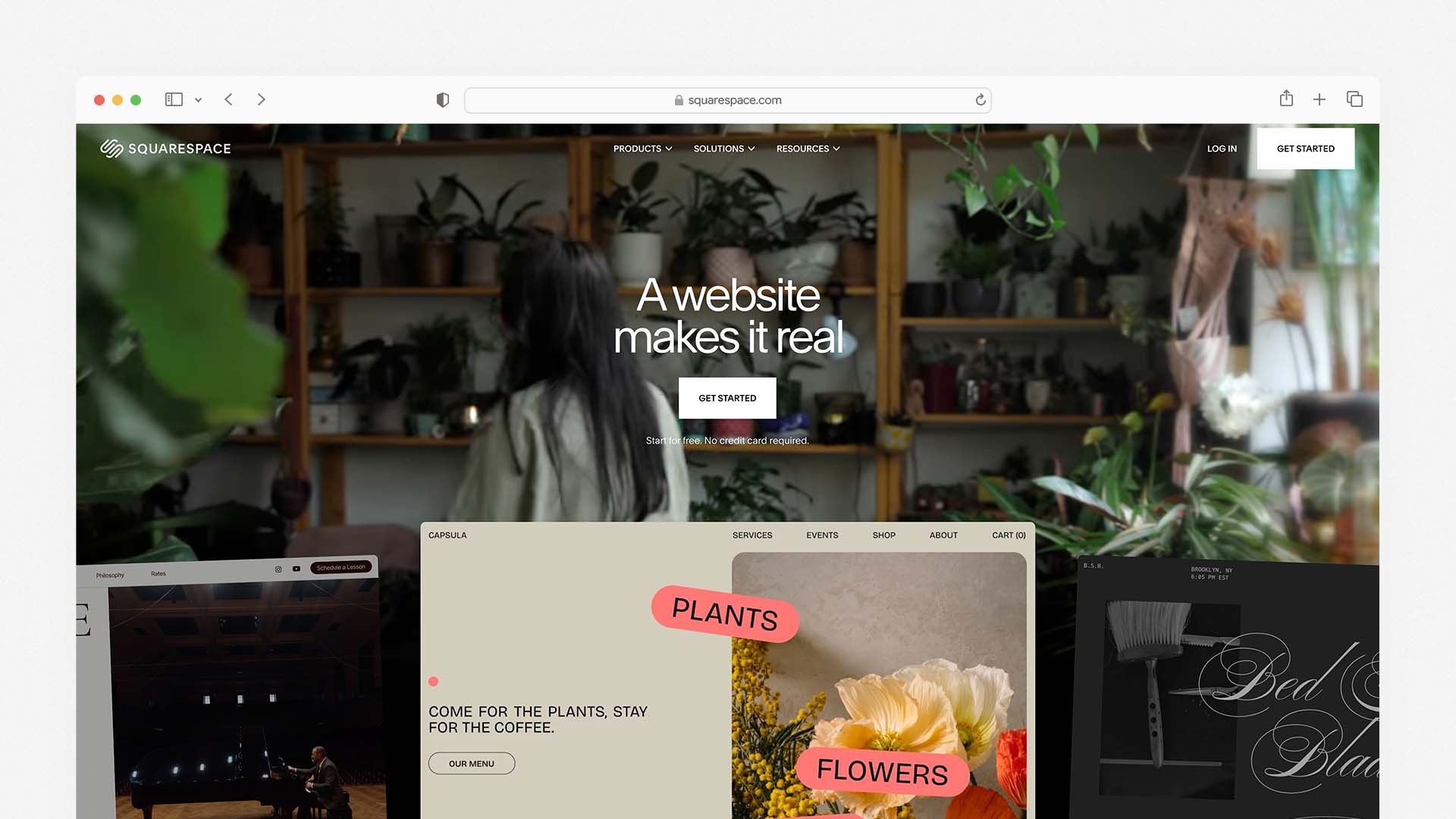
Squarespace is the builder of choice for small businesses where visual presentation directly influences whether a potential customer converts — photographers, designers, consultants, boutique retailers, wellness brands, food businesses, and anyone whose business identity relies on looking premium before a single word is read.
It currently powers over 4.9 million active subscriptions and is one of the most recognised names in the website builder market. Squarespace consistently receives the highest design quality scores of any builder tested, and its templates — all created by professional designers — are mobile-optimised and look polished without any customisation work.
The Blueprint AI feature introduced in late 2025 streamlines the setup process significantly. You answer five guided questions about your business — your industry, your style preferences, the pages you need, and the tone of your content — and Blueprint AI assembles a tailored starting site in under 10 minutes. The AI also generates initial copy for each section, which you then refine to match your brand voice.
All Squarespace plans include hosting, unlimited bandwidth and storage, a free SSL certificate, and a free custom domain in the first year. Squarespace's hosting infrastructure runs on Amazon Web Services (AWS), which delivers reliable performance globally — though independent testing shows page load times average around 2.2 seconds, which is slower than Hostinger and requires attention to image optimisation to maintain good Core Web Vitals scores.
For ecommerce, Squarespace supports selling on all plans — including physical products, digital downloads, services, subscriptions, and gift cards. The Basic plan charges a 2% transaction fee on all sales. Upgrading to the Core plan at $23/month removes that fee and is worth doing for any business with meaningful online sales volume.
Squarespace also includes client documents — a built-in tool for sending branded proposals, invoices, and contracts directly through your website without a third-party service. This feature is unique to Squarespace among all-in-one builders and is particularly valuable for service businesses: consultants, coaches, designers, event planners, and agencies.
Squarespace Pros:
The most polished and design-forward templates of any all-in-one builder
Blueprint AI generates a tailored starting site in under 10 minutes
Unlimited storage and bandwidth on all plans — no storage anxiety
Built-in client documents for proposals, invoices, and contracts
Acuity Scheduling integration for appointment bookings
Sell on all plans — no need to upgrade to access ecommerce
14-day free trial with no credit card required
30-day money-back guarantee
Squarespace Cons:
2% transaction fee on the Basic plan — upgrade to Core to remove it
Page load speeds average 2.2 seconds — slower than Hostinger
No free plan (14-day trial only)
Fewer template options than Wix (under 200 vs 900+)
Email marketing requires a separate paid add-on (Squarespace Email Campaigns)
Less flexibility for complex custom layouts than Wix
Squarespace Pricing:
Plan | Monthly Price | Transaction Fee | Key Feature |
|---|---|---|---|
Basic | $16/month | 2% | Website + ecommerce, client docs |
Core | $23/month | 0% | No transaction fees, digital products |
Plus | $39/month | 0% | Advanced analytics, 5 contributors |
Advanced | $99/month | 0% | Full ecommerce, advanced shipping |
Real Total Monthly Cost for a Standard Small Business: $23/month (Core plan) — hosting, SSL, domain, ecommerce with no transaction fees, and client documents all included.
Best for: Service-based businesses, creative professionals, consultants, boutique retailers, and any small business where the visual quality of the website is used to build credibility and win clients.
4. GoDaddy — Best for Getting Online in One Afternoon
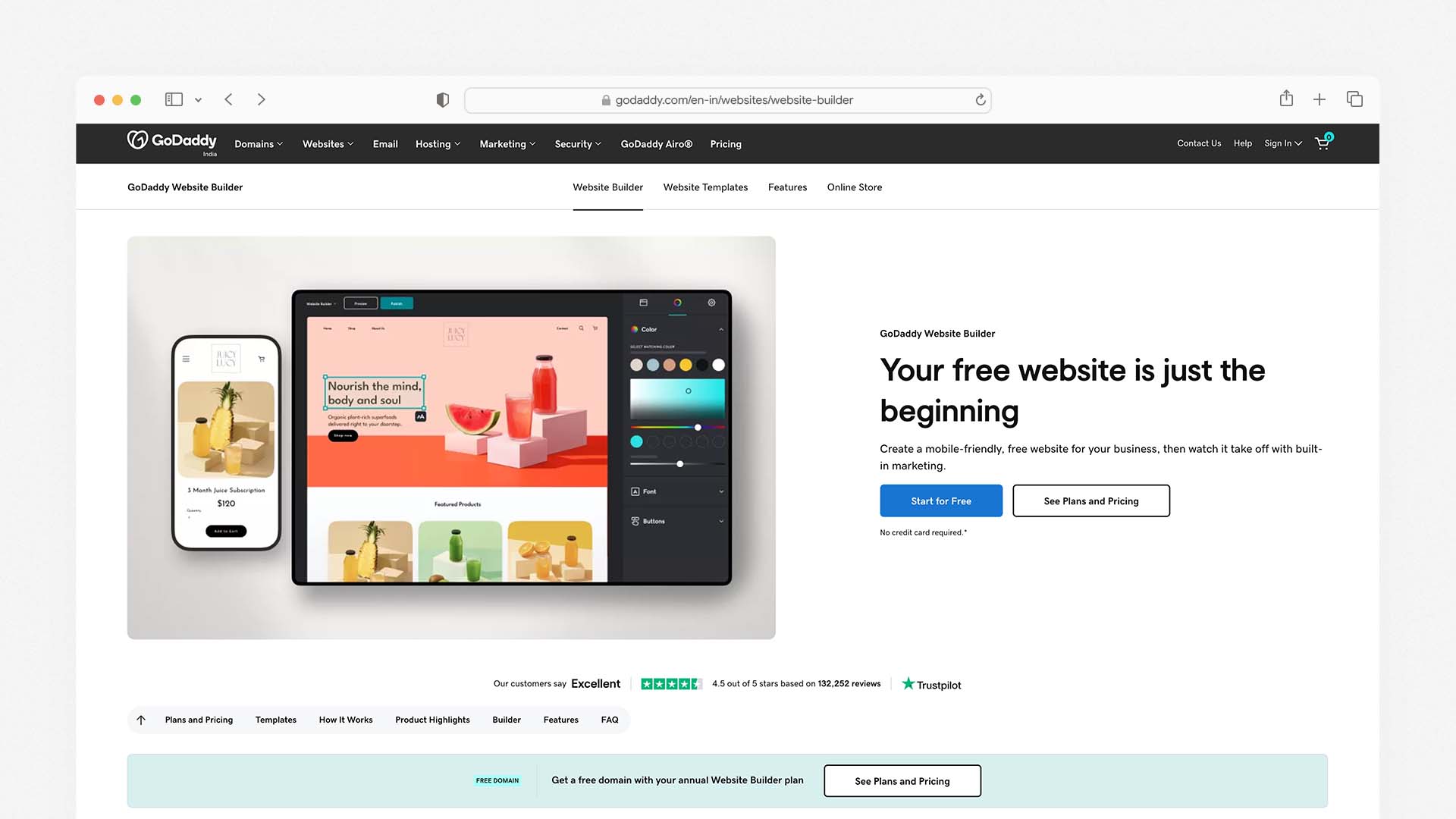
GoDaddy is the most widely known name in this space and processes more domain registrations than any other company in the world. Its website builder is not the most feature-rich, but it is the fastest to set up — and for small businesses that need a professional web presence today with minimum fuss, it delivers exactly that.
If you are specifically building a website for a service business, you may also want to see our guide to the Best Website Builders for Construction Companies.
The GoDaddy Airo system, launched in 2024 and expanded through 2025, lets you enter your business name and description and receive a generated website, logo, professional email address, and marketing content suggestions — all in a single session. This one-stop-shop approach is genuinely useful for small business owners who want to handle everything in one place.
GoDaddy includes appointment booking tools and contact buttons across all plans. Its marketing suite — GoDaddy Studio for social media graphics and GoDaddy Email Marketing for campaigns — gives small businesses tools to promote their site beyond just building it. The platform integrates directly with Google and Facebook advertising, which means you can run paid ads from the same dashboard where you manage your website.
The trade-off is depth. GoDaddy's website builder is built for speed and simplicity rather than customisation and growth. Design options are more limited than Wix or Squarespace. SEO tools cover the basics but do not include advanced features like keyword research integration or schema markup support. Ecommerce requires upgrading to the Commerce plan, and the feature set there is not as robust as Shopify or even Wix.
One important note: GoDaddy's introductory prices increase significantly at renewal. A plan that starts at $9.99/month can renew at $19.99–$25.99/month. Always check the renewal price before committing.
GoDaddy Pros:
The fastest setup of any builder on this list — live in one afternoon
Airo AI generates a website, logo, and marketing materials in one session
Domain registration, hosting, email, and website in one account
Built-in appointment booking and contact tools on all plans
Marketing suite includes email campaigns, social graphics, and Google/Facebook ad integration
Reliable 24/7 customer support by phone and chat
GoDaddy Cons:
Renewal prices increase significantly — check before committing
Limited design customisation compared to Wix or Squarespace
Ecommerce requires the Commerce plan at $23.99/month
SEO tools cover basics only — no advanced keyword or schema features
Templates are functional but not as polished as competitors
GoDaddy Pricing:
Plan | Monthly Price | Key Feature |
|---|---|---|
Basic | $9.99/month | Website, domain, basic tools |
Standard | $14.99/month | Email marketing included |
Premium | $20.99/month | Advanced marketing tools |
Commerce | $23.99/month | Online store and checkout |
Real Total Monthly Cost for a Standard Small Business: $14.99/month (Standard plan) — domain, hosting, SSL, email marketing, and appointment booking included.
Best for: Local service businesses, tradespeople, restaurants, and small businesses that want the fastest possible setup and do not need advanced design or ecommerce features.
5. Shopify — Best for Small Businesses That Are Primarily Online Stores
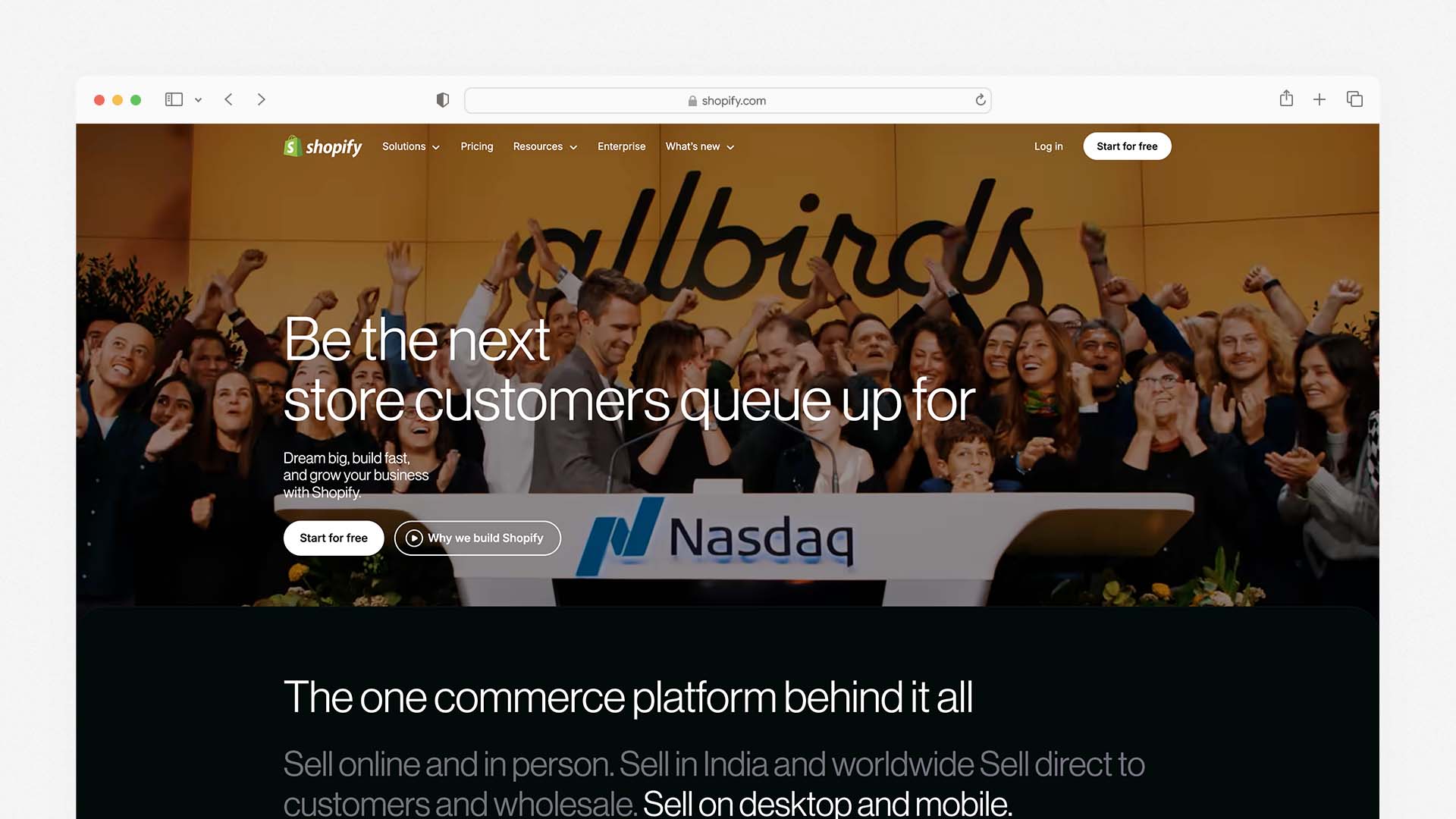
Shopify is the gold standard for small businesses whose primary revenue comes from selling products online. It is not the cheapest option, and it is not designed for businesses that primarily need an informational website — but for ecommerce-first small businesses, it is the most powerful, scalable, and well-supported platform available.
For businesses that need a website primarily for online presence rather than ecommerce, our guide to the Best Mobile Website Builders compares platforms optimised for performance on phones.
It supports selling physical products, digital downloads, services, subscriptions, and dropshipping. The checkout experience is smooth, trusted by hundreds of millions of customers worldwide, and optimised for conversion. Shopify lets you sell simultaneously through your website, Instagram, TikTok, Facebook, Amazon, and in-person via the Shopify POS system — all managed from one dashboard.
The Shopify AI (Sidekick) assistant helps with writing product descriptions, setting up discount campaigns, analysing sales data, and answering business questions in plain language. The platform has an extensive App Store with thousands of integrations for everything from email marketing and loyalty programmes to shipping automation and review management.
For small businesses just starting out, the Shopify Starter plan at $5/month lets you sell through social media and messaging apps without a full website — useful for businesses not yet ready to build a complete site.
The trade-off is that Shopify is not designed as a general website builder. Blog functionality is limited. Page design is less flexible than Wix or Squarespace. And at $29/month for the basic full plan, it is the most expensive entry point on this list after BentoBox. Domain names are also not included — you purchase them separately.
Shopify Pros:
The most capable ecommerce platform on this list — built for serious online selling
Sell across website, Instagram, TikTok, Facebook, Amazon, and in-person simultaneously
Shopify Sidekick AI helps with product copy, campaigns, and analytics
Extensive App Store with thousands of integrations
PCI-DSS compliant — secure payment processing on all plans
Scales seamlessly from startup to high-volume operation
Shopify Cons:
Higher starting price than most alternatives
Domain name not included — purchased separately
Blog and general content pages less flexible than Wix or Squarespace
Not suitable for businesses that primarily need an informational website
Shopify Payments not available in all countries (India included — Stripe/PayPal required)
Shopify Pricing:
Plan | Monthly Price | Key Feature |
|---|---|---|
Starter | $5/month | Social selling only, no full website |
Basic | $29/month | Full online store, 2 staff accounts |
Shopify | $79/month | 5 staff accounts, professional reports |
Advanced | $299/month | Advanced analytics, custom reporting |
Real Total Monthly Cost for a Standard Small Business: $29/month (Basic) + ~$15/year domain = approximately $30.25/month all-in.
Best for: Small businesses where ecommerce is the primary activity — online retail, dropshipping, handmade goods, digital products, and food brands that sell direct to consumer.
6. IONOS — Best for the Lowest Entry-Point Cost
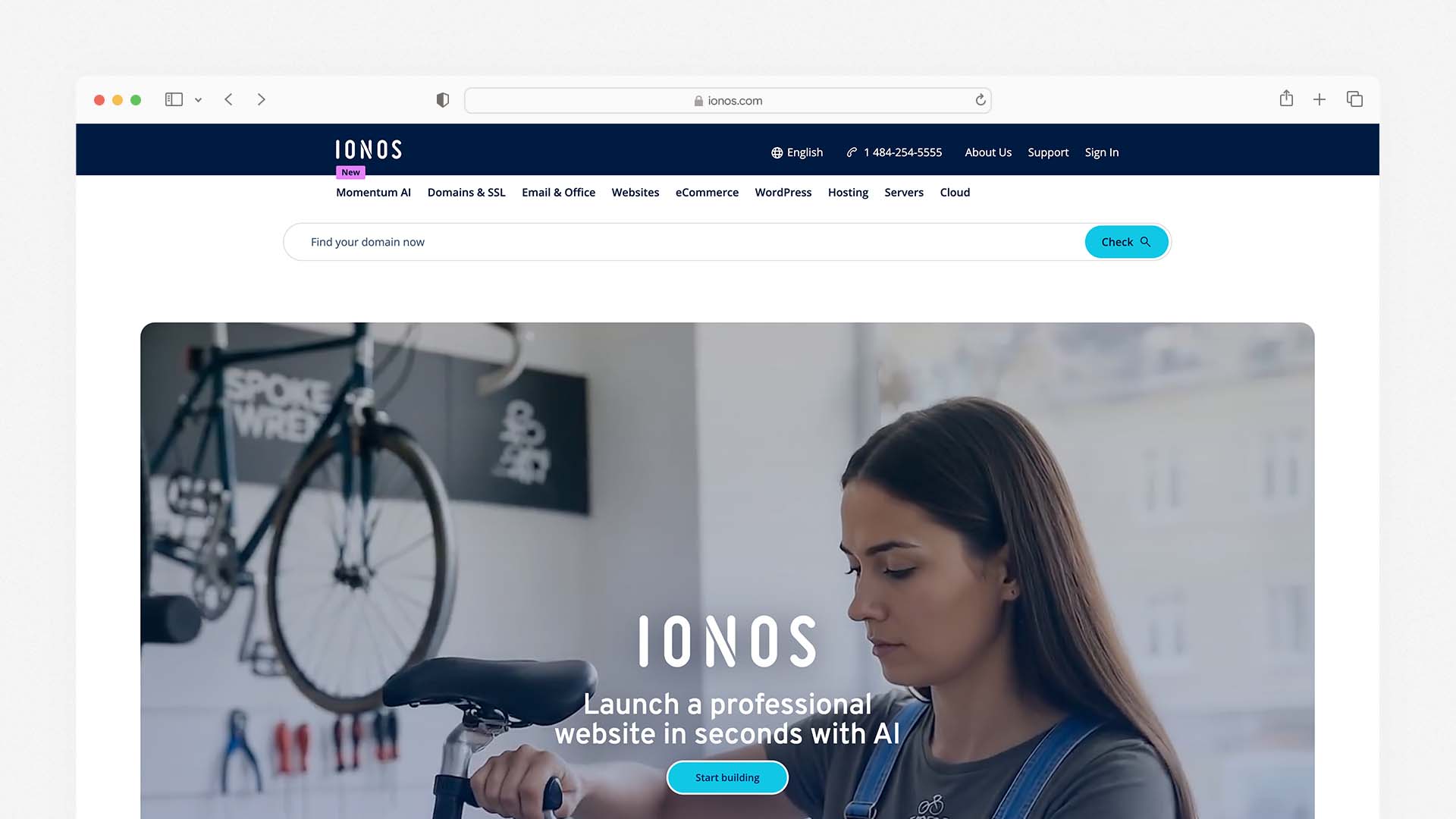
IONOS is a European hosting provider that manages over 12 million domains and has been operating since 1988. Its website builder is not as polished or feature-rich as Wix or Squarespace, but it offers the lowest entry-point price of any platform on this list — and its plans include more features at that low price than most competitors match at two or three times the cost.
The introductory offer of $1.00/month for the first year includes unlimited websites, unlimited storage, daily backups, a free Wildcard SSL certificate, and a professional email account. No other platform on this list matches that feature set at that price point, though it is important to note that the price increases significantly at renewal — plans renew at $4–$16/month depending on the tier.
IONOS has strong performance in European markets and uses its own infrastructure with data centres across the US and Europe. For small businesses with European or international customer bases, this geographic flexibility is valuable. Its AI website builder can generate starter content and layout suggestions, though it is less sophisticated than Wix's or Hostinger's AI systems.
The trade-off is design quality and advanced features. IONOS templates are functional but not as visually refined as Squarespace or Wix. The editor is straightforward but has less creative flexibility. And while ecommerce is available, the selling tools are more basic than Shopify, Wix, or Squarespace's dedicated ecommerce plans.
IONOS Pros:
$1.00/month introductory price — lowest first-year cost on this list
Unlimited websites and storage even on the lowest plan
Daily backups included — rare at this price point
Free Wildcard SSL certificate covers all subdomains
Strong European infrastructure and GDPR compliance
Includes a professional business email account
IONOS Cons:
Introductory price increases sharply at renewal (up to $16/month)
Design templates less polished than Wix or Squarespace
AI builder less capable than Wix, Hostinger, or Squarespace
Ecommerce tools more basic than dedicated selling platforms
Less suitable for businesses needing advanced design flexibility
IONOS Pricing:
Plan | First Year Price | Renewal Price | Key Feature |
|---|---|---|---|
Essential | $1.00/month | ~$6/month | 1 website, unlimited storage |
Starter | $1.00/month | ~$8/month | Unlimited websites |
Plus | $1.00/month | ~$12/month | More resources, unlimited DB |
Ultimate | $1.00/month | ~$16/month | Maximum CPU and memory |
Real Total Monthly Cost for a Standard Small Business: $1/month (year one) → $6–12/month at renewal depending on plan.
Best for: New businesses that want the lowest possible cost in year one while they test their business model — with the understanding that renewal prices will increase.
7. WordPress with Bluehost — Best for SEO and Long-Term Control
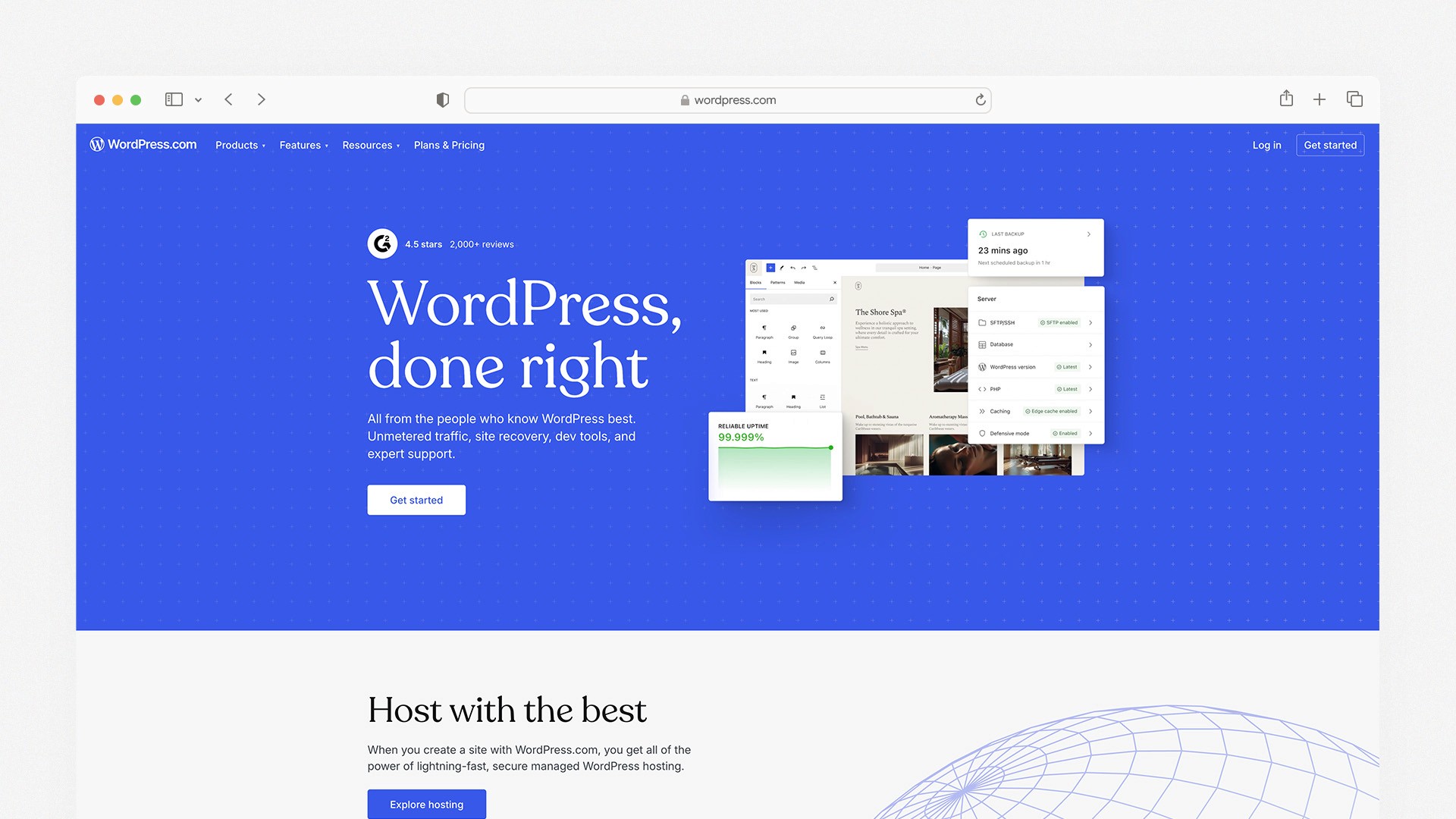
WordPress combined with managed hosting from Bluehost remains the most powerful combination for small businesses that are serious about owning their online presence and dominating Google search results over the long term. WordPress powers over 40% of all websites globally and has the most comprehensive SEO ecosystem of any platform on this list.
Bluehost is one of three hosts officially recommended by WordPress.org and powers over 5 million websites. Its plans include a free domain for the first year, free SSL, and the Bluehost WonderSuite — an AI-driven onboarding tool that guides you through WordPress setup, template selection, and initial page building in a step-by-step wizard. For businesses that have been put off WordPress by its reputation for complexity, WonderSuite significantly reduces the setup barrier.
Understanding how hosting infrastructure works can help you choose the right platform. This guide explains what cloud hosting is and how it impacts website performance.
The combination gives you access to over 59,000 WordPress plugins, which means virtually any feature your business website could ever need — booking systems, CRM tools, ecommerce via WooCommerce, membership areas, review systems, multilingual support, advanced analytics — can be added without switching platforms.
The SEO advantage is real and significant. With plugins like Yoast SEO or Rank Math, you have granular control over every on-page SEO element, can generate schema markup automatically, create XML sitemaps, manage redirects, and conduct technical SEO audits from within WordPress. No hosted builder matches this level of SEO control.
The trade-off is that you are responsible for your website's maintenance: plugin updates, theme updates, security hardening, and backups. Bluehost automates some of this, but it is not as hands-off as a fully hosted builder like Wix or Squarespace. It also requires a steeper initial learning curve.
WordPress + Bluehost Pros:
The most powerful SEO toolkit of any option on this list (Yoast, Rank Math, full schema control)
59,000+ plugins — unlimited functionality without switching platforms
Full ownership of your website and data — no platform lock-in
WonderSuite AI simplifies WordPress setup significantly
WooCommerce provides enterprise-grade ecommerce at low cost
Lower long-term cost than most hosted builders
WordPress + Bluehost Cons:
Steeper learning curve than hosted builders
Plugin updates, security, and backups require attention
More moving parts — builder, host, domain, plugins, theme all managed separately
WooCommerce complexity increases significantly for large catalogues
Bluehost Pricing:
Plan | Monthly Price (36-mo) | Websites | Storage | Key Feature |
|---|---|---|---|---|
Basic | $2.95/month | 1 | 10GB | Free domain, SSL, WonderSuite |
Choice Plus | $5.45/month | Unlimited | 40GB | Domain privacy, site backups |
Online Store | $9.95/month | 1 | 100GB | WooCommerce pre-installed |
Pro | $13.95/month | Unlimited | 100GB | High performance, dedicated IP |
Real Total Monthly Cost for a Standard Small Business: $5.45/month (Choice Plus) + Yoast SEO free or $7/month Pro = $5.45–12.45/month. Elementor Pro adds ~$5/month if desired.
Best for: Small businesses, bloggers, local service providers, and content-heavy sites that want maximum SEO control and long-term ownership — and are comfortable with slightly more setup and maintenance.
8. Network Solutions — Best for Local Businesses Wanting Everything in One Account
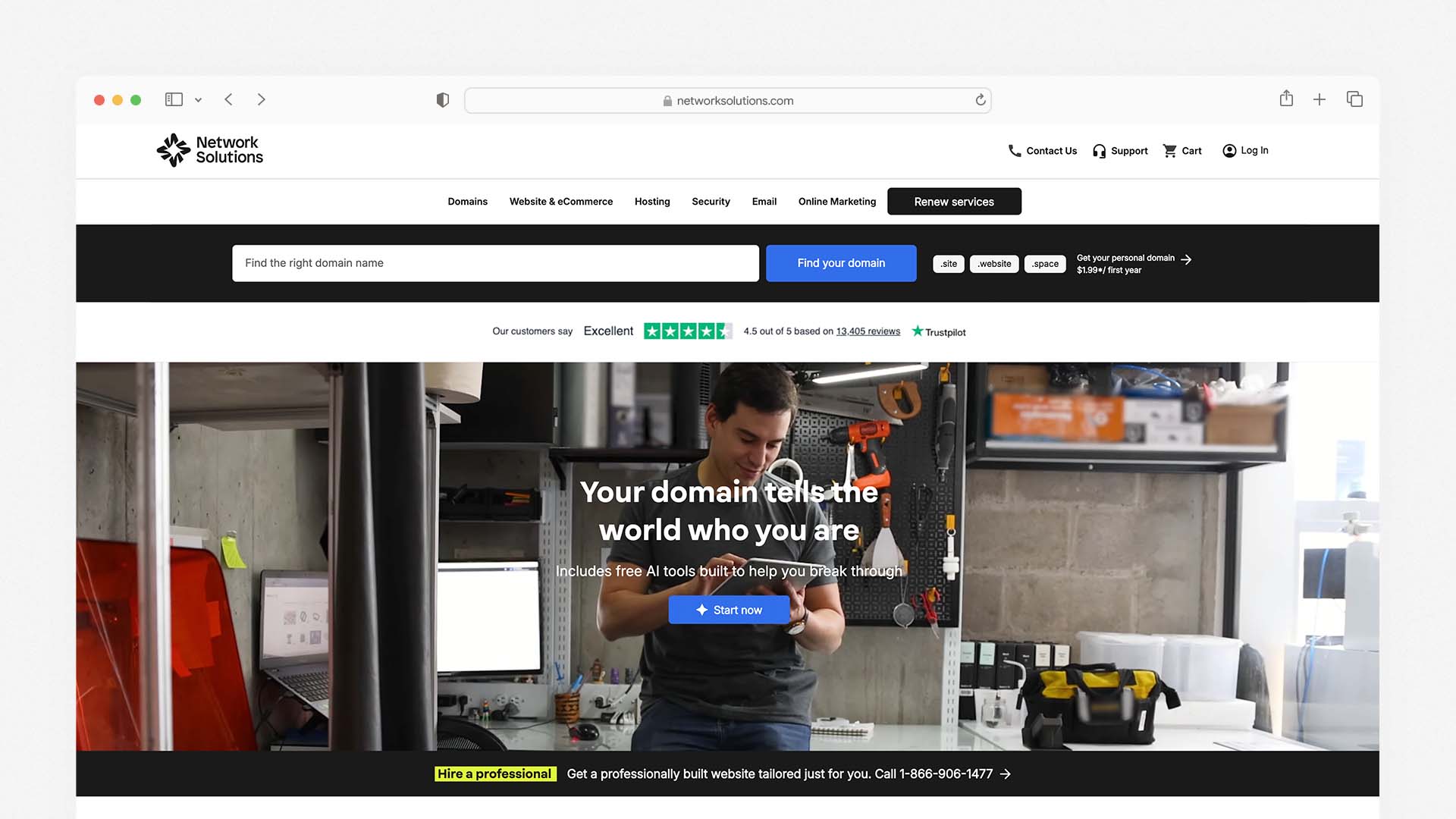
Network Solutions has evolved from a domain registration company into an all-in-one platform that bundles website building, hosting, domain registration, email, SSL, and marketing tools into a single subscription. It is particularly relevant for local businesses and first-time website owners who want one bill, one login, and one support team for everything.
Its Coming Soon Page feature lets you publish a simple AI-generated page while you build your full website — a small but useful touch for businesses that want to start collecting visitor information before launch. All plans include a free domain for the first year, domain privacy, web hosting, SSL, and access to marketing apps at no extra cost.
The Website plus Marketing plan at $7.99/month adds appointment scheduling, social media and email marketing tools, and Google Business listing features — a genuinely comprehensive package for a local service business at an entry-level price.
Network Solutions Pros:
True all-in-one: domain, hosting, SSL, email, and marketing in one account
Coming Soon page lets you collect visitors before your full site is live
Google Business listing feature included in marketing plan
150+ responsive templates designed for mobile and desktop
Single support team for every aspect of your online presence
Network Solutions Cons:
Design quality and AI tools lag behind Wix, Hostinger, and Squarespace
Less well-known than major players — fewer community resources and tutorials
Ecommerce tools more basic than Shopify or Wix
Not the best choice for businesses with complex design or advanced SEO needs
Network Solutions Pricing:
Plan | Monthly Price | Key Feature |
|---|---|---|
Website | $4.99/month | AI builder, domain, SSL, email credits |
Website + Marketing | $7.99/month | Scheduling, social, email marketing, Google Business |
Ecommerce | $13.99/month | Secure checkout, multi-channel selling |
Best for: Local businesses, professionals, and first-time website owners who want a single account and a single support contact for domain, hosting, email, and marketing.
Which Website Builder and Hosting Is Right for Your Small Business?
Your Situation | Best Choice |
|---|---|
You want the best all-around platform with AI tools | Wix |
You are on the tightest possible budget | Hostinger |
Your brand relies on looking premium and polished | Squarespace |
You need to get online today with no learning curve | GoDaddy |
Your business is primarily an online store | Shopify |
You want the lowest first-year cost | IONOS |
You want maximum SEO control and long-term ownership | WordPress + Bluehost |
You want everything in one account and one support team | Network Solutions |
What Does a Small Business Website Need?
Home Page That Answers Three Questions Immediately
Within three seconds of landing on your home page, a visitor should know: what your business does, who it serves, and what they should do next. Your hero section — the first thing visible before scrolling — should contain your business name, a one-line description of what you offer, and a clear call to action. Everything else on the page supports and reinforces those three answers.
Services or Products Page
This is where visitors go to understand exactly what you offer, what it costs, and how to get it. Write each service or product description in plain language focused on the benefit to the customer — not the technical details of what you do. If you offer multiple services, give each one its own dedicated section or page.
About Page
A real About page with the story of your business, who runs it, and why you started it builds the human connection that turns visitors into customers. Include a genuine photo of yourself or your team — stock photography is easy to identify and reduces trust. This page also tells Google that there are real people behind your website, which matters for your credibility in search results.
Contact Page With Multiple Options
Include your phone number, email address, and a contact form. If you have a physical location, add your address and embed a Google Map. Make your phone number clickable on mobile — this is one of the simplest and highest-impact changes you can make to a small business website.
Testimonials or Reviews Section
Social proof is one of the most powerful conversion tools available to a small business. Real quotes from real customers — with names and if possible a photo or business name — reduce the hesitation every potential customer feels before making contact. Put testimonials on your home page, your services pages, and your contact page.
Hidden Costs to Know Before You Sign Up
Before committing to any platform, check these five potential extra costs:
Domain registration: Usually free in year one, then $10–$20/year for a standard .com. Specialty domains like .design or .store can cost $30–70/year at renewal.
SSL certificate: Included on all reputable platforms now — but confirm it is included before signing up.
Email hosting: Most builders do not include professional email (you@yourcompany.com). Google Workspace starts at $6/user/month. This is often the biggest unexpected cost for small businesses.
Transaction fees: Squarespace charges 2% on its Basic plan. Some builders charge per-transaction fees that are separate from your payment processor's fees.
Renewal price increases: IONOS starts at $1/month and renews at $6–16/month. GoDaddy introductory prices often double at renewal. Hostinger lets you lock in introductory pricing for up to 48 months — one of the reasons it offers better long-term value than its headline price suggests.
How to Make Your Small Business Website Rank on Google
Set Up Google Search Console Before You Launch
Google Search Console is free and lets you submit your website directly to Google for indexing. Without it, Google discovers your site by crawling the web, which can take weeks. Submit your sitemap through Search Console on the day you launch, and Google will typically index your pages within 24–72 hours.
Write a Unique Page Title and Meta Description for Every Page
Your page title is what appears as the clickable blue link in Google results. Your meta description is the short paragraph below it. Both should contain the keywords your customers use to search for your business and describe specifically what that page is about. Every platform on this list lets you set these — not setting them is one of the most common and easily fixable mistakes small business websites make.
Create a Google Business Profile
If your business serves a local area — a physical location or a service area — a Google Business Profile is the single most valuable free SEO action you can take. It is what makes you appear in map results when someone searches for businesses near them. Fill in every section: address, phone number, hours, services, photos, and a business description.
Get Your Business Listed in Directories
Consistent listings of your business name, address, and phone number across directories like Yelp, Yellow Pages, JustDial (India), and industry-specific sites send trust signals to Google and increase the chances of appearing in local search results. Most of these listings are free to create.
Publish New Content Regularly
Google ranks websites that are actively maintained more favourably than static sites. A blog, news section, or updated testimonials page that receives new content at least once a month tells Google your site is alive and relevant. Even a short monthly update about a completed project, a new service, or an industry insight is more effective than letting your site sit unchanged for six months.
Final Verdict
All-in-one website builders with hosting have made it genuinely possible for any small business to have a professional, fast, SEO-ready website without hiring a developer or managing infrastructure:
Choose Wix if you want the best all-around platform with the strongest combination of AI tools, marketing features, ecommerce, and SEO — all in one plan
Choose Hostinger if keeping costs as low as possible is your priority and you want an AI builder that punches well above its price point
Choose Squarespace if your business relies on looking premium and your website needs to project quality before a visitor reads a single word
Choose GoDaddy if speed is the priority and you want your site live today with one account handling everything
Choose Shopify if you are primarily an online store and want the best ecommerce tools available
Choose IONOS if you want the lowest possible cost in year one while you validate your business model
Choose WordPress + Bluehost if long-term SEO control and full ownership of your content are non-negotiable
Choose Network Solutions if you want a true single-vendor relationship for domain, hosting, email, and marketing
The best website is the one that is live, fast, and working to bring you customers. Pick the platform that fits your budget and your goals, and get it published.
FAQs
What is the best website builder with hosting for a small business?
No. All-in-one website builders like Wix, Hostinger, Squarespace, GoDaddy, and Shopify include web hosting as part of their monthly plan. You do not need a separate hosting account. The exception is WordPress, which is software you install on a separate hosting service — though this combination gives you more control and SEO power than any hosted builder.
Do I need separate hosting if I use a website builder?
No. All-in-one website builders like Wix, Hostinger, Squarespace, GoDaddy, and Shopify include web hosting as part of their monthly plan. You do not need a separate hosting account. The exception is WordPress, which is software you install on a separate hosting service — though this combination gives you more control and SEO power than any hosted builder.
What is the cheapest website builder with hosting for small business?
IONOS offers the lowest introductory price at $1.00/month for the first year, but renewal prices increase significantly to $6–16/month. For genuine long-term affordability, Hostinger at $2.99/month — with the option to lock in that price for up to 48 months — is the best value. Both include hosting, SSL, and a free domain.
Is Wix or Squarespace better for small business?
Wix is better for most small businesses because it has a wider range of templates, more built-in business tools, a free plan to test the platform, and stronger AI tools for site generation and SEO. Squarespace is better for businesses where premium design and visual presentation are the primary decision drivers — particularly service businesses, creative professionals, and brands that rely on aesthetic quality to attract clients.
Can I sell products on a website builder plan?
Yes, most website builders support ecommerce. The plan you need depends on the builder: Wix requires the Core plan at $29/month, Hostinger requires the Business plan at $3.99/month, Squarespace includes selling on all plans (with a transaction fee on the Basic plan), GoDaddy requires the Commerce plan at $23.99/month, and Shopify supports selling on all plans starting at $5/month for social-only selling.
What happens to my website if I cancel my website builder plan?
If you cancel a hosted website builder plan, your website goes offline and your content becomes inaccessible. Some builders let you export your content before cancelling — Squarespace has export tools, and WordPress content can be fully migrated anywhere. Wix does not offer full content export. Before committing to any platform, check their data export and migration policies, particularly if you anticipate switching builders in the future.
Latest Blogs
Get the Latest Tech Insights in Your Inbox.
No spam, unsubscribe anytime.