
The best website builder for restaurants is Wix — it includes a dedicated restaurant platform with built-in menus, online ordering, table reservations, and 85+ restaurant templates, all managed from one dashboard without any third-party plugins. For restaurants that care more about visual branding and food photography, Squarespace is the better choice, while Hostinger is the most affordable option starting under $3 per month.
We tested seven of the most popular restaurant website builders. This guide breaks down exactly what each one does well, what it costs, and which type of restaurant it suits best — so you can stop guessing and just get your site live.
If you're comparing builders across industries, you may also want to read our guide to the Best AI Website Builders, which analyzes tools that can generate entire websites automatically.
What Makes a Website Builder Good for Restaurants?
A restaurant website has different needs than a blog or a portfolio site. Visitors are not browsing — they are hungry and on a phone, and they need answers fast: Where is the menu? Can I order online? Can I book a table?
A good restaurant website builder must do six things well.
1. Built-In Menu Management
Your menu should be live text on the page — not a PDF or a scanned image. Google cannot read PDFs the way it reads real page text. A builder with a proper menu tool lets you update prices, add photos, and mark items as unavailable in minutes, without involving a developer.
2. Online Ordering Without Big Commission Fees
Some builders let you take orders directly through your site for a flat monthly fee. Others route every order through a third-party app that charges 15–30% commission per order. For a restaurant doing $10,000 in monthly online sales, that difference is $1,500 to $3,000 every single month.
3. Table Reservation Tools
Whether you embed a booking widget, use a direct integration, or connect to a tool like Tock, the ability to take reservations online reduces no-shows and frees up phone time for your staff.
4. Mobile-First Performance
Over 70% of restaurant searches happen on a mobile device. If your site loads slowly or looks broken on a phone, people leave in seconds and visit a competitor. Every builder on this list is mobile-responsive, but their actual mobile performance scores vary significantly.
If mobile performance is your top concern, see our comparison of the Best Mobile Website Builders, where we tested real phone performance instead of desktop previews.
5. Local SEO Tools
When someone searches "Italian restaurant near me" on Google, your website needs to show up. A builder with built-in SEO tools — custom page titles, meta descriptions, and structured data support — gives you a real advantage over restaurants relying only on third-party delivery apps.
6. Honest, Transparent Pricing
Many builders advertise a low monthly rate and then charge extra for online ordering, reservation tools, or removing their branding. We flagged every hidden fee in the comparisons below.
Quick Comparison — Best Restaurant Website Builders at a Glance
Builder | Best For | Starting Price | Free Plan | Online Ordering | Reservation Tool |
|---|---|---|---|---|---|
Wix | Most restaurants (best overall) | $17/month | ✅ Yes | ✅ Built-in ($29/mo plan) | ✅ Built-in |
Squarespace | Visual branding & photography | $16/month | ❌ No | Via ChowNow | Via Tock |
Hostinger | Budget-conscious owners | $2.99/month | ❌ No | Via integrations | Via integrations |
Shopify | Ghost kitchens, delivery-first | $29/month | ❌ No | ✅ Built-in | Via apps |
GoDaddy | Fast setup, local restaurants | $9.99/month | ❌ No | Via integrations | Via integrations |
BentoBox | Fine dining, upscale brands | $119/month | ❌ No | ✅ Built-in | ✅ Built-in |
Owner.com | Independent restaurants | Custom pricing | ❌ No | ✅ Built-in | ✅ Built-in |
The 7 Best Website Builders for Restaurants — Full Reviews
1. Wix — Best Overall Restaurant Website Builder
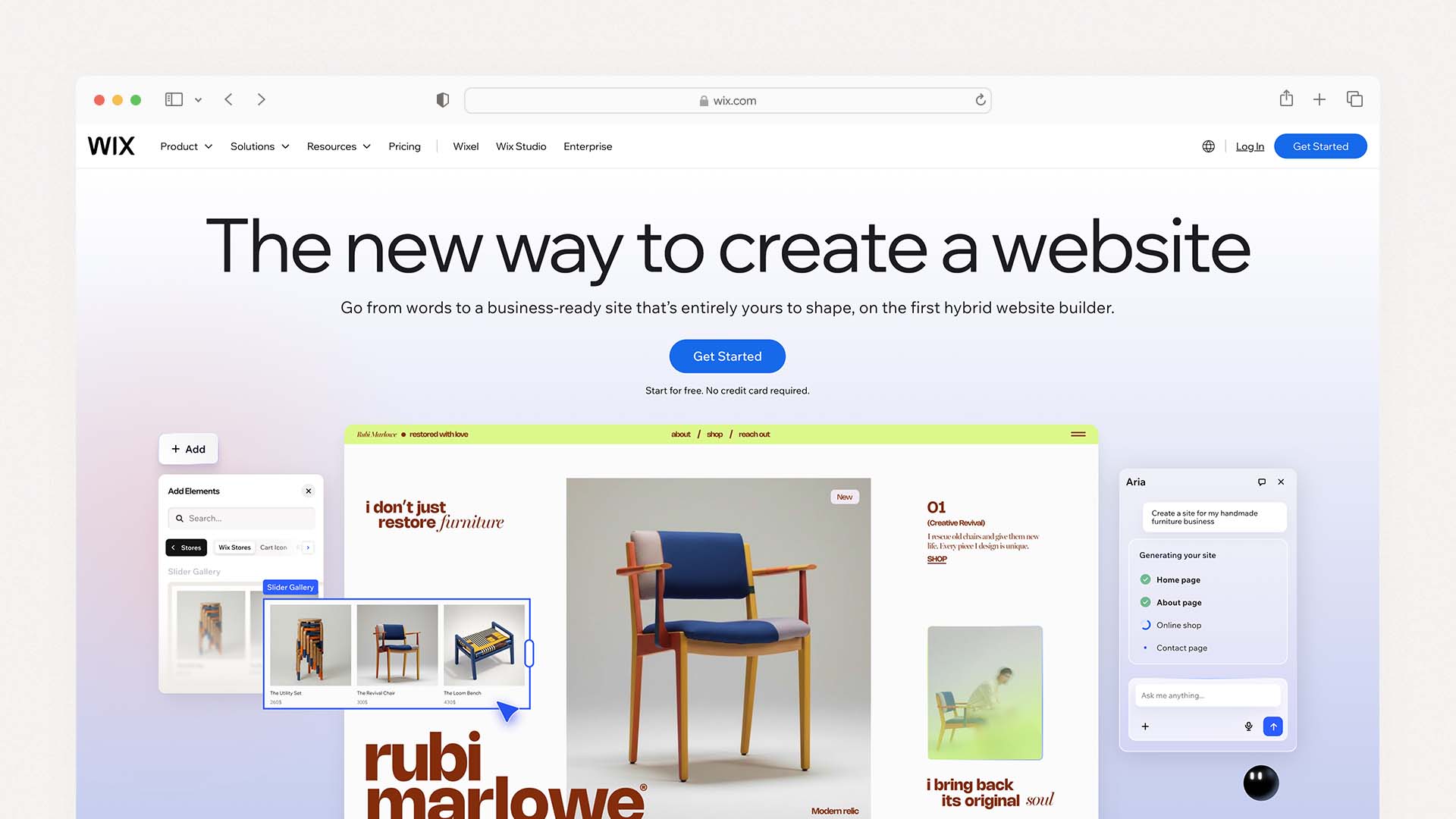
Wix is the most complete restaurant website builder for independent restaurants, cafes, food trucks, and mid-size dining businesses. It gives you design freedom, a proper restaurant management platform, and some of the most advanced AI tools of any builder on this list.
The key feature that makes Wix stand out is the Wix Restaurants suite — a set of dedicated apps for menus, online orders, and table reservations that all connect to one central dashboard. Staff can update the menu, check order status, and manage bookings without touching the website editor at all.
The AI-powered builder can generate a starting website from a few prompts about your restaurant, saving hours of setup time. Wix also has AI tools that let you make design edits using plain language — for example, typing "make the menu section larger" and seeing it update automatically.
The trade-off is price. You need the Core plan at $29/month to unlock online ordering. The base Light plan at $17/month does not include it.
Wix Pros:
85+ restaurant-specific templates
Built-in menus, ordering, and reservations — no third-party apps needed
AI website builder and AI marketing tools
Free plan available to test before committing
Strong SEO tools with full control over meta tags, URLs, and schema
Wix Cons:
Online ordering requires $29/month Core plan minimum
Cannot switch templates after the site is published
Editor has a learning curve due to the number of features
Wix Pricing:
Plan | Price | Key Feature |
|---|---|---|
Light | $17/month | Basic site, no ordering |
Core | $29/month | Menus + online ordering unlocked |
Business | $36/month | Advanced ecommerce |
Business Elite | $159/month | Enterprise and multi-location |
Best for: Cafes, food trucks, full-service restaurants, and bars that want one platform to handle their website, online ordering, and reservations without paying for multiple tools.
2. Squarespace — Best for Design and Food Photography
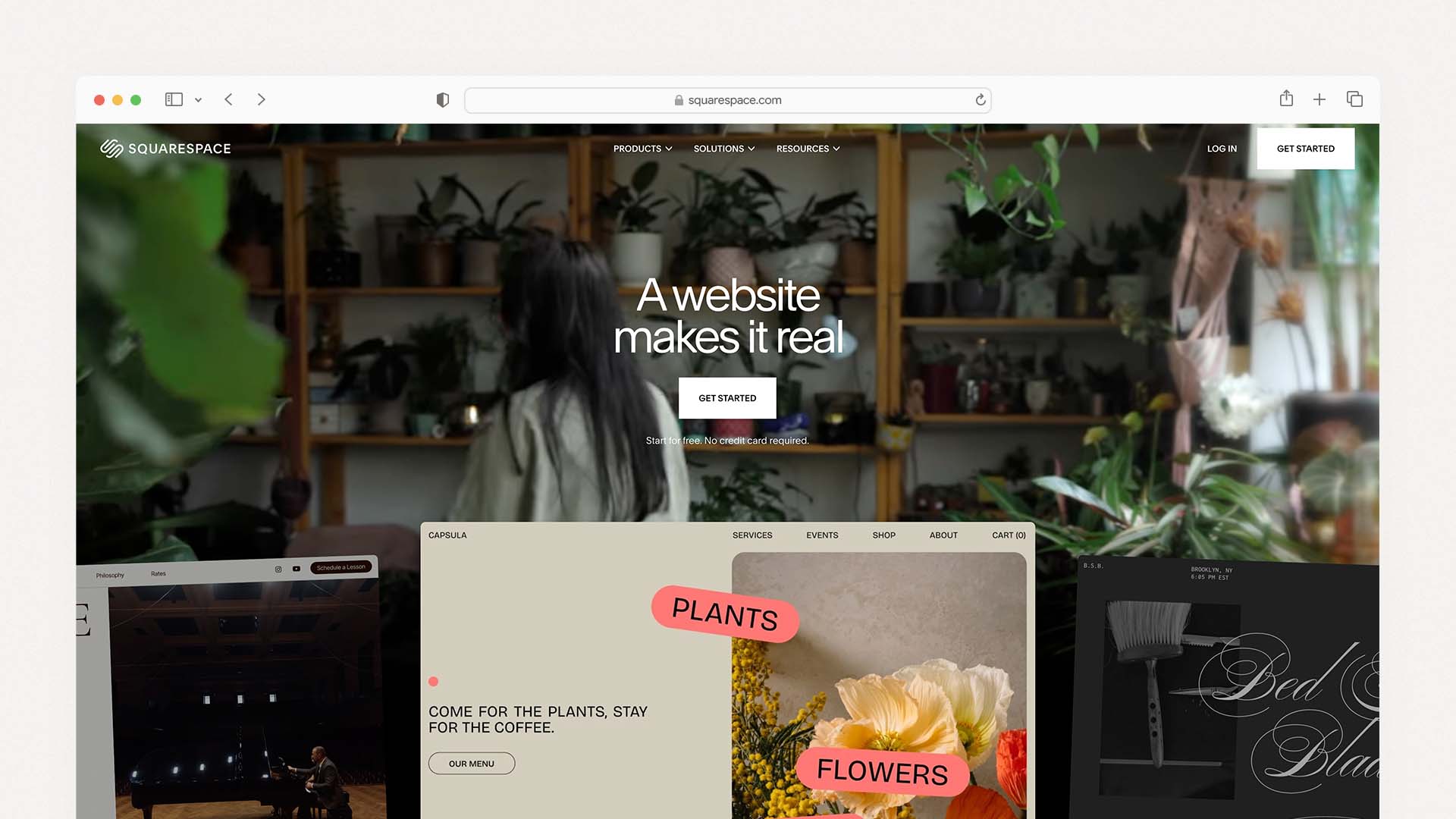
Squarespace is the go-to choice for restaurants where visual presentation drives the decision to visit. If your restaurant has a strong brand identity and you rely on professional food photography to attract customers, Squarespace makes that photography look better than any other builder on this list.
It has 16+ restaurant-specific templates with generous spacing, bold typography, and layouts designed around showcasing food. Squarespace also has a built-in menu creator that formats your menus cleanly and avoids the clumsy PDF workarounds that most restaurant websites still use.
The limitation is that online ordering and table reservations require third-party integrations — ChowNow for ordering and Tock for reservations. This adds setup complexity and can mean dealing with separate billing for each service.
Squarespace Pros:
The most polished and design-forward templates of any builder
Built-in menu creator with clean formatting — no PDFs needed
Strong SEO tools and Google Analytics integration
14-day free trial and 30-day money-back guarantee
Best-in-class food photography presentation
Squarespace Cons:
No built-in online ordering — requires ChowNow or similar
No built-in reservations — requires Tock integration
No free plan (trial only)
Fewer AI tools compared to Wix or Hostinger
Squarespace Pricing:
Plan | Price | Key Feature |
|---|---|---|
Basic | $16/month | Menu display, contact page |
Core | $23/month | Ordering integrations enabled |
Plus | $39/month | Advanced features |
Advanced | $99/month | Full ecommerce suite |
Best for: Fine dining restaurants, wine bars, upscale cafes, and catering businesses where brand identity and photography are the priority.
3. Hostinger — Best Budget Restaurant Website Builder
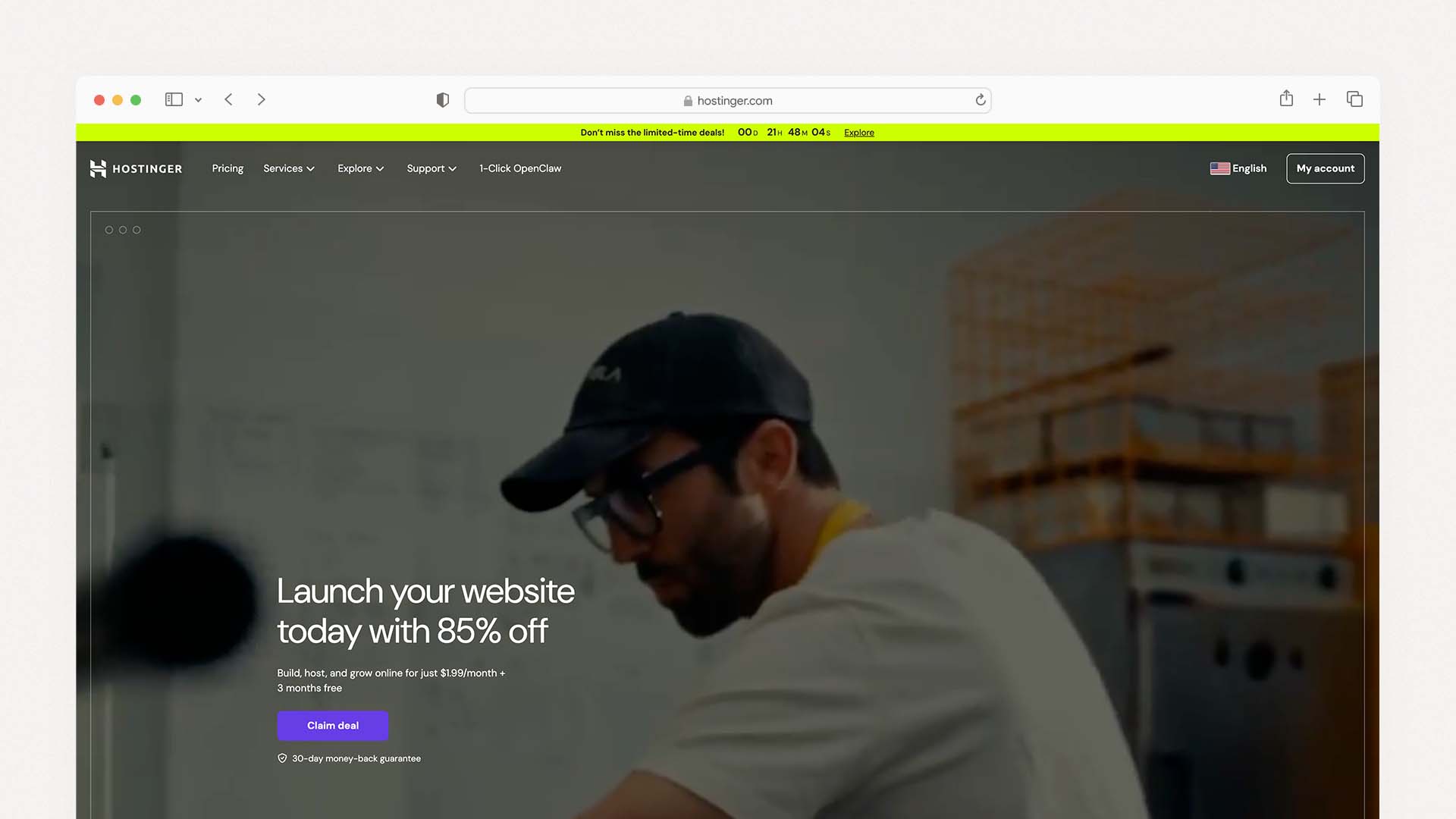
Hostinger is the most affordable option on this list, and for restaurants that need a professional-looking website fast and cheap, it delivers far more than you would expect at its price point.
The AI website builder is Hostinger's standout feature. You describe your restaurant in a few sentences, and Hostinger generates a working site with content, layout, and images in under a minute. Its AI can also write menu descriptions, generate promotional copy, and create blog posts about specials — a genuine time-saver for busy restaurant owners.
AI builders are becoming increasingly common — our full guide to the Best AI Website Builders explains how tools like Hostinger, Wix, and others can generate an entire site from a few prompts.
The main limitation is that Hostinger does not have built-in online ordering or reservations the way Wix does. It also offers fewer restaurant-specific templates — 8 dedicated templates compared to Wix's 85.
Hostinger Pros:
Starts at $2.99/month — the cheapest on this list
AI builder creates a full site from a text description in under 60 seconds
AI-generated menu descriptions and promotional copy included
Hosting, SSL certificate, and a custom domain included in all plans
Good mobile performance and fast load times
Hostinger Cons:
Only 8 restaurant-specific templates
No built-in online ordering system
No in-house reservation tool
Limited scalability for large or multi-location restaurants
Hostinger Pricing:
Plan | Price | Key Feature |
|---|---|---|
Premium | $2.99/month | Basic website, AI builder |
Business | $3.99/month | More AI tools, priority support |
Best for: Food trucks, pop-up restaurants, small cafes, and diners that need a clean professional website at the lowest possible cost and do not rely heavily on direct online ordering.
4. Shopify — Best for Ghost Kitchens and Delivery-First Restaurants
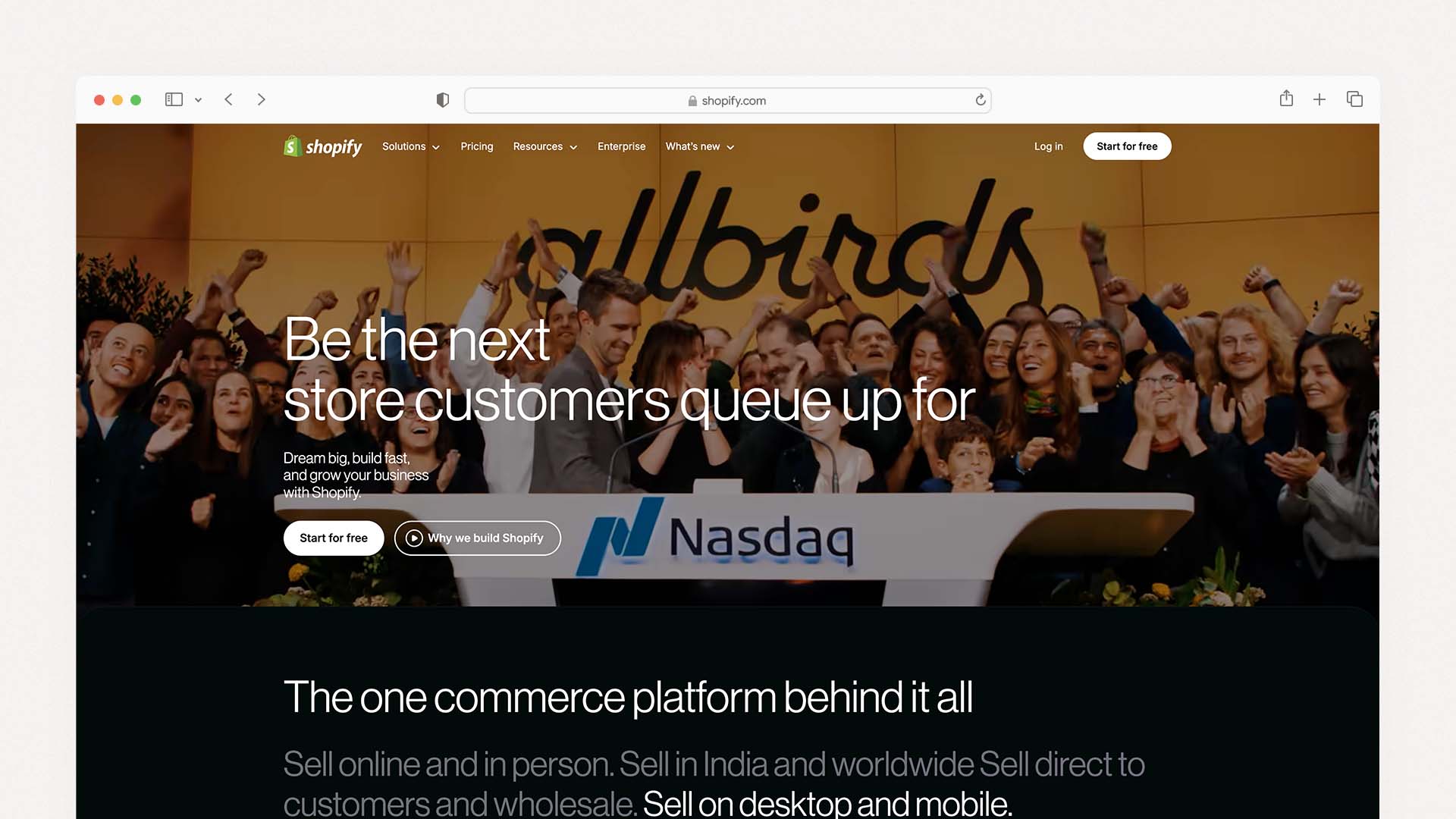
Shopify is primarily an ecommerce platform, but it is an excellent choice for restaurants that operate delivery-first — ghost kitchens, meal prep services, specialty food brands, and restaurants that sell across multiple channels including Instagram, Facebook, and TikTok simultaneously.
If you are building a website for a broader small business rather than a restaurant specifically, our guide to the Best Website Builder and Hosting for Small Business explains which platforms work best across different industries.
Its online ordering system is built for high-volume sales. You can take pickup, delivery, and shipping orders directly through your website without paying commissions to third-party apps. Shopify also lets you sell through social media at the same time, which is a major advantage for food businesses with a strong social audience.
Shopify Pros:
Best-in-class online ordering and payment processing
Sell through Instagram, Facebook, and TikTok simultaneously
No per-order commission fees from Shopify itself
Large app store for delivery scheduling, loyalty programs, and more
Scales well for multi-location and chain restaurants
Shopify Cons:
No table reservation tool built-in — requires a paid app
Fewer restaurant design templates compared to Wix or Squarespace
Higher starting price than most builders
Not ideal for traditional dine-in restaurant experiences
Shopify Pricing:
Plan | Price | Key Feature |
|---|---|---|
Basic | $29/month | Online store + ordering |
Shopify | $79/month | Professional reports |
Advanced | $299/month | Advanced analytics |
Best for: Ghost kitchens, meal delivery services, food subscription boxes, and restaurants that want to grow revenue through online sales and social commerce.
5. GoDaddy — Best for Getting Online Fast
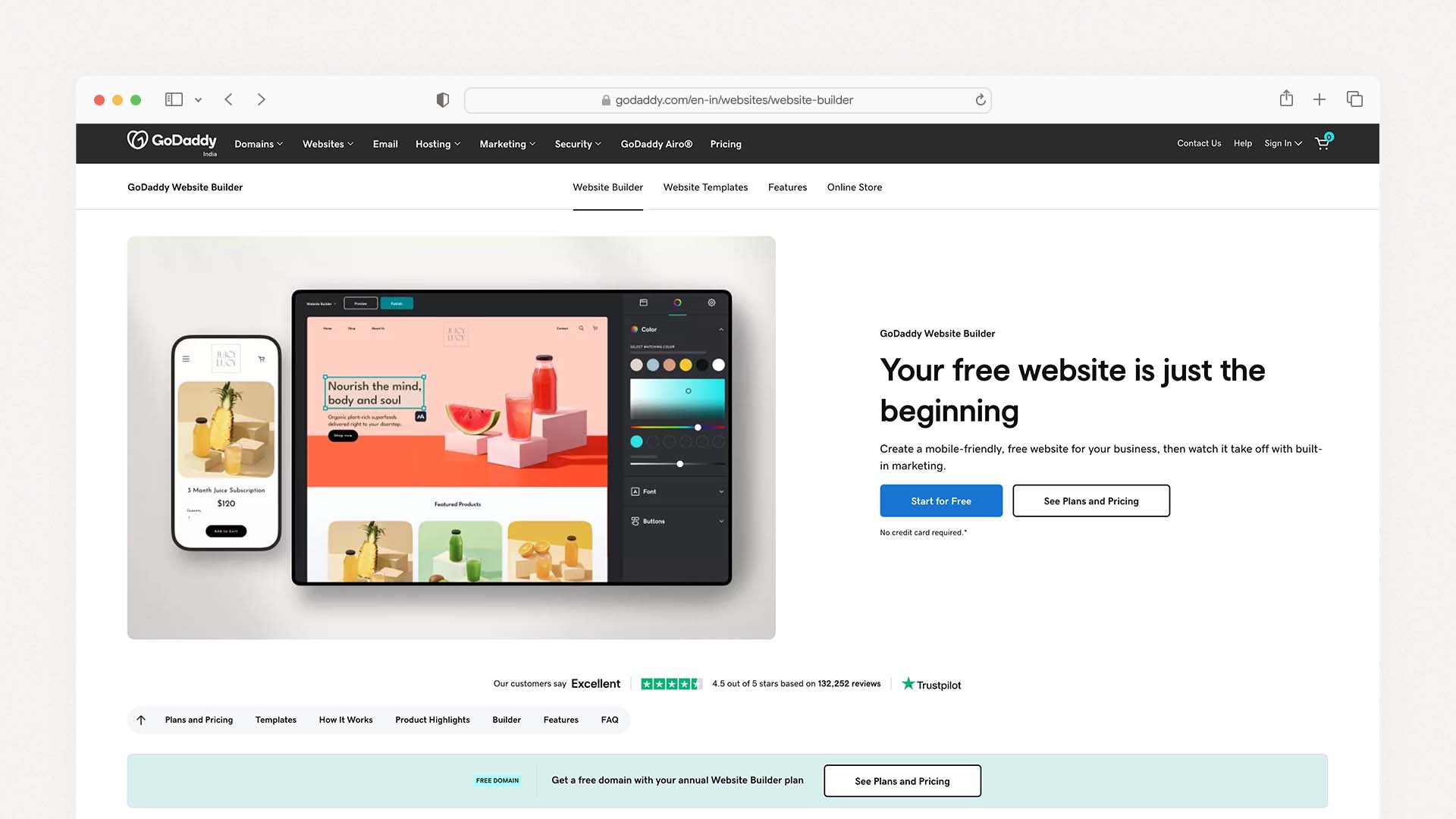
GoDaddy is not the most feature-rich builder, but it is one of the fastest ways to get a restaurant website live. Its setup wizard walks you through each step, and most restaurants can have a working site with a menu and contact page within a single afternoon.
It has 27 restaurant-themed templates and includes SSL certificates and a PayPal integration across all plans. The GoDaddy Insight tool gives basic performance recommendations based on how your site compares to others in your industry.
GoDaddy Pros:
Fastest setup time of any builder on this list
27 restaurant-themed templates
Affordable base pricing with reliable hosting
Built-in appointment and contact buttons
Strong 24/7 customer support
GoDaddy Cons:
Limited design customization compared to Wix or Squarespace
No built-in restaurant ordering system
Features feel basic compared to restaurant-specific platforms
Renewal prices increase significantly after the first year
GoDaddy Pricing:
Plan | Price | Key Feature |
|---|---|---|
Basic | $9.99/month | Simple website and contact page |
Standard | $14.99/month | More features and storage |
Premium | $20.99/month | Advanced marketing tools |
Best for: Local restaurants and diners that want a simple, professional web presence online fast — without dealing with a complex editor.
6. BentoBox — Best for Fine Dining and Upscale Brands
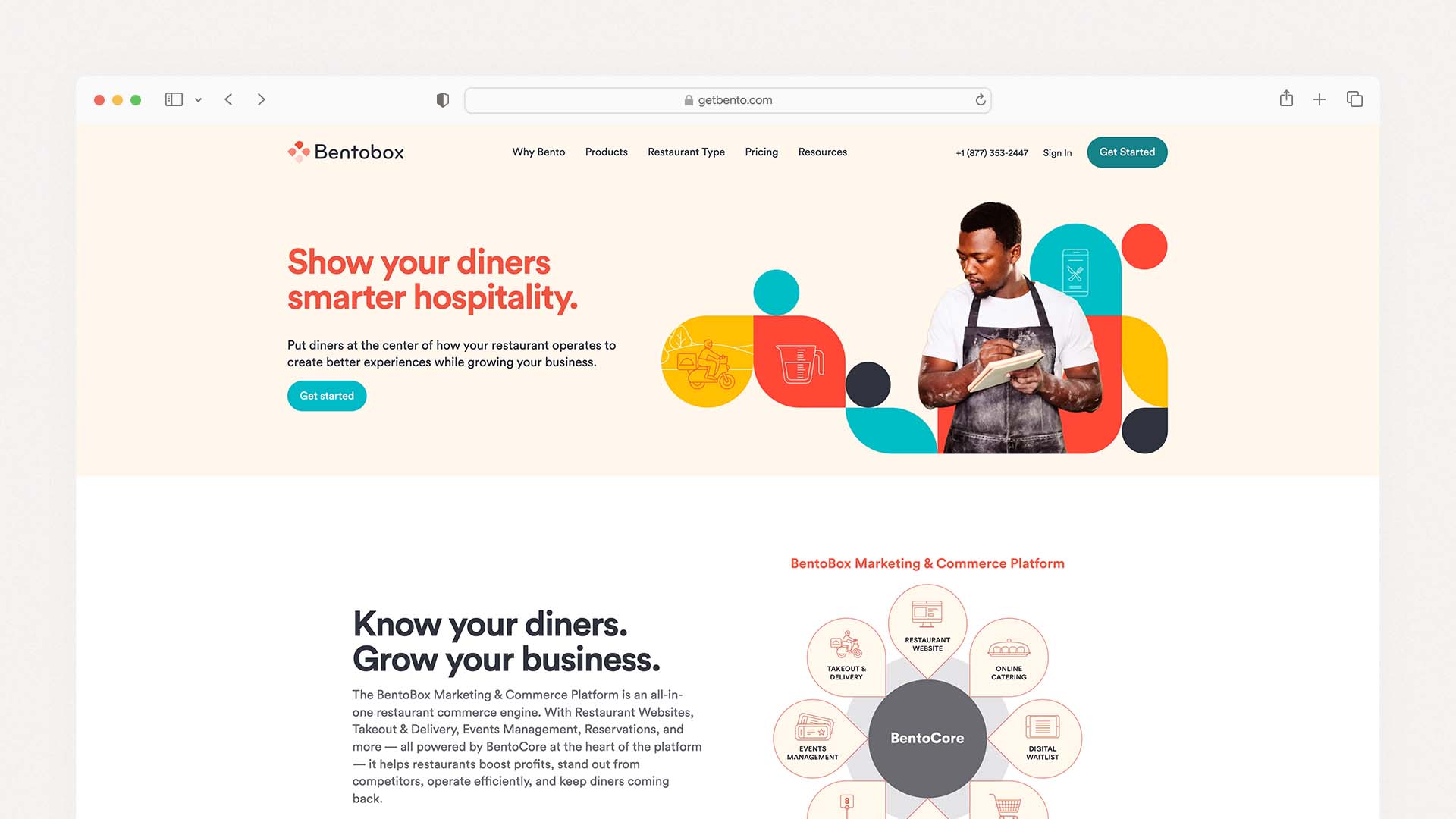
BentoBox is a restaurant-only website builder designed specifically for restaurants that need a premium, custom-looking site without hiring a web design agency. Its templates are created and maintained by designers who specialize exclusively in restaurant websites.
It includes built-in online ordering, event management, and reservation tools in one platform. For upscale restaurants with strong brand identities, BentoBox can produce results that look significantly more polished than any general website builder template.
BentoBox Pros:
Professional restaurant-focused design — not generic templates
Built-in ordering, reservations, and event management
Designed exclusively for the restaurant industry
Conversion-focused layouts based on real restaurant data
BentoBox Cons:
Expensive — starts at $119/month
Longer onboarding and setup process
Less direct editing control than Wix or Squarespace
Overkill and over-budget for small restaurants
BentoBox Pricing:
Plan | Price | Key Feature |
|---|---|---|
Starter | $119/month | Core website and ordering |
Standard | $199/month | Events and marketing tools |
Premium | $279–479/month | Full managed experience |
Best for: Upscale restaurants, fine dining establishments, and restaurant groups that want an agency-quality website without the agency price tag.
7. Owner.com — Best for Cutting Delivery App Commissions
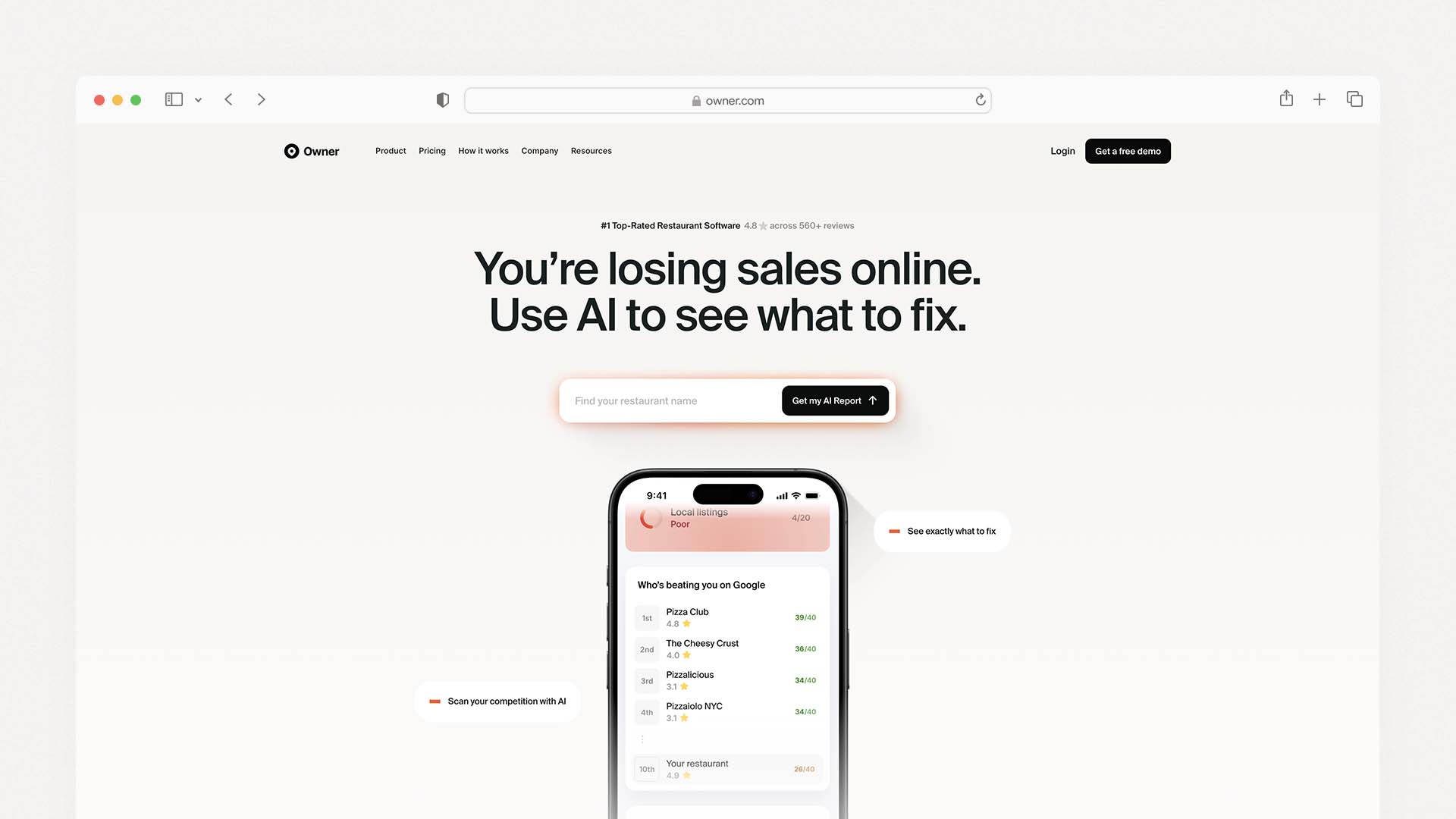
Owner.com is a restaurant-specific platform built around one goal: helping independent restaurants take direct orders and reduce reliance on third-party delivery apps like DoorDash and Uber Eats. Its websites are conversion-focused by design, meaning every element is structured to drive online orders and repeat customers.
Owner.com has driven over $100 million in direct sales for restaurants and handles website, online ordering, email marketing, and SMS marketing in one package. If you are currently losing 15–30% of your revenue to delivery app commissions and want to take that back, Owner.com is one of the most effective tools available.
Owner.com Pros:
Built specifically to help restaurants drive direct orders
Includes website, ordering, email, and SMS marketing in one package
Proven track record — $100M+ in direct restaurant sales
Fast setup, most sites go live within a week
Focused entirely on reducing third-party app fees
Owner.com Cons:
Limited design customization — templates are pre-set for conversions
Pricing is custom and not listed publicly
Not the right fit if you want a highly branded, creative look
Best for: Independent restaurants and small chains spending too much on delivery app commissions who want to shift more orders to their own direct channel.
Which Restaurant Website Builder Should You Choose?
Your Situation | Best Choice |
|---|---|
You want the best all-around builder | Wix |
You want beautiful design and food photography | Squarespace |
You want the cheapest option that still works | Hostinger |
You run a ghost kitchen or delivery-first brand | Shopify |
You want to get online this afternoon | GoDaddy |
You run a fine dining or upscale restaurant | BentoBox |
You want to cut delivery app commissions | Owner.com |
What Pages Does Every Restaurant Website Need?
Home Page
Your home page should show your restaurant name, a hero image of your food or interior, your location and hours, and a clear call-to-action button to either view the menu or order online. Visitors should know who you are and where you are within three seconds of landing on the page.
Menu Page
This is the most visited page on any restaurant website. Your menu must be real text on the page — not a PDF or an image file. Real text lets Google read and index your menu, which helps you show up when someone searches for a specific dish near them. Every builder on this list has a menu tool that handles this correctly.
Reservations or Order Online Page
If you accept reservations, this page should have a direct booking form or widget. If you accept online orders, the order button should be prominent on every page of the site — not buried in a dropdown menu.
About Page
A short paragraph about your restaurant's story, your chef, or your concept builds trust and helps visitors feel connected to your brand before they even walk through the door. Google also uses this page to confirm that your restaurant is a legitimate, established business.
Contact Page
Include your full address, phone number, email, and opening hours. Embedding a Google Map directly on this page helps with local SEO and makes it easier for customers to find you on a mobile device while they are already out.
How Much Does a Restaurant Website Cost?
Using a Website Builder
Budget Level | Monthly Cost | Best Builder | What You Get |
|---|---|---|---|
Very Low | $3 – $10 | Hostinger | Menu, contact page, basic site |
Low | $10 – $25 | GoDaddy, Squarespace | Menu, photos, contact, reservations |
Medium | $25 – $50 | Wix, Shopify | Menu + online ordering + reservations |
Higher | $50 – $150 | BentoBox Starter | Full restaurant suite |
Premium | $150 – $479 | BentoBox Plus | Agency-quality, fully managed |
Hiring a Web Designer
If you hire a freelance web designer to build a custom restaurant website, expect to pay between $1,500 and $8,000 upfront depending on complexity, plus ongoing maintenance costs. This makes sense for restaurant groups and chains but is usually unnecessary for a single location.
Hidden Costs to Watch For
Before you commit to any builder, check whether these are included or charged separately:
Online ordering tools — some platforms charge $50–75/month extra
Domain registration — usually $10–20/year, often free in year one
SSL certificate — included with all reputable builders now, but confirm
Transaction fees on orders — Squarespace charges 3% on lower plans
Renewal price increases — introductory prices often double after the first year
How to Make Your Restaurant Website Rank on Google
Claim and Optimize Your Google Business Profile
This is free and takes 15 minutes. Your Google Business Profile is what shows up in the map results when someone searches "restaurants near me." Your name, address, phone number, and hours must match exactly what is on your website.
Use Real Text for Your Menu — Never PDFs
Google cannot read your menu if it is a PDF or an image file. Use a builder with a proper menu tool, or type your menu as regular text with headings for each section. This alone can dramatically improve your visibility in local search results.
Put Your Location in Your Page Titles
Instead of a page title that just says "Menu," use something like "Menu — Raj's Kitchen, Ahmedabad." This gives Google the location signal it needs to connect your page to local search results.
Get Reviews and Respond to Every One
Google factors the quantity and recency of your reviews into local search rankings. Encourage every happy customer to leave a review and respond to every review you receive — good or bad. Even a short response signals to Google that your business is active.
Test Your Mobile Load Speed
Use Google's free PageSpeed Insights tool to test your site's mobile load speed. If it scores below 70, contact your website builder's support team and ask about speed optimization or image compression.
Understanding hosting infrastructure also matters for performance. If you're unfamiliar with it, read our simple explanation of What Cloud Hosting Is and how it affects website speed.
Final Verdict
No single builder is the best for every restaurant. Here is the short version:
Choose Wix if you want everything in one place — menus, ordering, and reservations without juggling multiple tools
Choose Squarespace if your restaurant has a strong visual identity and food photography you want to show off
Choose Hostinger if you are on a tight budget and need a clean, fast website for under $3 a month
Choose Shopify if you are delivery-first, operate a ghost kitchen, or want to sell across Instagram and TikTok
Choose GoDaddy if you want the fastest possible setup with no fuss
Choose BentoBox if you run a fine dining restaurant and want a premium, fully managed website experience
Choose Owner.com if your main goal is reducing delivery app commissions and driving more direct orders
The most important thing is to get your restaurant website live. Every day without one is a day that customers searching online are choosing a competitor that has one.
If you're still exploring different builder categories, you can also compare the Best DIY Website Builders to see which platforms offer the easiest setup for beginners.
FAQs
Which website builder is best for a restaurant?
Wix offers a free plan that lets you build and publish a restaurant website at no cost, but the free plan displays Wix branding and does not allow a custom domain name. For a professional-looking site with a custom domain, the minimum investment is around $3–17 per month depending on the builder.
Can I build a restaurant website for free?
Wix offers a free plan that lets you build and publish a restaurant website at no cost, but the free plan displays Wix branding and does not allow a custom domain name. For a professional-looking site with a custom domain, the minimum investment is around $3–17 per month depending on the builder.
What is the cheapest website builder for a restaurant?
Hostinger is the cheapest restaurant website builder, starting at $2.99 per month. It includes AI website generation, a drag-and-drop editor, and basic menu management. It does not include built-in online ordering, so it works best for restaurants that only need an informational website.
Does Wix work for restaurant websites?
Yes. Wix has a dedicated restaurant platform called Wix Restaurants that includes built-in menu management, online ordering, and table reservation tools — all managed from one dashboard. You need the Core plan at $29/month to unlock the online ordering feature.
Is Squarespace good for restaurants?
Squarespace is an excellent choice for restaurants where design and brand presentation are the priority. It has 16+ restaurant-specific templates and a built-in menu creator. Online ordering requires a ChowNow integration and reservations require Tock, which adds some setup complexity compared to Wix.
How much does it cost to build a website for a restaurant?
Using a website builder, a restaurant website costs between $3 and $50 per month depending on the features you need. Hiring a freelance designer costs $1,500–$8,000 upfront. For most independent restaurants, a website builder in the $17–$29 per month range provides everything needed — menus, online ordering, reservations, and mobile-optimized design.
Latest Blogs
Get the Latest Tech Insights in Your Inbox.
No spam, unsubscribe anytime.