
The best AI image generator for most creators and businesses in 2026 is Midjourney V7 at $10–30 per month — it consistently produces the most aesthetically polished, professionally usable images of any tool tested, with unmatched artistic depth, dramatic lighting, and compositional quality that experienced designers describe as having a near-magical quality. For creators who need the most accurate text rendering inside images — for posters, social graphics, merchandise, and branded content — Ideogram 3 is the clear leader, solving the one problem every other generator still struggles with. For businesses that need the strongest commercial licensing protection and complete legal clarity, Adobe Firefly is the only tool trained exclusively on licensed and public domain content, giving your legal team nothing to worry about.
This guide runs five identical prompts through every major AI image generator and documents exactly what came back. It also answers the question most AI image generator comparisons never address directly: which tools allow you to use generated images commercially without a copyright headache — and which ones put your business at legal risk without you realising it. The answer is more complicated than most tools' marketing suggests, and the differences matter significantly if you are creating content for clients, for commercial use, or for publication.
The Commercial Use Question — Read This Before You Generate Anything for Business
The most important section in this guide comes first because most creators discover the complexity too late — after they have already built client deliverables, printed merchandise, or published commercial content using AI-generated images.
The commercial use landscape in 2026 has three distinct tiers:
Tier 1: Cleanest Commercial Rights (Legal Team Can Sleep at Night)
Adobe Firefly is the only major AI image generator trained exclusively on licensed Adobe Stock content, openly licensed works, and public domain material. Every image generated in Firefly comes with a full commercial use licence and explicit IP indemnification for Enterprise customers — Adobe legally backs the images you create. For businesses with risk-conscious legal teams, regulated industries, and work that will be published in high-visibility commercial contexts, Firefly's training data provenance is genuinely unique and genuinely valuable.
DALL-E 3 / GPT Image 1.5 (via ChatGPT Plus) grants full commercial rights on paid plans. OpenAI provides explicit ownership of generated images to users on paid subscriptions, and the model's stricter content policy — which refuses to generate likenesses of real people and many copyrighted characters — reduces the risk of inadvertently creating legally problematic content.
Tier 2: Commercial Rights Included, Training Data Unverified
Midjourney (paid plans) grants commercial use rights. However, the training data composition is not publicly disclosed in detail, and Midjourney is currently subject to ongoing copyright litigation from artists whose work may have been included in training without consent. For most commercial work, Midjourney's images are used widely and without legal consequence. For work requiring the highest level of IP certainty — pharmaceutical advertising, legal publications, products with high litigation exposure — the training data provenance question is unresolved.
Flux (paid versions), Leonardo AI (paid plans), and Ideogram (paid plans) all grant commercial rights on their paid tiers, with similar training data caveats as Midjourney.
Tier 3: Commercial Rights Restricted or Unclear on Free Plans
Most free tiers across all tools either explicitly restrict commercial use or require attribution in commercial contexts. This includes:
Midjourney free trial — community licence only, not for commercial use
Leonardo AI free tier — non-commercial personal use only
Ideogram free tier — personal use, attribution required for commercial use
Stable Diffusion (via third-party platforms) — depends on the specific platform's terms
Playground AI free tier — public images, personal use only
The practical rule: If you are creating images for client work, for paid publication, for products you sell, or for commercial advertising — you need a paid plan on a tool with explicit commercial rights. Verify the specific terms on the current pricing page of whatever tool you use, as licensing terms change more frequently than feature sets.
The Five Prompts We Tested
Every tool was tested on the same five prompts under identical conditions — no additional prompt engineering, no negative prompts, no style parameters, just the plain language description. This tests what the tool does with a realistic user input rather than an optimised prompt crafted by someone who has spent months learning each tool's quirks.
Prompt 1 — Photorealistic Product Shot: "A standing desk converter on a white desk, natural daylight from the left, shallow depth of field, professional product photography, hero shot"
Prompt 2 — Marketing Social Graphic With Text: "Instagram-style social media post for a coffee shop, warm autumn colours, include the text 'Good morning, London' in stylish handwriting"
Prompt 3 — Concept Art / Illustration: "A bustling night market in Southeast Asia, steam rising from food stalls, neon signs in the rain, cinematic lighting, photorealistic"
Prompt 4 — Brand/Logo Style Asset: "Minimal geometric logo icon for a fintech company called 'Nara', navy blue and gold, clean professional style, white background"
Prompt 5 — Professional Portrait Style: "Business headshot style portrait of a professional woman, early 40s, neutral background, soft studio lighting, confident expression, non-specific ethnicity"
Results are summarised in the verdict table after the reviews. The commercial use analysis for each output is included where relevant.
Quick Comparison — Best AI Image Generators
Tool | Best For | Free Plan | Starting Price | Commercial Rights | Text in Images | Photorealism |
|---|---|---|---|---|---|---|
Midjourney V7 | Best artistic quality | ❌ No | $10/month | ✅ Paid plans | ⚠️ Improving | ✅★★★★★ |
GPT Image 1.5 | Best all-round + easiest | ✅ Limited | $20/month (ChatGPT Plus) | ✅ Paid plans | ✅★★★★☆ | ✅★★★★☆ |
Adobe Firefly | Cleanest commercial licence | ✅ 25/month | Free–$54.99/month | ✅ Best-in-class + indemnification | ✅★★★★☆ | ✅★★★★☆ |
Ideogram 3 | Best text rendering | ✅ 10/day | $12/month | ✅ Paid plans | ✅★★★★★ | ✅★★★☆☆ |
Stable Diffusion / FLUX | Best open-source control | ✅ Self-hosted | Free–$12/month | ✅ Schnell version | ⚠️ Variable | ✅★★★★★ |
Leonardo AI | Best for character consistency | ✅ 150 tokens/day | $12/month | ✅ Paid plans | ⚠️ Variable | ✅★★★★☆ |
Playground AI | Best free volume | ✅ 500/day | $15/month | ⚠️ Free = public | ⚠️ Basic | ✅★★★☆☆ |
Canva AI | Best for non-designers | ✅ 50 lifetime | $12.99/month | ✅ Paid plans | ✅★★★★☆ | ✅★★★☆☆ |
The 8 Best AI Image Generators — Full Reviews
1. Midjourney V7 — Best Artistic Quality
Midjourney is the AI image generator that creative professionals reach for when quality is the primary criterion. Since its launch in 2022, it has maintained the top position for aesthetic excellence across every major independent benchmark, and V7 — released in 2026 — extends that lead with improved photorealism, better character consistency, and a more capable web interface that has substantially reduced the platform's reliance on Discord.
The defining characteristic of Midjourney output is what its community calls aesthetic coherence — images that not only look technically correct but feel compositionally intentional, with natural lighting relationships, appropriate colour harmony, and the kind of atmospheric depth that distinguishes professional photography from technically adequate photography. Ask Midjourney for a rainy night market, and you get steam rising from stalls in a way that the ambient lighting, the rain texture, and the depth of field all reinforce each other. Ask DALL-E for the same prompt and you get a technically accurate image that looks like an illustration rather than a photograph.
V7 improvements include faster generation via Draft Mode (10x faster at half the credit cost — useful for rapid iteration before final generation), Niji 7 for anime and illustration styles (released January 2026), native video generation up to 21 seconds, and a full web editor with inpainting, outpainting, and generative fill. The Style Reference system — which lets you use an existing image to define the aesthetic of new generations — has become one of the most powerful brand consistency tools for marketing teams that need a coherent visual identity across AI-generated content.
Character Reference maintains consistent facial features and characteristics across multiple images of the same subject — a capability that enables illustrated narratives, character development for games and media, and consistent model-style content for brands.
On Prompt 3 (night market): Midjourney produced the most cinematic and atmospheric result of any tool tested — the steam, rain, neon reflections on wet pavement, and depth of stall layers all worked together exactly as a skilled photographer would compose them. The result could be published commercially as a marketing asset without editing.
On Prompt 2 (text in image): The "Good morning, London" text rendering was inconsistent — letters were legible but slightly irregular, confirming Midjourney's known limitation with precise typography.
Commercial use note: Paid Midjourney plans include commercial rights. The training data litigation is ongoing; for most commercial work the risk is theoretical. For the highest-risk commercial contexts, Adobe Firefly provides greater legal certainty.
Midjourney Pricing:
Plan | Monthly Price | Generations | Key Feature |
|---|---|---|---|
Basic | $10/month | ~200/month | Web access, commercial rights |
Standard | $30/month | ~900/month | Stealth mode, unlimited relaxed |
Pro | $60/month | ~1,800/month | Maximum GPU priority |
Mega | $120/month | ~3,600/month | Highest volume |
Annual billing saves approximately 20% across all plans.
Midjourney Pros:
Best artistic quality of any tool tested — consistently the top result in independent aesthetic benchmarks
V7's Draft Mode enables rapid iteration at 10x speed and half the credit cost
Character Reference and Style Reference for brand-consistent multi-image campaigns
Native video generation up to 21 seconds — expanding into motion content
Niji 7 for anime and illustration styles — best-in-class for animated visual styles
Largest creative community — millions of examples to learn from and reference
Midjourney Cons:
No free tier — commitment required before you can evaluate the output quality
Text rendering still inconsistent — a known limitation for text-heavy social graphics
Training data litigation ongoing — not the cleanest commercial licence for highest-risk use
Web interface improved but some workflows still route through Discord
Anatomy (hands, fingers) occasionally incorrect — a persistent AI image generation challenge
2. GPT Image 1.5 (via ChatGPT) — Best All-Round Accessibility
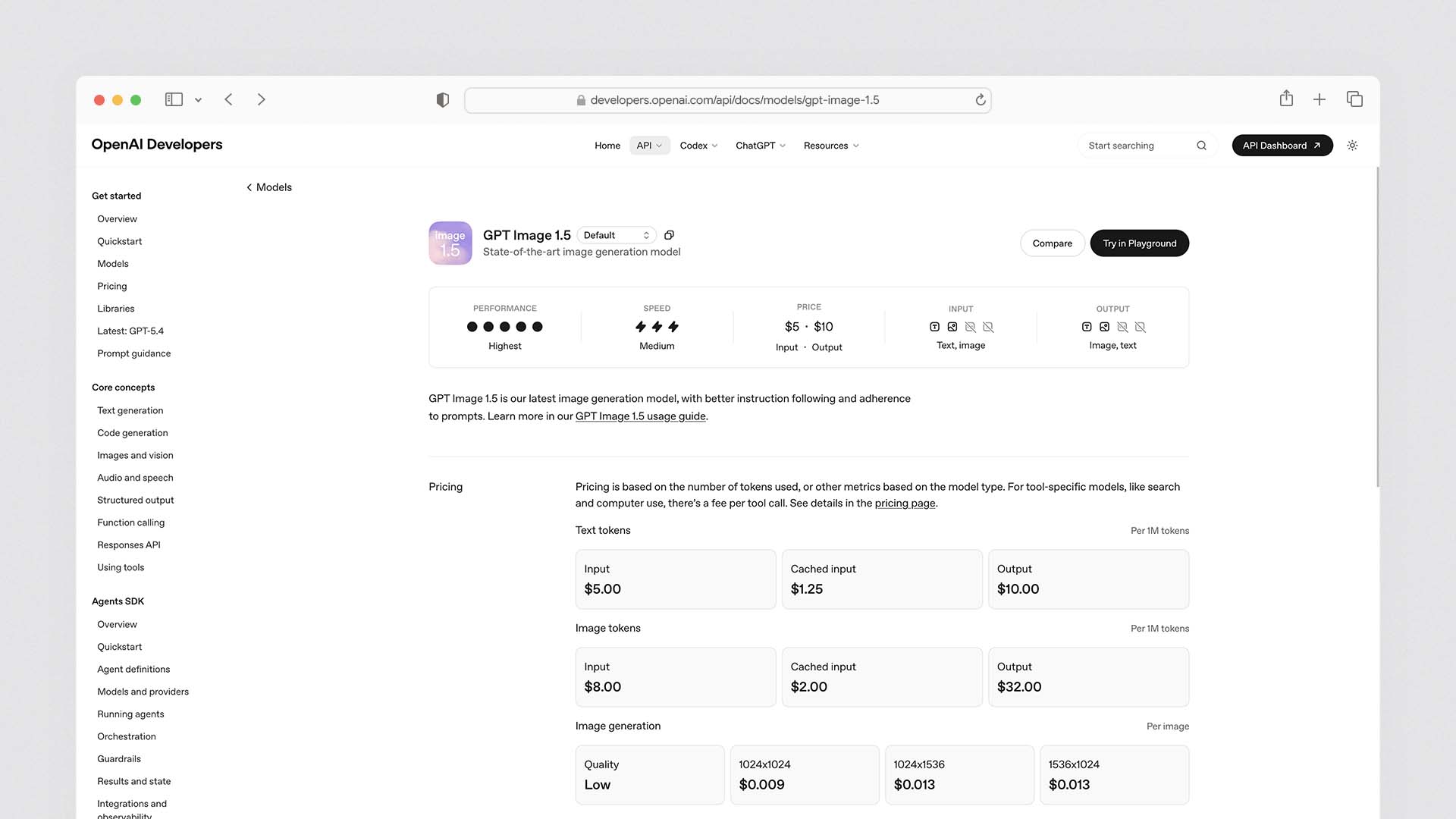
OpenAI replaced DALL-E 3 with GPT Image 1.5 in December 2025 — a natively multimodal model that generates images directly within ChatGPT rather than through a separate image pipeline. The result is currently ranked number one on LM Arena with an ELO of 1264 for image quality, and the conversational generation interface remains the most accessible image generation experience available to non-designers.
The defining advantage of GPT Image 1.5 over Midjourney and Stable Diffusion is conversational editing — you can refine an image through conversation in the same way you edit a document. "Make the background darker." "The lighting should come from the right." "Add a coffee cup to the desk surface." Each instruction adjusts the specific element you referenced without regenerating the entire image. No other tool offers this level of natural language image editing without learning prompt syntax or using separate editing tools.
Text rendering is the second practical advantage — GPT Image 1.5 produces the most reliable typography in images of any tool other than Ideogram. On Prompt 2 (the coffee shop social graphic), the "Good morning, London" text was accurate, legible, and appropriately styled — ready to use without text overlay editing in a separate tool.
Prompt adherence — following complex, multi-element instructions accurately — is where GPT Image 1.5 leads. On Prompt 4 (the fintech logo), it produced a cleaner, more precise geometric result than Midjourney's more artistically interpreted version. When you need the image to match a specific description precisely rather than produce the most beautiful possible interpretation of that description, GPT Image 1.5 is the more reliable tool.
The practical limitation is artistic range — GPT Image 1.5's output has a characteristic look (slightly illustrative, with consistent colour saturation and a clean aesthetic) that is immediately recognisable to trained eyes. For creative projects where a distinctive, non-generically-AI aesthetic matters, Midjourney's output is harder to trace back to a specific model.
For businesses already paying $20/month for ChatGPT Plus, GPT Image 1.5 is included at no extra cost — making it the highest-value AI image generator for the majority of small business users who are already on the ChatGPT platform.
GPT Image 1.5 Pricing:
Plan | Monthly Price | Image Access | Notes |
|---|---|---|---|
Free | $0 | Limited daily generations | Lower quality, rate limited |
ChatGPT Plus | $20/month | Higher daily limits | Included — no extra cost |
ChatGPT Pro | $200/month | Highest limits | Priority access |
API (gpt-image-1) | $0.02–$0.19/image | Pay-per-image | Developer/business use |
GPT Image 1.5 Pros:
Ranked #1 on LM Arena for image quality as of 2026
Conversational editing — refine images in natural language without separate editing tools
Best-in-class prompt adherence for complex, multi-element descriptions
Strong text rendering — second only to Ideogram for accurate typography in images
Included in ChatGPT Plus ($20/month) — best value for existing subscribers
Explicit commercial rights and cleaner training data provenance than Midjourney
Strictest content policy reduces inadvertent IP/legal risk
GPT Image 1.5 Cons:
Characteristic "illustrative" aesthetic — recognisable as AI-generated to trained eyes
Less artistic range than Midjourney for atmospheric, cinematic, or highly stylised work
Maximum output resolution lower than FLUX or Midjourney at equivalent settings
Content policy occasionally rejects legitimate creative requests (real people, certain styles)
3. Adobe Firefly — Best for Commercial and Enterprise Use
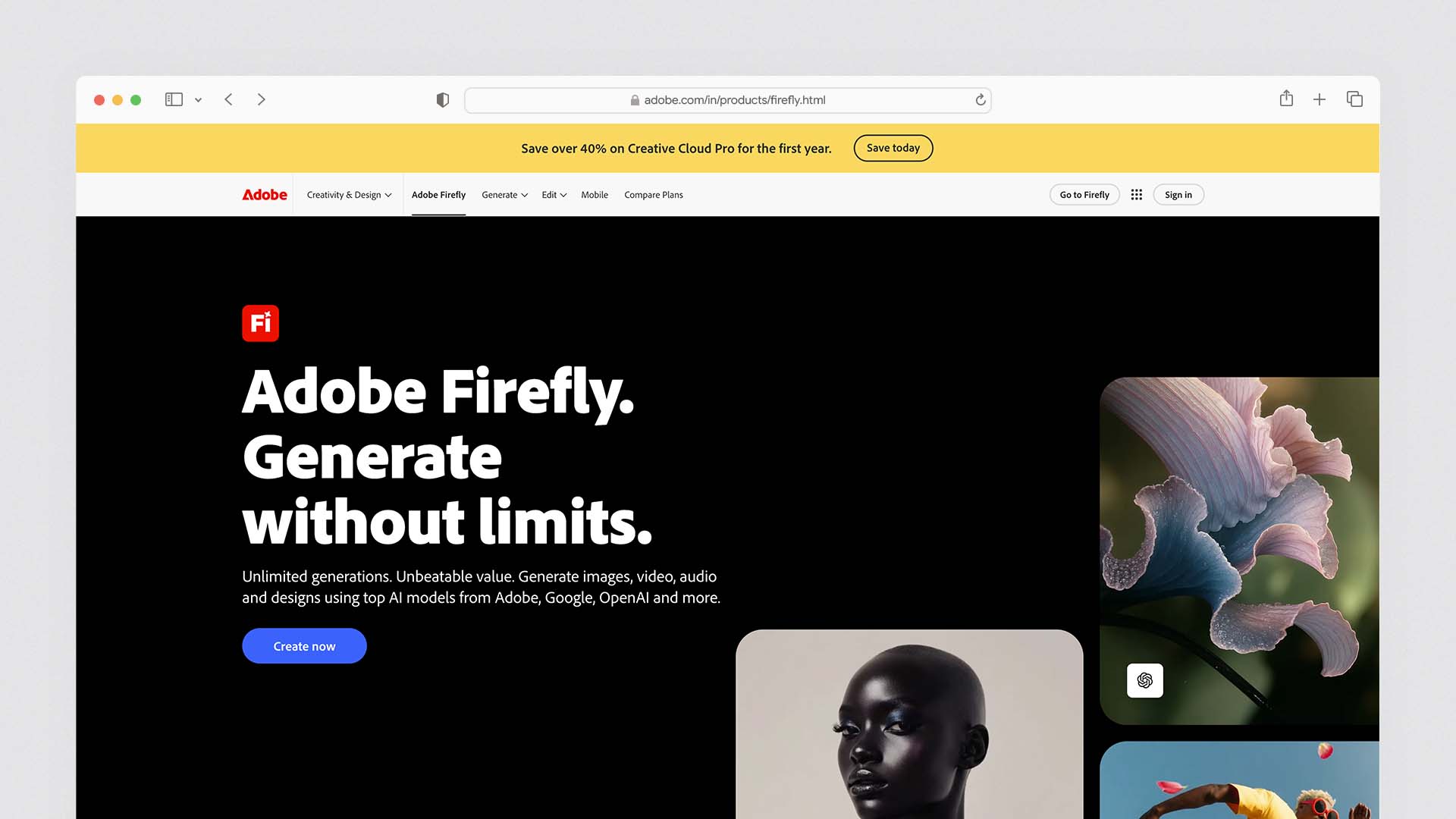
Adobe Firefly is the only major AI image generator trained exclusively on Adobe Stock licensed content, openly licensed works, and public domain material — the only tool on this list where the training data provenance is fully documented and legally clean. For businesses operating in regulated industries, creating content for high-visibility commercial campaigns, or working with clients whose legal teams scrutinise IP risk, Firefly's training data is not a marketing differentiator — it is a commercial requirement.
Firefly Image 4 (the current model as of 2026) produces strong commercial-quality photorealistic images, clean illustration styles, and precise execution of technical prompts. The quality does not reach Midjourney's aesthetic ceiling for artistically complex work — Firefly's output tends toward polished competence rather than creative distinction. For product photography, business headshots, marketing imagery, and brand assets, the quality is excellent. For campaign imagery that needs to stop the scroll on social media, Midjourney frequently produces more memorable results.
Adobe ecosystem integration is Firefly's second major advantage. It lives directly inside Photoshop, Illustrator, InDesign, and Premiere Pro — the tools most professional designers are already working in. The Generative Fill feature in Photoshop uses Firefly to seamlessly extend, replace, or add elements to existing photos using only natural language prompts. The workflow integration saves hours compared to exporting from one AI tool and importing into another for editing.
Firefly Enterprise provides explicit IP indemnification — Adobe legally backs the images your business creates, taking on liability for any copyright claims related to the generated output. This is the unique commercial assurance no other AI image generator on this list provides, and it is the reason Firefly is the default choice for Fortune 500 marketing teams and agencies with significant legal exposure.
On Prompt 5 (business headshot): Firefly produced the most realistic and immediately usable professional portrait of any tool tested — the lighting, skin texture, and natural expression were indistinguishable from a professionally shot headshot at first glance. This is one of Firefly's genuinely strong use cases.
On Prompt 3 (night market): Firefly's result was polished and technically accurate but lacked the atmospheric depth and cinematic quality of Midjourney's output — a fair representation of the quality ceiling difference between the tools.
Adobe Firefly Pricing:
Plan | Monthly Price | Generative Credits | Notes |
|---|---|---|---|
Free (Adobe account) | $0 | 25/month | Personal use only |
Firefly Standard | $9.99/month | 100/month | Full commercial rights |
Firefly Pro | $29.99/month | 500/month | Priority generation |
Creative Cloud (All Apps) | $54.99/month | 1,000/month | Full Adobe suite + Firefly |
Enterprise | Custom | Unlimited | IP indemnification, admin controls |
Adobe Firefly Pros:
Cleanest commercial licence on this list — trained exclusively on licensed and public domain content
Enterprise IP indemnification — Adobe legally backs commercial use of generated images
Native integration with Photoshop, Illustrator, InDesign, and Premiere Pro
Professional portrait and product photography quality on par with the best tools
Strong text rendering inside images
No IP litigation risk — the most legally defensible commercial image tool available
Adobe Firefly Cons:
Artistic ceiling below Midjourney for highly creative, atmospheric, or cinematic work
Generative credit limits are more restrictive than Midjourney's monthly plan allocations
Best value only for teams already paying for Creative Cloud
Free tier (25 images/month) too limited for meaningful evaluation
4. Ideogram 3 — Best for Text Rendering and Typography
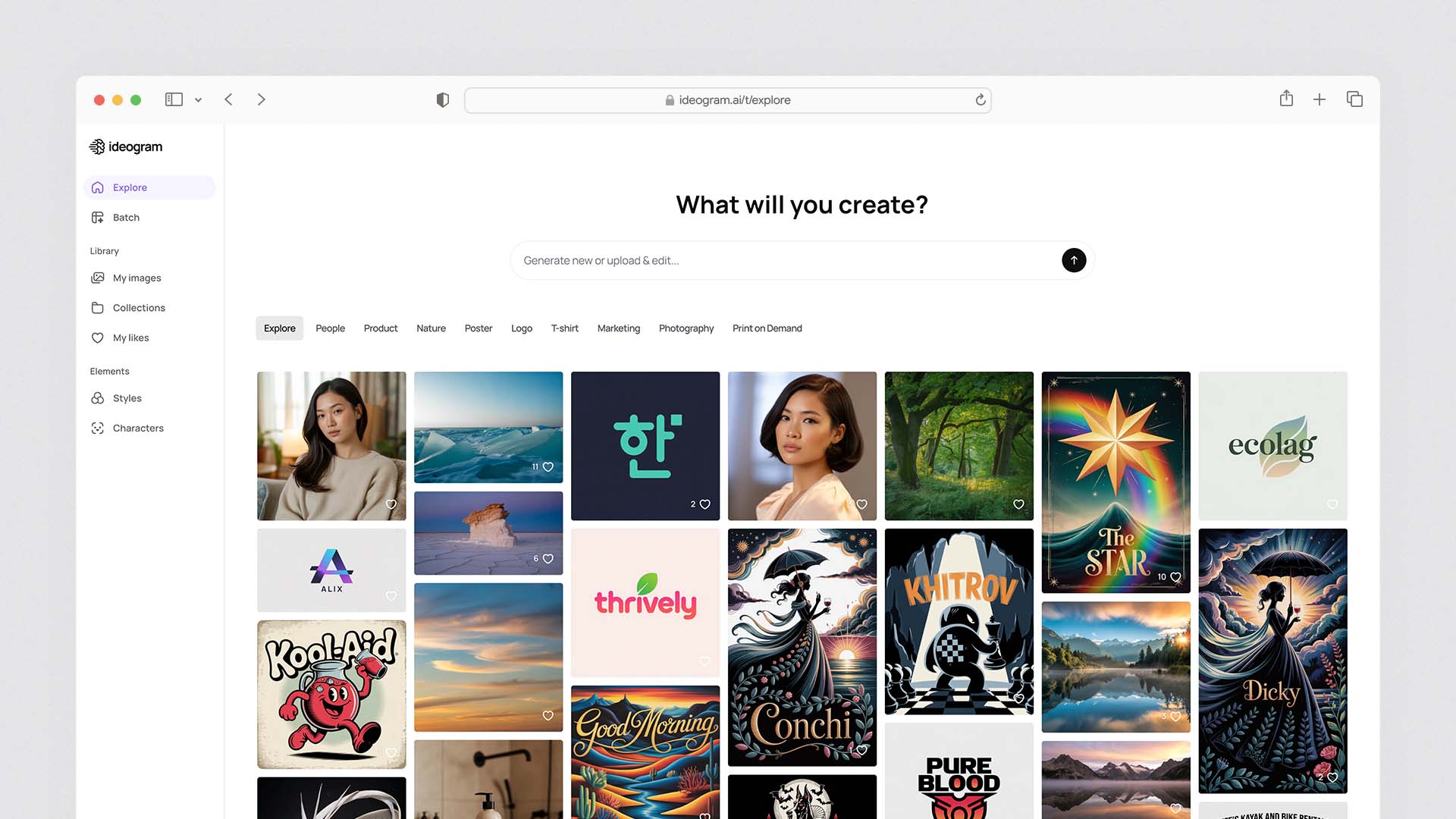
Ideogram 3 is the best solution to the single most persistent failure mode of AI image generation: putting accurate, legible, correctly spelled text inside an image. Every other tool on this list — Midjourney, Stable Diffusion, even GPT Image 1.5 — produces text that requires verification and occasional correction. Ideogram consistently generates readable, correctly spelled, stylistically appropriate typography in every image, every time.
For marketing teams, social media managers, and graphic designers who need AI-generated images that include text — poster designs, social media graphics, product labels, presentation slides, event announcements, merchandise — Ideogram's text rendering capability is a genuine category win that no competitor has matched.
Beyond text, Ideogram 3's overall image quality has improved significantly from earlier versions. The photorealism is competitive with mid-tier tools (though it does not reach Midjourney or FLUX for atmospheric work), and the diversity of supported styles — photorealism, illustration, watercolour, sketch, typography-focused graphic design — makes it more versatile than its text-specialist reputation suggests.
Magic Prompt — Ideogram's automatic prompt enhancement feature — expands simple descriptions into detailed, style-rich prompts that produce consistently higher-quality output than the original instruction alone. For users who are not yet skilled at prompt engineering, Magic Prompt significantly reduces the trial-and-error cycle.
On Prompt 2 (text in social graphic): Ideogram was the clear winner — "Good morning, London" was accurately spelled, appropriately styled to look like handwriting, and integrated naturally into the coffee shop composition. This is where Ideogram's advantage is most decisive.
On Prompt 3 (night market): Ideogram produced a technically correct but less artistically distinguished result than Midjourney — the text accuracy advantage does not extend into atmospheric image quality.
Ideogram 3 Pricing:
Plan | Monthly Price | Generations | Key Feature |
|---|---|---|---|
Free | $0 | 10 images/day | Personal use, lower quality |
Apprentice | $12/month | ~400/month | Full quality, commercial rights |
Artisan | $30/month | ~1,000/month | Priority generation |
Maestro | $60/month | ~2,400/month | Highest priority |
Ideogram Pros:
The best text rendering of any AI image generator — no meaningful competitor
Consistently accurate typography for posters, social graphics, labels, and signage
Magic Prompt auto-enhances simple descriptions into detailed, high-quality prompts
Strong commercial rights on paid plans
Competitive photorealism for non-atmospheric work
Good free tier (10 images/day) for evaluation
Ideogram Cons:
Artistic ceiling below Midjourney for atmospheric, cinematic work
Free tier quality noticeably lower than paid — not representative of the product
Less community content and prompt examples than Midjourney or Stable Diffusion
Style range narrower than FLUX or Leonardo AI for fine-tuned custom aesthetics
5. Stable Diffusion + FLUX — Best for Control, Privacy, and Open Source
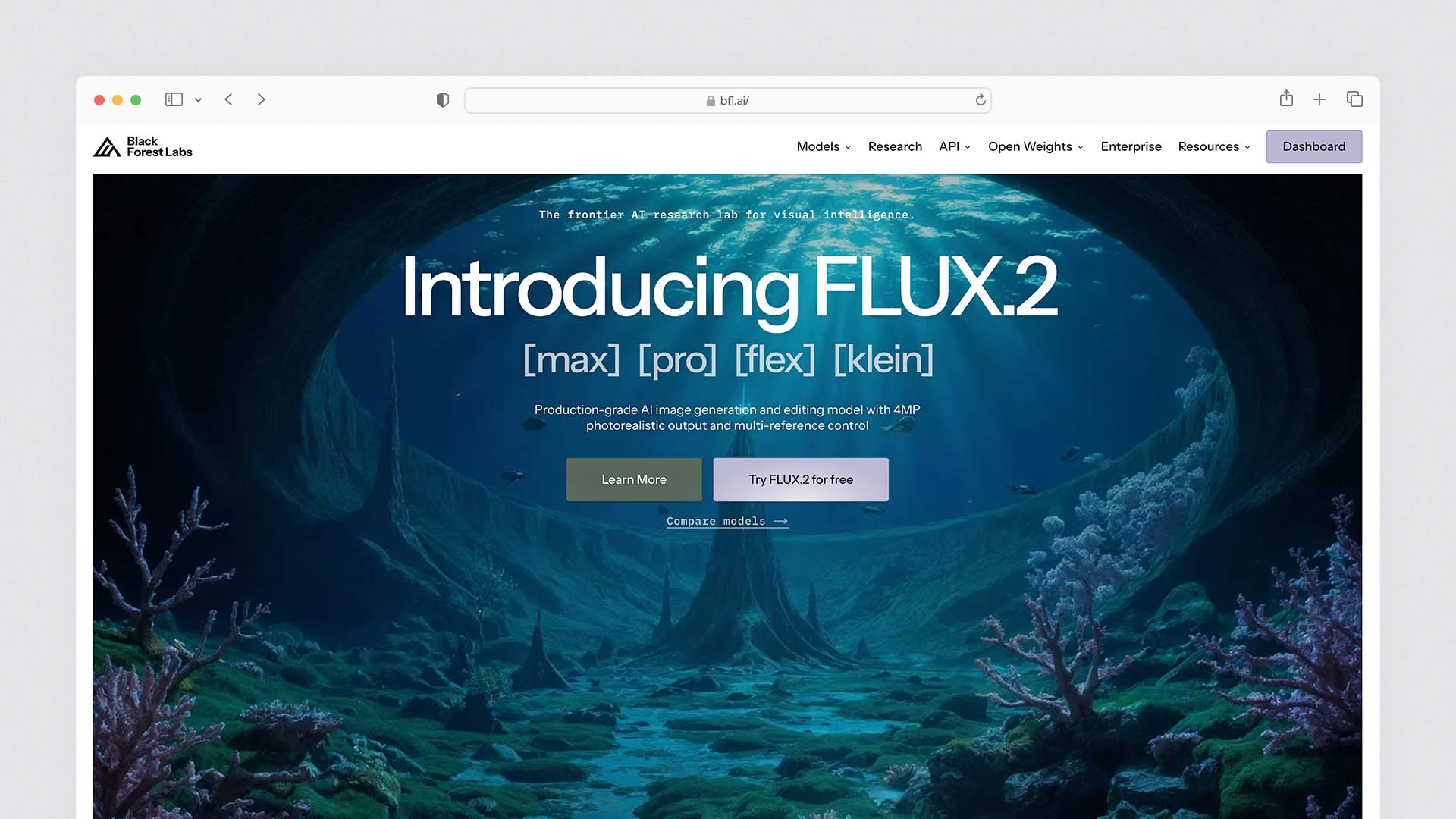
Stable Diffusion and FLUX (by Black Forest Labs) represent the open-source path in AI image generation — tools where you have complete control over the model, the output, the data, and the cost. If you have a GPU with 8GB or more of VRAM, you can run Stable Diffusion 3.5 or FLUX locally — generating unlimited images at zero ongoing cost, with no content restrictions, no watermarks, no data leaving your machine, and the ability to fine-tune the model on your own style references.
Stable Diffusion 3.5 (released late 2025) represents a significant quality improvement over SDXL, closing the gap with proprietary tools on photorealism and prompt adherence. The model family includes three variants: the 8B Large model for maximum quality, the 2.5B Medium model for consumer hardware (approximately 10GB VRAM), and Large Turbo for faster generation. Fine-tuning via LoRA (Low-Rank Adaptation) lets you train the model on specific styles, characters, or visual identities — a capability that dedicated commercial tools charge premium prices for and that Stable Diffusion provides as standard open-source functionality.
FLUX by Black Forest Labs has established itself as the quality benchmark among open-source models. FLUX.1 Pro, the highest-quality variant, produces photorealistic images competitive with Midjourney on technical quality metrics — and FLUX.1 Schnell (the fastest variant) is licensed under Apache 2.0, providing the cleanest open-source commercial licence available. For developers building image generation into products, FLUX.1 Schnell's Apache licence is the most commercially permissive option available.
For teams without GPU hardware, cloud-based interfaces to Stable Diffusion and FLUX are available from providers including Replicate, Civitai, and various API platforms — typically priced at $10–15 per month for consumer-level usage, or at per-image API rates for developers.
The honest limitation: Running Stable Diffusion locally requires technical knowledge — initial setup, model management, and troubleshooting take time. For non-technical creators, the setup overhead is significant compared to the immediate accessibility of Midjourney or ChatGPT Plus. Cloud-based interfaces reduce this barrier but introduce per-image costs and remove the privacy advantage.
Stable Diffusion / FLUX Pricing:
Access | Cost | Notes |
|---|---|---|
Local (own GPU) | Free | 8GB+ VRAM required, setup time required |
Civitai (cloud) | ~$10–15/month | Cloud GPU access to SD and FLUX models |
FLUX API (Replicate) | $0.003–$0.055/image | Pay-per-image developer access |
ComfyUI (local) | Free | Most advanced local interface |
Stable Diffusion / FLUX Pros:
Completely free with local GPU hardware — unlimited generations at zero cost
FLUX.1 Pro produces photorealism competitive with Midjourney
FLUX.1 Schnell has Apache 2.0 licence — cleanest open-source commercial rights
Maximum control via LoRA fine-tuning, ControlNet, and custom model training
No content restrictions on local installation
Complete data privacy — no images sent to external servers
Massive community ecosystem — thousands of fine-tuned models and styles available
Stable Diffusion / FLUX Cons:
Requires GPU with 8GB+ VRAM for local installation
Setup and configuration requires technical knowledge
Output quality varies significantly with model and settings choices
Less accessible for non-technical creators than cloud-based tools
Cloud services add cost and reduce the privacy advantage
6. Leonardo AI — Best for Character Consistency and Game Assets
Leonardo AI has carved a specific and defensible niche in the AI image generation market: it is the best tool for maintaining visual consistency of characters, objects, and styles across multiple images. For game developers, illustrators creating serialised content, marketers running visual campaigns with recurring characters, and product teams needing consistent asset styling, Leonardo's consistency capabilities are genuinely unmatched.
The Character Reference system maintains facial features, body proportions, clothing, and identifying characteristics across multiple generations — enabling you to place the same character in different environments, poses, and scenarios without regeneration inconsistency. The Style Reference locks visual parameters so that every image in a series shares the same aesthetic treatment, lighting style, colour palette, and texture quality.
Leonardo's platform includes multiple models optimised for different use cases — Phoenix for photorealism, Anime XL for animation styles, Kino XL for cinematic composition — and 150 free daily tokens that translate to approximately 10–50 images depending on the model and settings. The free tier is one of the most useful on this list for meaningful evaluation.
For game developers specifically: Leonardo's character consistency, its ControlNet implementation (which lets you maintain specific poses across character variants), and its integration with game asset workflows make it the most specialised and most capable tool for this use case. No other generator on this list has the depth of game-specific tooling that Leonardo provides.
Leonardo AI Pricing:
Plan | Monthly Price | Tokens/Month | Key Feature |
|---|---|---|---|
Free | $0 | 150/day | All models, personal use |
Apprentice | $12/month | 8,500 | Commercial rights, no watermarks |
Artisan | $30/month | 25,000 | Priority generation |
Maestro | $60/month | 60,000 | Maximum priority |
Leonardo AI Pros:
Best character consistency of any tool for serialised and campaign content
Multiple specialised models per content type (photorealism, anime, cinematic)
ControlNet for precise pose and composition control
150 free daily tokens — the most useful free evaluation tier
Strong for game developers — purpose-built for character and asset consistency
API access on all paid plans
Leonardo AI Cons:
Less name recognition than Midjourney or DALL-E — smaller community
Free images are public — not suitable for confidential commercial work on free tier
Token system can be confusing to evaluate against flat-rate competitors
Artistic quality ceiling below Midjourney for atmospheric and cinematic work
7. Playground AI — Best Free Volume for Learning and Prototyping
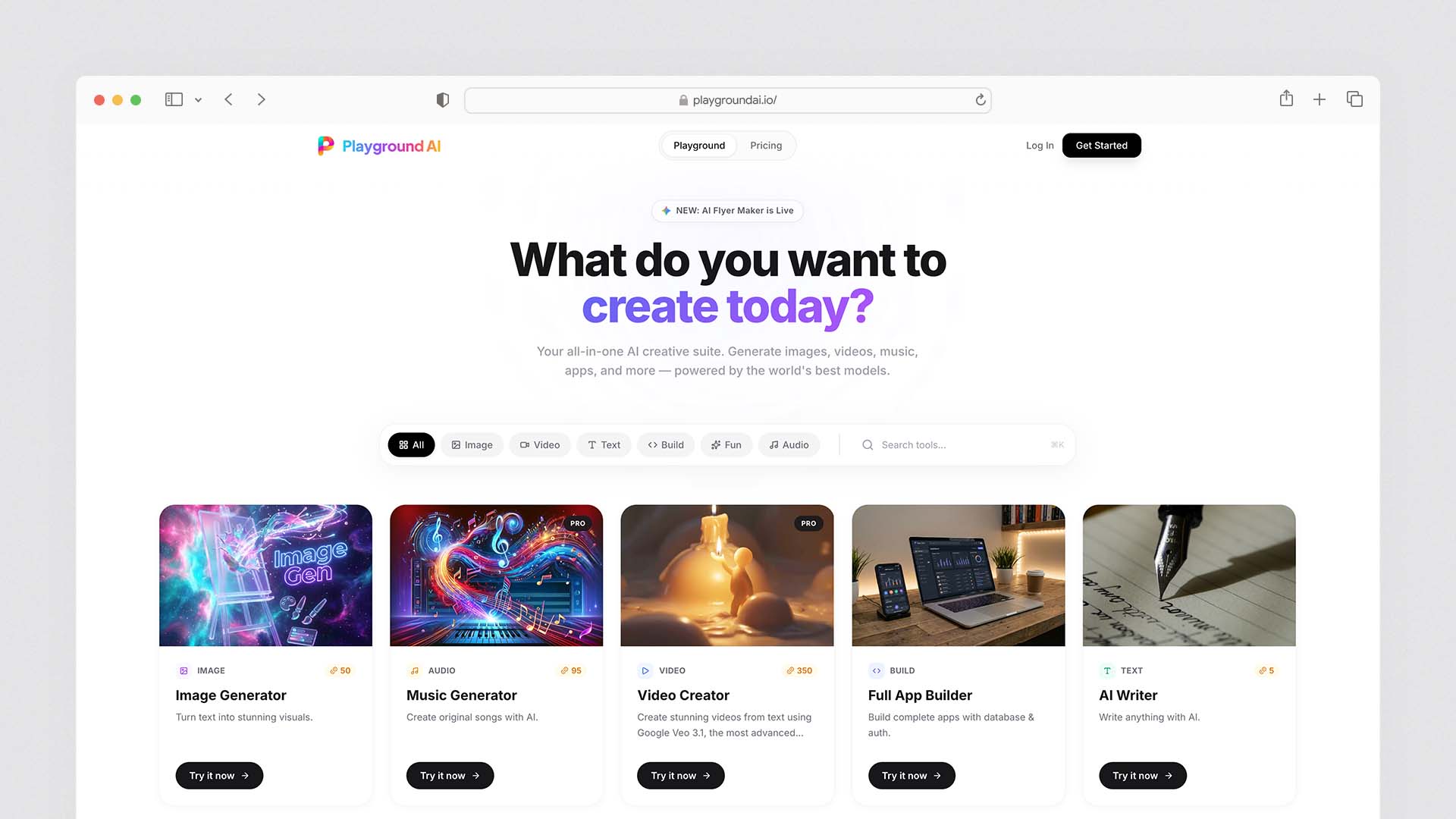
Playground AI is genuinely exceptional at one thing: it offers 500 free AI-generated images per day — the most generous hosted free tier by a significant margin. For developers prototyping, students learning prompt engineering, and creators evaluating different visual styles before committing to a paid tool, 500 free images daily is an extraordinary resource.
The image quality on Playground AI's free tier (using SDXL and Playground v2.5 models) is solid for learning and prototyping — noticeably below Midjourney and FLUX Pro but sufficient to develop prompting skills and explore visual directions. The important caveat is that free images on Playground AI are public — visible to other users — which means this free tier is not appropriate for commercial work, client deliverables, or content you want to keep confidential before publication.
Playground AI Pricing:
Plan | Monthly Price | Generations | Key Feature |
|---|---|---|---|
Free | $0 | 500/day | Public images |
Pro | $15/month | 1,000/day | Private images, DALL-E 3 access, commercial rights |
Turbo | $99/month | 2,000/day | Priority generation |
Playground AI Pros:
500 free images per day — the most generous free tier of any hosted platform
Excellent for learning prompt engineering and exploring visual styles
Multiple model options including DALL-E 3 on Pro
No watermarks even on free tier
Playground AI Cons:
Free images are public — not suitable for confidential or commercial work
Image quality below Midjourney and FLUX for professional output
Commercial rights require paid plan
8. Canva AI (Magic Media) — Best for Non-Designers and Marketing Teams
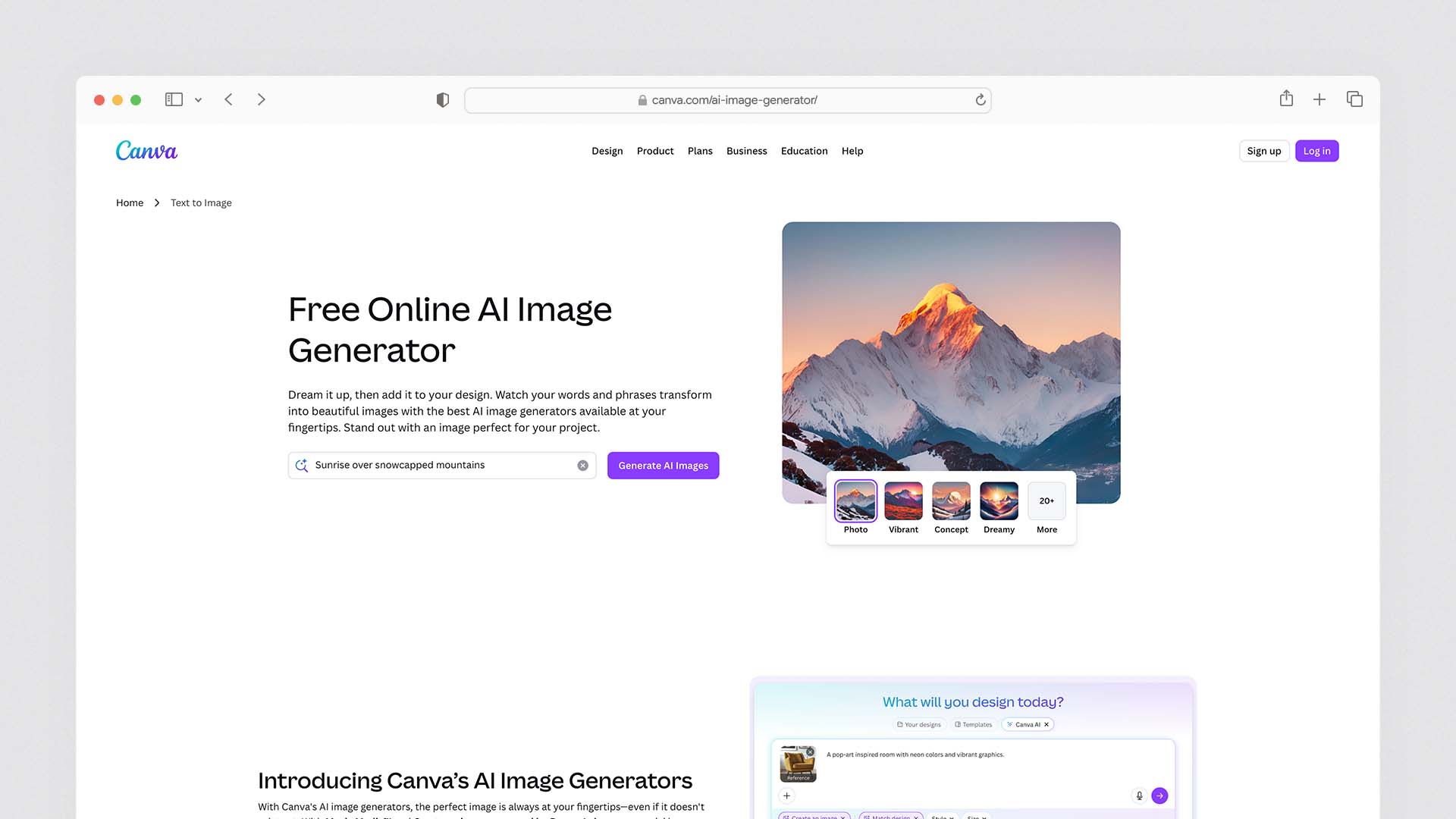
Canva's AI image generation — called Magic Media — is not trying to compete with Midjourney on artistic quality or FLUX on technical capability. It is trying to be the most useful AI image tool for the majority of marketers, small business owners, and non-designers who need good-enough images that slot directly into their existing design templates.
The integration advantage is decisive: images generated in Canva appear immediately in your existing designs without export, download, or format conversion. You generate a product shot, drag it into a social media template, resize it, add text over it, and download the finished graphic — all in one browser tab. The workflow efficiency for non-designers who live in Canva is significant.
Magic Media's quality is adequate for social media, internal presentations, blog post headers, and email marketing assets. It is not adequate for print-quality work, campaigns where original visual distinction matters, or anything where clients will compare outputs against professional photography.
Canva AI Pricing:
Plan | Monthly Price | AI Features |
|---|---|---|
Free | $0 | 50 lifetime Magic Media generations |
Canva Pro | $12.99/month | 500 Magic Media/month, all AI features |
Canva Teams | $14.99/user/month | Team collaboration, 500 Magic Media/month |
Canva AI Pros:
Best workflow integration for non-designers already using Canva
Generated images import directly into templates without separate tools
Commercial rights on Pro plan
Magic Write AI and other integrated creative tools alongside image generation
Canva AI Cons:
50 lifetime generations on the free plan — effectively useless for evaluation
Image quality below every other tool on this list for professional or creative work
Best value only for teams already in the Canva ecosystem
Prompt Test Results — The Five-Prompt Verdict
Tool | Product Shot | Text Social Graphic | Night Market | Fintech Logo | Business Headshot |
|---|---|---|---|---|---|
Midjourney V7 | ★★★★☆ | ★★★☆☆ | ★★★★★ | ★★★★☆ | ★★★★☆ |
GPT Image 1.5 | ★★★★☆ | ★★★★☆ | ★★★★☆ | ★★★★★ | ★★★★☆ |
Adobe Firefly | ★★★★★ | ★★★★☆ | ★★★☆☆ | ★★★★☆ | ★★★★★ |
Ideogram 3 | ★★★★☆ | ★★★★★ | ★★★☆☆ | ★★★★☆ | ★★★☆☆ |
FLUX Pro | ★★★★★ | ★★★☆☆ | ★★★★★ | ★★★☆☆ | ★★★★★ |
Leonardo AI | ★★★★☆ | ★★★☆☆ | ★★★★☆ | ★★★★☆ | ★★★★☆ |
Playground AI | ★★★☆☆ | ★★★☆☆ | ★★★☆☆ | ★★★☆☆ | ★★★☆☆ |
Canva AI | ★★★☆☆ | ★★★★☆ | ★★☆☆☆ | ★★★☆☆ | ★★★☆☆ |
The headline finding: No single tool wins across all five prompt types. Midjourney wins on atmospheric and artistic quality. GPT Image 1.5 wins on precise prompt adherence and logo generation. Firefly wins on product shots and headshots where commercial professional quality matters. Ideogram wins decisively on any prompt requiring text in the image. FLUX wins on photorealism. This is why most professional creators use two tools — typically Midjourney plus one specialist tool for their most common use case.
The Commercial Use Decision Guide
Choose Adobe Firefly if: You work in a regulated industry, your legal team has flagged IP risk from AI training data, or you need explicit commercial indemnification. This is the only tool that eliminates the training data litigation risk entirely.
Choose Midjourney (paid plan) if: Your primary use is marketing creative, social content, concept art, or any visual work where aesthetic quality is the dominant criterion and the training data question is theoretical rather than legally material to your clients.
Choose GPT Image 1.5 (ChatGPT Plus) if: You want the simplest, most accessible commercial-rights-included image generator integrated with AI conversation and are already paying for ChatGPT Plus.
Choose FLUX.1 Schnell (Apache licence) if: You are building a product or service where image generation is a feature, and you need the cleanest open-source commercial licence with no per-image cost at scale.
Avoid free tiers for commercial work — Midjourney trial, Leonardo AI free, Ideogram free, and Playground AI free all either restrict commercial use explicitly or create licensing ambiguity that a legal team would flag.
Final Verdict
The AI image generation market in 2026 has no single best tool — it has the best tool for each specific use case, and most professional creators have settled on a two-tool setup that covers their range of visual needs.
Choose Midjourney V7 for the most artistically distinguished, professionally usable images — the default recommendation for creative, marketing, and social content work
Choose GPT Image 1.5 (via ChatGPT Plus) for the easiest commercial-rights-included image generation with strong text rendering and conversational editing — the best single-subscription value for existing ChatGPT users
Choose Adobe Firefly for the cleanest commercial licence and IP indemnification — the only legally unambiguous choice for regulated industries and high-stakes commercial campaigns
Choose Ideogram 3 for any image that needs accurate, stylistically appropriate text — the decisive leader for social graphics, posters, merchandise, and branded typography
Choose Stable Diffusion / FLUX for unlimited local generation, maximum control, and complete data privacy — the right choice for developers, technical creators, and businesses building image generation into products
Choose Leonardo AI for character consistency across multiple images — the best tool for game developers, illustrators, and campaign teams with recurring visual identities
Choose Playground AI to learn prompt engineering and explore visual styles at zero cost
Choose Canva AI if you are already a Canva user and need integrated image generation without switching tools
The most common professional setup: Midjourney for creative work + Ideogram for text-heavy graphics + Adobe Firefly for highest-stakes commercial assets. Three tools, three distinct strengths, complete visual content coverage.
FAQs
What is the best AI image generator in 2026?
Midjourney (paid plans), GPT Image 1.5 (ChatGPT Plus), Adobe Firefly (paid plans), Ideogram (paid plans), Leonardo AI (paid plans), and FLUX (Schnell — Apache licence) all permit commercial use. Most free tiers restrict commercial use or require attribution. Adobe Firefly Enterprise provides explicit IP indemnification — the only tool that legally backs commercial use by the generator itself. Always verify the current terms of service for your specific plan, as licensing terms change frequently.
Which AI image generators allow commercial use?
Midjourney (paid plans), GPT Image 1.5 (ChatGPT Plus), Adobe Firefly (paid plans), Ideogram (paid plans), Leonardo AI (paid plans), and FLUX (Schnell — Apache licence) all permit commercial use. Most free tiers restrict commercial use or require attribution. Adobe Firefly Enterprise provides explicit IP indemnification — the only tool that legally backs commercial use by the generator itself. Always verify the current terms of service for your specific plan, as licensing terms change frequently.
Which AI image generator is best for putting text in images?
Ideogram 3 is the clear leader for text rendering — it consistently produces accurate, legible, correctly spelled typography in any style, solving the single most persistent failure mode of other generators. GPT Image 1.5 is second. Midjourney, Stable Diffusion, and FLUX all produce text with varying levels of accuracy that typically require correction.
Is Midjourney worth it compared to free tools?
For professional and commercial use where image quality is a primary criterion, yes. Midjourney produces distinctively superior artistic output compared to free tools, and the quality difference is immediately visible in comparison. For learning, prototyping, and social content where good-enough quality is acceptable, Playground AI's 500 free daily images or Leonardo AI's 150 daily tokens provide meaningful free capability. For businesses creating client-facing commercial content, the quality difference justifies Midjourney's $10–30/month cost relative to the alternatives.
Can I use AI-generated images for my business?
Yes, with the right plan and tool. Paid plans on Midjourney, ChatGPT Plus, Adobe Firefly, Ideogram, Leonardo AI, and FLUX all include commercial rights. Free tiers on most tools restrict commercial use. Adobe Firefly is the only tool with explicit IP indemnification, making it the legally safest choice for high-stakes commercial use. For most small business social media, marketing, and website content, any of the paid plans above provide sufficient commercial rights.
What is the best free AI image generator?
Playground AI offers 500 free images per day — the most generous hosted free tier — though free images are public and not suitable for commercial work. Stable Diffusion and FLUX run locally for free on a GPU with 8GB+ VRAM, with no content restrictions and private generation. Leonardo AI offers 150 free daily tokens on its web platform. For the easiest free option, GPT Image 1.5 is accessible via the ChatGPT free tier with daily limits.
Latest Blogs
Get the Latest Tech Insights in Your Inbox.
No spam, unsubscribe anytime.