
The best website builder for a construction company is Wix — it offers ready-to-use construction templates, a built-in project gallery, quote request forms, client management tools, and strong local SEO features, all from one platform starting at $17 per month. For construction firms that need polished, design-forward presentation to win high-value clients, Squarespace is the stronger choice, while Hostinger is the fastest and most affordable way to get a professional contractor website live for under $3 per month.
We tested seven website builders specifically for construction and contracting businesses — evaluating each one on project galleries, lead generation forms, local SEO capability, mobile performance, and pricing. This guide tells you exactly which platform fits your company size, budget, and goals, without pushing you toward the platform that pays the highest referral fee.
If you are comparing builders across multiple industries, our guide to the Best DIY Website Builders breaks down the easiest platforms for beginners to launch a professional website.
Why a Construction Company Website Is Now a Sales Tool — Not Just a Brochure
Over 62% of residential and commercial clients review a contractor's website before requesting a quote. More than half eliminate firms whose sites do not clearly show past projects, service scope, or credibility signals. That means before you ever speak to a potential client, your website has already won or lost the job.
The era of a basic page with a phone number and a list of services is over. In the current search environment, a construction company website must do four things well:
Show Your Work, Not Just Describe It
Clients want visual proof. A project gallery with high-quality photos, project descriptions, and before-and-after comparisons answers the question every potential client has before they call: "Have they done something like what I need?" A builder that makes this easy to create and update is worth far more than one that does not.
Capture Leads Around the Clock
Your website should work as a sales tool even when your team is on-site. A quote request form, a contact form, or a booking tool that sends enquiries directly to your email means you never miss a potential project because nobody answered the phone.
Rank in Local Google Searches
When someone searches "general contractor near me" or "construction company in [city]," the firms that show up are the ones that win the work. A website builder with proper local SEO tools — custom page titles, meta descriptions, schema markup, and location-based page support — gives you a genuine competitive advantage over contractors with no web presence.
For businesses that rely heavily on online leads, our comparison of the Best Website Builder and Hosting for Small Business explains which platforms perform best for service companies.
Build Trust Before the First Call
Testimonials, accreditations, license numbers, insurance details, and years in business all reduce the perceived risk of hiring you. Showcasing these prominently on your website filters out tyre-kickers and builds confidence in serious buyers before they even get in touch.
Quick Comparison — Best Website Builders for Construction Companies
Builder | Best For | Starting Price | Free Plan | Project Gallery | Quote Form | Local SEO Tools |
|---|---|---|---|---|---|---|
Wix | Most contractors (best overall) | $17/month | ✅ Yes | ✅ Built-in | ✅ Built-in | ✅ Strong |
Squarespace | Design and premium brand | $16/month | ❌ Trial only | ✅ Built-in | ✅ Built-in | ✅ Good |
Hostinger | Fast, budget-friendly launch | $2.99/month | ❌ No | ✅ Via sections | ✅ Via forms | ✅ Basic |
WordPress + Elementor | Full control, long-term SEO | ~$5/month | ❌ No | ✅ Via plugins | ✅ Via plugins | ✅ Best-in-class |
GoDaddy | Quickest setup possible | $9.99/month | ❌ No | ✅ Basic | ✅ Built-in | ✅ Basic |
Webflow | Design agencies and large firms | $14/month | ✅ Limited | ✅ Built-in | ✅ Built-in | ✅ Strong |
Emergent | AI-generated, lead-focused sites | Custom pricing | ❌ No | ✅ Built-in | ✅ Built-in | ✅ Strong |
The 7 Best Website Builders for Construction Companies — Full Reviews
1. Wix — Best Overall for Construction and Contracting Businesses
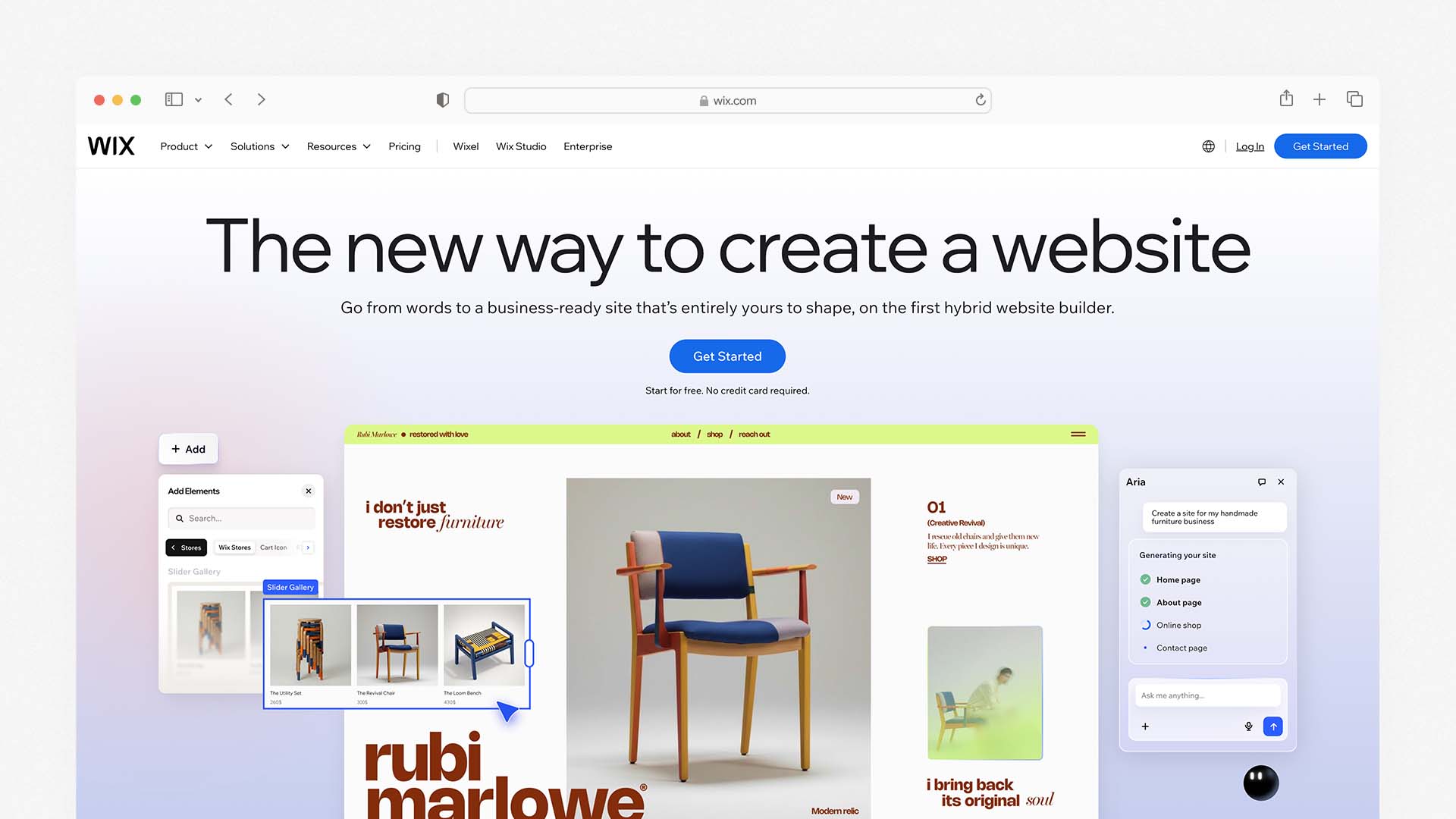
Wix is the best all-around website builder for construction companies because it combines the widest range of templates specifically designed for contractors with a powerful drag-and-drop editor, strong lead generation tools, and built-in local SEO features — all accessible without touching a single line of code.
The Wix AI website builder (called Wix Harmony) lets you describe your construction business in plain language and generates a complete starting site with relevant sections, content, and layout in under 60 seconds. For a contractor who has never built a website, this removes the most common barrier to getting started — the blank page.
AI-powered builders are becoming increasingly popular. Our guide to the Best AI Website Builders compares platforms that can generate a complete website automatically.
For construction-specific needs, Wix includes: a Pro Gallery for showcasing project photos with descriptions, a Service List for laying out your work scope, Wix Forms for quote requests and client enquiries, Wix Bookings for scheduling consultations, and a Testimonials section for displaying client reviews. All of these come from the platform or its App Market without requiring third-party software.
Wix's local SEO tools are among the strongest of any builder on this list. You can set custom page titles and meta descriptions for every page, create location-specific service pages (for example, a separate page for each suburb or city you operate in), and connect your Google Business Profile directly. This last feature is particularly valuable for contractors who rely on appearing in map results.
The trade-off is complexity. Wix offers a very large number of features, apps, and settings, which can feel overwhelming for someone who just wants a simple site with a portfolio and a contact form. The free plan is available to test the platform, but you need the Core plan at $29/month to start collecting payments for estimates or consultation fees.
Wix Pros:
The most construction-specific templates of any builder on this list (50+)
Built-in project gallery, testimonials, service list, and quote forms
AI website builder generates a full site from a plain language description
Strong local SEO tools with full control over page metadata
Built-in client management and booking for consultation scheduling
Free plan available to test before committing
App Market expands features with CRM, live chat, and marketing tools
Wix Cons:
Cannot switch templates after publishing — choose carefully upfront
Online payments require the Core plan at $29/month
Editor has a learning curve due to the volume of available features
Free plan shows Wix branding and does not allow a custom domain
Wix Pricing:
Plan | Monthly Price | Key Feature |
|---|---|---|
Light | $17/month | Basic site, 2GB storage, custom domain |
Core | $29/month | Accept payments, remove Wix ads, 50GB storage |
Business | $36/month | Advanced ecommerce and analytics |
Business Elite | $159/month | Enterprise tools, priority support |
Best for: Solo contractors, small to mid-size construction firms, and trade businesses that want a professional website with strong lead generation and local SEO tools — without hiring a developer.
2. Squarespace — Best for Design and Winning High-Value Clients
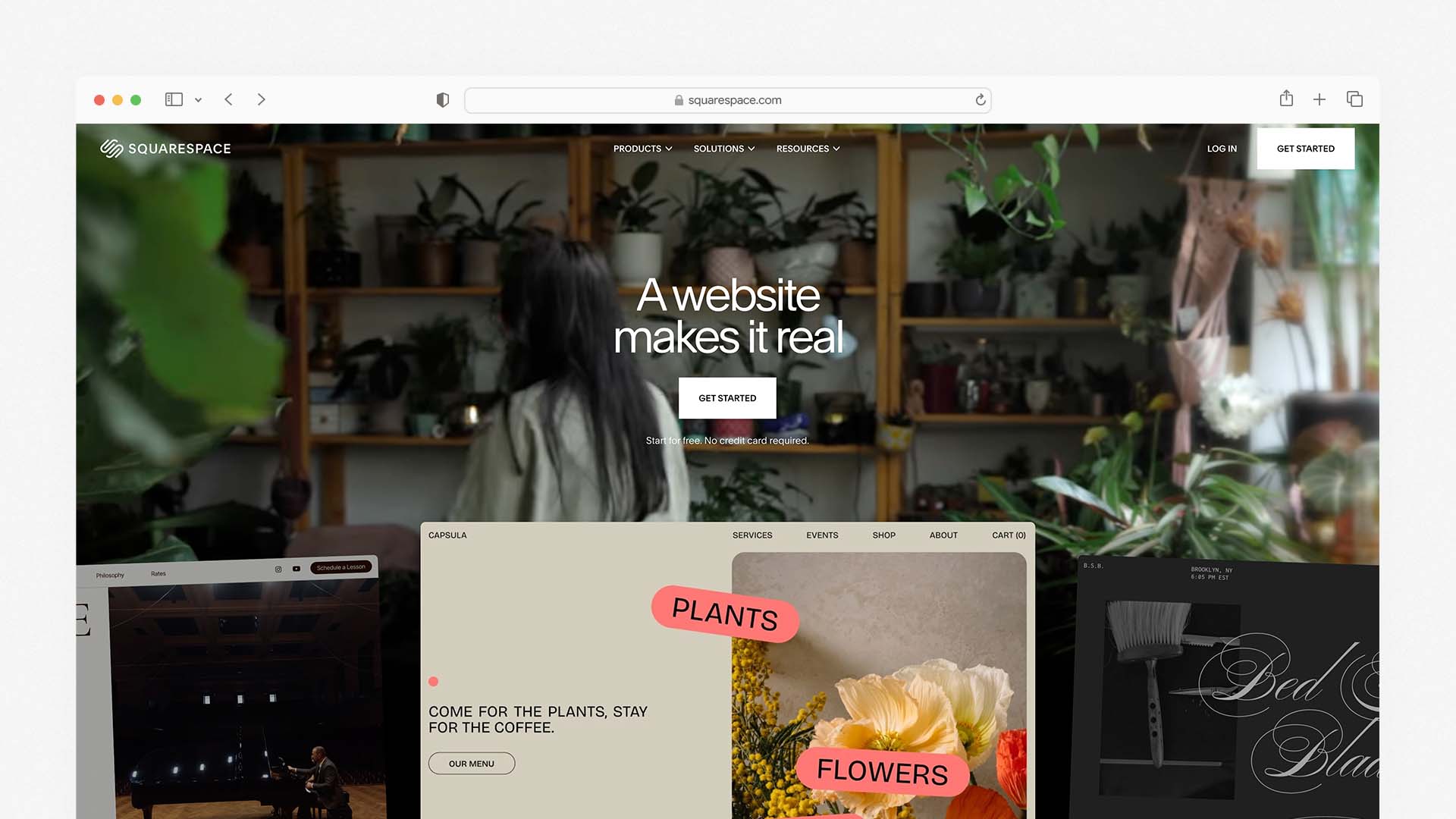
Squarespace is the right choice for construction companies competing for premium residential or commercial contracts where the quality of your website presentation directly influences whether you get shortlisted. Architecture-forward firms, design-build companies, and high-end renovation contractors particularly benefit from what Squarespace does best: making everything look exceptional with minimal effort.
Squarespace's construction and services templates are among the most visually impressive available from any builder. They feature full-width project photography, bold typography, and clean layouts that communicate quality before a potential client reads a single word. The Blueprint AI feature released in late 2025 lets you build a tailored starting site by answering five guided questions about your business — faster than starting from a blank template.
For construction-specific features, Squarespace includes a portfolio section for project galleries, a native client intake form builder, Squarespace Scheduling for consultation bookings (powered by Acuity), and client documents — a built-in tool for sending proposals, quotes, and contracts directly through your website. That last feature is genuinely rare and worth noting: no other builder on this list offers a native proposal and contract tool.
Squarespace also now allows you to switch templates without losing your content — a significant advantage over Wix. If you rebrand or decide to refresh your site's look in 12 months, you can do it without rebuilding your pages from scratch.
The limitation is that Squarespace is less flexible than Wix in terms of placing elements exactly where you want them on the page. The structured grid editor is easier to use but gives you less freeform control over layout. For construction companies whose priority is a professional, consistent look rather than pixel-level customisation, that is rarely a problem.
Squarespace Pros:
The most visually impressive construction templates of any builder on this list
Built-in client documents for proposals, quotes, and contracts
Squarespace Scheduling for consultation bookings (Acuity-powered)
Blueprint AI builds a tailored starting site in under 10 minutes
Switch templates without losing content — easy to rebrand later
Unlimited storage on all plans
14-day free trial and 30-day money-back guarantee
Squarespace Cons:
Less freeform layout control than Wix — structured grid only
No free plan (trial only)
Transaction fee of 2% on the Basic plan for any ecommerce
Fewer total templates than Wix (194 vs 2,000+)
Squarespace Pricing:
Plan | Monthly Price | Key Feature |
|---|---|---|
Basic | $16/month | Portfolio, forms, scheduling, client docs |
Core | $23/month | No transaction fees, digital downloads |
Plus | $39/month | Advanced analytics, more contributors |
Advanced | $99/month | Full ecommerce, advanced shipping |
Best for: Design-build firms, upscale renovation companies, architecture-led contractors, and any construction business where the visual quality of the website is used to win premium clients.
3. Hostinger — Best for Getting Online Fast at the Lowest Cost
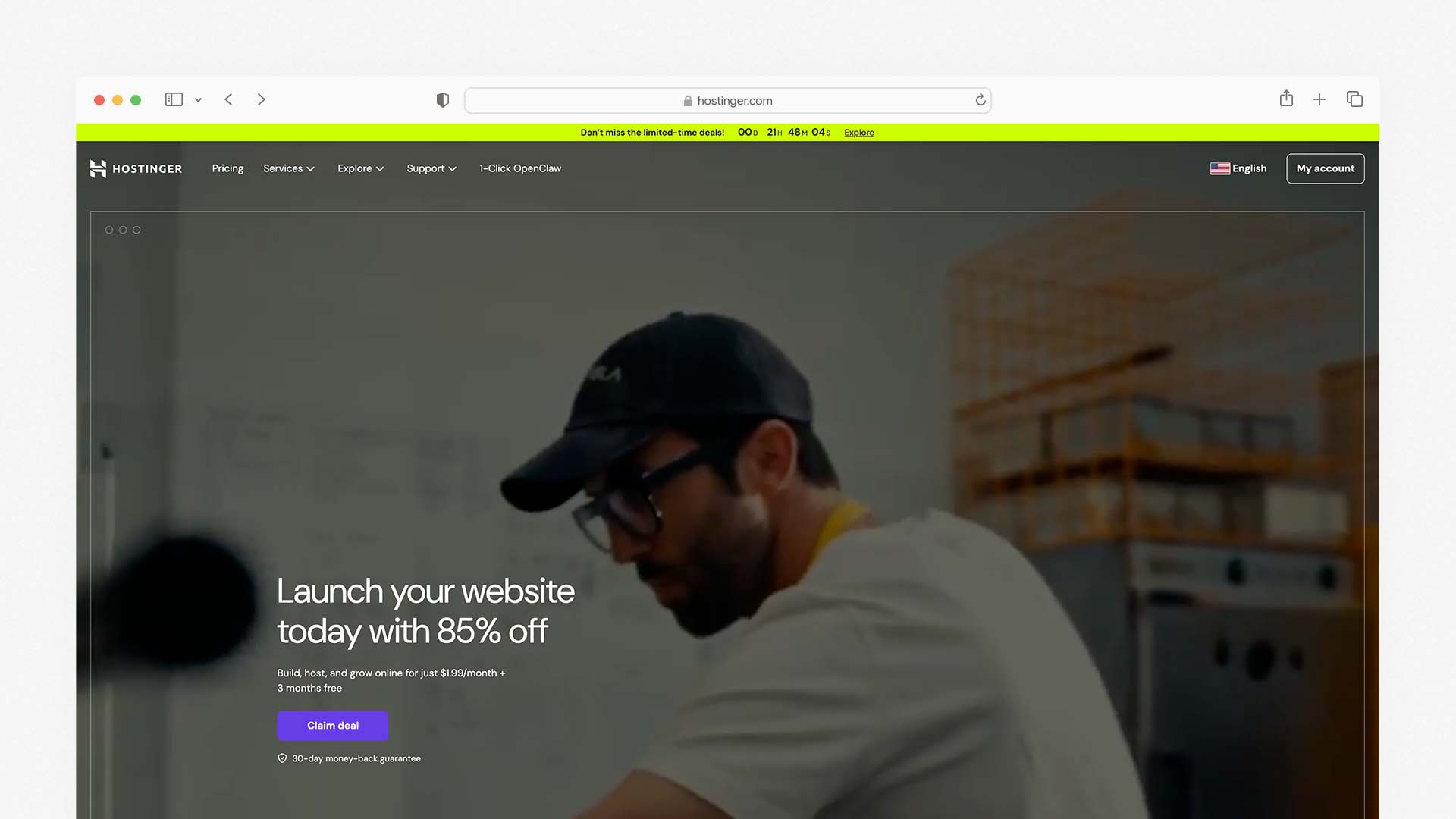
Hostinger is the most affordable website builder on this list and the fastest way to get a professional-looking contractor website live from scratch. For tradespeople and solo contractors who currently have no web presence and want to fix that today without spending more than $3 per month, Hostinger delivers more than you would expect at its price point.
The defining feature is Hostinger's AI website builder. You describe your construction business in two or three sentences — your trade, your location, your services — and Hostinger generates a complete working website with relevant sections, placeholder content, and images in under 60 seconds. The AI can also write your service descriptions, about page copy, and contact section content, which is a genuine time-saver for contractors who know their trade but do not enjoy writing about it.
If you're specifically looking for platforms that build websites quickly without technical knowledge, see our comparison of the Best Mobile Website Builders, where we tested performance on real phones.
Every Hostinger plan includes web hosting, an SSL certificate, and a custom domain — so the advertised price is the full price, with no hidden extras for the basics. Mobile performance is excellent, with fast load times that consistently score well on Google's Core Web Vitals testing.
The limitation for construction companies is depth. Hostinger does not have a dedicated project gallery tool — you build one using standard image sections. It does not have a native quote request workflow. And its SEO tools are more basic than Wix or Squarespace. It works well as an informational site that drives phone calls and emails; it is not designed for complex lead qualification or multi-page service architectures.
Hostinger Pros:
Starts at $2.99/month — the most affordable on this list
AI builder creates a complete site from a text description in under 60 seconds
AI-generated service descriptions and page copy
Hosting, SSL, and custom domain included in all plans
Excellent mobile load speed — consistently good Core Web Vitals scores
No technical knowledge required at any point
Hostinger Cons:
No dedicated project gallery tool — uses standard image sections
No native quote request or lead qualification workflow
More basic SEO tools compared to Wix, Squarespace, or WordPress
Limited scalability for multi-location or large construction firms
Fewer construction-specific templates than Wix
Hostinger Pricing:
Plan | Monthly Price | Key Feature |
|---|---|---|
Premium | $2.99/month | AI builder, basic site, 1 website |
Business | $3.99/month | More AI tools, priority support, 100 websites |
Best for: Solo tradespeople, small contractors, and subcontractors who need a professional online presence fast and cheaply — and whose primary goal is to show up in local searches and give clients a place to find their contact details and see their work.
4. WordPress with Elementor — Best for Long-Term SEO and Full Control
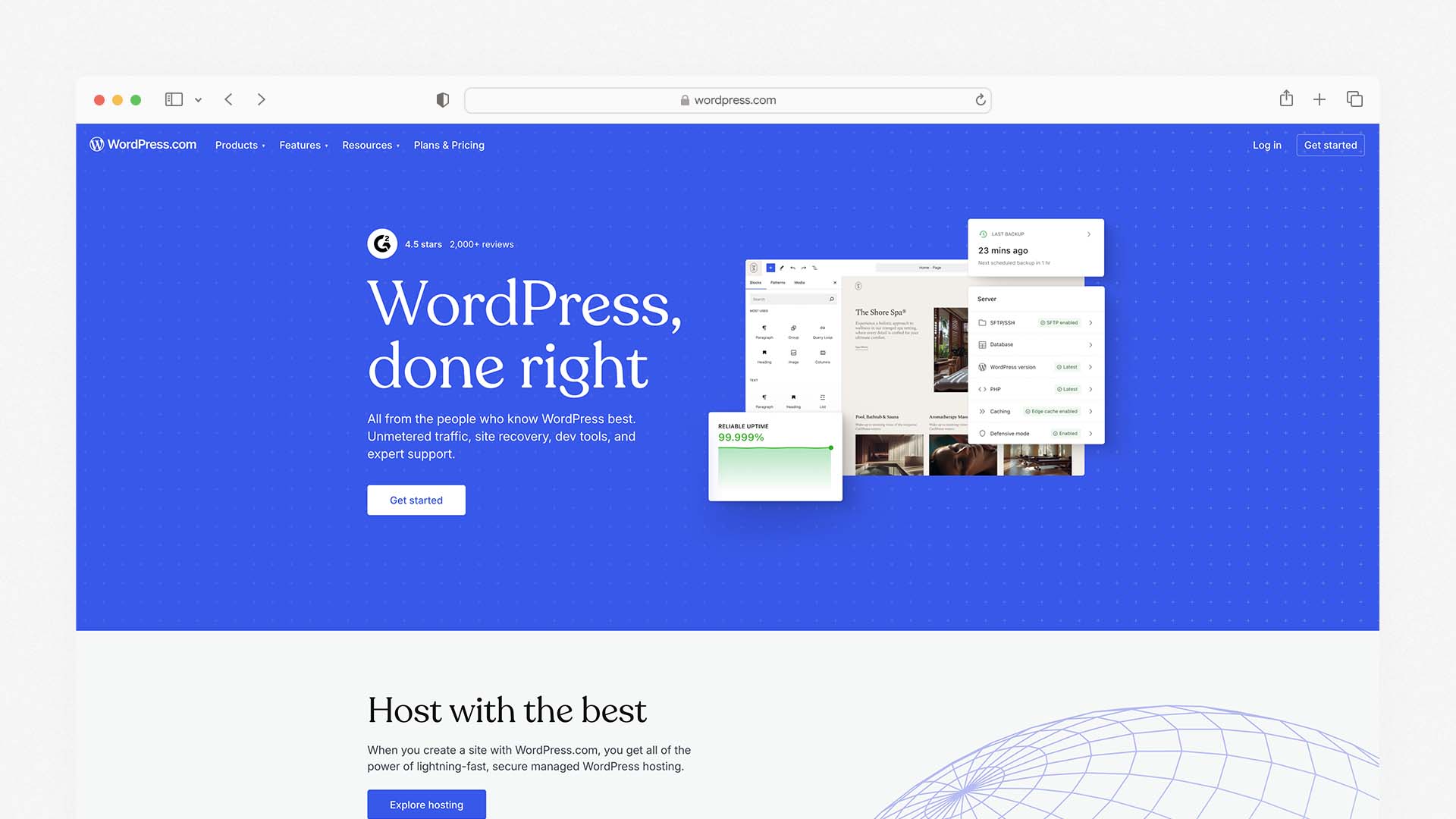
WordPress combined with the Elementor page builder is the most powerful combination on this list for construction companies that are serious about dominating local search results over the long term. WordPress powers over 40% of all websites on the internet, and its SEO capabilities — particularly when paired with plugins like Yoast or Rank Math — are unmatched by any hosted website builder.
For construction companies, the value of WordPress comes from control. You can build dedicated service pages for every trade you offer, create location-specific pages for every suburb or city you work in, add detailed project case studies with before-and-after photo galleries, embed Google Maps for multiple service areas, and configure schema markup for local business, reviews, and services — all of which directly affect how well you rank in local search.
Elementor is the drag-and-drop page builder that runs on top of WordPress. It makes the visual editing process accessible without needing to write code, and it has specific widgets for forms, galleries, testimonials, pricing tables, and call-to-action sections that construction websites use heavily. The Elementor AI feature can generate page sections, write copy, and suggest layouts based on your industry.
The trade-off is complexity and responsibility. WordPress requires you to manage hosting separately, install and update plugins, handle security, and take backups. For a contractor who just wants to build houses, not manage a web server, this overhead is real. Many construction companies hire a developer to build the WordPress site and then maintain it themselves — which adds to the initial cost.
If you're unfamiliar with hosting infrastructure, this guide explains what cloud hosting is and why it affects website speed and performance.
WordPress + Elementor Pros:
The best local SEO capabilities of any option on this list
Full ownership of your website and content — no platform lock-in
Unlimited flexibility — any feature can be added through plugins
Dedicated location pages and service pages scale without limits
Elementor AI helps generate page sections and copy
Lower long-term cost than most hosted builders
WordPress + Elementor Cons:
Significant setup complexity — not beginner-friendly
Requires separate hosting, domain, and plugin management
Security, updates, and backups are your responsibility
Initial setup usually requires at least basic technical knowledge or a developer
More time-consuming to maintain than a hosted builder
WordPress + Elementor Pricing:
Component | Approximate Cost |
|---|---|
Hosting (Bluehost or SiteGround) | $3–10/month |
Domain name | ~$15/year |
Elementor Pro (optional) | $59/year |
Yoast SEO or Rank Math Pro | $0–99/year |
Premium theme (optional) | $30–100 one-time |
Best for: Established construction companies, general contractors, and multi-trade businesses that want to invest seriously in long-term local SEO dominance and are willing to handle (or pay for) slightly more technical setup.
5. GoDaddy — Best for the Fastest Launch With Zero Learning Curve
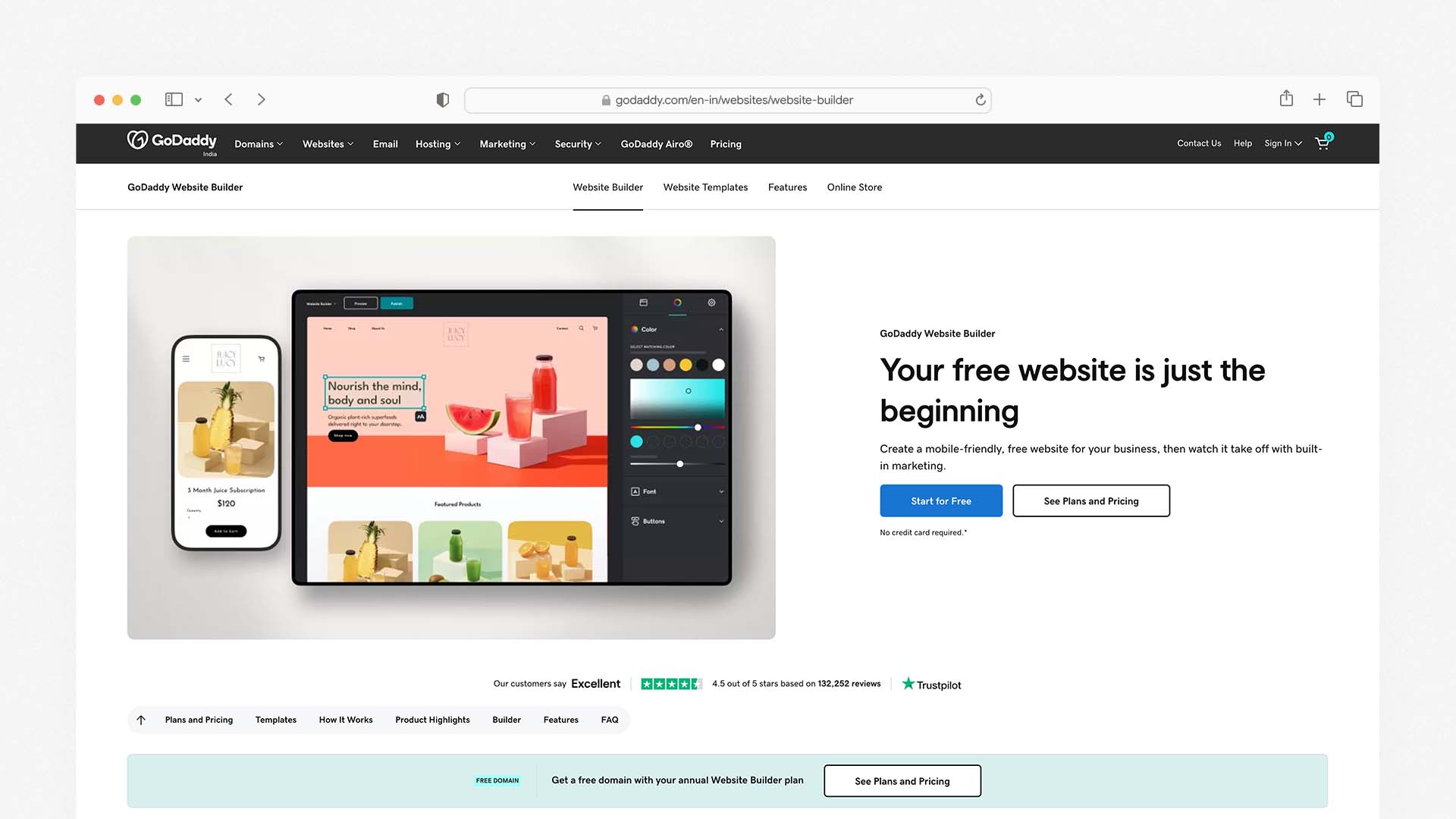
GoDaddy is the simplest builder on this list to get from zero to a published website, and for contractors who just need a professional online presence today — without spending time learning a complex editor — it does exactly what it promises.
The GoDaddy website builder uses a guided setup wizard that asks about your business type, location, and services, then assembles a starting site from those answers in minutes. It has 27 construction and trades-themed templates that include sections for services, photo galleries, testimonials, and contact forms. The GoDaddy Airo AI tool can generate a website, logo, and basic marketing content in a single session.
GoDaddy includes appointment and contact buttons on all plans, and its marketing suite — including GoDaddy Studio for creating social media graphics and GoDaddy Email Marketing for sending campaigns — gives small contractors tools to promote their business beyond just having a website.
The limitation is that GoDaddy is a generalist builder, not a construction-specific one. Design customisation is more limited than Wix or Squarespace, and the templates, while functional, are less visually polished. SEO tools cover the basics but do not match the depth available through Wix, Squarespace, or WordPress.
GoDaddy Pros:
The fastest setup time of any builder on this list
27 construction and trades-specific templates
GoDaddy Airo generates a site, logo, and marketing content in one session
Built-in appointment booking and contact forms
Marketing suite includes email campaigns and social media graphic tools
Reliable 24/7 customer support
GoDaddy Cons:
Limited design customisation compared to Wix or Squarespace
Templates are functional but not as polished as competitors
No built-in project portfolio tool — uses basic photo galleries
Renewal prices increase significantly after the first year
SEO tools cover basics only
GoDaddy Pricing:
Plan | Monthly Price | Key Feature |
|---|---|---|
Basic | $9.99/month | Simple website, contact forms |
Standard | $14.99/month | Email marketing included |
Premium | $20.99/month | Advanced marketing tools |
Commerce | $23.99/month | Online payments enabled |
Best for: Local contractors, sole traders, and small trade businesses that want the fastest possible route to a professional web presence without any technical complexity.
6. Webflow — Best for Design Agencies Managing Construction Clients
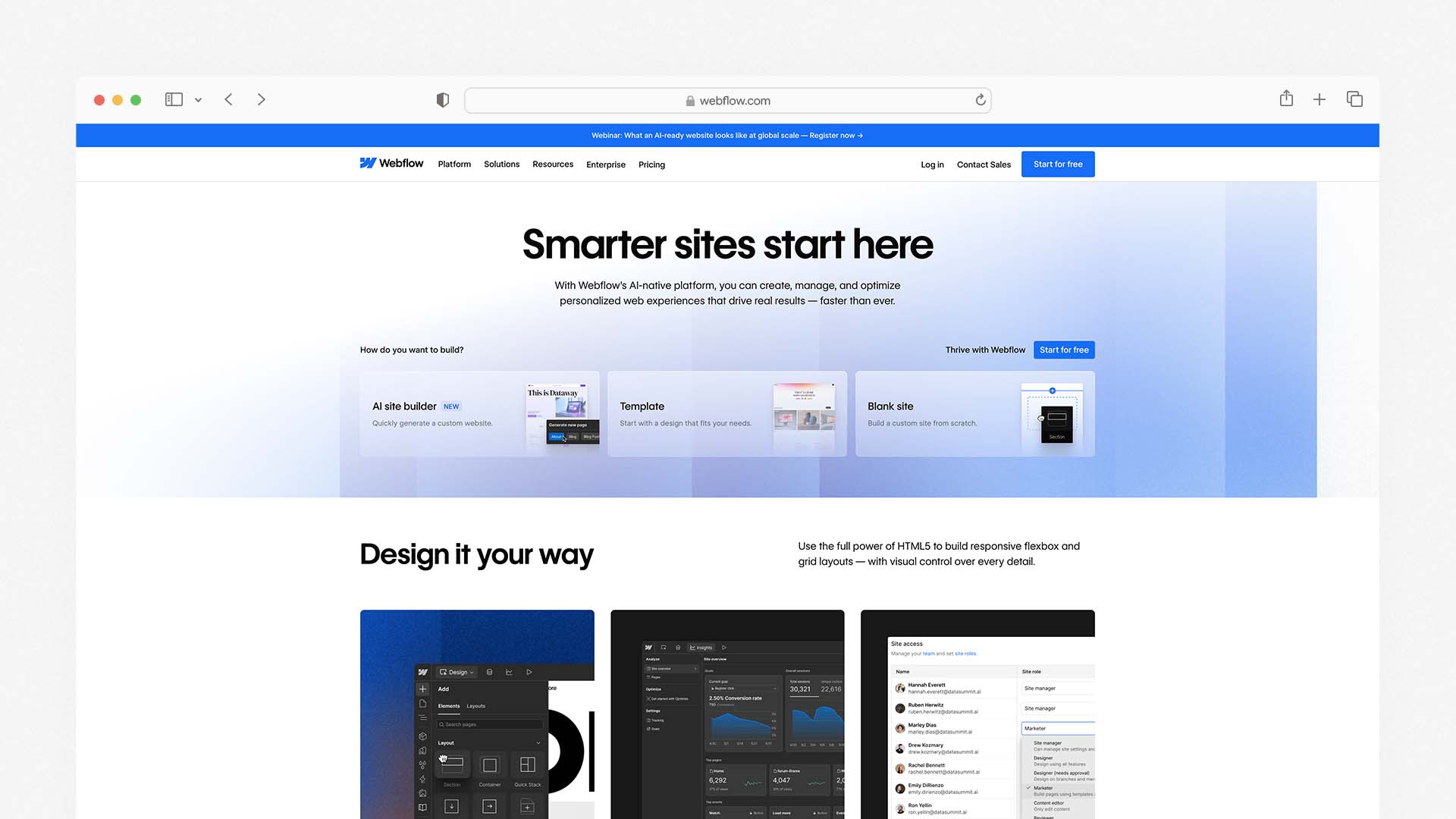
Webflow occupies a unique position on this list — it is far more powerful than a standard website builder, but it does not require learning to write code. For construction companies with a larger marketing budget, a strong brand identity, and the need for a truly custom-looking website, Webflow produces results that are difficult to achieve with any other builder.
It is particularly relevant for construction firms working with a web design agency or an in-house marketing team. Webflow gives designers pixel-perfect control over layouts, animations, interactions, and responsive behaviour — creating websites that genuinely stand apart from anything built on a template-based platform. The Webflow AI tools assist with writing copy, generating images, and building page sections.
For lead generation, Webflow includes native forms, CMS collections for managing project portfolios at scale, and strong SEO settings including custom schema markup. Multi-location construction companies can create programmatic location pages that target each service area individually — a significant SEO advantage.
The trade-off is that Webflow has a steep learning curve. It is not a platform you can hand to a non-technical team member and expect them to update independently without training. And at $14–39 per month for the site plans (with CMS and ecommerce available at higher tiers), it is priced above the entry-level options.
Webflow Pros:
Pixel-perfect design control — produces the most custom-looking sites
CMS collections for managing large project portfolios at scale
Strong SEO tools including custom schema markup
Programmatic location pages for multi-area construction businesses
Webflow AI helps with copy, image generation, and page building
No-code platform — advanced results without writing code
Webflow Cons:
Steep learning curve — not beginner-friendly
More expensive than most options at equivalent feature levels
Not suitable for non-technical team members to self-manage without training
Less construction-specific template variety than Wix
Webflow Pricing:
Plan | Monthly Price | Key Feature |
|---|---|---|
Basic | $14/month | Simple site, basic CMS |
CMS | $23/month | Full CMS for project portfolios |
Business | $39/month | Advanced features, higher traffic limits |
Enterprise | Custom | Custom limits and SLA |
Best for: Design-oriented construction companies, architecture firms, and large contractors working with a design agency or in-house marketing team who need a fully custom, high-performance website.
7. Emergent — Best AI-Powered Option for Lead Generation Focus
Emergent is a newer AI-powered platform specifically designed to build business websites that function as lead generation systems rather than digital brochures. It has been used by construction firms that want a high-performing, professionally structured website without the cost of a custom agency build and without the limitations of a generic template-based builder.
What makes Emergent relevant for construction companies is its approach: it does not just generate a visually acceptable website — it structures the site around how construction clients actually make purchasing decisions. Service pages are built to answer the questions clients ask before requesting a quote. Project portfolio sections include context about project scope, not just photos. Lead capture forms are placed at the points in the user journey where visitors are most likely to enquire.
Emergent's pricing is not publicly listed, which means it is not the right choice if you need a simple, self-serve, fixed-cost solution. It positions itself as a higher-end tool for businesses that want a performance-oriented site rather than the cheapest one available.
Emergent Pros:
Website structure built around lead generation and client trust-building
AI generates sites optimised for how construction clients make decisions
Service and project pages designed to qualify leads, not just display information
Suitable for construction firms wanting more than a generic template result
Emergent Cons:
Pricing not publicly listed — requires a consultation
Not a self-serve platform — less suitable for quick DIY launches
Fewer reviews and track record than established builders like Wix or Squarespace
Not the right choice if budget is the primary consideration
Best for: Construction companies that want a lead-generation-focused website built around client psychology — and are willing to invest more than a standard website builder monthly fee to get it.
Which Website Builder Should You Choose for Your Construction Company?
Your Situation | Best Choice |
|---|---|
You want the best all-around platform for contractors | Wix |
You want premium design to win high-value clients | Squarespace |
You need to get online today for under $3/month | Hostinger |
You want to dominate local search long-term | WordPress + Elementor |
You want the fastest possible setup, zero learning curve | GoDaddy |
You need a fully custom site with agency-level design | Webflow |
You want a lead-generation-first approach | Emergent |
What Pages Does a Construction Company Website Need?
Home Page
Your home page answers three questions in the first five seconds: What do you build? Where do you operate? How do I contact you? A strong hero section with a project photo, your key services in plain language, your service area, and a clear "Get a Quote" button handles all three. Everything else on the home page — testimonials, certifications, featured projects — builds confidence after that first impression lands.
Services Pages
Every major service your company offers deserves its own dedicated page. If you do residential builds, commercial fit-outs, and renovations, those are three separate pages — not a single list. Dedicated pages let you write specifically about each service, target the exact keywords clients use when searching for that service, and give Google a clear signal about what you offer and where.
Project Portfolio or Gallery
This is the most persuasive page on any construction website. Real project photos with location, project type, and a short description of the scope and outcome answer the question every client is secretly asking: "Have they done something like what I need, and did it turn out well?" Include before-and-after images wherever possible — they are the most compelling evidence of capability.
Testimonials and Reviews Page
Written testimonials from real clients, ideally with the client's name and the type of project, reduce the perceived risk of hiring you. A dedicated reviews page — or testimonials embedded throughout the site — shortens the decision-making timeline for potential clients who are comparing multiple contractors.
About Page
Tell the story of your company: how long you have been operating, who leads the team, what trades and certifications you hold, and what makes your approach different. Include real photos of your team and your work vehicles if you have them — these humanise your business and make you more memorable than a company that uses only stock photography.
Contact and Quote Request Page
Make this as frictionless as possible. A short form — name, phone, email, type of project, rough timeline — is better than a long one. Display your phone number prominently in the header of every page, not just the contact page. Many construction enquiries come from people who prefer to call rather than fill in a form.
How Much Does a Construction Company Website Cost?
Using a Website Builder
Budget Level | Monthly Cost | Best Builder | What You Get |
|---|---|---|---|
Very Low | $3 – $10 | Hostinger, GoDaddy | Basic site, service list, contact form |
Low-Medium | $10 – $25 | GoDaddy, Squarespace | Gallery, forms, scheduling, testimonials |
Medium | $17 – $36 | Wix | Full lead gen, local SEO, client management |
Higher | $23 – $39 | Squarespace, Webflow | Premium design, client documents, CMS |
Custom | $100+ | Emergent | AI-built, lead-generation-optimised |
Hiring a Web Designer or Agency
A freelance web designer will charge between $1,500 and $6,000 for a professional construction website, depending on the number of pages, custom features, and the designer's experience level. A full-service web agency can charge $8,000–$25,000 for a construction website with custom functionality. This level of investment makes sense for established companies and larger contractors competing for major commercial projects — but is unnecessary for most small and mid-size construction businesses.
Hidden Costs to Watch For
Domain registration: $10–20/year, often free in year one
SSL certificate: included by all reputable builders, but always confirm
Professional photography: $300–1,500 for a project photo shoot — arguably the highest-ROI investment a construction company can make in their website
Renewal price increases: many builders offer introductory pricing that increases significantly at renewal — check the renewal rate before committing
How to Get Your Construction Website to Rank on Google
Create a Separate Page for Every Service You Offer
A single page listing all your services tells Google very little. A dedicated page for "residential construction," a separate page for "commercial fit-out," and another for "home renovation" — each written specifically about that service — tells Google exactly what you do and helps you appear in searches for each individual service.
Build Location Pages for Every Area You Serve
If you operate across multiple suburbs or cities, create a dedicated page for each one. A page titled "Construction Company in [City Name]" with relevant content, your contact details, and a Google Map embed is one of the most effective local SEO tactics available for contractors.
Claim and Fully Complete Your Google Business Profile
Your Google Business Profile is free and directly affects whether you appear in the map results when someone searches "contractor near me." Add your full address, phone number, opening hours, services, and at least 10 project photos. Ask every satisfied client to leave a review — the number and recency of reviews directly affect your local ranking.
Add Real Project Descriptions — Not Just Photos
Every project in your portfolio should have a short written description: the location, the type of project, the scope of work, and any specific challenges solved. This text is what Google indexes. A gallery of photos with no text gives Google nothing to rank you on.
Make Sure Your Phone Number Is Visible on Every Page
Most construction enquiries begin with a phone call. If a potential client has to hunt for your number, they will call a competitor instead. Put your phone number in the header so it appears on every page of your website, and make it a clickable link so mobile users can tap to call directly.
Final Verdict
Every builder on this list has a place depending on your company's size, budget, and goals:
Choose Wix if you want the most complete all-in-one platform with construction templates, gallery tools, lead forms, and local SEO — at a reasonable monthly cost
Choose Squarespace if your construction company targets premium clients and the visual quality of your website needs to match the quality of your work
Choose Hostinger if you need to get a professional site live today for the lowest possible monthly cost
Choose WordPress with Elementor if you are serious about long-term local SEO dominance and are prepared for slightly more technical setup
Choose GoDaddy if you want the fastest, simplest launch with zero learning curve
Choose Webflow if you have a design agency or in-house team and need a fully custom, high-performance website
Choose Emergent if you want a website built specifically around how construction clients make decisions, with lead generation built into the structure
A well-built construction website does not just tell people what you do — it convinces them you are the right choice before they ever pick up the phone. Get it right and it becomes the best salesperson your company has.
If you're still evaluating different builder categories, you can also explore the Best AI Website Builders to see how modern platforms can generate an entire site from a few prompts.
FAQs
What is the best website builder for a construction company?
Yes. Over 62% of residential and commercial clients review a contractor's website before requesting a quote, and more than half eliminate firms with poor or non-existent websites before making contact. Without a website, you are invisible to every potential client who searches online — which is most of them.
Do construction companies need a website?
Yes. Over 62% of residential and commercial clients review a contractor's website before requesting a quote, and more than half eliminate firms with poor or non-existent websites before making contact. Without a website, you are invisible to every potential client who searches online — which is most of them.
How much does a construction company website cost?
Using a website builder, a professional construction company website costs between $3 and $50 per month depending on the features you need. Hiring a freelance web designer costs $1,500–$6,000 upfront. For most contractors, a builder in the $17–$29 per month range covers project galleries, quote forms, testimonials, and local SEO tools — everything needed to generate leads.
Is Wix good for construction companies?
Yes. Wix has over 50 construction and contractor-specific templates, a built-in project gallery, quote request forms, Wix Bookings for scheduling consultations, and strong local SEO tools including custom meta tags and location page support. It is the most feature-complete option for construction companies that want to build and manage their own website without a developer.
Can I build a construction website for free?
Wix offers a free plan that lets you build and publish a construction company website at no cost, but the free plan shows Wix branding and does not allow a custom domain. For a professional site that looks credible to potential clients, the minimum investment is around $3–17 per month depending on the builder you choose.
What should a construction company website include?
A construction company website should include a home page with a clear service summary and contact call-to-action, dedicated service pages for each trade or project type, a project portfolio with photos and written descriptions, client testimonials, an about page with team information and accreditations, and a contact page with a quote request form and visible phone number. Location-specific pages for each area you serve are also important for local SEO.
Latest Blogs
Get the Latest Tech Insights in Your Inbox.
No spam, unsubscribe anytime.