
Vibe coding is a software development practice where you describe what you want to build in plain English — and artificial intelligence writes all the code. Instead of typing syntax, you type intent. Instead of debugging line by line, you describe the problem and ask the AI to fix it. The term was coined by AI researcher and OpenAI co-founder Andrej Karpathy in February 2025, and by the end of that year Collins English Dictionary had named it their Word of the Year. In 2026, it is the fastest-growing development methodology in the world, with searches up over 2,400% since January 2025.
This guide explains exactly what vibe coding is, how it works in practice, which tools people actually use, what you can realistically build with it, what the real risks are, and whether it is something worth learning — regardless of whether you have ever written a line of code.
If you're looking for tools that enable this workflow, see our comparison of the Best AI Website Builders.
Where the Term Came From
In February 2025, Andrej Karpathy — who co-founded OpenAI and later led AI development at Tesla — published a short post describing a new way he had been working with AI tools. He wrote that he was "fully giving in to the vibes," describing a workflow where he barely looked at the code the AI was generating and instead focused entirely on the outcome: did the thing work the way he wanted it to?
He acknowledged that "the code grows beyond my usual comprehension" and said it was best suited for "throwaway weekend projects." He described the experience as forgetting that the code even exists — working entirely at the level of goals and behaviour, with the AI handling every implementation detail.
That framing resonated with an enormous number of people. Founders who had product ideas but no engineering background. Designers who understood interfaces but not databases. Marketing teams who needed internal tools but had no developers available. The term spread immediately, and the concept it described — using AI to build real software from plain language descriptions — moved from a niche developer experiment to a mainstream practice within months.
By March 2025, Merriam-Webster listed it as a "slang and trending" expression. By December 2025, Collins named it their Word of the Year. By early 2026, Linus Torvalds — the creator of the Linux kernel — had publicly used vibe coding to build a component of one of his own personal projects.
What Vibe Coding Actually Means — Plainly
Before the frameworks and the tools, here is what the practice looks like in simple terms.
Traditional software development works like this: you have an idea, you break it down into technical requirements, you write code in a programming language, you test it, you fix the bugs you introduced while fixing other bugs, and eventually you have a working feature. Every step requires technical knowledge — knowing the syntax of the language, understanding how databases work, knowing how to configure a server, knowing what an API is and how to call one.
Vibe coding works differently. You describe what you want — the way you would explain it to a smart friend who happened to be a developer — and an AI system interprets that description and writes the code for you. You look at what it built, test whether it works, describe what needs to change, and the AI revises it. You are having a conversation about what to build. The AI is doing the building.
The most quoted line from Karpathy's original description captures it well: he said the goal is to "forget that the code even exists." Your job shifts from writing and debugging code to deciding what the software should do, testing whether it does it, and guiding the AI when it gets something wrong.
How Vibe Coding Works — Step by Step
Step 1: Write a Detailed Prompt
You start by describing what you want to build in as much detail as you can. The quality of what the AI produces is directly proportional to the specificity of your description. A vague prompt like "build me an app" produces something generic and unhelpful. A specific prompt like "build a web app where freelancers can log clients, add hourly time entries for each client, and generate a PDF invoice at the end of the month with their rate and total hours" gives the AI enough information to produce something genuinely useful.
Platforms like Lovable use this approach to generate full web applications from plain English prompts.
Most experienced vibe coders treat the initial prompt as the most important step. They write it out in full before starting, often as a detailed brief — describing the user, the core features, how data should be stored, what the key screens should look like, and any specific technology preferences.
Step 2: Review the Output
The AI generates code and, in most modern tools, shows you a live preview of what it built. You are not expected to read and understand every line of code — that is the whole point. You look at the result the way a client reviews a design mockup: does it do what you asked? Does it look right? Does the data flow the way it should?
This is where the "vibe" part of vibe coding lives. You are evaluating outcome rather than implementation. If the invoice feature generates the right numbers in the right format, the code behind it is secondary to that result.
Step 3: Refine Through Conversation
Almost nothing is perfect on the first pass. You describe what needs to change — "the client name should be at the top of the invoice, not the bottom," "the total is calculating incorrectly when I have a discount applied," "add a way to mark invoices as paid" — and the AI revises the code in response. This back-and-forth loop of describe, generate, test, and refine is the core of the vibe coding workflow.
The more clearly you can describe what is wrong, the faster the AI can fix it. Learning to write good correction prompts — being specific about what is broken, what you expected, and what you got instead — is the primary skill that separates productive vibe coders from frustrated ones.
Step 4: Deploy and Share
Modern vibe coding tools include one-click deployment to a live URL. Once your app is working the way you want it to, you publish it with a click and get a shareable link. The entire journey — from idea to live, usable application — can happen in an afternoon.
This ability to go from prototype to deployed application without a "DevOps bottleneck" is what Google Cloud calls "vibe deploying" — and it has compressed the timeline from idea to product in a way that was not possible even two years ago.
Vibe Coding vs Traditional Coding — What Actually Changes
Traditional Coding | Vibe Coding | |
|---|---|---|
Primary skill required | Programming language syntax | Clear communication and product thinking |
Who writes the code | The developer | The AI |
How you fix bugs | Identify and manually correct the faulty line | Describe the bug to the AI and have it fix |
Time to working prototype | Days to weeks | Hours |
Code ownership | You wrote it, you own it fully | You own it — AI wrote it on your instruction |
Best for | Complex, long-term production systems | Prototypes, MVPs, internal tools, simple apps |
Barrier to entry | High — requires years of learning | Low — requires clear thinking and testing |
The critical nuance that Karpathy himself acknowledged: vibe coding is not traditional software engineering. Programmer Simon Willison noted that "if an LLM wrote every line of your code, but you've reviewed, tested, and understood it all, that's not vibe coding — that's using an LLM as a typing assistant." Vibe coding specifically involves accepting AI output without deep review of the internal structure — which is what makes it fast and accessible, and also what creates its risks.
What You Can Realistically Build With Vibe Coding
One of the most important things to understand about vibe coding is that it has a capability ceiling. The tools available in 2026 are genuinely impressive, but they are not unlimited. Here is an honest map of what works well and what does not.
What Works Well
Landing pages and marketing sites. A polished marketing page with a hero section, feature breakdown, pricing table, testimonials, and contact form is one of the easiest things to build with vibe coding. Tools like Lovable and Bolt.new can produce these in under 30 minutes from a detailed brief, and the output quality is comparable to hiring a mid-level web designer.
MVPs and product prototypes. In 2021, a Minimum Viable Product took three months and $50,000. In 2026, a founder can build, test, and deploy a functional SaaS over a long weekend for the cost of an API subscription. Booking systems, client portals, simple dashboards, expense trackers, task managers, and CRM tools — all of these are achievable with vibe coding in a matter of hours or days.
For example, tools like Lovable and 10Web are commonly used to build AI-generated applications and WordPress sites.
Internal business tools. Spreadsheet-replacement tools, approval workflows, inventory trackers, reporting dashboards, and team-facing admin panels are the most common and most successful applications of vibe coding in enterprise settings. These do not require the performance or security hardening of public-facing consumer apps, which makes them an ideal fit.
Automation tools and scripts. Batch processing, data transformation, email automation, and scheduled tasks are well within vibe coding's capability — often faster to build than to configure in a no-code automation tool.
What Does Not Work Well
Complex, large-scale production systems. Commercial software remains constrained by requirements ambiguity, integration edge cases, security obligations, performance under load, incident response, and long-term maintainability. An AI can write code that looks correct but contains structural vulnerabilities or inefficiencies that only appear under real-world traffic at scale.
Applications requiring regulatory compliance. Healthcare, financial services, and legal tech applications require specific security certifications, data handling practices, and audit trails that need professional engineering oversight — not just functional code.
Large, evolving codebases. As an AI-generated codebase grows and accumulates features across many sessions, the AI's ability to keep track of the full system becomes strained. Bugs become harder to fix without introducing new ones. The role of professional developers shifts upward — functioning as system designers, reviewers, and operators of AI-assisted pipelines rather than disappearing.
The Best Vibe Coding Tools in 2026
The vibe coding ecosystem has matured significantly and split into two clear categories.
Category 1: App Builders (For Non-Technical Users)
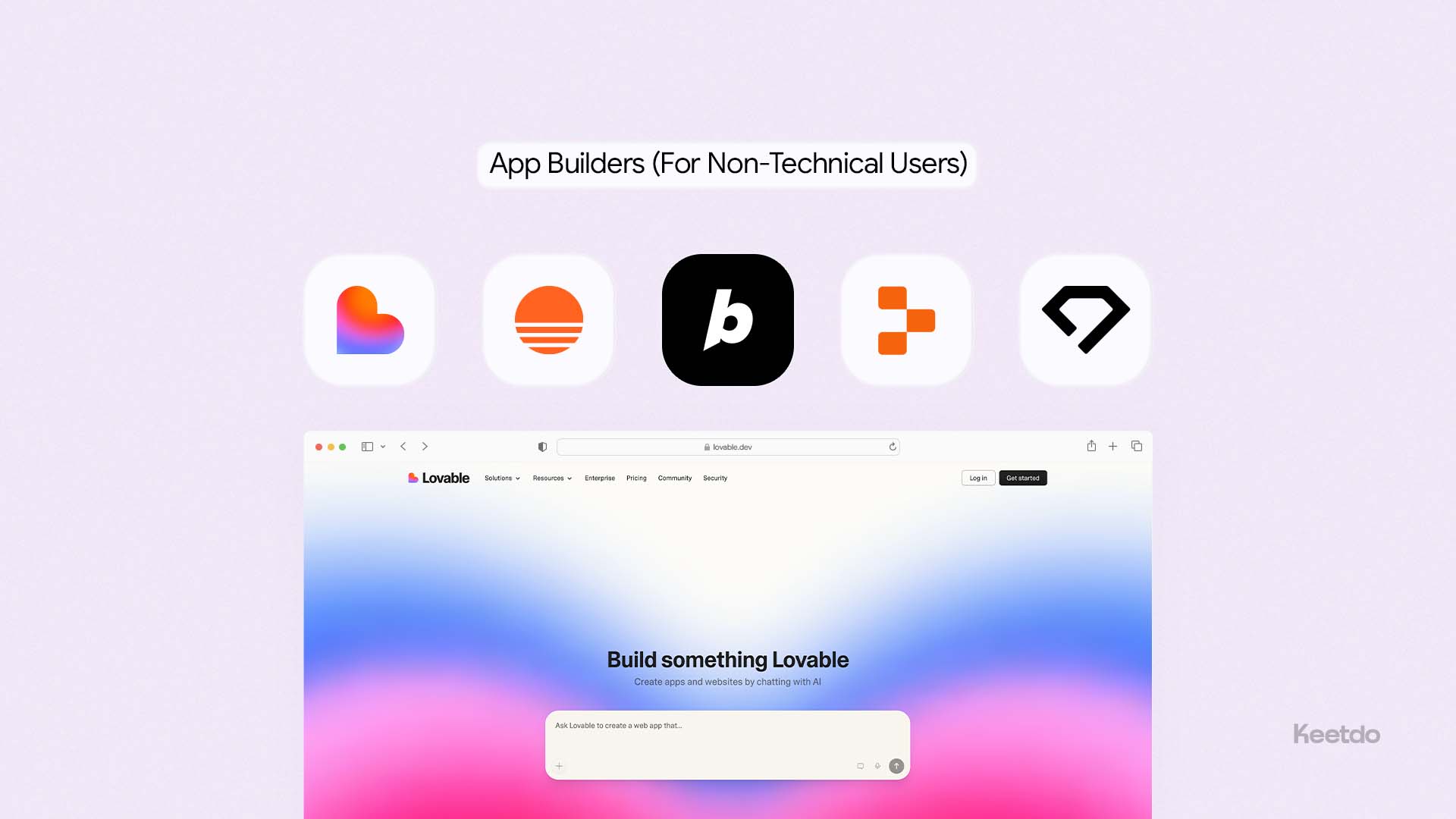
These tools handle everything — writing the code, running it, and hosting it. You never need to open a terminal or install anything.
Lovable is the most capable full-stack app builder for non-technical founders. You describe your application, and it generates React and TypeScript code with a real Supabase database, Stripe payments, and user authentication. Every project syncs to a GitHub repository you own. Lovable is described as "frontend-focused app generation with Supabase backend," and it is the most commonly used tool for startup MVPs in 2026. Starts at $25/month.
We reviewed this platform in depth in our guide to the Lovable AI Website Builder Review.
Base44 takes a fully integrated approach — the frontend, backend, database, and hosting all live inside Base44's platform, so no external service accounts are needed. Acquired by Wix for $80 million in 2025. Users can choose their AI model: GPT-5, Claude Sonnet, or Gemini 2.5 Pro. Apps can now be published directly to the Apple App Store and Google Play. Starts at $16/month.
Bolt.new is built by StackBlitz and runs a complete Node.js environment inside your browser. Powered by Claude AI, it supports multiple JavaScript frameworks including React, Vue, Svelte, and Next.js. Every project is fully exportable. Best for users who want framework choice and do not mind seeing the code. Starts at $20/month.
Replit Agent combines an online coding environment with an AI agent that can scaffold, build, and deploy applications. It is particularly popular with students and early-stage developers who want to build on a platform with a strong community. Includes built-in hosting and deployment.
Durable is the fastest option for simple business websites — a full site from a text description in under 60 seconds, with a bundled CRM and invoicing. Less capable than Lovable or Base44 for complex applications, but unmatched for speed. Starts at $12/month.
Category 2: AI-Enhanced Code Editors (For Developers)
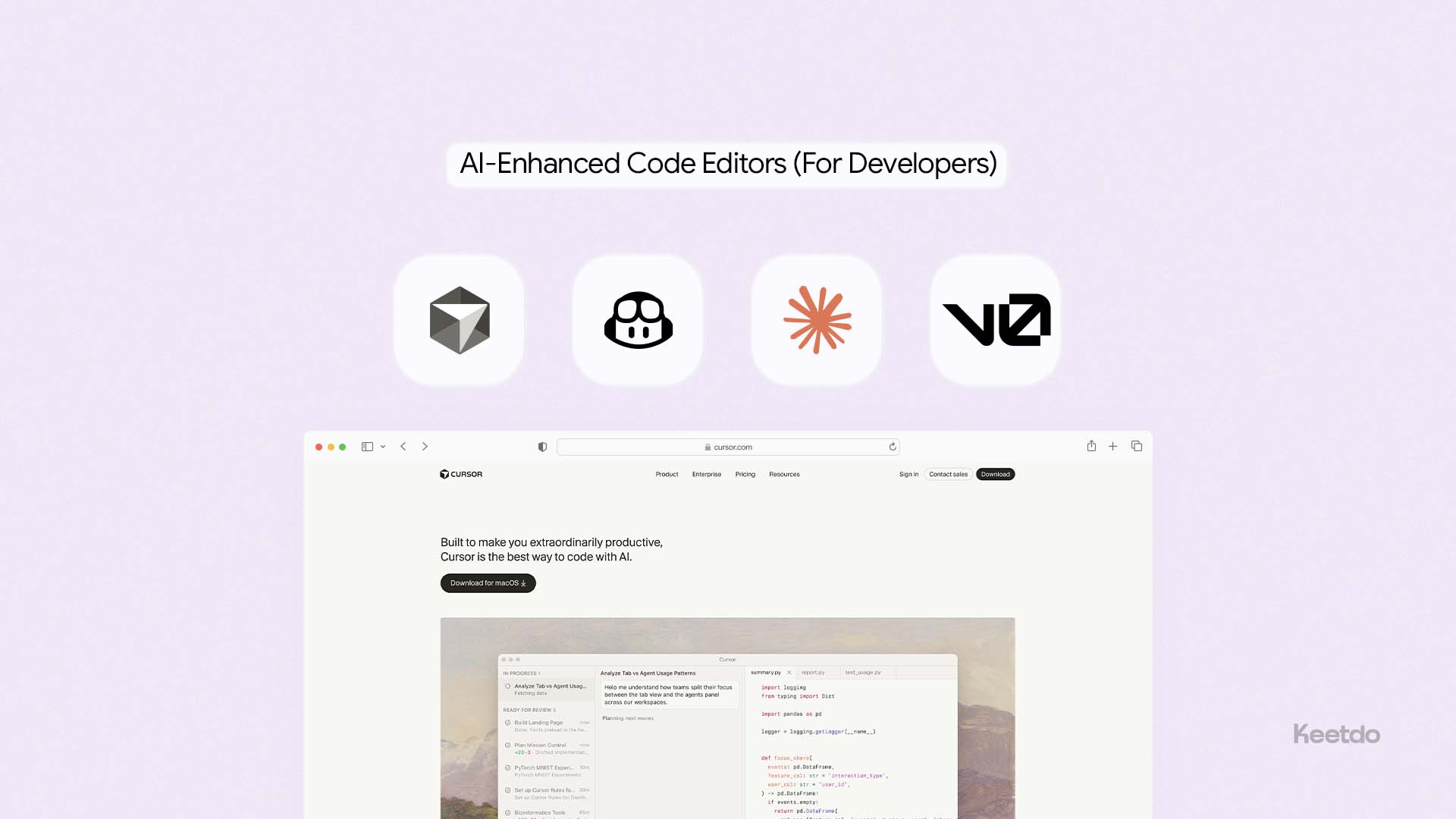
These tools help existing developers move faster — the AI assists, but you still understand and control the code.
Cursor is the most widely adopted AI-powered code editor among professional developers. It works like VS Code but with deep AI integration — the AI can write entire functions, refactor existing code, explain unfamiliar code, and debug across multiple files simultaneously. It understands the full context of your codebase, not just the file you have open. Starts at $20/month.
GitHub Copilot is Microsoft's AI coding assistant, integrated directly into VS Code and most major IDEs. It predicts and completes code as you type, explains functions, suggests fixes, and can generate boilerplate from a comment description. Starts at $10/month with an individual plan.
Claude Code is Anthropic's command-line AI agent for developers. It can read your entire codebase, make multi-file changes, run tests, and fix bugs autonomously. It is particularly strong at complex refactoring and understanding large existing codebases.
v0 by Vercel focuses specifically on generating React and Tailwind UI components from text descriptions. For front-end developers who want to generate polished component code rather than full applications, it is the cleanest output quality available. Free tier available; paid plans from $20/month.
One example is 10Web, which generates full WordPress websites using AI prompts.
The Real Risks of Vibe Coding — Honest, Not Alarmist
The rapid adoption of vibe coding has surfaced real risks that anyone building with these tools should understand — not as reasons to avoid them, but as areas requiring attention.
Security Vulnerabilities Are Real
In May 2025, Lovable was reported to have security vulnerabilities in the code it generated, with 170 out of 1,645 Lovable-created web applications having an issue that would allow personal information to be accessed by anyone. This is not an indictment of Lovable specifically — it reflects a broader pattern across AI-generated code.
A December 2025 analysis by CodeRabbit of 470 open-source GitHub pull requests found that code co-authored by generative AI contained approximately 1.7 times more "major" issues compared to human-written code, with AI co-authored code showing elevated rates of logic errors and security vulnerabilities 2.74 times higher.
The practical implication: any application that handles real user data, payment information, or personal records needs a security review by someone qualified to do it — even if AI wrote the code. Vibe coding speeds up the build. It does not replace professional security assessment.
Technical Debt Accumulates Silently
When you generate code without fully understanding it, you cannot always identify when the AI has made a structurally poor decision that will cause problems later. An AI might solve a problem in a way that works for 100 users but breaks under 10,000. It might use a data structure that is easy to query now but slow to scale. These problems are invisible until they surface — and they are harder to fix in code you did not write and cannot fully read.
The mitigation is not to avoid vibe coding but to treat production applications as requiring review cycles similar to any other engineering work: testing under realistic load, reviewing data handling logic, and checking for obvious architectural problems before launch.
The Debugging Loop Problem
When an AI-generated application develops a bug, the instinct is to ask the AI to fix it. This works well most of the time. But occasionally the AI generates a fix that introduces a new bug, and the cycle of ask-fix-new-bug can become time-consuming and credit-consuming without resolving the underlying issue. Experienced vibe coders recognise this loop early and break it by switching to a code editor, fixing the issue directly, and returning to the AI for the next feature.
The Open Source Concern
A January 2026 paper authored by experts from several universities argued that vibe coding has a negative impact on the open-source ecosystem, saying it "raises productivity by lowering the cost of using and building on existing code, but it also weakens the user engagement through which many maintainers earn returns." When developers generate code via AI instead of finding and contributing to open-source solutions, the community feedback loop that improves open-source software weakens. This is a genuine systemic concern that the industry is actively debating.
Who Is Vibe Coding Actually For?
The honest answer is that vibe coding is for far more people than traditional software development was — but it is not for everyone, and the benefits depend significantly on what you are trying to build.
Founders and Entrepreneurs
If you have a startup idea and no engineering co-founder, vibe coding is the most practical path to a working prototype that you can test with real users and show to investors. The capital and time required to validate a product concept have dropped dramatically. A solo founder who would previously have needed to raise $50,000 to build an MVP can now build one over a weekend.
Product Managers and Designers
Vibe coding gives product managers and designers the ability to build working prototypes rather than static mockups — which fundamentally changes how teams communicate ideas and how stakeholders evaluate them. A prototype that users can actually click through and interact with reveals problems that a Figma design never surfaces.
Small Business Owners
Internal tools that used to require a developer are now within reach. A spreadsheet-based process that the team hates can become a proper web app with a real database, proper validation, and a usable interface. The cost of building that tool has dropped from $5,000–20,000 (developer fees) to $25–100 (AI tool subscription plus an afternoon).
For businesses that simply need a website rather than a custom application, our guide to the Best Website Builder and Hosting for Small Business explains the easiest platforms to start with.
Developers Who Want to Move Faster
For professional developers, vibe coding tools reduce the time spent on boilerplate — authentication setup, CRUD scaffolding, standard UI components — so more time can be spent on the complex, interesting parts of a project where human judgment genuinely matters. Developers report productivity increases of 3–5x for common tasks.
Who Should Approach With Caution
Complete beginners who need to build production-grade applications for external users handling sensitive data should invest time in understanding what the AI is building before they ship it. The speed of vibe coding is a genuine advantage; deploying insecure code to real users because you did not understand what you launched is a genuine risk.
Vibe Coding vs No-Code — What Is the Difference?
A common question is how vibe coding differs from no-code tools like Webflow, Bubble, or Zapier.
If you want a simpler approach that doesn't involve AI-generated code, our comparison of the Best DIY Website Builders explains the easiest drag-and-drop options.
No-code tools replace coding with visual interfaces — drag-and-drop builders, workflow editors, and configuration panels that let you build within a predefined set of capabilities. They are fast to start but hit a ceiling when your requirements go beyond what the visual system supports.
Vibe coding produces actual code from plain language descriptions. There is no ceiling imposed by a visual interface — if you can describe it, the AI can write it. The output is a real codebase that a developer can extend, a business can own, and a server can run like any other software. The only limit is the current capability of the AI model generating the code.
The practical difference: no-code is faster to start and easier for non-technical users to self-maintain. Vibe coding produces more flexible, more powerful output — but the resulting code needs more technical literacy to modify and maintain over time.
How Much Does Vibe Coding Cost?
The cost of vibe coding depends on which tools you use and how actively you build.
Tool | Monthly Cost | Best For |
|---|---|---|
Lovable Pro | $25/month | Non-technical founders building full-stack apps |
Base44 Starter | $16/month | Integrated full-stack, no external services needed |
Bolt.new Basic | $20/month | Developers wanting multi-framework flexibility |
Cursor Pro | $20/month | Developers using AI inside their existing editor |
GitHub Copilot | $10/month | Developers wanting AI autocomplete in VS Code |
Replit Core | $20/month | Students and beginners wanting hosted environment |
v0 Premium | $20/month | Frontend developers generating React components |
Durable Business | $20/month | Local businesses needing fast simple website |
For most non-technical founders building an MVP, the realistic monthly cost is $16–25 for the primary building tool, plus the cost of any services you connect (Supabase has a free tier, Stripe charges 2.9% per transaction, a custom domain costs $15 per year). Total cost to build and deploy a working prototype: under $50 in the first month.
The Bigger Picture — What Vibe Coding Changes
The most interesting question about vibe coding is not "how does it work" but "what does it mean."
Google CEO Sundar Pichai said in Alphabet's Q1 2025 earnings call that more than 25% of Google's code is generated by AI. Microsoft CEO Satya Nadella confirmed that 30% of the company's code is written by AI. These are not startups experimenting with new tools — these are the two largest software companies in the world, and they have already integrated AI code generation into their core development processes.
For the broader economy, the implication is that the ability to build software is no longer gated by the ability to write code. Vibe coding marks "the end of an era where software development required years of technical training, turning millions of non-coders into creators who can build and launch applications."
This does not mean software engineers are being replaced. The most in-demand skill in 2026 is not the ability to type code — it is the ability to think clearly about systems, evaluate whether AI output is correct and secure, and make good decisions about what to build and how to build it. The developers who thrive are the ones using vibe coding as an accelerator for their existing judgment — not as a substitute for it.
What vibe coding does change, fundamentally, is who gets to build. A founder with a product idea and no engineering background. A small business owner who needs a custom internal tool. A designer who wants to prototype at the fidelity of a real application. These people now have access to something they never had before: the ability to turn a clear description of a problem into working software, on their own, at minimal cost.
Final Verdict
Vibe coding is not hype. It is a genuine shift in how software gets built — one that has already moved from a personal experiment by one AI researcher to the Collins Word of the Year, a practice used by two of the world's largest technology companies, and a methodology adopted by millions of founders, product managers, and developers around the world.
The tools available in 2026 are mature enough to produce real, deployable applications from plain language descriptions. The limitations are real — security risks in unreviewed code, complexity ceilings for large systems, and a debugging loop that frustrates every active user at some point. Understanding those limits is what separates productive vibe coding from expensive mistakes.
For most people reading this guide, the practical takeaway is this: if you have a product idea you have been unable to build because you cannot code, the barrier is now low enough to try. Pick one of the tools above, write the most specific description you can of what you want to build, and spend an afternoon finding out what is now possible.
If you want a detailed comparison of the leading platforms, start with our guide to the Best AI Website Builders.
The worst case is that you spend a few hours and learn something useful about how these tools work. The best case is that you build the thing you have been waiting to build.
FAQs
What is vibe coding in simple terms?
No. Vibe coding tools like Lovable, Base44, and Bolt.new are specifically designed for users who have no programming background. The primary skill required is clear communication — the ability to describe what you want to build specifically and to explain what is wrong when something does not work correctly. Technical knowledge helps you get better results, but it is not required to get started.
Do you need to know how to code to vibe code?
No. Vibe coding tools like Lovable, Base44, and Bolt.new are specifically designed for users who have no programming background. The primary skill required is clear communication — the ability to describe what you want to build specifically and to explain what is wrong when something does not work correctly. Technical knowledge helps you get better results, but it is not required to get started.
Is vibe coding the same as AI coding?
Not exactly. AI coding covers a broad range of AI assistance in software development — from autocomplete suggestions to full code generation. Vibe coding specifically refers to the practice of accepting AI-generated code without closely reviewing its internal structure, focusing on whether the output works rather than how it is written. Using GitHub Copilot to suggest a line of code that you then read, edit, and understand is AI coding. Describing an entire application and accepting what the AI produces is vibe coding.
Is vibe coding safe?
It depends on what you build and how you deploy it. Vibe-coded applications that handle personal user data, payment information, or sensitive business records should be reviewed for security before going live. Research has shown AI-generated code contains more security vulnerabilities on average than human-written code. For personal projects, internal tools, and prototypes, the risk is low. For public-facing applications handling sensitive data, a security review is important regardless of how the code was written.
What is the best vibe coding tool for beginners?
Lovable and Base44 are the most beginner-friendly tools for building full web applications without any coding experience. Lovable starts at $25 per month and generates production-grade React code with a Supabase database and Stripe payments. Base44 starts at $16 per month and handles the database and hosting internally — meaning no external service accounts are needed. For the simplest possible business website, Durable generates a complete site in under 60 seconds from a text description.
What can you build with vibe coding?
In 2026, vibe coding is used to build: landing pages and marketing websites, SaaS dashboards and subscription tools, internal business tools and approval workflows, client portals and booking systems, MVPs and startup prototypes, ecommerce stores, personal finance tools, and simple mobile-style web apps. It works less well for complex production systems requiring high security, regulatory compliance, or large-scale performance engineering.
Latest Blogs
Get the Latest Tech Insights in Your Inbox.
No spam, unsubscribe anytime.