
The best VPN for small business is NordLayer — it is built specifically for business use with a centralized admin dashboard, per-user access controls, dedicated gateways with fixed IP addresses, and SSO integration with Google Workspace, Okta, and Microsoft Entra, all starting at $8 per user per month. For solo traders and very small teams of two to three people who need a reliable secure connection without a business-grade admin panel, NordVPN with a dedicated IP is the most cost-effective option. For small businesses on a tight budget that need to cover unlimited devices, Surfshark at $1.99 per month per subscription gives you the lowest per-seat cost of any quality VPN available.
This guide covers exactly what a business VPN does that a personal VPN does not, what features actually matter for a team versus an individual, how to choose between consumer VPNs and purpose-built business solutions, what each top option costs for a real team of five or ten people, and the honest answer to the question almost no VPN review article addresses: what happens to your team's access when someone leaves the company.
Why Your Business Needs a Different VPN Than Your Personal One
Most VPN guides compare NordVPN, ExpressVPN, and Surfshark on streaming performance and individual privacy. Those are consumer use cases. Business use requires a completely different set of features — and choosing a consumer VPN for a team creates security gaps that your business insurance policy may not cover.
Here is the practical difference:
A personal VPN protects one person's internet traffic on their own devices. It encrypts your connection, hides your IP address, and lets you access content from different regions. You buy one subscription, install it on your laptop and phone, and you are done.
Many small businesses confuse consumer tools with professional infrastructure. If you're building your online presence, see our guide to the Best Website Builder and Hosting for Small Business.
A business VPN protects an entire team's access to your company network, your internal tools, your cloud services, and your client data. It needs to let an administrator add and remove users when staff change, set different access levels so a junior employee cannot see files they should not, maintain consistent fixed IP addresses so your business banking and SaaS tools can whitelist your company's connection, log activity for compliance purposes, and scale cleanly when you hire your next employee without requiring a new subscription purchase and manual setup.
Secure access also depends on the infrastructure your applications run on. This guide explains what cloud hosting is and why businesses use it for secure remote access.
The security cost of using a personal VPN for business is not theoretical. When a staff member leaves your company and they have their own NordVPN subscription that you have been reimbursing, you cannot revoke their access to your company network — because their login credentials are their own, not yours. A purpose-built business VPN gives the administrator single-click account termination. That single feature is worth the price difference for most businesses.
The Five Features That Actually Matter for a Business VPN
1. Centralized Admin Dashboard
The most important feature for any business VPN is a web-based control panel where the administrator — which for a small business is often the business owner — can add team members, set access permissions, see who is connected, and remove access for a departing employee in seconds. Consumer VPNs do not have this. NordLayer, Check Point SASE (formerly Perimeter 81), and Twingate are all built around it.
2. Fixed IP Addresses (Dedicated IPs)
Many business tools — your company banking, your accounting software, your proprietary internal systems, your API integrations — can be configured to only accept connections from specific IP addresses. This is called IP allowlisting, and it is one of the most effective and simple security controls a small business can implement. Consumer VPNs assign a new shared IP address every time you connect — your connection appears to come from a different address each session. A business VPN with dedicated IP support gives your team a consistent fixed IP that you can whitelist in every tool that supports it. Unauthorized connections from any other IP are blocked automatically.
3. Transferable Licences
When an employee leaves and a new one joins, a properly structured business VPN lets you transfer the departing employee's licence to the new hire without purchasing a new subscription. NordLayer explicitly includes this feature and flags it as a cost management consideration — you pay for seats, not for specific individuals. Consumer VPNs tie subscriptions to email addresses and personal payment methods, making offboarding and onboarding a manual, expensive process.
4. Compliance Logging
If your business handles client data, financial records, personal information, or health data, you are likely subject to regulations — GDPR in Europe, PCI-DSS for payment processing, HIPAA for health information in the US, or similar frameworks in your jurisdiction. These regulations often require you to demonstrate that access to sensitive systems is logged, auditable, and controlled. A purpose-built business VPN generates the activity logs and audit trails these compliance frameworks require. Consumer VPNs advertise the exact opposite — no-logs policies designed to give individuals maximum privacy.
5. Multi-Factor Authentication Integration
A VPN is only as secure as the login protecting it. A consumer VPN with a simple username and password is vulnerable to credential-stuffing attacks where stolen passwords from data breaches are tried automatically across VPN logins. Business VPNs integrate with authenticator apps, hardware keys, and identity providers like Google Workspace and Microsoft Entra so that every login requires a second verification factor that cannot be guessed or stolen.
Quick Comparison — Best VPNs for Small Business
VPN | Best For | Min. Users | Price Per User/Month | Centralized Admin | Fixed IP | Unlimited Devices |
|---|---|---|---|---|---|---|
NordLayer | Best overall business VPN | 5 | $8–14/user | ✅ Yes | ✅ Yes | Per licence |
Check Point SASE | All-in-one security stack | 10 | ~$8–12/user | ✅ Yes | ✅ Yes | Per licence |
Twingate | Budget-conscious teams | 1 (free up to 5) | $5–14/user | ✅ Yes | ✅ Yes | Per licence |
NordVPN | Solo + micro teams (1–3) | 1 | ~$4–5/month | ❌ No | Add-on | 10 devices |
Surfshark | Budget, unlimited devices | 1 | $1.99–3.19/month | ❌ No | Add-on | Unlimited |
ExpressVPN | Premium, simple setup | 1 | $2.44–6.67/month | ❌ No | Add-on | 8 devices |
Proton VPN | Privacy-first businesses | 1 | $4.99/month | ❌ No | Add-on | 10 devices |
The 7 Best VPNs for Small Business — Full Reviews
1. NordLayer — Best Overall Business VPN
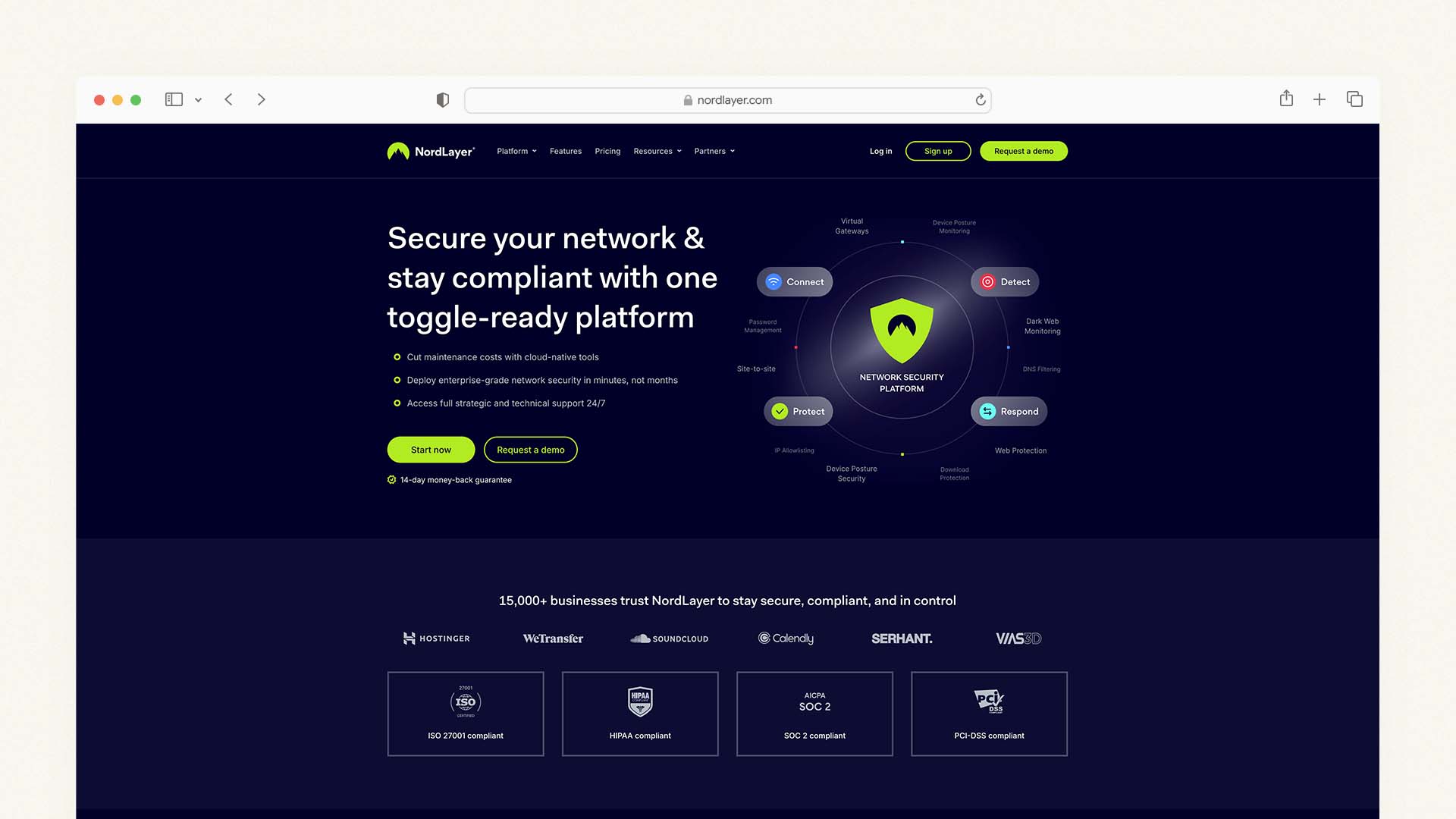
NordLayer is the business VPN that most consistently tops independent rankings in 2026, and the reason is straightforward: it is the only product on this list that was built from the ground up for business use — not a consumer VPN with a team billing option grafted on top. NordLayer is NordVPN's dedicated business arm, developed by Nord Security to address the specific requirements of small and medium-sized businesses that need proper security infrastructure without hiring a full-time IT team to manage it.
For businesses building their online presence alongside security tools, our guide to the Best DIY Website Builders explains how to launch and manage your company website without hiring a developer.
The centerpiece is the Control Panel — a web-based admin dashboard where the business owner or IT administrator can manage every aspect of the team's VPN access from a single interface. You can add new team members, assign them to specific teams or network segments, set which internal resources each person can access, enable or disable two-factor authentication requirements, monitor active connections, and remove a departing employee's access instantly. The entire setup process — from account creation to having your first team member connected — takes under 30 minutes without any technical expertise.
NordLayer's security foundation uses the NordLynx protocol (NordVPN's proprietary WireGuard-based protocol) combined with AES-256 and ChaCha20 encryption. This is the same technology that makes NordVPN the fastest consumer VPN tested in 2026, and the performance advantage carries into business use — video conferences, large file transfers, and cloud application access all run without noticeable speed degradation when connected.
The dedicated gateway feature is NordLayer's most important business-specific capability. A dedicated gateway gives your business a fixed IP address — a consistent, unique address that identifies your company's connections. You add that IP to the allowlist in your banking software, your accounting platform, your business SaaS tools, and any cloud resource that supports IP-based access control. Any connection from outside your VPN is blocked automatically. This is a straightforward, highly effective security control that takes about ten minutes to configure and provides ongoing protection without any ongoing maintenance.
Compliance coverage is comprehensive: NordLayer maintains SOC 2 Type 2 certification, ISO 27001, PCI-DSS compliance, HIPAA compliance guidelines, and GDPR data processing standards. For businesses in regulated industries — financial services, healthcare, legal, accountancy — this compliance coverage is a meaningful practical advantage over consumer VPN alternatives that cannot provide equivalent documentation.
Who should use NordLayer: Any business with five or more employees that needs proper access management, fixed IP addresses for IP allowlisting, compliance documentation, and the ability to immediately revoke access when staff change. The minimum five-user requirement makes it inappropriate for solo traders — NordVPN with a dedicated IP is the better fit for teams of one to three.
NordLayer Pricing:
Plan | Price Per User/Month (Annual) | Min. Users | Key Feature |
|---|---|---|---|
Lite | $8/user | 5 | Core VPN, admin panel, NordLynx |
Core | $11/user | 5 | Dedicated IP, DNS filtering, device posture |
Premium | $14/user | 5 | Cloud firewall, deep packet inspection, ZTNA |
Real cost for a team of 10 on the Lite plan: $80/month billed annually. Licence transferability means that cost stays fixed when employees change — you are not purchasing new licences for every replacement hire.
NordLayer Pros:
Purpose-built for business — the most complete admin dashboard on this list
NordLynx protocol delivers the fastest speeds of any business VPN tested
Dedicated gateways with fixed IP for allowlisting in business tools
Licence transferability — no extra cost when staff change
SOC 2 Type 2, ISO 27001, PCI-DSS, HIPAA compliance documentation
SSO integration with Google Workspace, Okta, Microsoft Entra, JumpCloud
14-day money-back guarantee
NordLayer Cons:
Minimum 5 users — not suitable for solo or 2–4 person teams
Per-user pricing scales with headcount — more expensive than consumer VPNs at larger team sizes
No biometric authentication on the entry Lite plan
14-day money-back guarantee is shorter than most consumer VPNs' 30-day policies
2. Check Point SASE (formerly Perimeter 81) — Best All-in-One Security Platform
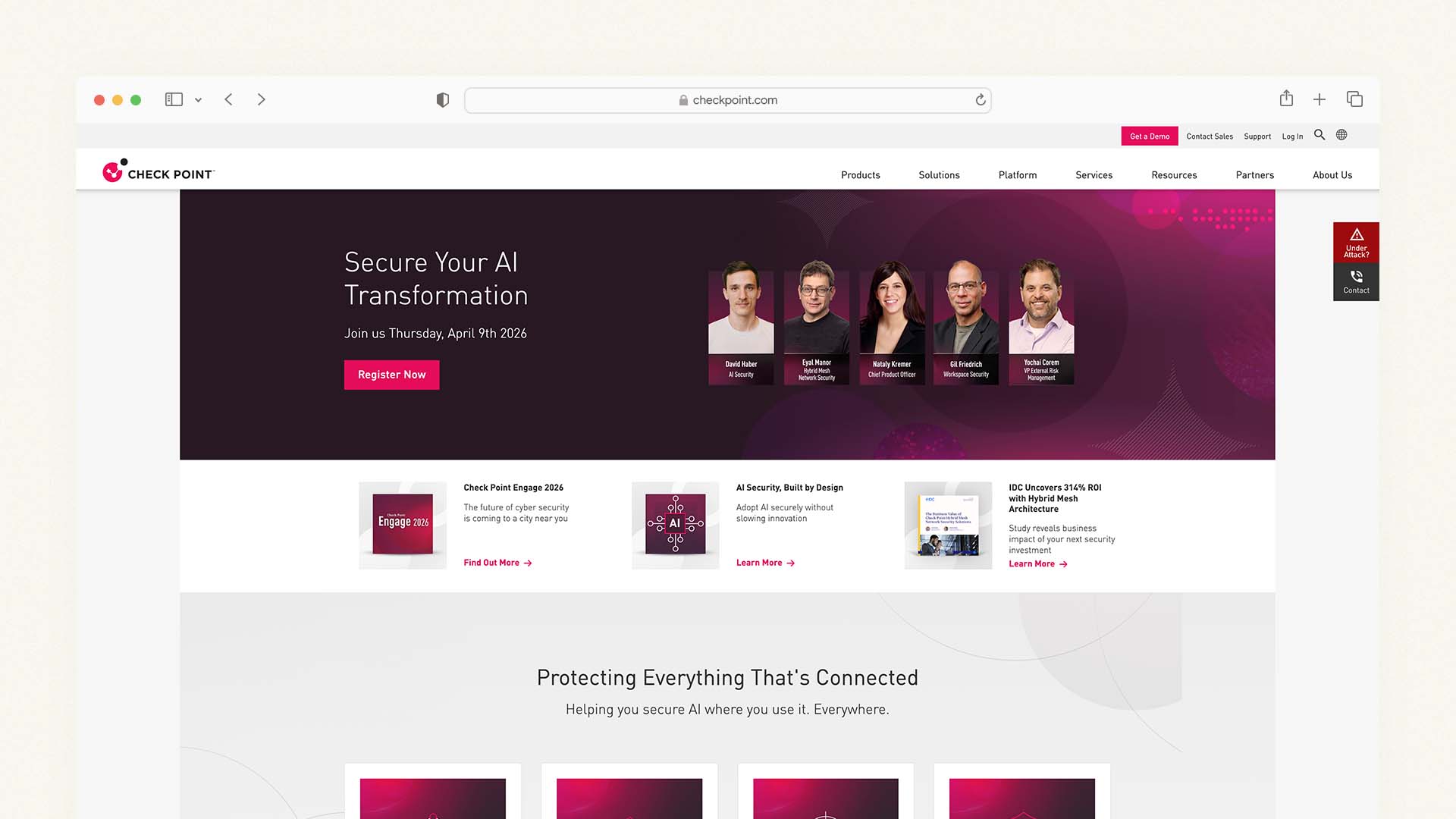
Check Point SASE is not just a VPN — it is a full Secure Access Service Edge platform that bundles a business VPN with a cloud firewall, DNS security, secure web access, and Zero Trust Network Access (ZTNA) into a single admin console. For small businesses that want a single vendor handling every aspect of their network security rather than stitching together separate tools, Check Point SASE provides the most comprehensive coverage of any solution on this list.
The practical advantage is consolidation. Instead of managing a VPN separately from your firewall, separately from your DNS filtering, and separately from your access control policies, every security layer is configured and monitored from one dashboard. For a small business owner who is also their own IT person, reducing the number of separate security tools to manage has real operational value.
Check Point SASE requires a minimum of 10 users, which makes it unsuitable for very small teams and solo traders. At minimum scale — ten users on the entry plan at approximately $8–12 per user per month — the minimum monthly cost is $80–120. This is comparable to NordLayer for the same team size, but Check Point SASE delivers significantly more security breadth for that price, which makes the value case strong for businesses that would otherwise need to purchase separate tools for each security layer.
Check Point SASE Pricing: Starting at approximately $8 per user per month for the Essential plan, with Advanced and Enterprise tiers adding additional security features. Minimum 10 users required.
Check Point SASE Pros:
The most comprehensive all-in-one security stack — VPN, firewall, DNS, ZTNA in one
Single admin console for all security policies — reduces management overhead
Globally distributed private servers with dedicated IP options
Strong compliance coverage for regulated industries
30-day money-back guarantee
Check Point SASE Cons:
Minimum 10 users — not suitable for teams of under 10
More complex to configure than NordLayer — assumes some IT familiarity
More expensive than consumer VPN alternatives at smaller team sizes
Some advanced features require Enterprise plan pricing
3. Twingate — Best for Budget-Conscious Growing Teams
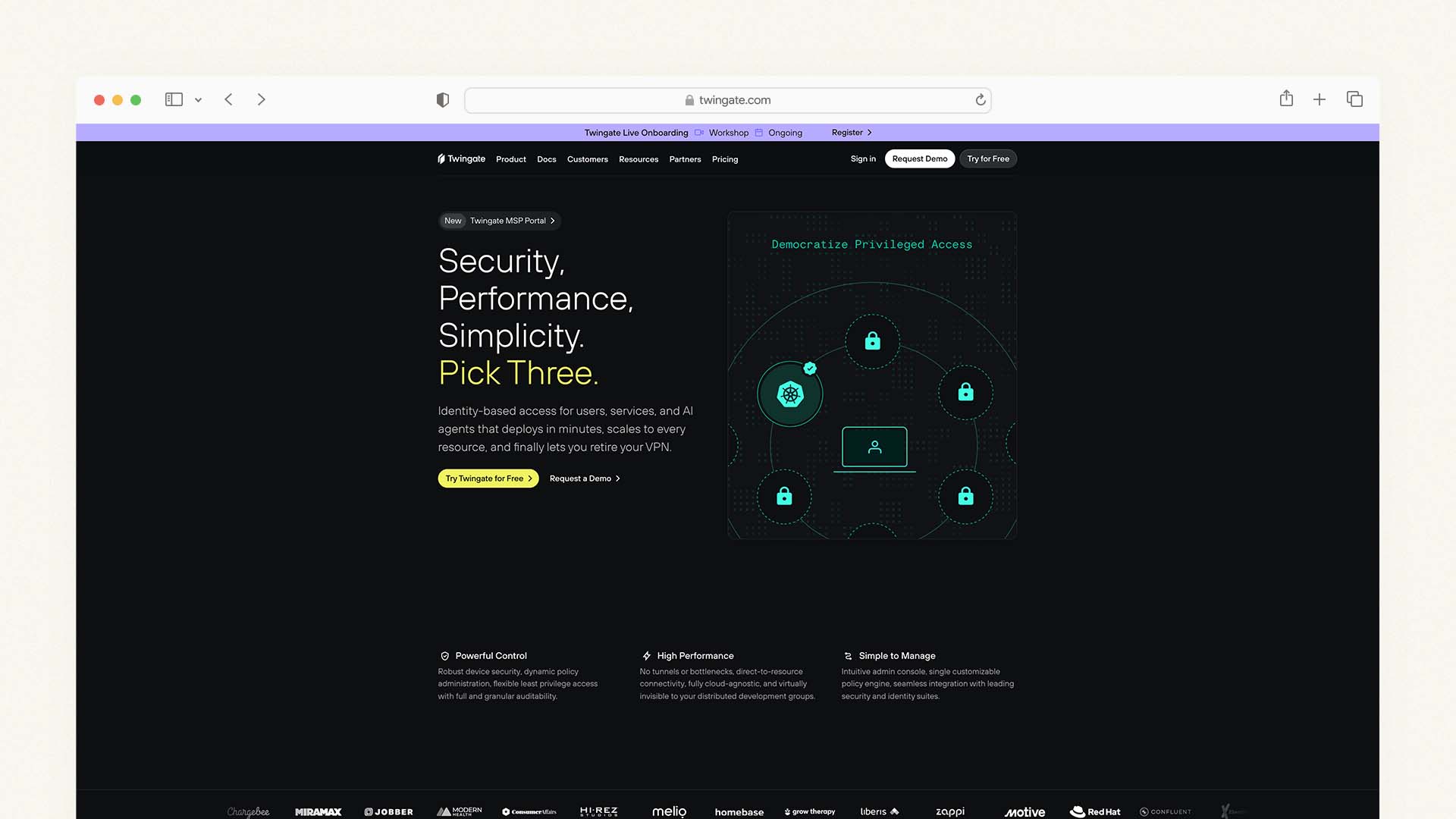
Twingate takes a fundamentally different architectural approach from traditional VPNs. Rather than routing all your team's internet traffic through a VPN server, Twingate uses a Zero Trust access model — it only creates secure connections to the specific resources each user is authorized to access, leaving all other internet traffic unaffected. The result is faster connections, lower bandwidth requirements, and more granular access control than a traditional VPN can achieve.
The practical impact for a small business is that Twingate does not create the performance bottleneck that traditional VPNs introduce when all traffic is routed through a single server. Your team's video calls, streaming, and general internet browsing are unaffected by the VPN overhead. Only connections to your protected business resources — your file server, your internal tools, your cloud infrastructure — go through Twingate's secure tunnel.
Twingate's free plan for teams of up to five users is one of the most practically useful free tiers of any security tool on this list. A five-person team can implement genuine zero-trust access control for their business resources at zero cost, with the ability to upgrade to a paid plan when the team grows beyond that threshold.
Twingate Pricing:
Plan | Price Per User/Month | Key Feature |
|---|---|---|
Free | $0 | Up to 5 users, basic zero-trust access |
Starter | $5/user | Up to 50 users, SSO, device management |
Business | $10/user | Advanced policies, priority support |
Enterprise | Custom | Unlimited users, SLA, dedicated support |
Twingate Pros:
Free plan for up to 5 users — genuinely useful at zero cost
Zero Trust model is faster than traditional VPN routing for daily work
More granular access control than traditional VPNs
SSO integration on paid plans
Clean, modern admin interface — easy to set up without IT expertise
14-day free trial on paid plans
Twingate Cons:
Not a traditional VPN — does not hide IP addresses or protect general internet traffic
Consumer VPN use cases (privacy, streaming) are not covered
Less mature than NordLayer for compliance documentation
4. NordVPN — Best for Solo Traders and Micro Teams (1–3 People)
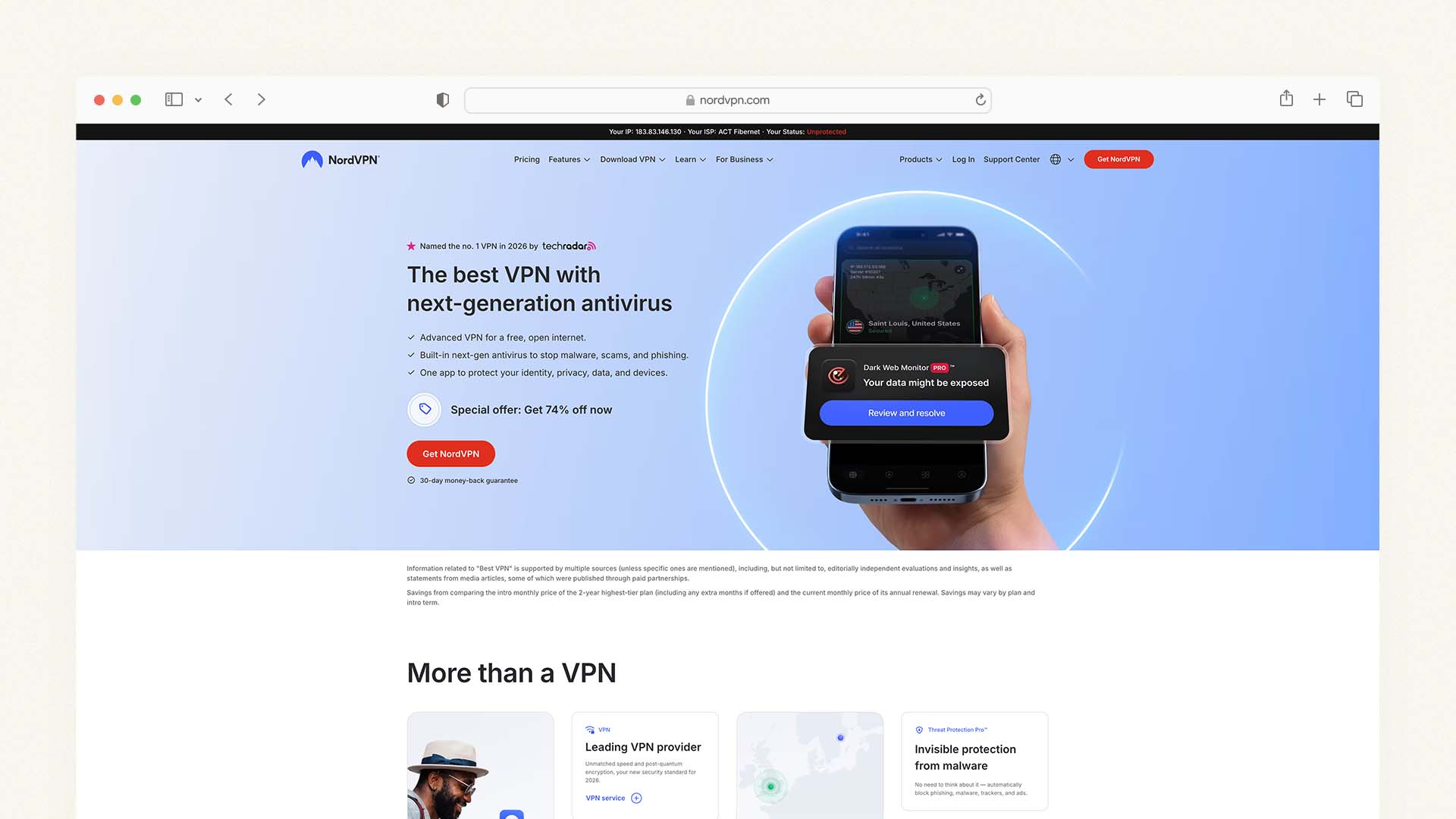
For solo traders, freelancers, and very small teams of two to three people who need a reliable VPN for secure remote working without the complexity or cost of a business-grade platform, NordVPN is the most practical choice. It is the fastest consumer VPN tested in 2026 — recording speeds of 857 Mbps in TechRadar's latest tests — uses the NordLynx protocol for consistently fast performance across international server connections, and has undergone more independent security audits than almost any other consumer VPN on the market, including five audits by Deloitte and PwC AG.
Many freelancers using VPNs for secure remote work also build their own websites. See our comparison of the Best Mobile Website Builders if you manage your business primarily from a phone.
The dedicated IP add-on brings one key business feature to a consumer subscription: a fixed IP address that you can use for allowlisting in your business banking and SaaS tools. The dedicated IP is available in multiple countries and can be added to any NordVPN subscription for an additional monthly fee. For a business of one or two people, this combination — a consumer NordVPN subscription plus a dedicated IP — delivers the most important business VPN capability at a fraction of NordLayer's per-user cost.
What NordVPN does not provide is a centralized admin panel. If you have more than three people on your team, the inability to manage user accounts from a central dashboard, set access permissions, and revoke access for departing staff becomes a practical problem rather than a minor inconvenience. At that point, upgrading to NordLayer is the logical path — NordLayer is built on NordVPN's infrastructure, so the security quality and speed performance are essentially identical.
NordVPN Pricing:
Plan | Monthly Price (2-Year) | Devices | Key Feature |
|---|---|---|---|
Basic | $3.39/month | 10 | VPN + malware protection |
Plus | $4.39/month | 10 | Password manager included |
Ultimate | $6.39/month | 10 | Cloud storage + identity protection |
Dedicated IP add-on: approximately $3.69/month extra.
NordVPN Pros:
Fastest consumer VPN tested in 2026 (857 Mbps in independent testing)
9,000+ servers across 130 countries — the largest server network tested
Five independent security audits — the most verified no-logs policy in the market
10 simultaneous device connections — covers a small team's devices
Dedicated IP add-on available for business allowlisting
30-day money-back guarantee
NordVPN Cons:
No centralized admin panel — impractical for teams of 4+
Licence transfers not supported — each subscription is tied to an individual account
No compliance documentation (SOC 2, ISO 27001) — not suitable for regulated industries
5. Surfshark — Best Budget VPN for Small Business
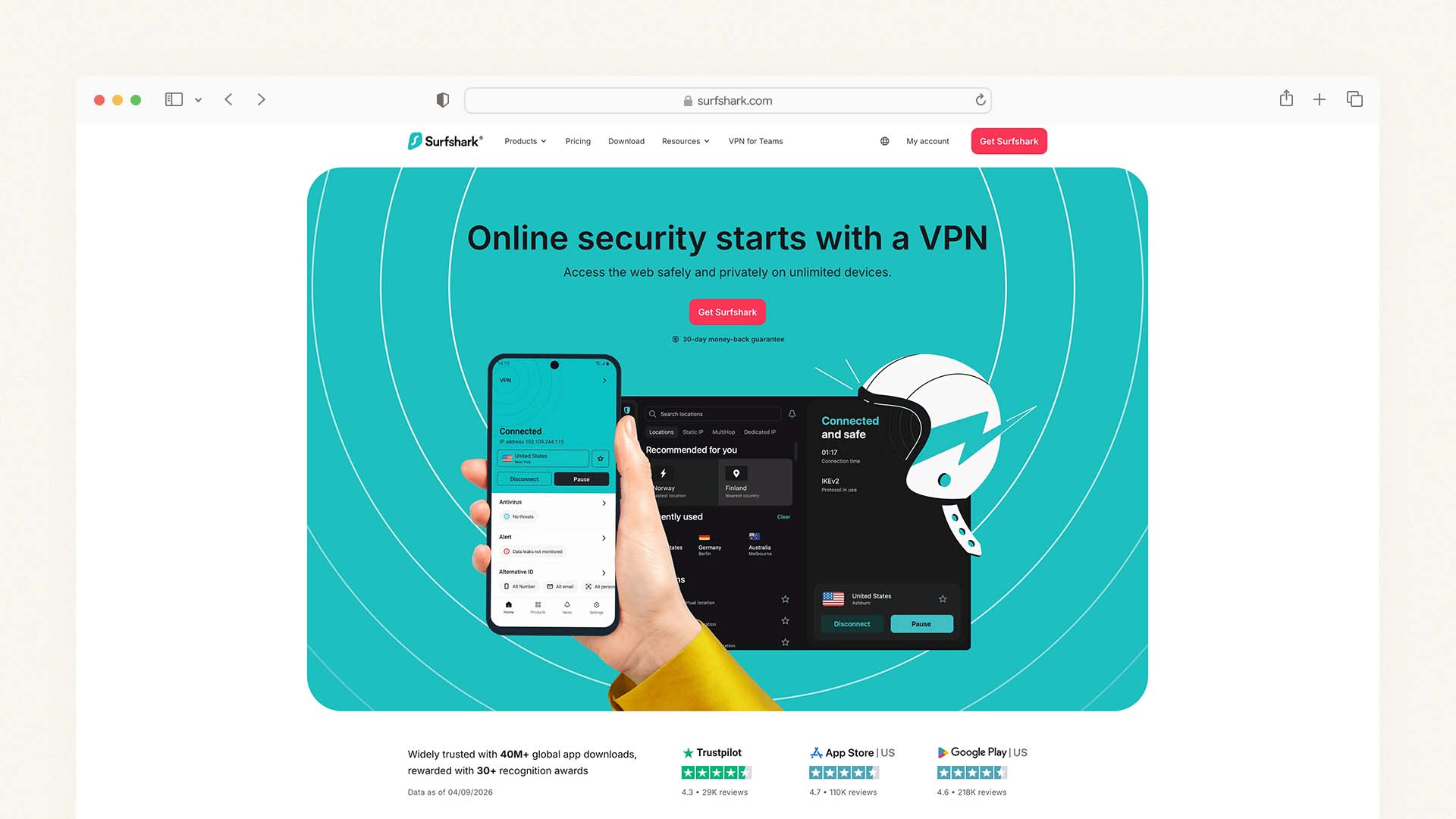
Surfshark is the best value consumer VPN on this list and the right choice for cost-sensitive small businesses that need to protect unlimited devices without a per-seat licensing cost. The single subscription at $1.99 per month (two-year plan) covers unlimited simultaneous connections — meaning one subscription protects every laptop, phone, and tablet in your business without tracking how many devices are connected at any given time.
This unlimited device policy is Surfshark's defining business advantage. For a team of five people each with a laptop and a phone, a single Surfshark subscription covers all ten devices. On NordVPN's Basic plan, a single subscription covers ten devices — which is sufficient for most micro-teams. On a purpose-built business VPN like NordLayer at $8 per user per month, the same coverage costs $40/month minimum.
Surfshark's security fundamentals are strong: AES-256 and ChaCha20 encryption, WireGuard protocol, a no-logs policy audited by cybersecurity firm SecuRing in January 2026, a kill switch on all platforms, and split tunneling that lets you route only business applications through the VPN while leaving other traffic on your regular connection.
Like NordVPN, Surfshark lacks a centralized admin dashboard — it is a consumer VPN, not a business platform. The cost advantage is real; the management capability gap compared to NordLayer or Twingate is equally real. For very small businesses where the owner manages their own devices and cost is the primary constraint, the trade-off is acceptable. For any business where employees handle sensitive client data and offboarding needs to be managed properly, it is not.
Surfshark Pricing:
Plan | Monthly Price (2-Year) | Devices | Key Feature |
|---|---|---|---|
Starter | $1.99/month | Unlimited | VPN, ad blocking |
One | $2.69/month | Unlimited | Antivirus, data breach alerts |
One+ | $4.29/month | Unlimited | Data removal from broker sites |
Surfshark Pros:
Unlimited simultaneous connections — one subscription covers every device in the business
Lowest price per subscription of any quality VPN on this list
WireGuard protocol delivers fast, consistent speeds
Surfshark Bypasser (split tunneling) on macOS and Windows
January 2026 network infrastructure audit by SecuRing
30-day money-back guarantee
Surfshark Cons:
No centralized admin panel — management for teams is manual
No compliance documentation for regulated industries
Streaming performance slightly weaker than NordVPN in independent tests
No dedicated IP by default — add-on required for business allowlisting
6. ExpressVPN — Best Premium Consumer VPN for Business Use
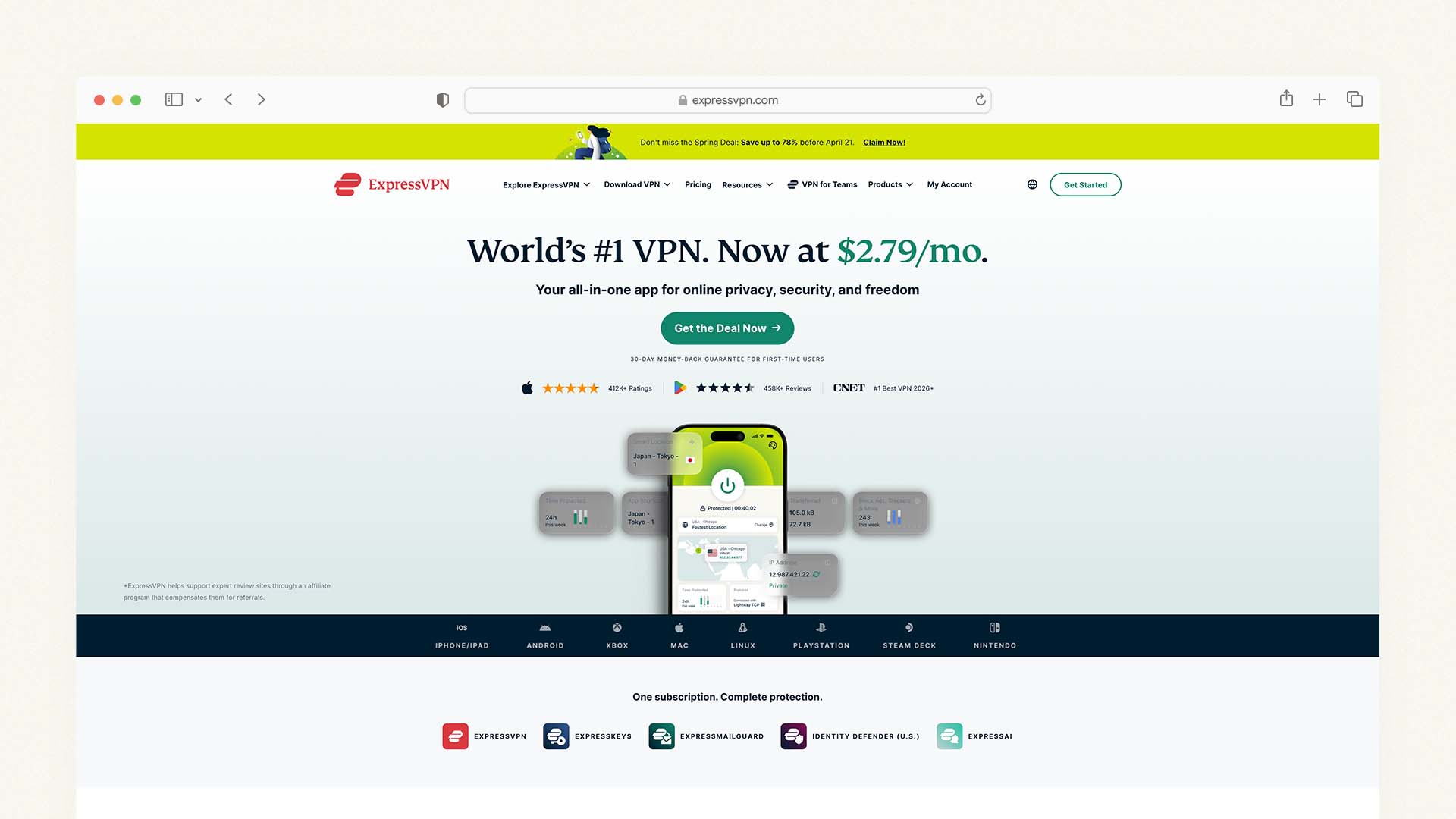
ExpressVPN is the premium-priced consumer VPN on this list, and its February 2026 expansion — adding a standalone password manager (ExpressKeys), email protection tool (ExpressMailGuard), AI platform (ExpressAI), and real-time identity security checker (Identity Defender) — positions it as the most comprehensive single-subscription security bundle of any consumer VPN available.
For a small business owner who wants more than a VPN and values having email protection, a password manager, and identity monitoring in a single subscription from a proven security vendor, ExpressVPN's expanded offering delivers genuine value. The 23rd successful independent security audit passed in July 2025, combined with the disclosure in February 2026 that over 1.38 million data requests were received in the second half of 2025 and zero user data was disclosed, demonstrates one of the most verified privacy track records in the consumer VPN market.
The download speed of 489 Mbps on ExpressVPN's Lightway protocol trails NordVPN (857 Mbps) and Surfshark significantly — a meaningful practical difference for businesses that handle large file transfers or run bandwidth-intensive cloud applications. For a business owner primarily using the VPN for encrypted browsing and secure access to cloud services, this speed difference is less important.
ExpressVPN Pricing:
Plan | Monthly Price | Devices | Key Feature |
|---|---|---|---|
Basic (2-year) | $2.44/month | 8 | VPN, threat manager |
Advanced (2-year) | $4.99/month | 8 | + ExpressKeys password manager |
Pro (2-year) | $6.99/month | 8 | + ExpressMailGuard + ExpressAI |
ExpressVPN Pros:
Most comprehensive security bundle of any consumer VPN — VPN + password manager + email protection + AI
23 passed independent security audits — strong verified privacy track record
Post-quantum encryption via ML-KEM on Lightway protocol (added January 2026)
4 ISO certifications including ISO 27001
30-day money-back guarantee
ExpressVPN Cons:
Download speeds (489 Mbps) significantly slower than NordVPN or Surfshark
No centralized admin panel — consumer product only
Higher price than NordVPN and Surfshark for comparable VPN functionality
Identity Defender suite currently limited to US users
7. Proton VPN — Best for Privacy-Focused Businesses
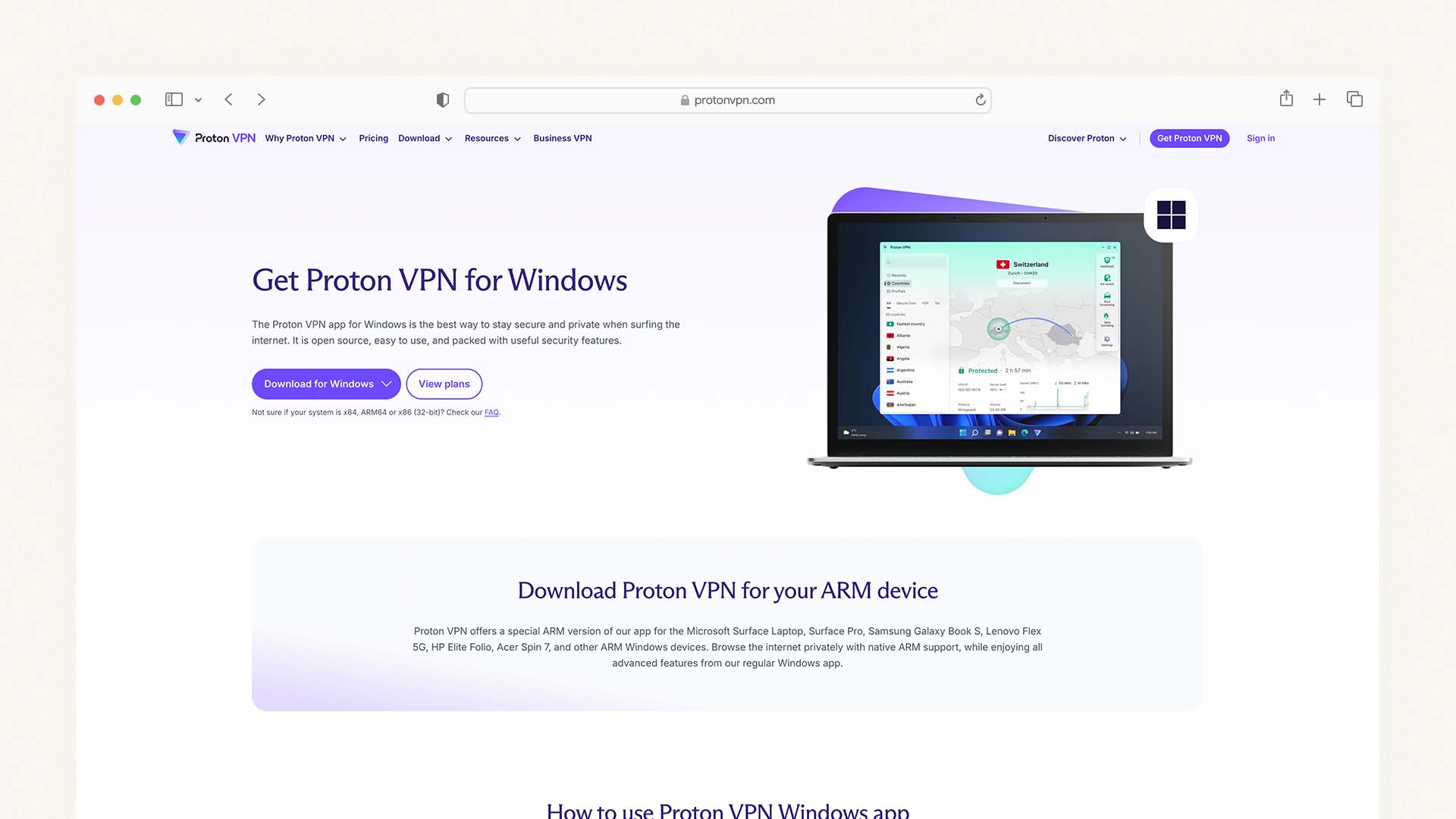
Proton VPN is the right choice for businesses where data privacy is a non-negotiable operating principle — journalists, legal practices, healthcare providers, and anyone handling highly sensitive personal information who needs the most rigorously privacy-preserving infrastructure available.
Proton is headquartered in Switzerland, outside EU and US jurisdiction and outside every intelligence-sharing alliance. It is operated by Proton AG, the same company behind ProtonMail — the encrypted email service used by security researchers, whistleblowers, and privacy advocates worldwide. Unlike every other VPN on this list, Proton's full technical infrastructure and apps are open source — the code is publicly auditable by anyone, which is the strongest possible verification of the privacy claims made about the product.
Proton VPN's NetShield feature blocks ads, trackers, and malware at the DNS level for all devices connected to the VPN — a meaningful phishing protection layer for businesses where employees regularly receive emails with links. The Stealth protocol obscures the fact that you are using a VPN at all, which is important for businesses operating in or with partners in regions where VPN traffic is blocked or monitored.
Proton VPN Pricing:
Plan | Monthly Price (Annual) | Devices | Key Feature |
|---|---|---|---|
Free | $0 | 1 | 3 countries, 1 Gbps |
Basic | $4.99/month | 10 | All countries, NetShield |
Unlimited | $7.99/month | 10 | + Proton Mail, Calendar, Drive |
Proton VPN Pros:
Swiss jurisdiction — outside EU, US, and all intelligence-sharing alliances
Fully open source — every line of code is publicly auditable
NetShield DNS-level ad, tracker, and malware blocking
Stealth protocol for bypassing VPN blocks in restricted regions
Bundled with ProtonMail on Unlimited plan — adds encrypted email to the security stack
Free plan available (limited to 3 countries, 1 device)
Proton VPN Cons:
No centralized admin dashboard — not a business platform
Speeds slower than NordVPN and Surfshark in most independent tests
Proton VPN Business plan (separate from consumer plans) has limited documentation at time of writing
What Happens When an Employee Leaves? — The Question Every Business Owner Should Ask
This is the most practically important VPN question for any business with more than one person, and almost no VPN review article answers it directly. Here is exactly what happens with each category of VPN when an employee who has been using your company's VPN leaves:
With a purpose-built business VPN (NordLayer, Check Point SASE, Twingate): You log into the admin dashboard, find the departing employee's account, and click deactivate. Access is revoked immediately — they can no longer connect to your company network, access your internal tools, or use the fixed IP that has been allowlisted in your business systems. The licence is transferred to their replacement at no additional cost.
With a consumer VPN (NordVPN, Surfshark, ExpressVPN) on a business account: If the subscription is in your name and you share login credentials with employees, you can change the password to revoke access — but this locks out all current employees simultaneously. If each employee has their own subscription that you reimburse, you have no ability to revoke their access at all, because the subscription belongs to them personally. The only solution is to change the credentials for every business system they had access to, which is a time-consuming, error-prone process.
The practical recommendation: For any business with four or more employees — or any business where employees access sensitive client data, financial systems, or proprietary information — a purpose-built business VPN with proper access management is not a luxury. It is the minimum viable security infrastructure for responsible data protection.
How Much Does a Business VPN Cost? — Real Monthly Costs for Real Teams
The headline prices on VPN websites are almost always the lowest possible tier for an individual user on a multi-year plan. Here is what each option actually costs for a real small business team:
VPN | Team of 1 | Team of 5 | Team of 10 | Team of 25 |
|---|---|---|---|---|
NordLayer (Lite, annual) | N/A (min. 5) | $40/month | $80/month | $200/month |
Check Point SASE (annual) | N/A (min. 10) | N/A (min. 10) | ~$100/month | ~$250/month |
Twingate (Starter, annual) | $5/month | $25/month | $50/month | $125/month |
NordVPN (Basic, 2-year) | $3.39/month | $16.95/month | $33.90/month | $84.75/month |
Surfshark (Starter, 2-year) | $1.99/month | $1.99/month* | $1.99/month* | $1.99/month* |
ExpressVPN (Basic, 2-year) | $2.44/month | $12.20/month | $24.40/month | $61/month |
*Surfshark's unlimited connections mean a single subscription covers any team size — but without per-user access management.
The table makes clear why small businesses with growing teams eventually migrate from consumer VPNs to purpose-built business platforms — the security capability jump justifies the cost increase, particularly when business compliance, insurance, and client data protection are factored in.
Can I Use a Free VPN for Business?
This is the single most searched follow-up question in the business VPN category, and the honest answer is: no, not for any business that handles client data, payment information, or sensitive records.
Free VPNs sustain their business model through advertising revenue, data collection, or both. The business model of a free VPN is fundamentally incompatible with the privacy promise it makes. A 2021 analysis of free VPN apps found that many logged and sold user browsing data to advertising networks — the exact activity a VPN is supposed to prevent. For personal use on low-stakes browsing, the risk may be acceptable. For business use where client data, financial information, and proprietary company data are passing through the VPN, it is not.
The only free tier that is genuinely safe for business use is Twingate's free plan, which covers up to five users at no cost. Twingate's business model is based on paid plans for larger teams and enterprise customers — the free tier is a genuine product designed to earn paying customers when the team grows, not an advertising vehicle.
Proton VPN's free plan is also trustworthy — Proton's open-source code and Swiss jurisdiction provide genuine privacy protection on the free tier. The limitation for business use is that the free plan covers only one device and three country locations, which is too restrictive for practical business use.
Setting Up a Business VPN — What to Expect
For businesses using NordLayer, the setup process works as follows and takes under an hour for most teams:
Step 1: Choose your plan based on team size and required features. For most small businesses starting out, NordLayer Lite at $8 per user per month covers the essentials.
Step 2: Create your organization in the NordLayer Control Panel. This is your admin account — the master account from which you manage all team access.
Step 3: Invite team members by entering their email addresses. Each team member receives an invitation, creates their own login credentials, and installs the NordLayer app on their devices. The admin retains full control over their access permissions throughout.
Step 4: Set up your dedicated gateway if you require a fixed IP for business tool allowlisting. This takes approximately ten minutes and gives you the static IP address you will add to your banking, accounting, and SaaS tool allowlists.
Step 5: Configure SSO if your team uses Google Workspace, Microsoft 365, Okta, or another identity provider. This connects NordLayer's authentication to your existing identity management system — team members log into NordLayer with the same credentials they use for everything else, and you manage access through your identity provider's admin console.
Step 6: Test and brief your team. Connect from a coffee shop, a hotel, a home network. Confirm that your fixed IP is being used. Confirm that your allowlisted business tools are accessible. Brief your team on when to connect the VPN — always on public Wi-Fi, always when accessing company systems remotely, and always when handling client data outside the office.
Final Verdict
The right VPN for your business depends on three questions: how many people do you have, do you need to manage their access centrally, and does your business have compliance obligations?
Choose NordLayer if you have five or more employees and need proper admin controls, fixed IP addresses, licence transferability, and compliance documentation — it is the most complete business VPN at a fair price
Choose Check Point SASE if you have ten or more employees and want a single platform handling VPN, firewall, DNS security, and Zero Trust access in one admin console
Choose Twingate if your team is cost-sensitive and you want to start with a free plan for up to five users, or if your primary use case is securing access to internal resources rather than encrypting all internet traffic
Choose NordVPN if you are a solo trader or have a team of two to three people who need a fast, reliable, verified secure VPN without the complexity or cost of a business platform
Choose Surfshark if budget is your primary constraint and you need to cover unlimited devices on a single subscription
Choose ExpressVPN if you want the most comprehensive all-in-one security bundle including a password manager, email protection, and identity monitoring alongside your VPN
Choose Proton VPN if data privacy is a non-negotiable principle for your business and you want the most independently verifiable privacy infrastructure available
The most important decision is to use a VPN at all. A business without any VPN protection for remote workers is the most common and most preventable source of data breaches for small businesses. The tools above remove every technical and cost barrier to fixing that.
FAQs
What is the best VPN for a small business?
Yes — and the reasons have strengthened as remote working has become permanent. A business VPN protects sensitive client data, financial information, and company systems when employees work from home, coffee shops, hotels, and shared offices. It encrypts all traffic on public Wi-Fi networks where data can otherwise be intercepted. It provides the fixed IP addresses required for secure access to business banking, accounting software, and internal tools. And for regulated industries, it provides the access logging and compliance documentation that auditors and insurers require.
Do small businesses really need a VPN?
Yes — and the reasons have strengthened as remote working has become permanent. A business VPN protects sensitive client data, financial information, and company systems when employees work from home, coffee shops, hotels, and shared offices. It encrypts all traffic on public Wi-Fi networks where data can otherwise be intercepted. It provides the fixed IP addresses required for secure access to business banking, accounting software, and internal tools. And for regulated industries, it provides the access logging and compliance documentation that auditors and insurers require.
What is the difference between a business VPN and a regular VPN?
A regular consumer VPN protects one person's internet traffic and privacy on their own devices. A business VPN adds centralized admin control so the company can manage all team members' access from a single dashboard, add and remove users when staff change, set access permissions by role, maintain fixed IP addresses for business tool allowlisting, log activity for compliance purposes, and integrate with enterprise identity systems like Okta and Microsoft Entra. Consumer VPNs cannot provide these capabilities.
How much does a business VPN cost?
Business VPN costs range from free (Twingate's free plan for up to five users) to $5–14 per user per month for purpose-built business platforms like NordLayer and Check Point SASE. For a team of ten people, NordLayer's Lite plan costs $80 per month billed annually. Consumer VPNs like NordVPN ($3.39/month), Surfshark ($1.99/month), and ExpressVPN ($2.44/month) cost significantly less but lack centralized admin management and compliance documentation.
Can I use NordVPN for my business?
Yes, with caveats. NordVPN is a strong consumer VPN that works well for solo traders and very small teams of one to three people. It offers ten simultaneous device connections, a dedicated IP add-on for business allowlisting, and the fastest consumer VPN speeds tested in 2026. What it does not offer is a centralized admin dashboard, per-user access management, transferable licences, or compliance documentation. For teams of four or more, or for any business in a regulated industry, NordLayer — NordVPN's dedicated business product — is the appropriate choice.
Is a free VPN safe for business?
No, with two specific exceptions. Most free VPNs fund themselves through advertising revenue and data collection, which is fundamentally incompatible with business data protection requirements. The exceptions are Twingate's free plan (which covers up to five users with genuine zero-trust access control) and Proton VPN's free plan (which provides verified privacy on a single device). For any business with more than five employees or handling sensitive client data, a paid business VPN is the appropriate infrastructure choice.
Latest Blogs
Get the Latest Tech Insights in Your Inbox.
No spam, unsubscribe anytime.