
The best password manager for teams is 1Password — it combines a polished admin console, 13 granular permission levels per vault, guest account access for contractors, a 128-bit Secret Key that secures every employee account beyond just a master password, and developer tools included on all business plans, starting at $19.95 per month for a team of ten. For teams on a tight budget that want full transparency into how their security software works, Bitwarden Teams at $4 per user per month is open source, auditable by anyone, and covers every core credential-sharing need for a fraction of the cost. For teams that want dark web monitoring and dedicated enterprise support with a single point of contact, Dashlane is the strongest all-in-one option.
Most business password manager reviews compare features the same way: a table of checkboxes. This guide answers the questions those articles skip. What actually happens to shared passwords when an employee leaves your team? What does each password manager cost for a real team of ten people — not just the per-user headline price? Which tools let you share credentials with freelancers and contractors who do not have an account? And what is the genuine difference between a consumer password manager and one built for teams? The answers determine which tool is right for your business.
Why Teams Need a Different Password Manager Than Individuals
A personal password manager solves one problem: remembering your own passwords. A team password manager solves a different set of problems — and confusing the two is one of the most common and costly security mistakes small businesses make.
The shared credentials problem. Every business accumulates shared accounts — your social media logins, your company email platform, your billing accounts, your CRM access. Someone has to manage these. Most small businesses solve this by emailing passwords around, keeping them in a shared Google Doc, or using a WhatsApp group. Every one of those methods creates a record of your credentials that is unencrypted, unaudited, and permanently accessible to anyone who was ever in the conversation.
The offboarding problem. When an employee leaves your company, how quickly can you change every password they had access to? If you do not have a centralised record of which accounts they could access, the honest answer for most small businesses is: slowly, incompletely, and with a reasonable chance of missing something. A team password manager with role-based access lets you revoke an employee's access to all shared credentials in a single action — immediately and completely.
The contractor problem. Most businesses work with freelancers, contractors, and agencies who need temporary access to specific tools — your social media scheduler, your analytics dashboard, your project management platform. A team password manager lets you create a time-limited share or a guest account for that contractor. When the engagement ends, you revoke the share. They never had the actual password — they only had access to use it through the password manager.
The audit trail problem. Who changed the password to your business banking last Tuesday? Who logged into your email marketing platform at 11pm? Without activity logging, you cannot answer these questions. A team password manager records every credential access event, password change, and permission modification — giving you the audit trail that security-conscious clients and regulated industries require.
The Four Features That Define a Team Password Manager
1. Shared Vaults With Role-Based Access
The core of any team password manager is the ability to organise credentials into shared vaults — separate collections of passwords grouped by team, project, or function — and assign access permissions to individuals based on their role. The finance team accesses the finance vault. The marketing team accesses the marketing vault. The business owner accesses everything. New employees get access to the vaults relevant to their role. Departing employees have their access revoked from all vaults simultaneously.
The granularity of permissions varies significantly. 1Password offers 13 distinct permission levels per vault. Bitwarden uses Collections with role-based permissions. Keeper uses Shared Folders with role and record-level controls. More granular permissions mean you can give a junior employee view-only access to a vault — they can use the credentials but cannot see the actual password, cannot export, and cannot share. This distinction matters for regulated industries and for businesses working with contractors.
2. Activity Logs and Audit Trails
Enterprise-grade activity logging records every meaningful event in your password manager: when a password was viewed, when it was changed, when it was shared, when a new user was added, and when an account was deleted. This logging capability serves two functions: operational security (you can see if a credential was accessed at an unusual time from an unusual location) and compliance (you can demonstrate to auditors and insurers that access to sensitive credentials is monitored and controlled).
Bitwarden provides audit logs on their Teams and Enterprise plans. 1Password logs all significant admin actions and vault access events. Keeper's detailed activity reporting is one of the strongest in the category — real-time logs of every password change, login, and sharing event with filtering by user, date, and event type.
3. Offboarding Controls
This is the feature most business owners do not think about until they need it urgently — the moment an employee gives notice. A proper team password manager lets the administrator instantly revoke all of that person's access across every shared vault with a single action: deactivating their account. The credentials remain in the vaults for the rest of the team. The departing employee can no longer access, view, or export any of them.
The answer to the question in this article's title — what happens when someone leaves — should always be: the administrator clicks deactivate, access is revoked immediately, and the team continues working with uninterrupted access to all shared credentials. That outcome requires a team password manager. It cannot be achieved with a consumer product where everyone shares a single login.
4. External Sharing for Contractors and Clients
Every business that works with external parties — agencies, freelancers, consultants, clients — faces the question of how to give them temporary access to specific tools without permanently sharing your credentials. The best team password managers solve this through one of three mechanisms: guest accounts (limited accounts for non-team members who need access to specific vaults), secure share links (time-limited links that allow credential use without revealing the actual password), or one-time shares (records that self-destruct after a single use or a set time period).
1Password's guest accounts are included on business plans. Keeper's One-Time Share feature creates self-destructing credential shares. Bitwarden Send creates encrypted text and file shares with expiry dates. These features let you give a contractor access to your social media scheduler for the duration of a project without them ever having the actual credentials — and revoke that access instantly when the project ends.
Quick Comparison — Best Password Managers for Teams
Tool | Best For | Price Per User/Month | Free Plan | Admin Console | Activity Logs | Guest/External Sharing |
|---|---|---|---|---|---|---|
1Password | Best overall teams | $7.99/user (Teams) | ❌ No | ✅ Full | ✅ Yes | ✅ Guest accounts |
Bitwarden | Best budget + open source | $4/user (Teams) | ✅ Personal only | ✅ Full | ✅ Teams+ | ✅ Bitwarden Send |
Dashlane | Best enterprise support | Custom (Enterprise) | ❌ No | ✅ Full | ✅ Yes | ✅ Secure sharing |
Keeper | Best activity reporting | ~$4.99/user | ❌ No | ✅ Full | ✅ Best-in-class | ✅ One-Time Share |
NordPass | Best UX for non-technical teams | $4.99/user | ✅ Personal only | ✅ Yes | ✅ Yes | ✅ Yes |
LastPass | Legacy option (with caveats) | $3/user | ❌ Business | ✅ Yes | ✅ Yes | ✅ Yes |
The 6 Best Password Managers for Teams — Full Reviews
1. 1Password — Best Overall Team Password Manager
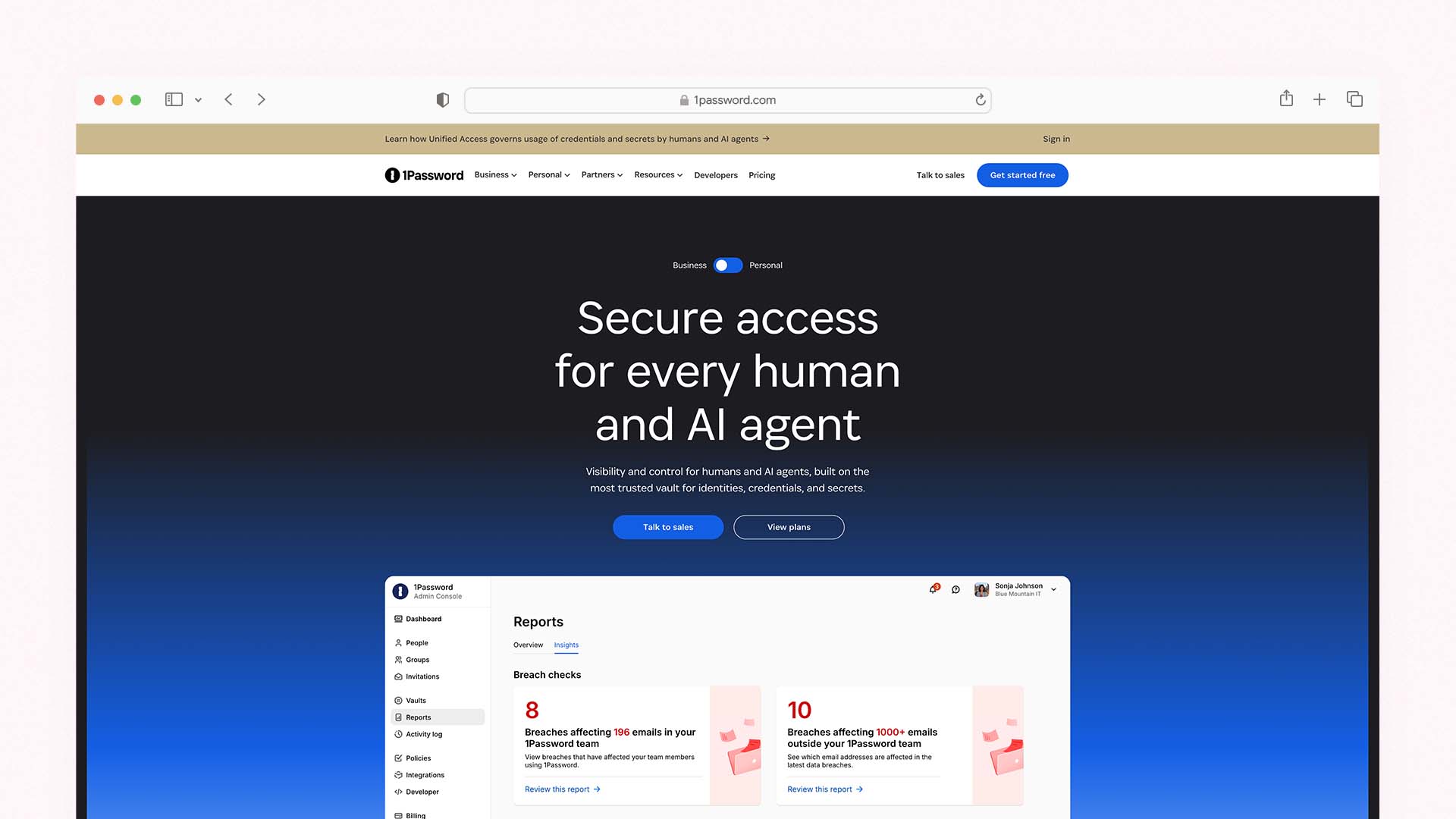
1Password is the most consistently recommended team password manager by independent security researchers, IT professionals, and small business owners — and it has held that position since long before most of its current competitors existed. Founded in 2006 by AgileBits, it began as a Mac-only tool and has evolved into the most full-featured business credential management platform available for teams without enterprise IT budgets.
The business case for 1Password over every competitor comes down to three things it does that no other tool on this list does simultaneously: the dual-key security model, guest account access, and developer tools on all business plans.
The dual-key security model is 1Password's most important security differentiator. Every employee account is secured by both a master password and a 128-bit encrypted Secret Key. The Secret Key is generated on the user's device and never transmitted to 1Password's servers — it exists only on devices the user has explicitly authorised. A new device can only be added by transferring the Secret Key from an existing device or by entering it from the Emergency Kit printed at setup. This means that even if your 1Password account credentials are compromised in a data breach, an attacker still cannot access your vault without the Secret Key — which is never stored anywhere they could find it. This protection level is genuinely unique to 1Password among the tools on this list.
Guest accounts are available on 1Password Business plans and solve the contractor problem cleanly. You create a guest account for a freelancer or external agency — it is a limited account that gives them access to specific vaults you designate. They can use the credentials in those vaults through the 1Password interface without ever seeing the actual passwords. When the engagement ends, you deactivate the guest account. Your actual credentials have never left your control.
Developer tools — 1Password's infrastructure secrets management, SSH key storage, CLI integration, and developer credential workflows — are included on all Business plans without a separate purchase. For technical teams where developers need to access server credentials, API keys, database passwords, and deployment secrets, having these tools included in the standard team plan rather than priced separately is a genuine cost advantage.
Vaults and permissions are 1Password's organisational system. You create separate vaults for different teams or functions — Finance, Marketing, Operations, Development — and assign employees to the vaults relevant to their work. Each vault access can be set to one of 13 permission levels ranging from View Only through to full Manage rights. This granularity lets you give a junior employee the ability to use a credential without being able to see, copy, export, or share the actual password — a meaningful security distinction that most competitors cannot match.
Watchtower is 1Password's continuous security monitoring feature: it scans your vaults for weak passwords, reused credentials across multiple accounts, and credentials that have appeared in known data breach databases via Have I Been Pwned integration. It sends real-time alerts when a monitored credential appears in a new breach. For a business that cannot afford a dedicated security team, Watchtower functions as automated credential health monitoring across your entire organisation.
1Password Pricing for Teams:
Plan | Monthly Price | Per User/Month | Key Feature |
|---|---|---|---|
Teams Starter | $19.95/month flat | ~$2/user (up to 10) | Up to 10 users, shared vaults, admin controls |
Business | $7.99/user/month | $7.99/user | Guest accounts, developer tools, Watchtower |
Enterprise | Custom | Custom | Dedicated CSM, custom security policies, SIEM |
Real cost for a team of 10 on Teams Starter: $19.95/month flat — the lowest per-user cost of any premium paid option on this list for small teams.
1Password Pros:
Dual-key security model (master password + Secret Key) — the strongest account security architecture on this list
13 permission levels per vault — the most granular access control available
Guest accounts for contractor and client access on Business plans
Developer tools (SSH keys, CLI, secrets management) on all business plans
Watchtower monitors for breaches, weak passwords, and reused credentials in real time
Travel Mode: temporarily removes selected vaults from devices when crossing borders
30-day free trial, no credit card required
1Password Cons:
No permanent free plan — trial only
Teams Starter limited to 10 users — larger teams move to Business pricing at $7.99/user/month
Vault-based sharing can be confusing for first-time setup
Admin interface has a learning curve — not as immediately intuitive as NordPass
Canada-based (Five Eyes member) — a concern for the most privacy-sensitive organisations
2. Bitwarden — Best Budget Team Password Manager
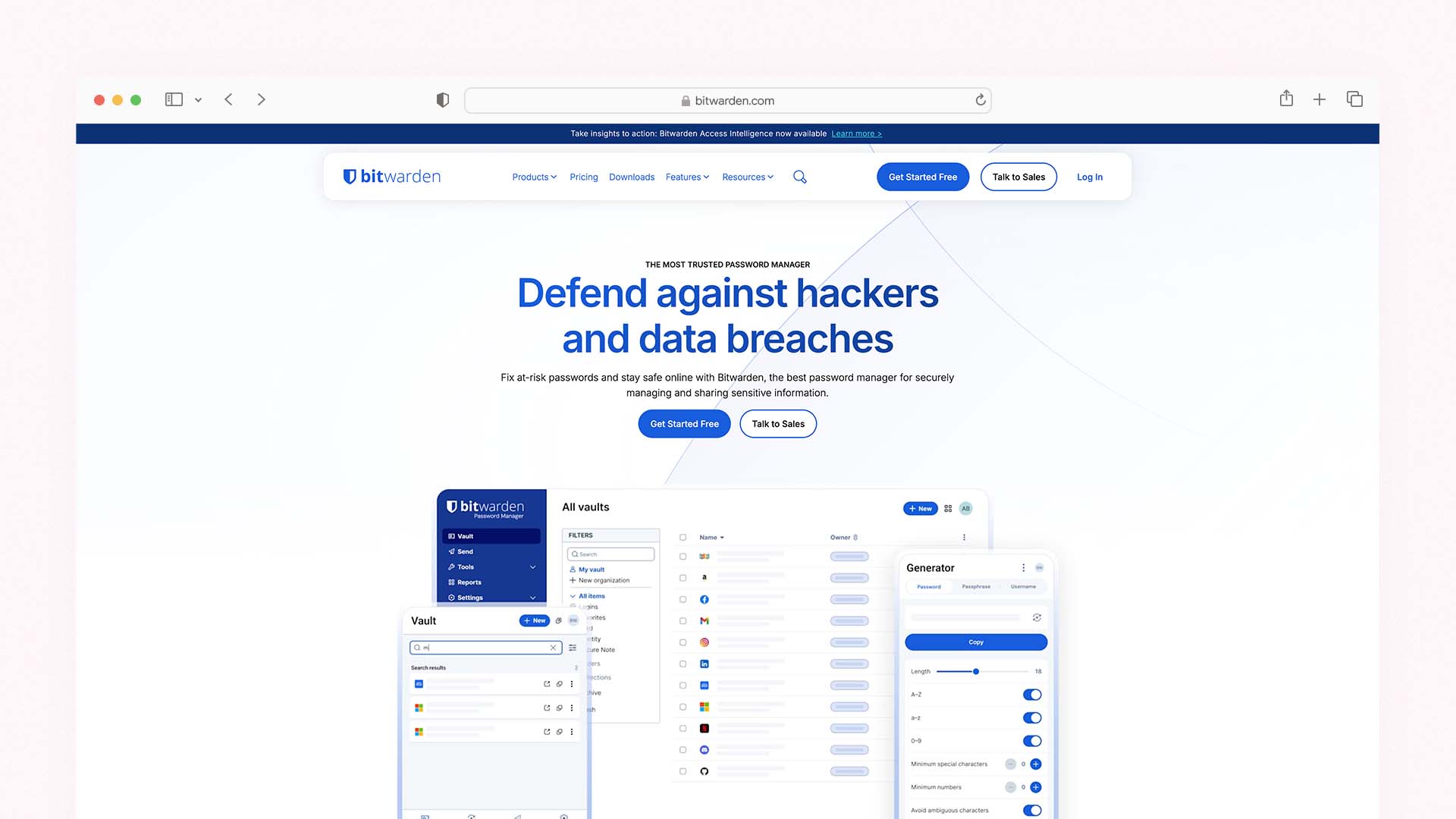
Bitwarden is the only major password manager on this list that is fully open source — every line of its code is publicly available for inspection, audit, and contribution. For businesses where verifying the security architecture of their tools is a principle rather than a preference, Bitwarden's open-source model provides a level of transparency that no proprietary competitor can match regardless of how many third-party audits they pass.
At $4 per user per month for the Teams plan, Bitwarden is less than half the price of 1Password Business and delivers the full set of core team features: unlimited shared Collections, API access, audit logs, two-step login via Duo Security, and the ability to add unlimited users without minimum seat requirements. For a cost-conscious team that needs genuine shared credential management without the premium price, Bitwarden is the clearest choice.
Collections are Bitwarden's equivalent of 1Password's vaults — groups of credentials organised by team, project, or function. You assign team members to Collections with role-based permissions: Can Edit, Can Manage, or No Access. The permission model is less granular than 1Password's 13-level system, but covers the practical needs of the vast majority of small business use cases.
Bitwarden Send is the external sharing mechanism — it creates encrypted, time-limited links containing text or file content that you can share with anyone, including people outside your organisation who do not have a Bitwarden account. The link expires at a date you set. This solves the contractor access problem for one-time or short-term credential shares, though it is less elegant than 1Password's guest account system for ongoing external access.
Self-hosting is available for Bitwarden — you can run your own Bitwarden server on your own infrastructure rather than using Bitwarden's cloud. This is the only option on this list that lets you keep your entire credential database within your own controlled environment. For businesses in regulated industries where data sovereignty requirements prohibit storing sensitive credentials in third-party cloud services, self-hosting Bitwarden is the only practical path to a managed team password solution.
The honest limitation: Bitwarden's user experience is noticeably less polished than 1Password, NordPass, or Dashlane. Autofill can be inconsistent on some websites. The admin console is functional but less intuitive. Business-tier encrypted file storage is capped at 1GB per user on the Teams plan — less than 1Password's 5GB. These trade-offs are acceptable for technically comfortable teams. For a non-technical team that needs the smoothest possible onboarding experience, the UX gap compared to 1Password is real.
Bitwarden Pricing for Teams:
Plan | Price Per User/Month | Key Feature |
|---|---|---|
Free | $0 | Personal use only — unlimited passwords, 1 user |
Premium | $1/user/month (personal) | 1GB storage, 2FA authenticator, breach alerts |
Teams | $4/user/month | Unlimited sharing, audit logs, API access, Duo 2FA |
Enterprise | $6/user/month | Custom roles, SSO, SCIM provisioning, priority support |
Real cost for a team of 10 on Teams: $40/month — the most affordable full-featured team plan on this list.
Bitwarden Pros:
Fully open source — every line of code is publicly auditable by anyone
The most affordable team plan at $4/user/month with no minimum user count
Self-hosting available — keep your credential database on your own infrastructure
Import from over 30 other password managers — easy migration
Bitwarden Send for time-limited external sharing
Available on unlimited devices per user
Consistently passes independent security audits
Bitwarden Cons:
Less polished UX than 1Password or NordPass — autofill can be inconsistent
1GB encrypted file storage per user on Teams (vs 1Password's 5GB)
No guest accounts — external access only through Bitwarden Send links
Permission model less granular than 1Password
Admin console has a steeper learning curve for non-technical administrators
3. Dashlane — Best for Enterprise Support and All-in-One Security
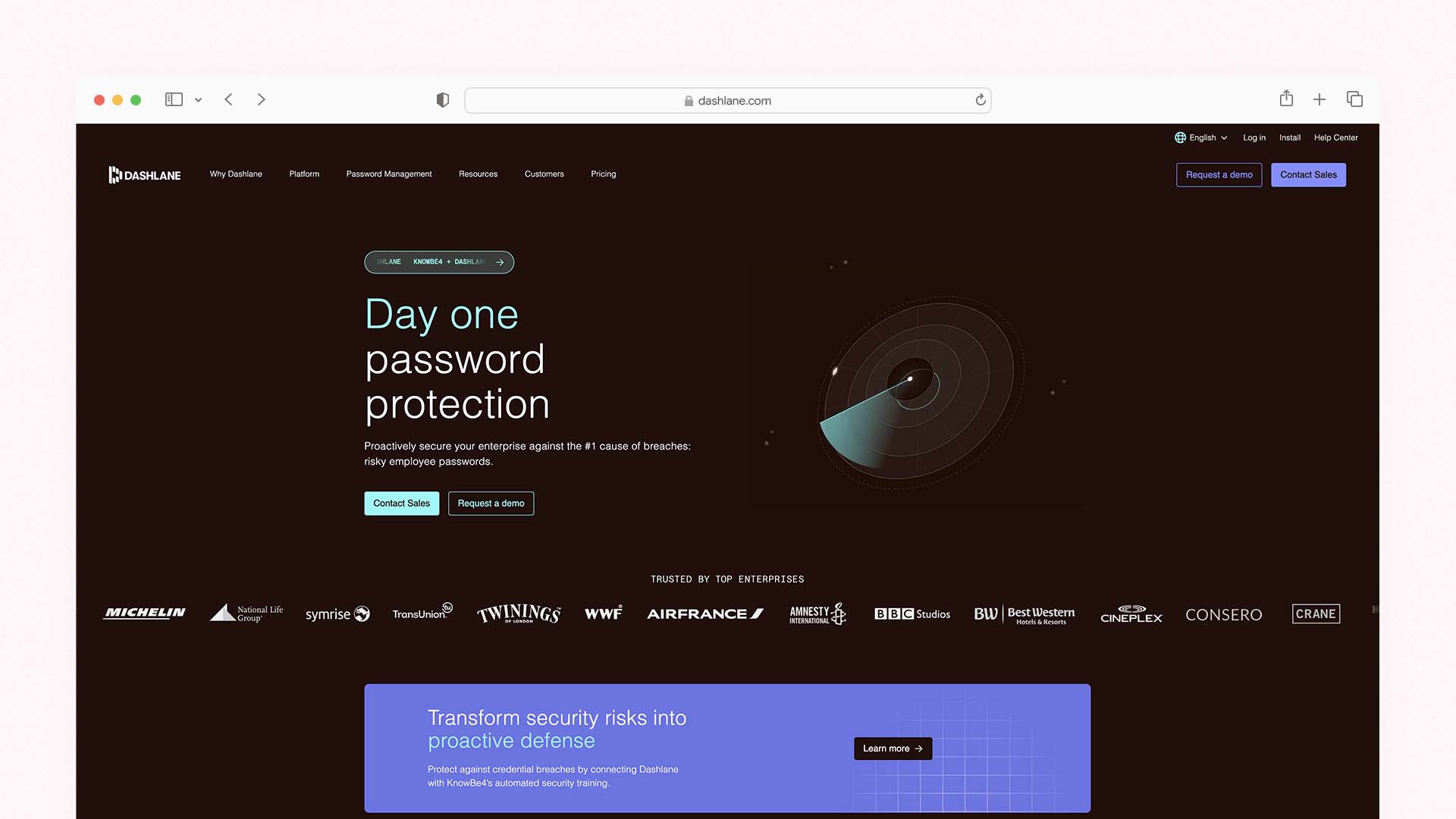
Dashlane sits at the premium end of the business password manager market, and its primary differentiator is not a single feature but a service model: its Enterprise plan includes a dedicated Customer Success Manager who is your single point of contact for onboarding, support, and ongoing security guidance. For businesses that want a relationship with their security vendor rather than a ticketing system, Dashlane's service model is unique in this category.
The admin console organises shared credentials through folders by department or project. Role assignments — Editor or Manager — control what each team member can do within those folders. The Admin Console displays password health scores across your entire organisation at a glance: which employees have weak passwords, who is reusing credentials across accounts, and which accounts have appeared in known data breaches via real-time dark web monitoring across 20 billion breach records.
Dashlane's dark web monitoring is the most comprehensive of any tool on this list. It continuously scans breach databases and alerts you when any company email address or credential appears in new leaked data. For a business where a single compromised account could expose client data or financial systems, this monitoring provides the fastest possible notification of a credential exposure — often before the breached service has notified its users.
The security architecture has one important nuance that every business considering Dashlane should understand. When SSO is used, Dashlane stores the master password in a Confidential Computing VM hosted on AWS Secure Enclave. While the user's keys cannot be retrieved by Dashlane, company administrators can impersonate users and access their password vault in this configuration. This is a practical feature for IT teams managing enterprise accounts — but it means Dashlane does not provide the same zero-knowledge guarantee in SSO deployments that 1Password or Bitwarden maintain for all users.
Dashlane Pricing for Teams:
Plan | Price | Key Feature |
|---|---|---|
Starter | $20/month flat (10 users) | Shared credentials, basic admin console |
Business | $8/user/month | Dark web monitoring, SSO, advanced admin |
Enterprise | Custom | Dedicated CSM, onboarding support, SIEM integration |
Dashlane Pros:
The most comprehensive dark web monitoring — 20 billion breach records scanned continuously
Dedicated Customer Success Manager on Enterprise plan — unique in this category
Password health scoring across the entire organisation in the admin console
VPN included on Business plan (powered by Hotspot Shield) — adds value at no extra cost
Intuitive UI — the smoothest onboarding experience for non-technical teams
SCIM provisioning and SSO on Business and Enterprise plans
Phishing alerts warn users when they attempt to enter credentials on suspected phishing sites
Dashlane Cons:
SSO configuration allows admin impersonation — not fully zero-knowledge in enterprise SSO deployments
More expensive than Bitwarden for equivalent team features
Browser extension has limited functionality compared to web app — some features require switching between the two
Mobile app less intuitive than desktop according to user reviews
4. Keeper — Best for Activity Reporting and Compliance
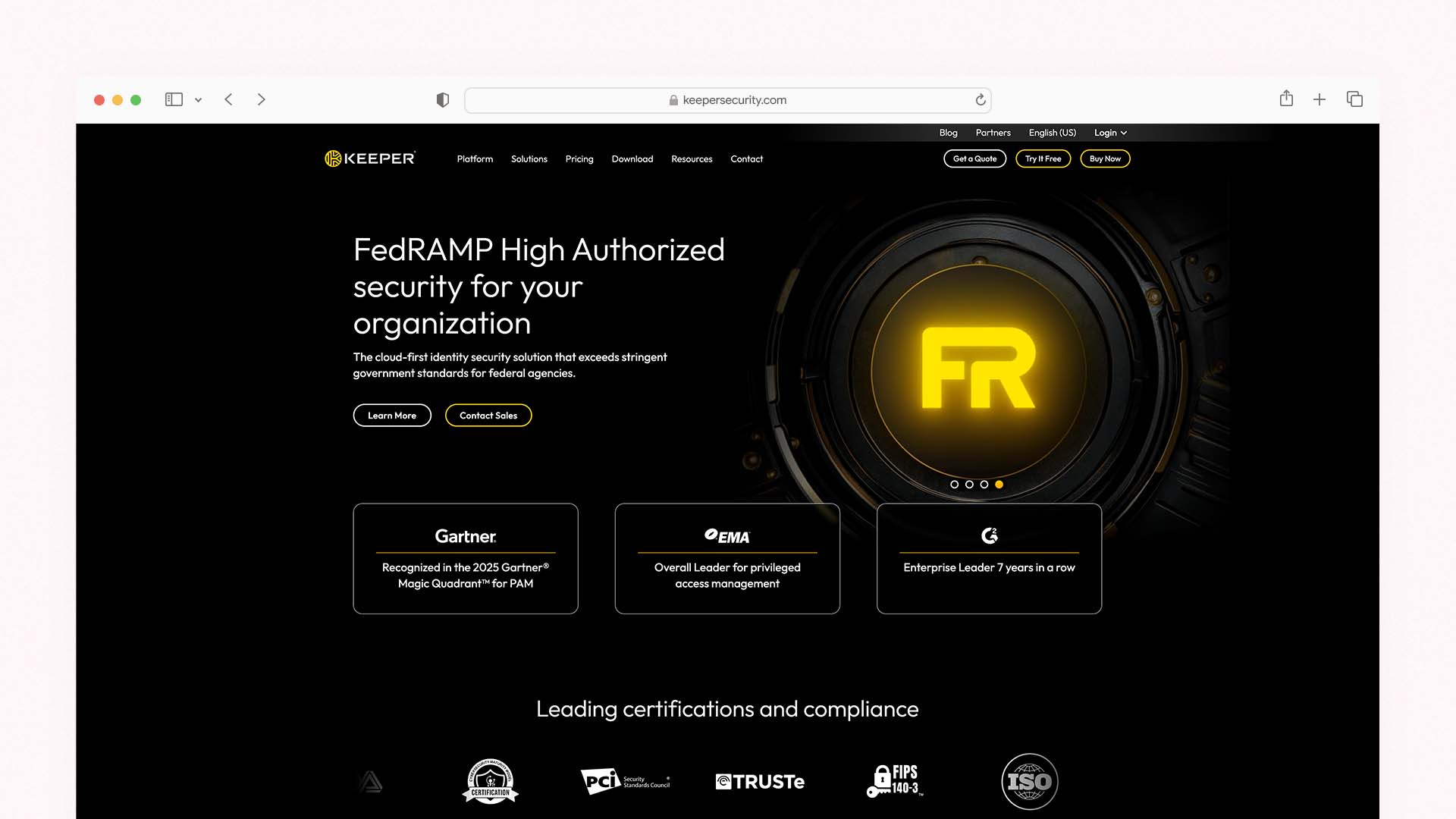
Keeper is the team password manager most frequently chosen by businesses in regulated industries — financial services, healthcare, legal, accountancy — because its activity reporting capabilities are the most detailed of any tool on this list. Every password change, credential view, sharing event, login, and admin action is logged with timestamp, user, and source information. The audit logs can be filtered by user, date range, event type, and specific record — producing the kind of auditable access history that compliance frameworks require.
The Shared Folders system organises team credentials with role and record-level access controls. Beyond the shared folder approach, Keeper's One-Time Share feature is the most elegant contractor access solution on this list: you generate a time-limited, single-use link to a specific credential. The contractor clicks the link, uses the credential through Keeper's secure interface, and the link expires. They never had the password — they only had a single-use window to access it. After expiry, the share is gone entirely and the credential is unchanged.
Keeper's BreachWatch service monitors over one billion known compromised credentials and alerts you in real time when a team member's password appears in dark web data. For businesses in client-facing industries where a single compromised credential could trigger a regulatory notification obligation, BreachWatch provides the earliest possible warning.
Keeper Pricing for Teams:
Plan | Price Per User/Month | Key Feature |
|---|---|---|
Business Starter | ~$2/user (min. 5) | Shared vaults, basic admin, up to 10 users |
Business | ~$4.99/user | Advanced reporting, compliance reports, BreachWatch add-on |
Enterprise | Custom | SSO, SCIM, SIEM integration, advanced compliance |
Keeper Pros:
Best activity reporting of any tool on this list — granular, filterable, exportable audit logs
One-Time Share creates self-destructing credential links for contractors
BreachWatch dark web monitoring for team credentials
Role and record-level access controls — highly granular
Compliance reporting module ready-to-export for auditor review
Consistent UX across all platforms (Windows, Mac, iOS, Android, all browsers)
No known security breach in company history
Keeper Cons:
BreachWatch is an add-on cost, not included in base Business plan
Less name recognition than 1Password or Bitwarden — may require more vendor due diligence
Compliance reporting module is an additional cost on some plans
Import process from other password managers can be manual for file attachments
5. NordPass — Best UX for Non-Technical Teams
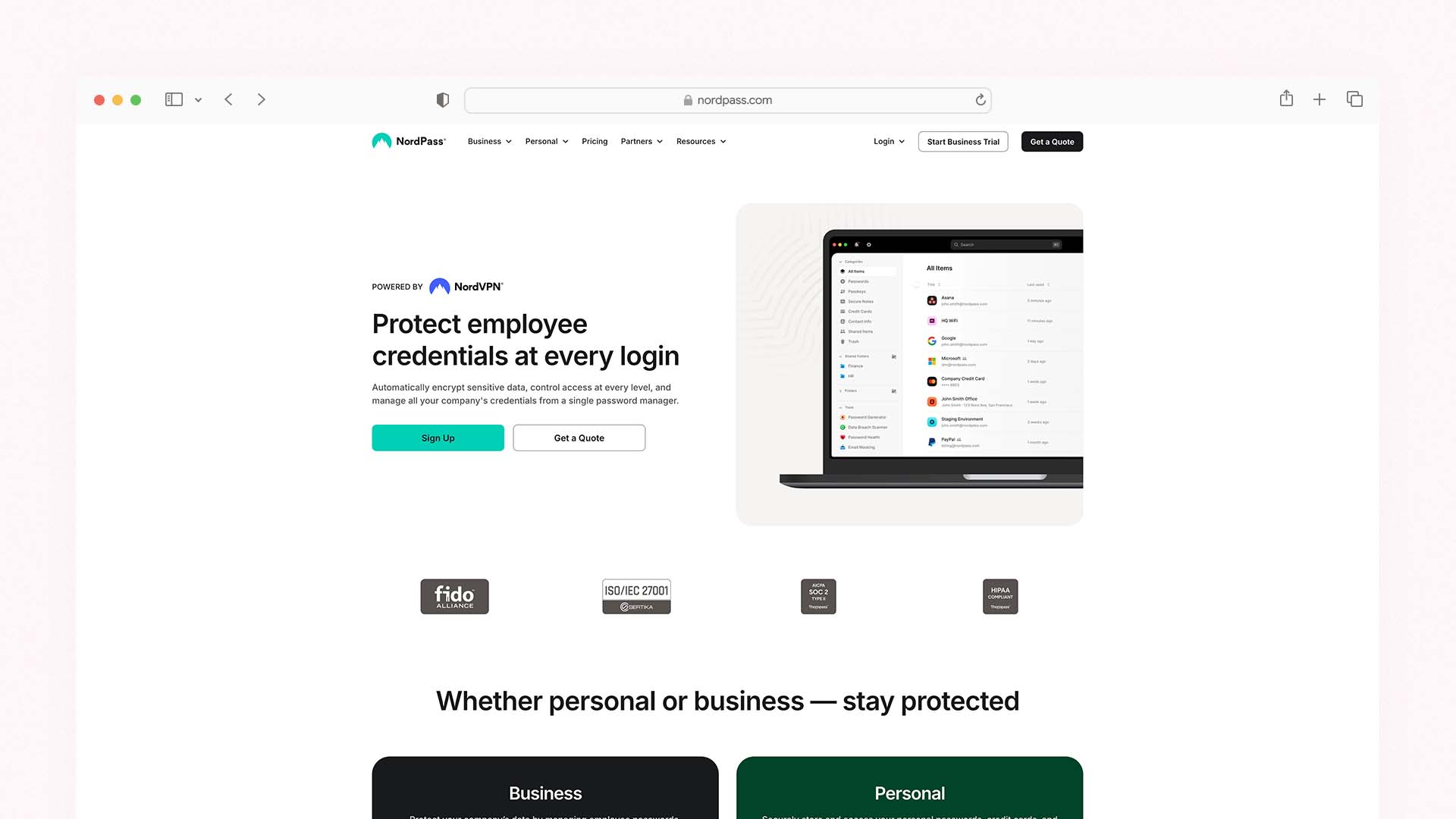
NordPass is NordSecurity's password manager — the same company behind NordVPN and NordLayer — and it is the most immediately intuitive team password manager for non-technical users. Where 1Password and Bitwarden assume some familiarity with concepts like vaults, collections, and permission inheritance, NordPass presents a clean, accessible interface that most team members can navigate confidently on their first day without any training.
The security foundation is strong: NordPass uses XChaCha20 encryption — a more modern algorithm than the AES-256 standard used by most competitors, offering equivalent security with faster performance on devices without dedicated cryptographic acceleration. The zero-knowledge architecture ensures NordPass cannot access user vault contents, and the 2024 and 2025 third-party security audits confirmed the technical controls function as documented.
NordPass's recent business updates add meaningful team capabilities: enhanced passkey support (storing and sharing passkeys alongside traditional passwords), a new Activity Log for real-time tracking of user actions across the organisation, and improved vault switching between personal and business accounts. The shared vault system allows team credential management with role-based access, and SSO integration with Google Workspace, Microsoft Azure, and Okta is available on the Business plan.
NordPass Pricing for Teams:
Plan | Price Per User/Month | Key Feature |
|---|---|---|
Teams | $4.99/user (24-month) | Shared vaults, admin panel, basic reporting |
Business | $5.99/user (24-month) | SSO, advanced MFA, activity logs |
Enterprise | Custom | Priority support, custom onboarding, SCIM |
NordPass Pros:
The most user-friendly interface of any team password manager — minimal training required
XChaCha20 encryption — a modern, fast cryptographic standard
Passkey storage and sharing — ready for the passwordless future
Seamless switching between personal and business vaults
Activity Log for real-time user action tracking (Business plan)
14-day free trial on all business plans
NordPass Cons:
Admin console less feature-rich than 1Password or Keeper
Activity logging only on Business plan — not included in Teams
Fewer third-party integrations than 1Password Enterprise
Smaller company history and audit track record than 1Password or Bitwarden
6. LastPass — A Legacy Option With Important Caveats
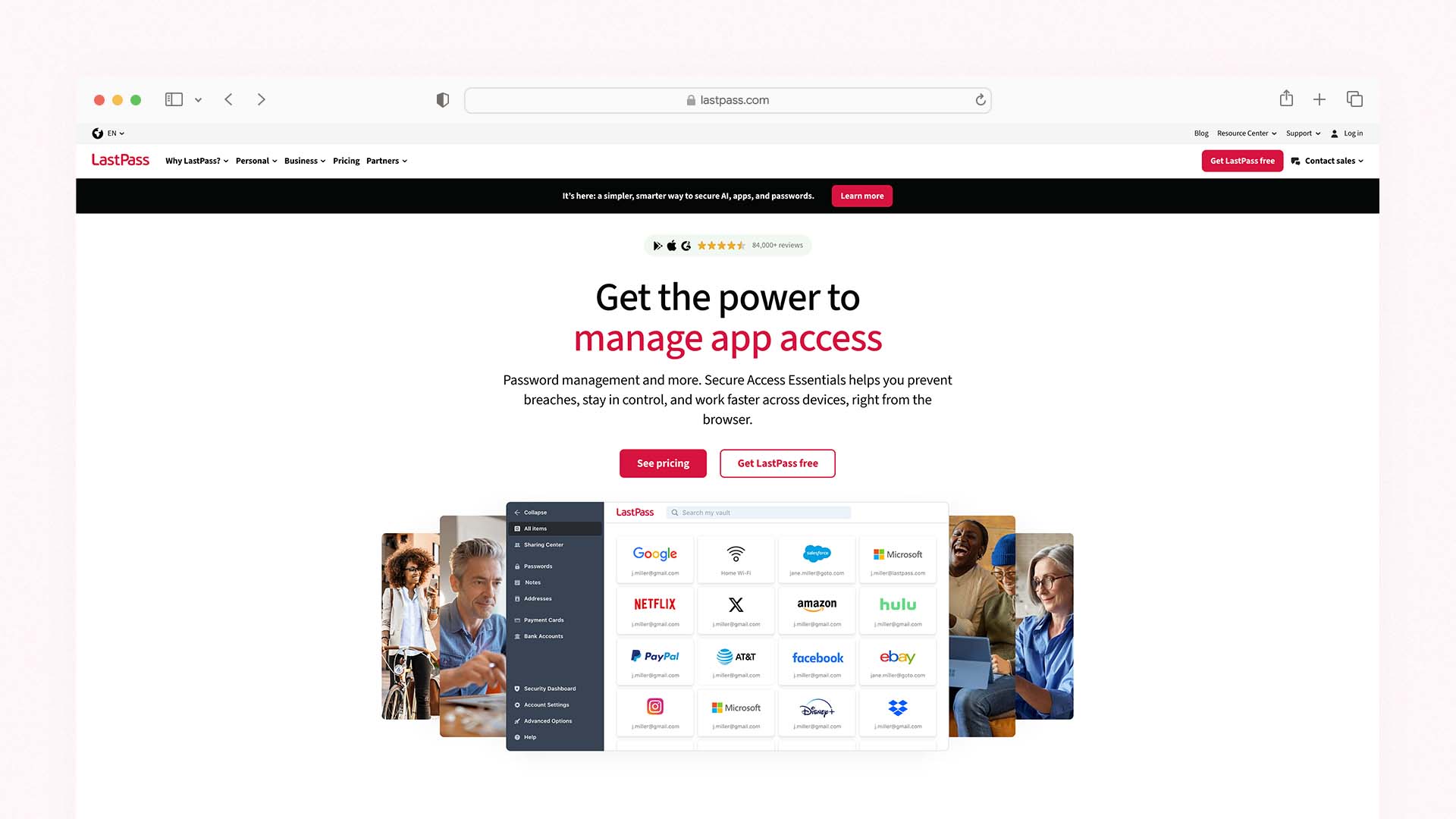
LastPass warrants honest coverage because it remains widely used by small businesses who set up their team password management years ago and have not reviewed that decision since. It is also the tool most commonly inherited by new IT administrators and business owners taking over existing systems.
The fundamental consideration is the security incident history. LastPass suffered a significant breach in 2022 in which threat actors accessed encrypted password vaults alongside customer metadata. While the vaults were encrypted and strong master passwords protected their contents, the breach exposed the limitations of LastPass's data retention and incident response. A subsequent 2023 breach compromised an employee's home computer and accessed LastPass's development systems. The company has since invested substantially in rebuilding its security infrastructure, but the track record creates a due diligence question that every business considering LastPass needs to answer for themselves: does the rebuild justify continued or new trust in the platform?
For businesses already using LastPass with teams that are functioning and trained, migration to a competitor is a real operational disruption that may not be worth the effort. For new businesses selecting a team password manager for the first time, the same features and admin capabilities are available from 1Password, Bitwarden, or Keeper with cleaner security histories at comparable or lower prices.
LastPass Pricing for Teams:
Plan | Price Per User/Month | Key Feature |
|---|---|---|
Teams | $3/user | Up to 50 users, shared folders, admin console |
Business | $7/user | Unlimited users, SSO, advanced MFA, SCIM |
Enterprise | Custom | Advanced policies, SIEM, dedicated support |
LastPass Pros:
Low entry price at $3/user/month for Teams
Familiar interface for teams already using it — low switching friction
SSO and SCIM directory sync on Business plan
Generous admin controls and policy management
LastPass Cons:
Two significant security breaches in 2022–2023 — the most important factor in any evaluation
The 2022 breach exposed encrypted vaults alongside customer metadata
Customers with weak master passwords from the 2022 breach remain at elevated risk
Not recommended for new team deployments when alternatives with cleaner histories cost the same or less
What Happens When an Employee Leaves? — The Definitive Answer
This is the question every business owner should demand a clear answer to before purchasing any team password manager. Here is exactly what happens with each tool:
With any tool on this list (1Password, Bitwarden, Dashlane, Keeper, NordPass):
The administrator opens the admin console, locates the departing employee's account, and deactivates or deletes it. The effect is immediate: the employee can no longer log in to the password manager, can no longer access any shared vaults or collections, and can no longer view, use, copy, or export any team credentials. All credentials remain fully accessible to the rest of the team. On 1Password Business, if the employee was a vault manager, their permissions are automatically reassigned according to your policy.
The credentials themselves are unchanged — you do not need to rotate every password the employee had access to unless you have reason to believe they noted credentials outside the password manager. If you do need to rotate credentials, your admin console shows you exactly which vaults and items the departing employee had access to — a list that would take hours to reconstruct manually in the absence of a password manager.
The single most important offboarding action: Before deactivating the account, use your admin console to generate an access report showing every vault and credential the employee had view or manage access to. This takes two minutes and gives you a complete record for your own files and for any future security review.
How Much Does a Team Password Manager Really Cost?
The per-user headline prices on password manager websites do not tell the full story. Here is what each option actually costs for a team of ten, factoring in annual billing:
Tool | Team of 5 | Team of 10 | Team of 25 | Notes |
|---|---|---|---|---|
1Password Teams Starter | $19.95/month | $19.95/month | N/A (max 10) | Flat rate for up to 10 users |
1Password Business | $39.95/month | $79.90/month | $199.75/month | Per user pricing |
Bitwarden Teams | $20/month | $40/month | $100/month | Most affordable feature-complete option |
Dashlane Starter | $20/month | $20/month | N/A (max 10) | Flat rate for up to 10 users |
Keeper Business | ~$25/month | ~$50/month | ~$125/month | BreachWatch is add-on cost |
NordPass Teams | ~$25/month | ~$50/month | ~$125/month | Per user, 24-month pricing |
LastPass Teams | $15/month | $30/month | $75/month | Lowest per-user cost with caveats |
The table makes one thing immediately clear: 1Password Teams Starter at $19.95/month flat for up to ten users is the best value of any paid option for small teams. At that price point it includes the dual-key security architecture, 13 permission levels, guest accounts, developer tools, and Watchtower — the most comprehensive feature set for the lowest monthly cost at ten users or below.
Should You Use a Free Password Manager for Your Team?
The short answer is: no — not for shared team credentials. The longer answer has two parts.
Personal free tiers (Bitwarden's free plan, NordPass's free plan) are legitimate, secure products for individual use. They protect your own passwords well. What they cannot do is share credentials between team members, provide an admin console for access management, log activity for audit purposes, or give you the ability to revoke an employee's access to shared items. These are not premium features — they are the fundamental requirements of team credential management.
Bitwarden's Teams plan at $4/user/month is the closest thing to a free option for teams. At $40/month for a team of ten it is the most affordable full-featured team credential management available from a reputable vendor. For a business that genuinely cannot spend more than that, Bitwarden Teams delivers everything needed.
The risk of using consumer free plans for team credentials — sharing a single subscription's login across multiple employees, or distributing passwords manually outside a password manager — is not just a convenience problem. It is a security liability that most business insurance policies and client contracts increasingly require businesses to address.
Migrating From One Password Manager to Another — How Long Does It Actually Take?
Migration anxiety keeps many businesses on a suboptimal tool longer than they should be. The practical reality:
From LastPass to 1Password or Bitwarden: Both tools have built-in LastPass importers that convert your exported vault file with one click. A team of ten with a typical credential library (100–300 shared items) can complete the import in under 30 minutes. The main work is re-establishing vault and Collection structure in the new tool.
From any tool to Bitwarden: Bitwarden supports import from over 30 password managers — the widest import compatibility of any tool on this list. A CSV export from almost any competitor imports cleanly.
For team migrations: The smoothest approach is a phased migration — migrate shared vaults first, then ask team members to migrate their personal vaults individually. Run both tools in parallel for one week while the team confirms everything has transferred correctly, then deactivate the old tool.
The consistent advice from IT administrators who have completed team password manager migrations: the migration itself is always faster and less disruptive than the anxiety about it. Plan two hours for setup, one week for parallel operation, and one meeting to brief the team on the new tool.
Final Verdict
Every team of more than one person handling shared credentials needs a dedicated team password manager. The operational and security case is not complex: you cannot manage shared credentials safely without centralised access control, activity logging, and instant offboarding capability — and consumer password managers cannot provide these features regardless of how many seats you purchase.
Choose 1Password if you want the most complete team password manager with the strongest security architecture, guest accounts for contractors, and developer tools included — the Teams Starter plan makes it the best value for teams of up to ten
Choose Bitwarden if budget is your primary constraint, you want full open-source transparency, or your business requires the ability to self-host your credential database
Choose Dashlane if you want dedicated onboarding support, a single point of contact, and the most comprehensive dark web monitoring of any tool on this list
Choose Keeper if activity reporting and compliance audit trails are a priority — particularly for regulated industries
Choose NordPass if your team is non-technical and you need the smoothest possible onboarding experience with minimal training required
Approach LastPass carefully if evaluating for the first time — the alternatives above provide equivalent features with cleaner security histories at comparable prices
The most important action is to move shared credentials off email threads, WhatsApp groups, and shared Google Docs into a proper team credential management platform. Any tool on this list is a significant security improvement over those methods — and the one that fits your budget and team size will serve you well.
FAQs
What is the best password manager for teams?
With any purpose-built team password manager, the administrator deactivates the departing employee's account in the admin console — their access to all shared vaults is revoked immediately. The credentials remain intact and fully accessible to the rest of the team. Before deactivating the account, generate an access report showing every item the employee had access to, for your records. This process takes under two minutes and is the primary reason team password managers are worth their cost versus shared consumer subscriptions.
What happens to shared passwords when an employee leaves?
With any purpose-built team password manager, the administrator deactivates the departing employee's account in the admin console — their access to all shared vaults is revoked immediately. The credentials remain intact and fully accessible to the rest of the team. Before deactivating the account, generate an access report showing every item the employee had access to, for your records. This process takes under two minutes and is the primary reason team password managers are worth their cost versus shared consumer subscriptions.
Is Bitwarden safe for business use?
Yes. Bitwarden is fully open source — its entire codebase is publicly available for inspection — and has passed multiple independent third-party security audits. It uses zero-knowledge architecture with AES-256 encryption and supports two-step login with multiple authenticator options. Bitwarden has no known security breach history. Its Teams plan at $4/user/month includes audit logs, unlimited Collections, and API access. The main trade-offs are a less polished user experience compared to 1Password and 1GB of encrypted file storage per user.
Can I share passwords with freelancers and contractors without giving them my actual credentials?
Yes, using guest accounts (1Password), One-Time Share (Keeper), or Bitwarden Send (Bitwarden). These features let a contractor use a credential through the password manager's secure interface — meaning they can log in to a tool on your behalf — without ever seeing the actual password. You can set expiry dates on the share and revoke access at any time. When the engagement ends, the contractor no longer has any access to the credential.
Should small businesses use LastPass in 2026?
Small businesses already using LastPass with functional teams and no security concerns specific to their situation need to make their own risk assessment about migration. For businesses selecting a team password manager for the first time in 2026, LastPass is not the recommended choice — 1Password, Bitwarden, and Keeper all offer equivalent or superior features at comparable prices with no known security breach history. The 2022 LastPass breach exposed encrypted vaults alongside customer metadata, and while the company has invested substantially in security rebuilding since, the track record is a relevant due diligence consideration.
What is the cheapest team password manager?
Bitwarden Teams at $4 per user per month is the most affordable full-featured team password manager from a reputable vendor — covering unlimited shared Collections, audit logs, API access, and two-step authentication. 1Password Teams Starter at $19.95 per month flat is the best value for teams of up to ten people when divided across users. LastPass Teams at $3 per user per month is the lowest per-user price, but comes with the security history caveats noted above.
Latest Blogs
Get the Latest Tech Insights in Your Inbox.
No spam, unsubscribe anytime.