
The best AI coding assistant for most developers in 2026 is Cursor Pro at $20 per month — it is a complete IDE rebuilt around AI rather than a plugin added to an existing editor, giving you project-wide codebase awareness, multi-file editing via its Composer agent, multi-model selection per task, and the fastest AI autocomplete available through Supermaven, all in a near-seamless VS Code fork that most developers can switch to in under an hour. For developers already embedded in GitHub and Microsoft tools who want AI assistance without changing their editor, GitHub Copilot at $10 per month remains the most frictionless entry point — it works in VS Code, JetBrains, Neovim, and Visual Studio with no workflow change required. For complex reasoning tasks, large-scale refactoring across many files, and terminal-native autonomous coding agents, Claude Code is the strongest option — built by Anthropic, it uses a 1M token context window to reason about entire codebases and can execute multi-step tasks autonomously without IDE supervision.
This guide answers what most AI coding assistant comparisons skip: what is the actual difference between an AI plugin and an AI-native IDE; which tools work offline or on-premise for teams with privacy and compliance requirements; what these tools actually cost for a real development team of five or ten developers; and which tasks are genuinely better with AI assistance versus which are still best done without it.
The Three Architectures — Why This Matters Before You Choose a Tool
The most important thing to understand about AI coding assistants in 2026 is that the tools operate on fundamentally different architectural models. Choosing without understanding this leads to buying the wrong category of tool for your workflow.
Architecture 1: IDE Plugin (GitHub Copilot, Codeium)
An AI plugin sits inside your existing editor and provides suggestions, completions, and chat — but your editor remains the primary environment. The AI enhances your workflow rather than replacing it. This is the lowest-friction adoption path: install a plugin, authenticate, and you are receiving suggestions within minutes without changing any of your existing tools, shortcuts, or habits.
The limitation is context depth. Plugins access the file you are currently editing and a limited window of adjacent files. They do not have a persistent, indexed understanding of your entire codebase in the way that AI-native IDEs do. For completing functions, generating boilerplate, writing tests, and explaining unfamiliar code — the daily tasks that represent the majority of development time — plugins are effective and sufficient. For multi-file refactoring, architectural reasoning, and coordinated changes across a large codebase, they fall short.
Architecture 2: AI-Native IDE (Cursor, Windsurf)
An AI-native IDE rebuilds the development environment around AI rather than bolting AI onto it. Cursor is a fork of VS Code — it looks and behaves like VS Code, your existing extensions work, and your shortcuts carry over — but every interaction is designed with AI as a first-class participant. The codebase is indexed and queryable. You can ask questions about your project architecture, request changes across multiple files in a single instruction, and have the AI maintain context across an entire development session.
The trade-off is that you are switching your primary editor. For most VS Code users, the transition is near-invisible — Cursor's import feature brings your extensions, themes, and settings across in minutes. For teams on JetBrains IDEs (IntelliJ, PyCharm, WebStorm), switching requires either accepting the VS Code environment or choosing a different tool. Cursor does not support JetBrains natively.
Architecture 3: Terminal-Native Agent (Claude Code)
A terminal-native coding agent operates from the command line and interacts with your codebase through natural language instructions. You describe what you want done — "refactor the authentication module to use JWTs, update all affected tests, and create a migration plan for the database changes" — and the agent reads the relevant files, reasons about the architecture, writes the code, runs the tests, and reports back. It is less of an assistant and more of a junior developer you can delegate to.
Claude Code operates in the terminal, integrates with VS Code and JetBrains as an extension, and connects to external tools — GitHub, DataDog, Stripe, CircleCI — through integrations. Its 1M token context window means it can hold your entire codebase in memory during a session, a capability that no IDE-based tool currently matches. The practical result is that Claude Code is significantly better than IDE tools at the most complex and time-consuming tasks — architectural refactoring, large-scale migrations, understanding legacy code — while being less convenient than an IDE tool for the moment-to-moment editing that makes up most of a developer's day.
Most experienced developers in 2026 use two tools: an IDE tool for daily editing and a terminal agent or chat assistant for complex work.
The Four Tasks We Benchmarked Every Tool Against
Every AI coding assistant review runs the same toy example — "write a function to reverse a string" — and declares a winner based on output quality. This is not useful for a developer choosing a tool for real work. We tested every tool on four tasks that represent the actual range of what developers need AI assistance for in production environments.
Task 1 — Fix a Bug: A real NullPointerException in a multi-file TypeScript project. The error appears in one file but originates from a data transformation in a different file. The bug requires understanding how data flows across multiple components.
Task 2 — Refactor a Function: Refactor a 120-line function that handles three different responsibilities into properly separated concerns. The refactored version should maintain backward compatibility and pass existing tests.
Task 3 — Explain Unfamiliar Code: A 200-line Go function handling concurrent request deduplication using sync.Map. No comments, no documentation. Generate a clear explanation of what the code does and why each section exists.
Task 4 — Generate a Full Component: Generate a complete React component — a data table with sorting, filtering, pagination, and an export-to-CSV function — from a plain language description.
Results are summarised in the verdict table after the individual reviews.
Quick Comparison — Best AI Coding Assistants
Tool | Architecture | Free Tier | Paid Price | Multi-file Editing | Works Offline | IDE Support |
|---|---|---|---|---|---|---|
Cursor | AI-Native IDE | ✅ 2K completions | $20/month (Pro) | ✅ Composer | ❌ No | VS Code fork only |
GitHub Copilot | IDE Plugin | ❌ No | $10/month | ✅ Edits mode | ❌ No | VS Code, JetBrains, Neovim, Visual Studio |
Claude Code | Terminal Agent | ✅ (Claude free) | Usage-based | ✅ Autonomous | ❌ No | Terminal + VS Code/JetBrains extension |
Windsurf | AI-Native IDE | ✅ Free tier | $15/month (Pro) | ✅ Cascade | ❌ No | VS Code fork |
Tabnine | IDE Plugin | ✅ Basic | $12/month | ⚠️ Limited | ✅ On-premise | VS Code, JetBrains, Vim, Eclipse, +more |
Codeium | IDE Plugin | ✅ Full features | $10/month | ⚠️ Limited | ❌ No | VS Code, JetBrains, Vim, Emacs, +more |
Amazon Q Developer | IDE Plugin | ✅ Full | $19/month | ✅ Agent mode | ❌ No | VS Code, JetBrains |
Continue.dev | IDE Extension | ✅ Full | Free (BYOK) | ✅ With agent | ✅ Local models | VS Code, JetBrains |
The 8 Best AI Coding Assistants — Full Reviews
1. Cursor — Best AI-Native IDE for Professional Developers

Cursor is the AI coding tool that has most significantly disrupted the developer tools market in 2025–2026, growing to over one million users and 360,000 paying customers by building a coherent answer to a question every developer has eventually asked: what if the entire editor was designed around AI rather than having AI added to an editor?
The most important feature for understanding what Cursor does differently from GitHub Copilot is Composer — the multi-file agentic editing mode. You open Composer with Cmd+I (or Ctrl+I), describe a change in plain language — "add rate limiting to all API endpoints using a Redis-based token bucket, update the middleware layer, and add appropriate error responses" — and Cursor reads the relevant files, generates a plan, implements the changes across multiple files, and presents a diff for your review. You review, approve, or modify the changes. This is not autocomplete — it is delegation.
Supermaven autocomplete — the underlying technology powering Cursor's inline suggestions — is the fastest AI autocomplete available in any tool tested. The tab completion is fast enough that it doesn't break your flow, and it predicts not just the current line but the next edit location, automatically adding imports when you use a new library, and completing multi-line patterns based on the context of what you are building.
Multi-model selection is Cursor's practical differentiator for developers who want to use the best model for each task. Within a single session, you can switch between Claude Sonnet 4.6, GPT-4o, Gemini 2.5 Pro, and Cursor's own models — using a faster, cheaper model for quick autocomplete and a more capable reasoning model for complex multi-file work. No other IDE tool on this list provides this model flexibility in the same seamlessly integrated way.
The @ context system lets you add specific files, folders, documentation, external URLs, or your entire codebase to any AI conversation with a single keystroke. You can reference @codebase to ask questions about your entire project, @docs to pull in documentation for a library you are using, or @git to reference recent commits. This context management is more granular and more controllable than GitHub Copilot's context handling.
On our four benchmark tasks: Cursor handled the cross-file bug fix better than any other tool — its codebase indexing allowed it to trace the NullPointerException to its actual origin without manual navigation. The refactoring task was completed cleanly with a well-structured diff. Code explanation was thorough and accurate. The React component generation was the strongest first-draft output of any tool tested.
Cursor relies on cloud-based AI models, which means sensitive or proprietary code must be sent externally for processing — a potential risk for companies with strong privacy and compliance requirements. For teams in regulated industries (finance, healthcare, defence), this is the most important limitation to evaluate before purchasing.
Cursor Pricing:
Plan | Monthly Price | Key Feature |
|---|---|---|
Hobby | $0 | 2,000 completions, 50 premium requests/month |
Pro | $20/month | Unlimited completions, 500 premium requests, Composer |
Business | $40/user/month | Team management, admin console, privacy controls |
Cursor Pros:
The most complete AI-native IDE — designed around AI, not AI bolted onto an editor
Composer agent for multi-file editing from natural language instructions
Supermaven autocomplete — fastest inline suggestion speed of any tool tested
Multi-model selection per task — Claude, GPT-4o, Gemini switchable in one session
VS Code compatibility — most extensions, themes, and settings carry over
1 million+ users and 360K+ paying customers — the largest community of any AI IDE
Cursor Cons:
VS Code fork only — no native JetBrains, Neovim, or Vim support
Cloud-based models only — code leaves your machine; not suitable for strict compliance environments
Pro plan limits (500 premium requests) can be reached by heavy users — Business plan at $40/user/month required for unlimited
Learning curve for Composer and advanced context features — 1–2 week ramp to full proficiency
2. GitHub Copilot — Best for GitHub-Ecosystem Teams
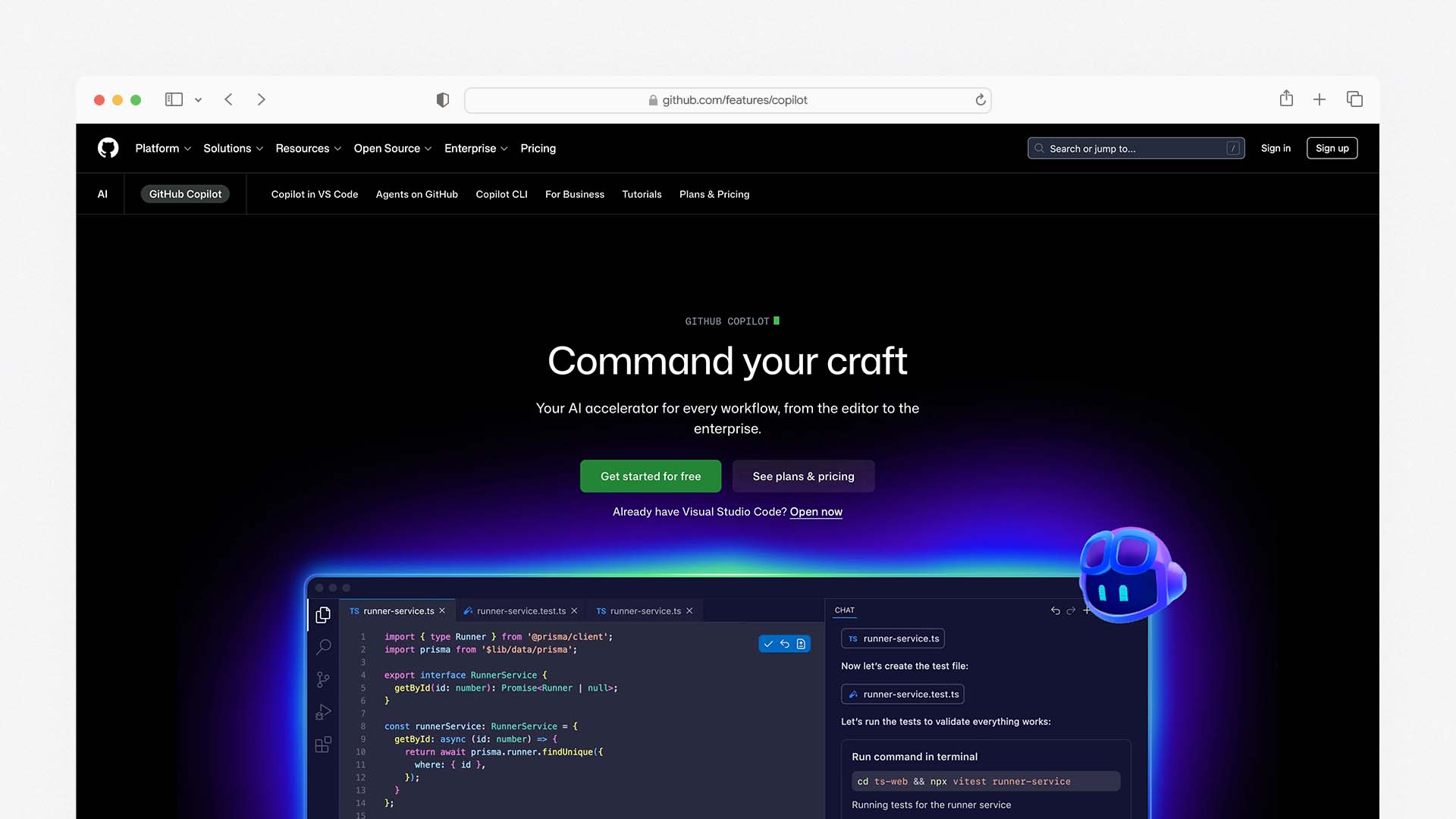
GitHub Copilot hit 20 million users in mid-2025 and now powers 90% of Fortune 100 companies. It remains the most widely adopted AI coding tool by a significant margin, and for development teams already using GitHub for version control, pull requests, and CI/CD, the depth of its ecosystem integration is a genuine competitive advantage that Cursor and Windsurf cannot replicate.
The key evolution in 2026 is Agent Mode — a shift from Copilot as a suggestion tool to Copilot as an active participant in multi-step development tasks. You can assign development tasks or issues to Copilot, which then plans, implements, tests, and refines changes on your behalf. When you update a shared function, Copilot can scan the repository, identify all dependent usages, and propose coordinated changes across every affected file in a single review. This brings Copilot's agentic capability much closer to Cursor's Composer, addressing the most significant practical gap between the tools.
Multi-model support — available since late 2024 — lets developers switch between GPT-4o, Claude 3.5 Sonnet, and Gemini 2.5 Pro inside the same Copilot workspace. This parity with Cursor's model flexibility removes what was previously one of Copilot's most notable capability gaps.
IDE breadth is Copilot's clearest practical advantage over Cursor and Windsurf. Copilot works directly inside popular editors, including VS Code, Visual Studio, JetBrains IDEs, and Neovim. There's no need for developers to change tools. For a team where some developers use JetBrains products and others use VS Code — a common reality in full-stack teams — Copilot is the only tool that provides consistent AI assistance across both environments without asking anyone to change their editor.
At $10 per month for individual developers, Copilot is the most affordable paid AI coding assistant on this list. The $10/month pays for itself after saving just one hour of work. For teams already paying for GitHub Advanced Security or GitHub Enterprise, the Business tier at $19 per user integrates directly with the existing account and billing.
On our four benchmark tasks: Copilot's single-file performance (bug fixing within one file, code explanation, component generation) was comparable to Cursor. The cross-file bug task — where the bug originated in a different file — was noticeably weaker than Cursor's codebase-indexed approach. The refactoring task was handled well with the Edits multi-file mode but required more manual guidance than Cursor's Composer.
GitHub Copilot Pricing:
Plan | Monthly Price | Key Feature |
|---|---|---|
Individual | $10/month | VS Code, JetBrains, Neovim, Visual Studio — no free tier |
Business | $19/user/month | Team management, audit logs, policy controls, IP indemnity |
Enterprise | $39/user/month | Custom models, fine-tuning on private codebase, Copilot Workspace |
A 500-developer team using GitHub Copilot Business faces $114k in annual costs — compared to $192k for Cursor's business tier. At enterprise scale, this cost difference is significant.
GitHub Copilot Pros:
Widest IDE support — VS Code, JetBrains, Visual Studio, Neovim — no editor change required
Agent Mode for multi-file, task-driven development from GitHub Issues
Multi-model support — GPT-4o, Claude 3.5 Sonnet, Gemini 2.5 Pro switchable
Deepest GitHub ecosystem integration — PR reviews, security scanning, audit trails
Most affordable paid plan at $10/month individual
Most enterprise adoption — 90% of Fortune 100 companies
GitHub Copilot Cons:
No free tier for individual developers (students get free access)
Cross-file reasoning less capable than Cursor's indexed codebase approach
Agent Mode less mature than Cursor Composer for complex multi-file changes
Plugin architecture limits the depth of IDE integration versus Cursor's native approach
3. Claude Code — Best for Complex Reasoning and Autonomous Tasks
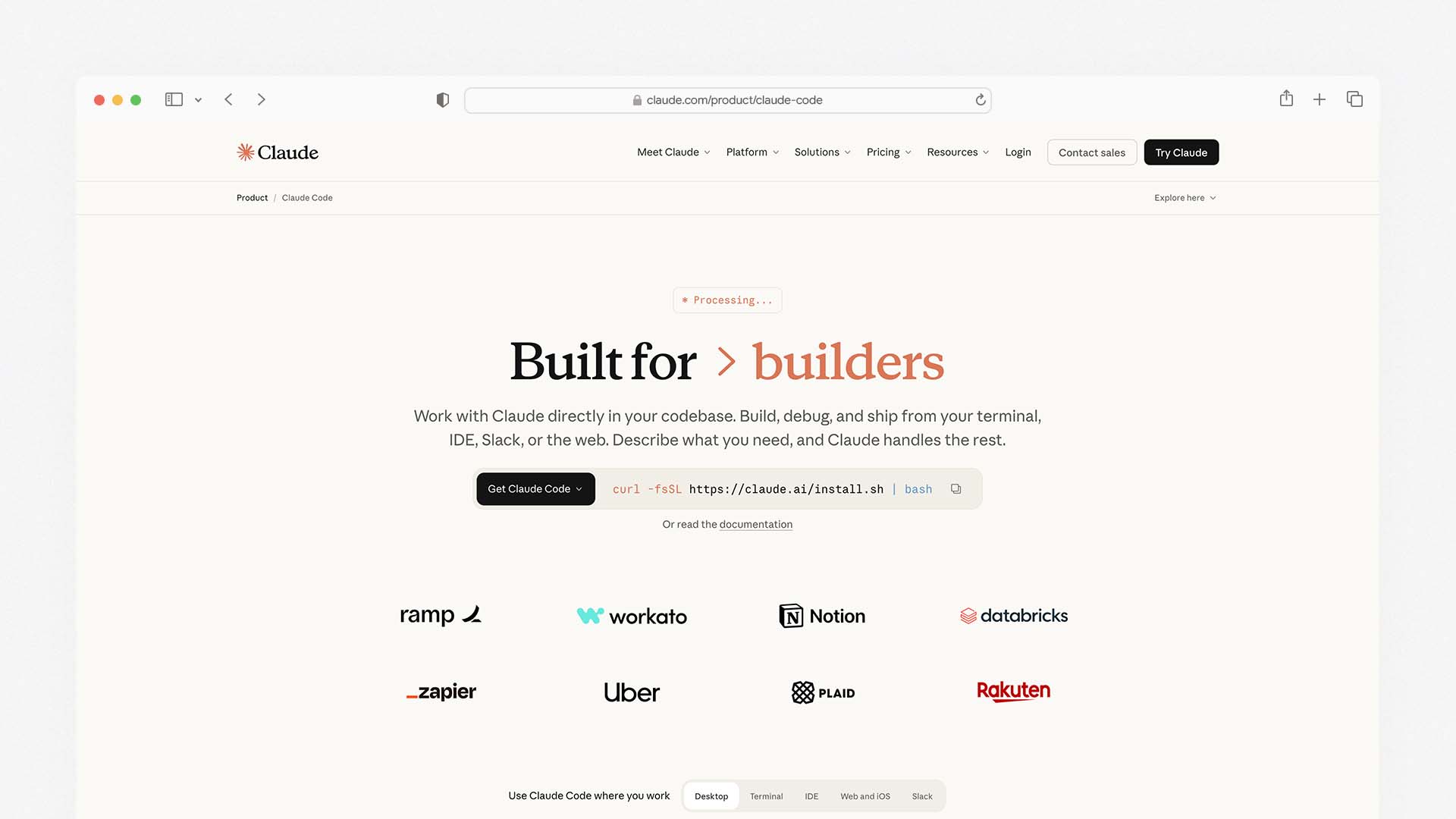
Claude Code is Anthropic's terminal-native coding agent, and it operates on a fundamentally different premise from every other tool on this list: rather than assisting a developer inside their editor, it functions as an autonomous agent that you delegate complex tasks to and review the results of. You can take a vague instruction like "Refactor the auth module to use JWTs" and Claude Code executes a plan across 20 files.
Claude Code now defaults to Claude Sonnet 4.6 for Free and Pro users — delivering 79.6% SWE-bench performance. SWE-bench is the most credible real-world coding benchmark available, measuring performance on actual GitHub issues from real open-source projects — not toy problems. A 79.6% score represents the strongest coding performance of any model currently available for general developer use.
The 1M token context window is Claude Code's most decisive practical advantage for large codebases. Most IDE tools can hold a few files in context simultaneously. Claude Code can hold your entire codebase — every file, all dependencies, all documentation — in a single session. For legacy codebases where understanding how one part of the system affects another requires reading dozens of files, this context capacity is genuinely transformative.
Agent Teams — Claude Code's multi-agent orchestration feature — lets you run multiple Claude agents in parallel on different parts of a large task. You can set one agent working on the frontend changes while another handles the backend, with a coordinator agent reviewing the work and ensuring consistency. This parallelism is unique to Claude Code among the tools on this list and significantly accelerates large, coordinated development tasks.
Claude Code integrates with GitHub, DataDog, Stripe, CircleCI, and other external tools, allowing the agent to read issue trackers, query monitoring dashboards, and interact with deployment pipelines as part of a development task — not just modify files in isolation.
On our four benchmark tasks: Claude Code produced the most thorough bug explanation and fix of any tool — it traced the NullPointerException across the call stack, explained why each layer contributed to the issue, and proposed a fix with the clearest rationale. The refactoring task was the most structurally sound output. Code explanation was the most thorough and accurate. The React component took longer to generate than IDE-based tools but required the least post-generation editing.
Claude Code is available to Claude Pro ($20/month) users and Claude Team/Enterprise subscribers, with API usage billed additionally at token rates.
Claude Code Pricing:
Access | Cost | Context |
|---|---|---|
Claude Pro | $20/month | Claude Code included, API usage billed separately |
Claude Team | $25/user/month | Team collaboration, shared projects |
Claude Enterprise | Custom | Advanced security, custom deployment, volume pricing |
API direct | $3–15/M tokens | Sonnet 4.6 at $3 input / $15 output per million tokens |
Claude Code Pros:
Best complex reasoning of any tool — 79.6% SWE-bench on real-world coding tasks
1M token context window — holds entire codebases in memory during a session
Agent Teams for parallel multi-agent task execution — unique capability on this list
Permission-based execution model and sandboxed operations — strongest security posture
Terminal-native — works in the environment many developers already use most
Integrates with GitHub, DataDog, Stripe, CircleCI — external tool awareness
Claude Code Cons:
Terminal interface — less convenient for moment-to-moment editing than IDE tools
API usage adds to base subscription cost — total spend is harder to predict
Less suitable as a daily driver for routine coding tasks than Cursor or Copilot
Newer tool — smaller community and fewer tutorials than Cursor or Copilot
4. Windsurf — Best Value AI-Native IDE
Windsurf is Codeium's AI-native IDE — a direct competitor to Cursor that positions itself as the more thoughtful, collaborative, and budget-friendly alternative. At $15 per month for the Pro tier (versus Cursor's $20), it offers similar AI-native IDE capabilities with a cleaner interface that some developers describe as more polished than Cursor's.
Cascade is Windsurf's equivalent of Cursor's Composer — the deep-context, multi-file agentic feature that maintains a persistent understanding of your project across the session. Windsurf positions itself as the thoughtful alternative to Cursor. Its Cascade feature maintains a persistent understanding of your project that goes beyond single-file context. It's gotten popular with developers who felt Cursor's approach was too surface-level for complex projects.
Supercomplete — Windsurf's autocomplete — predicts intent rather than just the current line. When you use a new library, it automatically adds the import. When you start a pattern, it predicts where the pattern ends. This intent-driven completion is comparable to Cursor's Supermaven in daily use, and represents a significant improvement over plugin-based autocompletion tools.
Windsurf's free tier is more genuinely usable than Cursor's — it includes enough usage for developers who code part-time or want to evaluate before committing. The Pro tier at $15 per month is the most affordable full-featured AI-native IDE on this list.
The bigger trend is convergence: Cursor is adding more agent capabilities, Windsurf is adding better agentic features with Cascade, and Claude Code has added IDE extensions. In a year, the distinction might blur significantly.
Windsurf Pricing:
Plan | Monthly Price | Key Feature |
|---|---|---|
Free | $0 | Limited prompts and completions monthly |
Pro | $15/month | Unlimited completions, Cascade, multi-model |
Teams | Custom | Team management, admin console, audit logs |
Windsurf Pros:
Most affordable AI-native IDE at $15/month — $5/month less than Cursor Pro
Cascade provides deep persistent project context
Cleaner interface than Cursor — frequently described as more polished UX
More generous free tier than Cursor for evaluation
Strong JetBrains compatibility via the Windsurf plugin (unlike Cursor)
Multi-model support — not locked to a single provider
Windsurf Cons:
Smaller community and fewer extensions than Cursor
Some users report Cascade can be slower to initialize on very large repos
Less mature multi-agent capability than Claude Code's Agent Teams
Codeium's primary product focus shifting toward Windsurf raises questions about long-term Codeium extension support
5. Tabnine — Best for Privacy-Sensitive and Compliance-Regulated Teams
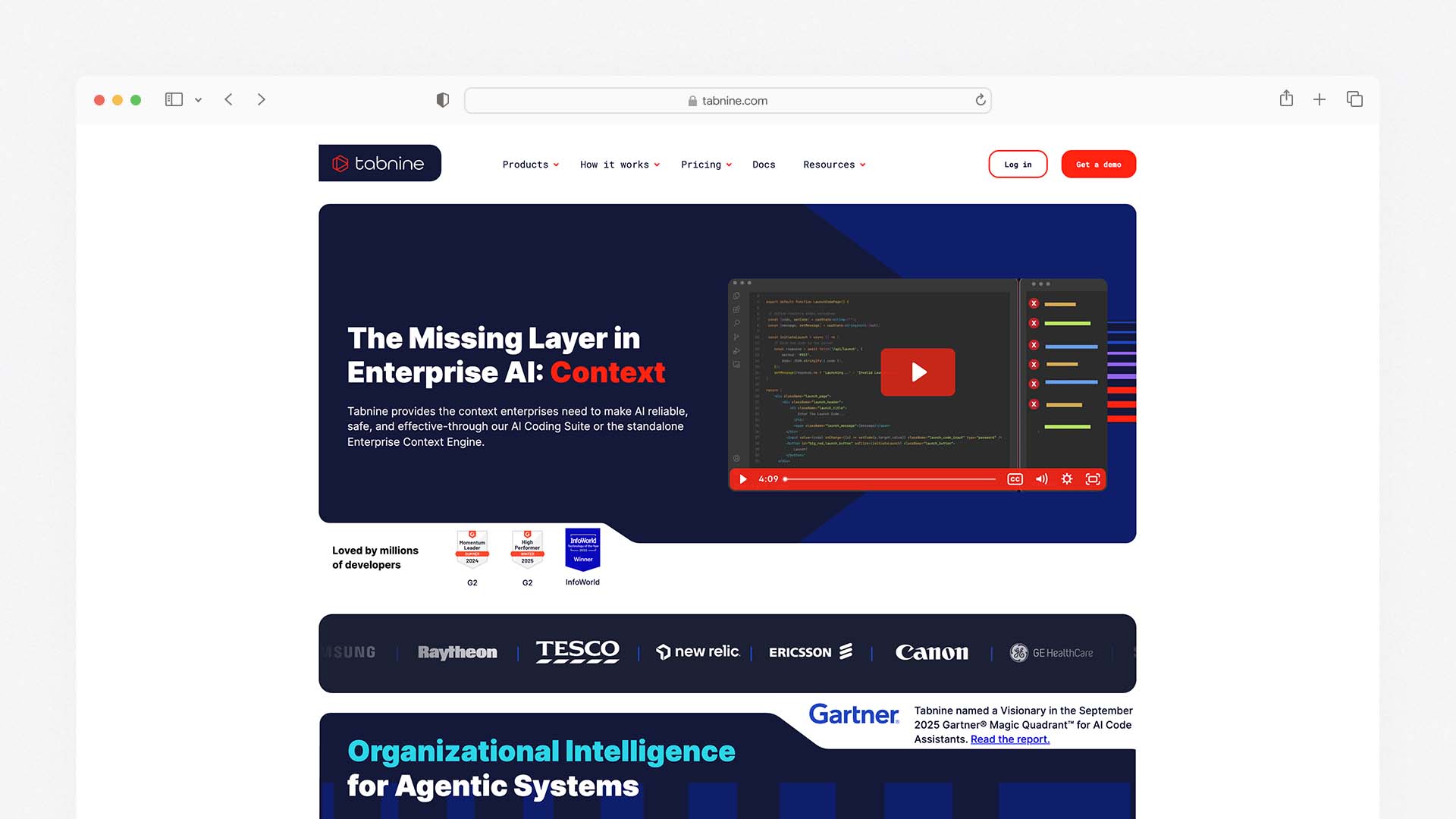
Tabnine is the correct answer for exactly one type of development team: teams working in regulated industries or with sensitive proprietary code that cannot leave their own infrastructure. Tabnine is best for enterprise and privacy use — on-premise deployment available. It is the only tool on this list with a genuinely production-ready self-hosted option that keeps all code processing on your own servers — no code leaves your machine, no model provider ever sees your proprietary code.
For fintech companies building payment systems, healthcare organisations handling patient data, defence contractors working with classified systems, and legal firms processing confidential client documents — Tabnine's on-premise model is not a nice-to-have. It is the minimum viable security architecture for working with AI coding tools responsibly.
The Tabnine models are smaller and less capable than GPT-4o or Claude Sonnet in absolute terms — a necessary trade-off for local deployment on standard enterprise hardware. For straightforward completions, function generation, and pattern matching, the quality gap is acceptable. For complex multi-file reasoning and large-scale refactoring, the quality difference versus cloud models is noticeable.
Tabnine's cloud-based plans offer privacy controls — private code mode, dedicated deployments, no training on customer code — for teams that are concerned about privacy but not required to maintain full on-premise infrastructure.
Tabnine Pricing:
Plan | Monthly Price | Key Feature |
|---|---|---|
Dev | $12/user/month | AI chat, completions, personalised suggestions |
Enterprise | Custom | On-premise, private cloud, dedicated deployment |
A 500-developer team on Tabnine Enterprise would exceed $234k annually. At enterprise scale, Tabnine is the most expensive option — a trade-off that regulated organisations consistently decide is worthwhile given the compliance requirements.
Tabnine Pros:
The only tool with a genuinely production-ready on-premise deployment option
Code never leaves your infrastructure on self-hosted plans
Works in the widest range of editors — VS Code, JetBrains, Vim, Emacs, Eclipse, and more
SOC 2 Type 2 compliance certification
Personalised AI trained on your own codebase patterns over time
Tabnine Cons:
On-premise models less capable than cloud-based alternatives for complex tasks
Most expensive at enterprise scale
Less capable agentic features than Cursor, Windsurf, or Claude Code
Community significantly smaller than GitHub Copilot or Cursor
6. Codeium — Best Free AI Coding Tool
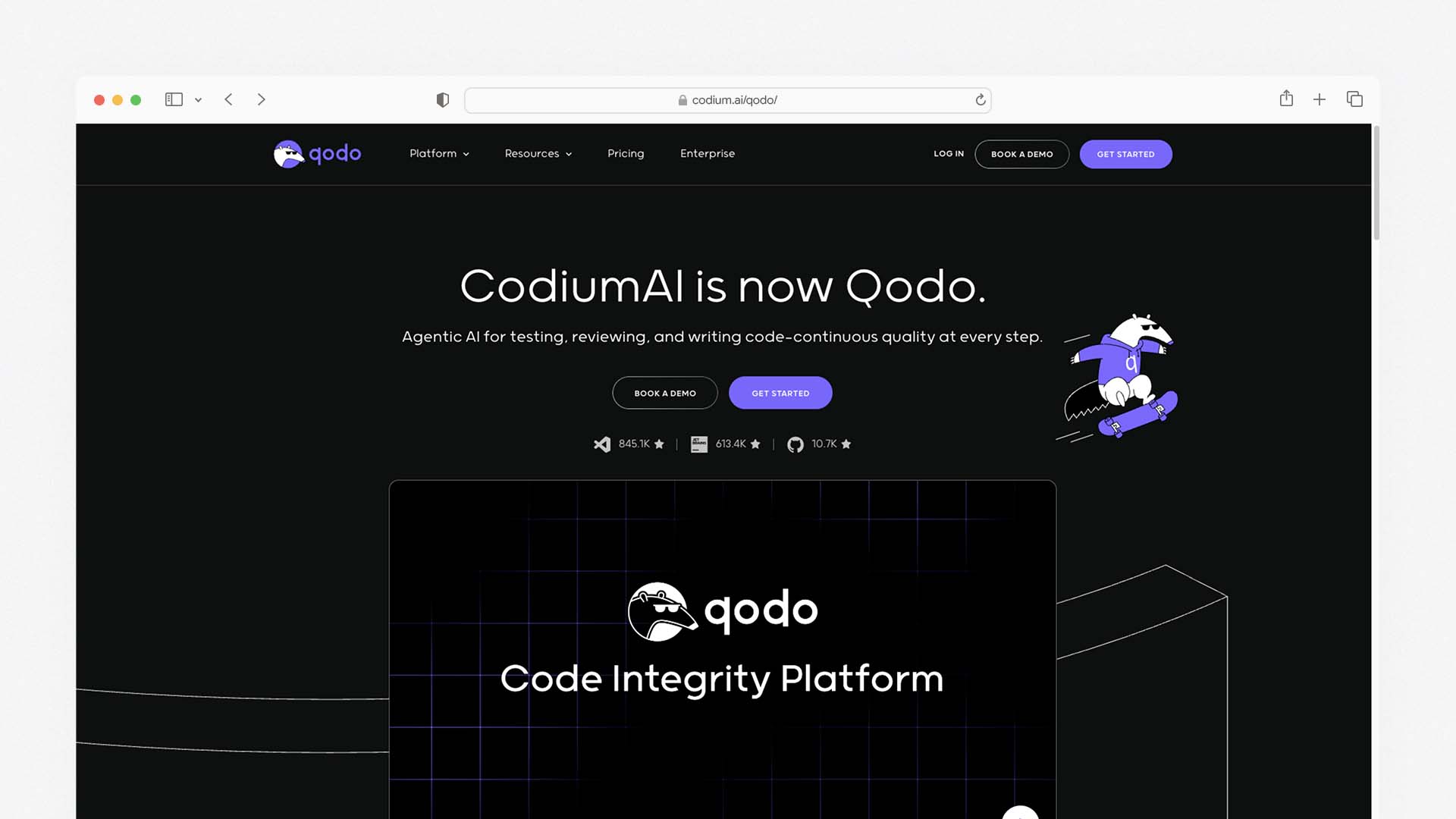
Codeium is the strongest free AI coding assistant available — and on its free tier, it provides more meaningful capability than any competitor. Free users get unlimited completions, unlimited chat, multi-language support across all major IDEs, and the full autocomplete quality without a credit or usage cap. For developers who want to evaluate AI assistance before committing to a paid subscription, or for teams on strict budget constraints, Codeium's free tier delivers genuine productivity gains at zero cost.
The autocomplete quality on Codeium is competitive with GitHub Copilot for standard completions — function completions, test generation, boilerplate code, and pattern-based suggestions. For simpler codebases and individual file work, the free tier is often indistinguishable from paid tools in practical daily use.
The important caveat: Codeium's parent company (also called Codeium) appears to be shifting its development focus toward Windsurf as the flagship product. The VS Code extension receives less prominent development attention, and the multi-file agentic capabilities of the extension trail both Cursor and Windsurf's dedicated IDE experiences. For solo developers doing mostly backend Python or Go, it might be all you need.
Codeium Pricing:
Plan | Monthly Price | Key Feature |
|---|---|---|
Free | $0 | Unlimited completions, unlimited chat, all IDEs |
Teams | $10/user/month | Team admin, collaboration features, priority support |
Enterprise | Custom | SSO, audit logs, dedicated deployment, compliance |
Codeium Pros:
The strongest free tier of any AI coding tool — unlimited completions at zero cost
Supports more IDEs and editors than any other tool — VS Code, JetBrains, Vim, Emacs, Sublime, and more
No credit card required for the free tier
Strong autocomplete quality for standard development tasks
70,000+ GitHub stars — significant open-source community engagement
Codeium Cons:
Multi-file agentic features trail Cursor, Windsurf, and Claude Code
Development attention appears shifting to Windsurf — long-term VS Code extension trajectory uncertain
Less capable for complex architectural tasks than paid tools
7. Amazon Q Developer — Best for AWS-Native Teams
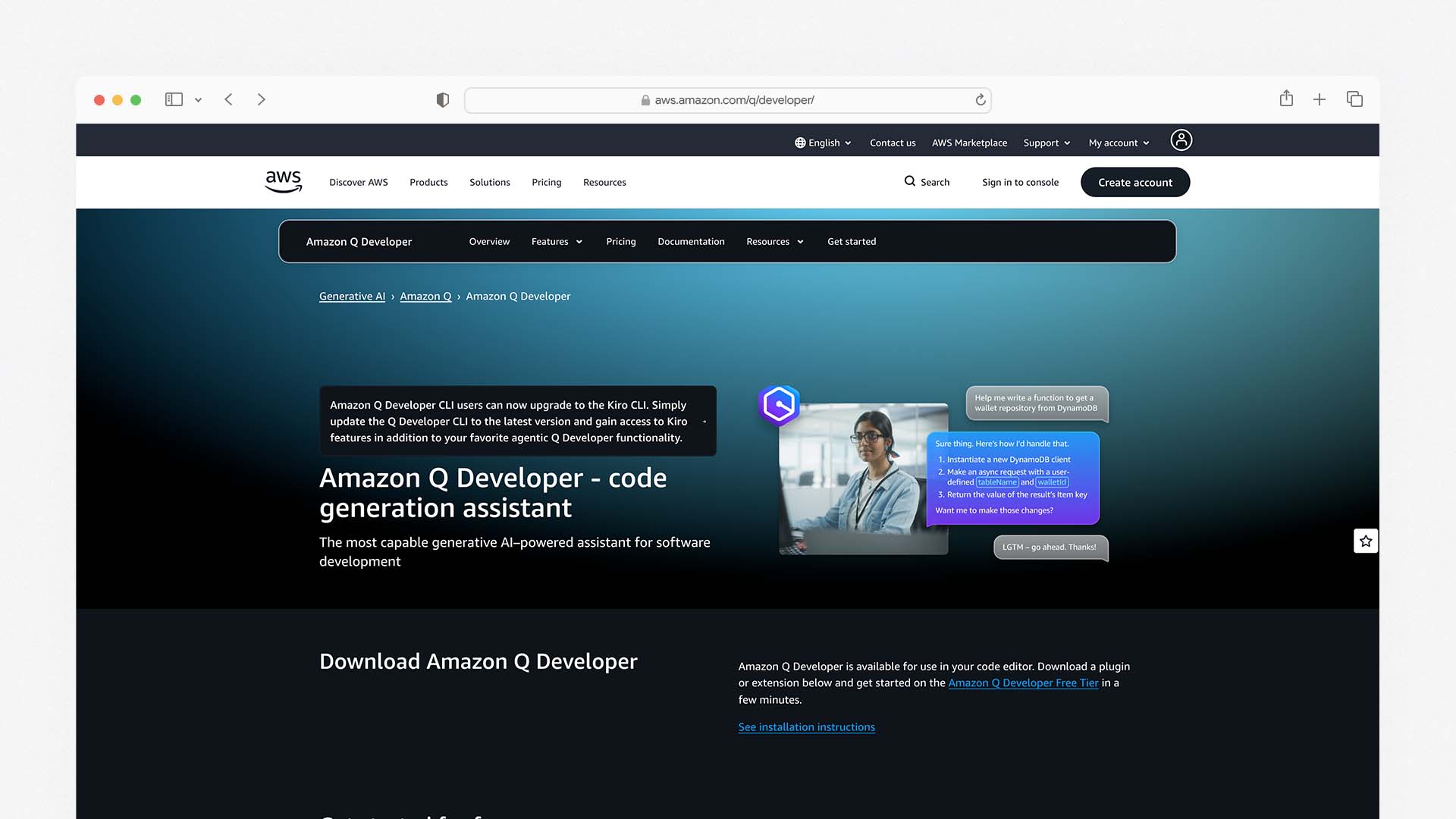
Amazon Q Developer is AWS's dedicated AI coding assistant, and for development teams building on AWS infrastructure, its native integration with the AWS ecosystem is a practical advantage that no other tool on this list can replicate. It can generate code that is directly deployment-ready in AWS Lambda, write infrastructure-as-code for DynamoDB tables and ECS containers, answer questions about AWS documentation without leaving the IDE, and propose CloudFormation and CDK configurations from plain language descriptions.
The free tier for individual developers is one of the most generous in the category — the full Q Developer feature set including chat, code generation, inline completions, and security scanning is available at no cost for individual use. The Pro tier at $19 per user per month adds team management, enterprise security features, and usage analytics.
Q Developer's security scanning feature deserves specific mention: it scans your code for vulnerabilities against a database including CVE data, AWS security best practices, and OWASP standards, and suggests fixes for identified issues. For teams responsible for securing their own cloud infrastructure, this integrated security scanning reduces the need for separate SAST tooling.
Amazon Q Developer Pricing:
Plan | Monthly Price | Key Feature |
|---|---|---|
Free | $0 | Full IDE features, security scanning, individual use |
Pro | $19/user/month | Team admin, audit logs, custom enterprise features |
Amazon Q Developer Pros:
Best free tier for full-feature access — the complete tool at zero cost for individuals
Deep AWS integration — code generation deployment-ready for Lambda, DynamoDB, ECS
Built-in security vulnerability scanning against CVE and OWASP databases
Answers AWS documentation questions in-context without browser tab switching
Backed by Amazon's resources and long-term development commitment
Amazon Q Developer Cons:
Primary value is for AWS developers — limited advantage for teams not using AWS
Less capable for general-purpose coding tasks versus Cursor or Copilot
Smaller community and fewer third-party integrations than GitHub Copilot
8. Continue.dev — Best for Developers Who Want Full Control
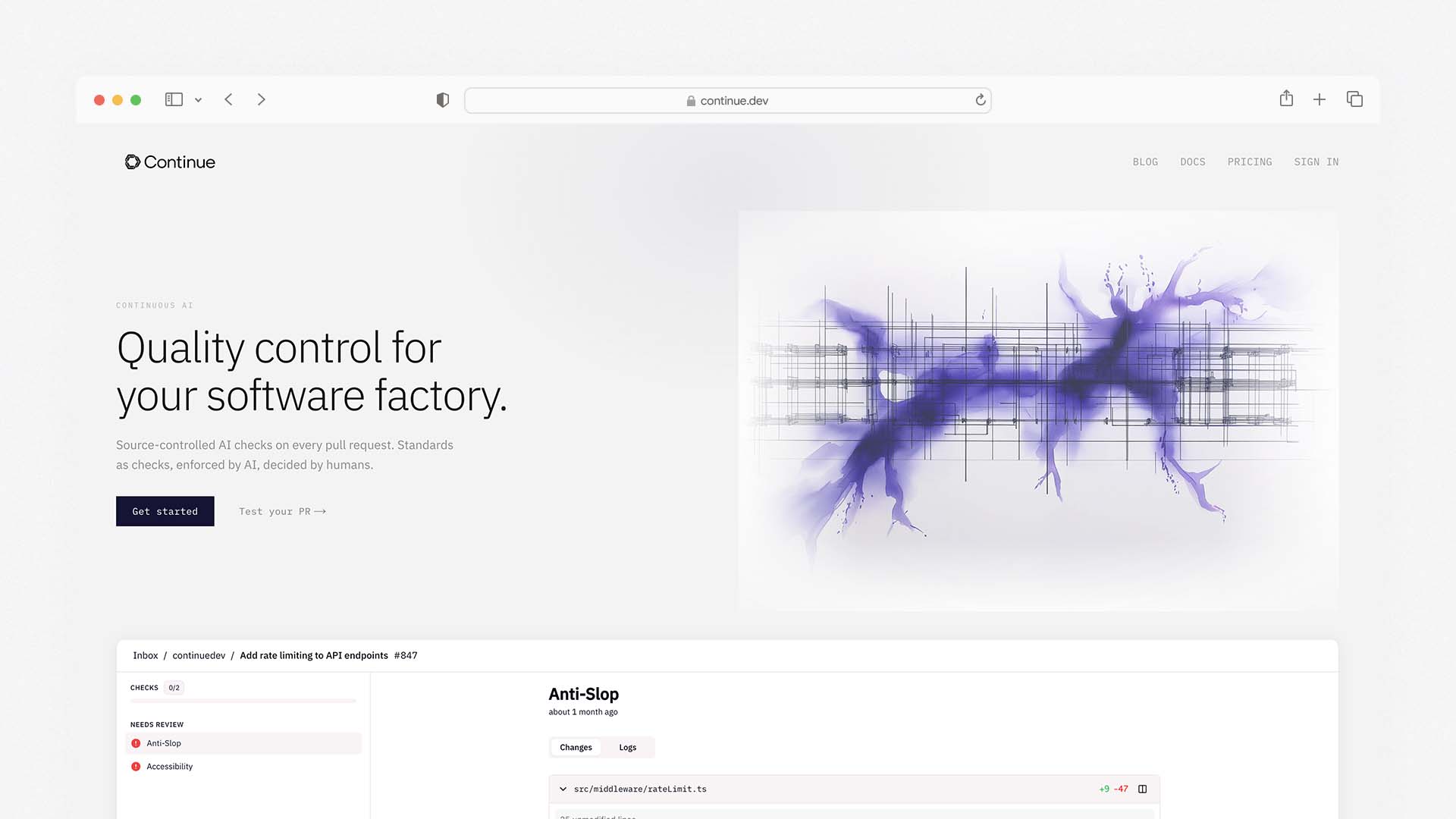
Continue.dev is an open-source AI coding extension for VS Code and JetBrains that lets you connect any AI model — OpenAI, Anthropic, Google Gemini, Mistral, Ollama for local models, or any custom endpoint — to your coding workflow. It is the most configurable tool on this list and the only option that can run entirely on local models, keeping your code completely on-device without any cloud dependency.
The BYOK (bring your own API key) model means Continue.dev is free to use — you pay only for the model API tokens you consume. For developers who already have API access to Anthropic or OpenAI, Continue.dev provides a more configurable coding assistant than the official tools at a lower total cost. For developers who run local models via Ollama (Mistral, CodeLlama, or similar), it provides a completely free, completely private coding assistant.
Continue.dev Pricing:
Access | Cost | Notes |
|---|---|---|
Open Source | Free | Use your own API keys or local models |
Continue Hub | Paid tiers TBC | Managed features being developed |
Continue.dev Pros:
Fully open source and free — costs depend only on model API usage you choose
Runs with any model — cloud APIs or local models via Ollama
Complete privacy possible with local model deployment
Configurable with
.continuerulesfor team coding conventionsExtensible through plugins and custom model configurations
Continue.dev Cons:
Requires setup and configuration — not plug-and-play like Copilot or Cursor
Quality depends on the model you connect — local models less capable than cloud alternatives
Smaller community than commercial tools
Multi-file agentic features still maturing
Benchmark Results — The Four-Task Verdict
Tool | Cross-File Bug Fix | Refactoring | Explain Unfamiliar Code | Generate Component | Overall |
|---|---|---|---|---|---|
Claude Code | ★★★★★ | ★★★★★ | ★★★★★ | ★★★★☆ | Best complex tasks |
Cursor | ★★★★★ | ★★★★★ | ★★★★☆ | ★★★★★ | Best all-round daily use |
GitHub Copilot | ★★★★☆ | ★★★★☆ | ★★★★☆ | ★★★★★ | Best for GitHub teams |
Windsurf | ★★★★☆ | ★★★★☆ | ★★★★☆ | ★★★★☆ | Best value IDE |
Tabnine | ★★★☆☆ | ★★★☆☆ | ★★★★☆ | ★★★☆☆ | Best for on-premise |
Amazon Q | ★★★☆☆ | ★★★☆☆ | ★★★★☆ | ★★★★☆ | Best for AWS teams |
Codeium | ★★★☆☆ | ★★★☆☆ | ★★★☆☆ | ★★★★☆ | Best free option |
Continue.dev | Varies by model | Varies by model | Varies by model | Varies by model | Best for control |
Which Tools Work Offline or On-Premise?
This is the question most AI coding tool reviews never answer directly — and for developers in regulated industries, it is the first question to ask.
Tabnine is the only tool with a fully production-ready self-hosted option where no code ever leaves your infrastructure. Enterprise plan required.
Continue.dev with Ollama runs entirely locally — your code never leaves your machine. Requires technical setup and local hardware capable of running code-generation models.
Cursor, GitHub Copilot, Windsurf, Amazon Q, Codeium all send code to cloud servers for processing. None of these are appropriate for teams with strict on-premise requirements without additional contractual arrangements with the vendor.
Claude Code offers enterprise deployment options with data residency controls. For regulated industries, Anthropic's enterprise agreement includes specific security and compliance terms.
The Real Cost for a Team of 10 Developers
All prices on annual billing:
Tool | Solo Developer | Team of 10 | Team of 50 | Notes |
|---|---|---|---|---|
GitHub Copilot | $10/month | $190/month | $950/month | Business tier for teams |
Cursor | $20/month | $400/month | $2,000/month | Business tier for teams |
Windsurf | $15/month | Contact sales | Contact sales | Teams pricing not fully public |
Claude Code | ~$20–70/month | ~$250/month+ | ~$1,250/month+ | Pro + API usage |
Tabnine | $12/month | $120/month | Custom | Enterprise pricing separate |
Codeium | $0 | $100/month | $500/month | Free individual, Teams $10/user |
Amazon Q | $0 | $190/month | $950/month | Free individual, Pro $19/user |
Continue.dev | API cost only | API cost only | API cost only | Varies with usage |
Cursor Pro ($20) + Claude Code API ($50–100) = $70–120/month. If you're a professional developer, this is less than the cost of a few coffees per week. The most frequently recommended developer setup in 2026 is Cursor as the daily driver plus Claude Code for complex tasks — a combination that covers the complete range of AI-assisted development needs.
Five Tasks AI Coding Assistants Are Still Bad At
Understanding the limitations is as important as understanding the capabilities — particularly for teams making decisions about when to use AI assistance and when not to.
1. Complex algorithm design from scratch. AI tools are strong at implementing known patterns. When a problem requires genuine algorithmic creativity — designing a novel data structure, optimising a specific performance bottleneck with unusual constraints — AI suggestions frequently produce implementations that are technically correct but suboptimal. Senior developer review is essential for novel algorithmic work.
2. Security-critical code. Copilot can suggest subtle bugs, outdated APIs, or security flaws. AI tools trained on public repositories learn from the full distribution of public code — including the significant portion of public code that has security vulnerabilities. Security-critical components (authentication, payment processing, cryptography) require human expert review regardless of how compelling the AI-generated code looks.
3. Debugging intermittent failures. AI tools reason about code structure well. They reason about timing-dependent, environment-specific, or hardware-dependent failures poorly — because these failures are not visible in the code itself and require observational context that AI tools do not have access to.
4. Architectural decisions with long-term consequences. AI tools can explain trade-offs. They cannot understand your team's specific operational context, your organisation's risk tolerance, your deployment constraints, or the history of previous architectural decisions that makes some approaches inappropriate for your system. These decisions require human judgment.
5. Unfamiliar domain-specific code. AI models trained on public repositories reflect the distribution of publicly available code. Domains that are primarily implemented in private codebases — specialised scientific computing, proprietary financial systems, defence-specific frameworks — are underrepresented in training data, and AI suggestions in these areas are more frequently incorrect or inappropriate.
Final Verdict
The AI coding assistant market in 2026 has matured past the autocomplete phase and into genuine agentic capability. The right tool depends on your workflow, your editor, your team's compliance requirements, and how much time you spend on different types of coding tasks.
Choose Cursor for the best AI-native IDE experience — the most complete daily driver for professional developers working on complex codebases
Choose GitHub Copilot if you want AI assistance without changing your editor — the most frictionless option for teams already in the GitHub ecosystem
Choose Claude Code for complex autonomous tasks — the strongest reasoning capability and largest context window for architectural refactoring and large-scale migrations
Choose Windsurf if you want Cursor-like capability at lower cost, or if you need better JetBrains compatibility than Cursor offers
Choose Tabnine if your team is in a regulated industry with on-premise data requirements — the only tool with a genuinely production-ready self-hosted option
Choose Codeium if budget is the primary constraint — the strongest free tier with unlimited completions at zero cost
Choose Amazon Q Developer if your team builds primarily on AWS — the native cloud integration is a genuine advantage no other tool provides
Choose Continue.dev if you want maximum model flexibility and are comfortable with configuration — the only fully open-source option that can run with local models
The best AI coding setup in 2026 is not one tool — it is a combination. Cursor as your daily driver, Claude Code for complex work, and Windsurf for experimentation. The marginal cost of a second tool is almost always justified by the productivity gains in different contexts.
The best AI coding assistant for most developers in 2026 is Cursor Pro at $20 per month — it is a complete IDE rebuilt around AI rather than a plugin added to an existing editor, giving you project-wide codebase awareness, multi-file editing via its Composer agent, multi-model selection per task, and the fastest AI autocomplete available through Supermaven, all in a near-seamless VS Code fork that most developers can switch to in under an hour. For developers already embedded in GitHub and Microsoft tools who want AI assistance without changing their editor, GitHub Copilot at $10 per month remains the most frictionless entry point — it works in VS Code, JetBrains, Neovim, and Visual Studio with no workflow change required. For complex reasoning tasks, large-scale refactoring across many files, and terminal-native autonomous coding agents, Claude Code is the strongest option — built by Anthropic, it uses a 1M token context window to reason about entire codebases and can execute multi-step tasks autonomously without IDE supervision.
This guide answers what most AI coding assistant comparisons skip: what is the actual difference between an AI plugin and an AI-native IDE; which tools work offline or on-premise for teams with privacy and compliance requirements; what these tools actually cost for a real development team of five or ten developers; and which tasks are genuinely better with AI assistance versus which are still best done without it.
The Three Architectures — Why This Matters Before You Choose a Tool
The most important thing to understand about AI coding assistants in 2026 is that the tools operate on fundamentally different architectural models. Choosing without understanding this leads to buying the wrong category of tool for your workflow.
Architecture 1: IDE Plugin (GitHub Copilot, Codeium)
An AI plugin sits inside your existing editor and provides suggestions, completions, and chat — but your editor remains the primary environment. The AI enhances your workflow rather than replacing it. This is the lowest-friction adoption path: install a plugin, authenticate, and you are receiving suggestions within minutes without changing any of your existing tools, shortcuts, or habits.
The limitation is context depth. Plugins access the file you are currently editing and a limited window of adjacent files. They do not have a persistent, indexed understanding of your entire codebase in the way that AI-native IDEs do. For completing functions, generating boilerplate, writing tests, and explaining unfamiliar code — the daily tasks that represent the majority of development time — plugins are effective and sufficient. For multi-file refactoring, architectural reasoning, and coordinated changes across a large codebase, they fall short.
Architecture 2: AI-Native IDE (Cursor, Windsurf)
An AI-native IDE rebuilds the development environment around AI rather than bolting AI onto it. Cursor is a fork of VS Code — it looks and behaves like VS Code, your existing extensions work, and your shortcuts carry over — but every interaction is designed with AI as a first-class participant. The codebase is indexed and queryable. You can ask questions about your project architecture, request changes across multiple files in a single instruction, and have the AI maintain context across an entire development session.
The trade-off is that you are switching your primary editor. For most VS Code users, the transition is near-invisible — Cursor's import feature brings your extensions, themes, and settings across in minutes. For teams on JetBrains IDEs (IntelliJ, PyCharm, WebStorm), switching requires either accepting the VS Code environment or choosing a different tool. Cursor does not support JetBrains natively.
Architecture 3: Terminal-Native Agent (Claude Code)
A terminal-native coding agent operates from the command line and interacts with your codebase through natural language instructions. You describe what you want done — "refactor the authentication module to use JWTs, update all affected tests, and create a migration plan for the database changes" — and the agent reads the relevant files, reasons about the architecture, writes the code, runs the tests, and reports back. It is less of an assistant and more of a junior developer you can delegate to.
Claude Code operates in the terminal, integrates with VS Code and JetBrains as an extension, and connects to external tools — GitHub, DataDog, Stripe, CircleCI — through integrations. Its 1M token context window means it can hold your entire codebase in memory during a session, a capability that no IDE-based tool currently matches. The practical result is that Claude Code is significantly better than IDE tools at the most complex and time-consuming tasks — architectural refactoring, large-scale migrations, understanding legacy code — while being less convenient than an IDE tool for the moment-to-moment editing that makes up most of a developer's day.
Most experienced developers in 2026 use two tools: an IDE tool for daily editing and a terminal agent or chat assistant for complex work.
The Four Tasks We Benchmarked Every Tool Against
Every AI coding assistant review runs the same toy example — "write a function to reverse a string" — and declares a winner based on output quality. This is not useful for a developer choosing a tool for real work. We tested every tool on four tasks that represent the actual range of what developers need AI assistance for in production environments.
Task 1 — Fix a Bug: A real NullPointerException in a multi-file TypeScript project. The error appears in one file but originates from a data transformation in a different file. The bug requires understanding how data flows across multiple components.
Task 2 — Refactor a Function: Refactor a 120-line function that handles three different responsibilities into properly separated concerns. The refactored version should maintain backward compatibility and pass existing tests.
Task 3 — Explain Unfamiliar Code: A 200-line Go function handling concurrent request deduplication using sync.Map. No comments, no documentation. Generate a clear explanation of what the code does and why each section exists.
Task 4 — Generate a Full Component: Generate a complete React component — a data table with sorting, filtering, pagination, and an export-to-CSV function — from a plain language description.
Results are summarised in the verdict table after the individual reviews.
Quick Comparison — Best AI Coding Assistants
Tool | Architecture | Free Tier | Paid Price | Multi-file Editing | Works Offline | IDE Support |
|---|---|---|---|---|---|---|
Cursor | AI-Native IDE | ✅ 2K completions | $20/month (Pro) | ✅ Composer | ❌ No | VS Code fork only |
GitHub Copilot | IDE Plugin | ❌ No | $10/month | ✅ Edits mode | ❌ No | VS Code, JetBrains, Neovim, Visual Studio |
Claude Code | Terminal Agent | ✅ (Claude free) | Usage-based | ✅ Autonomous | ❌ No | Terminal + VS Code/JetBrains extension |
Windsurf | AI-Native IDE | ✅ Free tier | $15/month (Pro) | ✅ Cascade | ❌ No | VS Code fork |
Tabnine | IDE Plugin | ✅ Basic | $12/month | ⚠️ Limited | ✅ On-premise | VS Code, JetBrains, Vim, Eclipse, +more |
Codeium | IDE Plugin | ✅ Full features | $10/month | ⚠️ Limited | ❌ No | VS Code, JetBrains, Vim, Emacs, +more |
Amazon Q Developer | IDE Plugin | ✅ Full | $19/month | ✅ Agent mode | ❌ No | VS Code, JetBrains |
Continue.dev | IDE Extension | ✅ Full | Free (BYOK) | ✅ With agent | ✅ Local models | VS Code, JetBrains |
The 8 Best AI Coding Assistants — Full Reviews
1. Cursor — Best AI-Native IDE for Professional Developers
Cursor is the AI coding tool that has most significantly disrupted the developer tools market in 2025–2026, growing to over one million users and 360,000 paying customers by building a coherent answer to a question every developer has eventually asked: what if the entire editor was designed around AI rather than having AI added to an editor?
The most important feature for understanding what Cursor does differently from GitHub Copilot is Composer — the multi-file agentic editing mode. You open Composer with Cmd+I (or Ctrl+I), describe a change in plain language — "add rate limiting to all API endpoints using a Redis-based token bucket, update the middleware layer, and add appropriate error responses" — and Cursor reads the relevant files, generates a plan, implements the changes across multiple files, and presents a diff for your review. You review, approve, or modify the changes. This is not autocomplete — it is delegation.
Supermaven autocomplete — the underlying technology powering Cursor's inline suggestions — is the fastest AI autocomplete available in any tool tested. The tab completion is fast enough that it doesn't break your flow, and it predicts not just the current line but the next edit location, automatically adding imports when you use a new library, and completing multi-line patterns based on the context of what you are building.
Multi-model selection is Cursor's practical differentiator for developers who want to use the best model for each task. Within a single session, you can switch between Claude Sonnet 4.6, GPT-4o, Gemini 2.5 Pro, and Cursor's own models — using a faster, cheaper model for quick autocomplete and a more capable reasoning model for complex multi-file work. No other IDE tool on this list provides this model flexibility in the same seamlessly integrated way.
The @ context system lets you add specific files, folders, documentation, external URLs, or your entire codebase to any AI conversation with a single keystroke. You can reference @codebase to ask questions about your entire project, @docs to pull in documentation for a library you are using, or @git to reference recent commits. This context management is more granular and more controllable than GitHub Copilot's context handling.
On our four benchmark tasks: Cursor handled the cross-file bug fix better than any other tool — its codebase indexing allowed it to trace the NullPointerException to its actual origin without manual navigation. The refactoring task was completed cleanly with a well-structured diff. Code explanation was thorough and accurate. The React component generation was the strongest first-draft output of any tool tested.
Cursor relies on cloud-based AI models, which means sensitive or proprietary code must be sent externally for processing — a potential risk for companies with strong privacy and compliance requirements. For teams in regulated industries (finance, healthcare, defence), this is the most important limitation to evaluate before purchasing.
Cursor Pricing:
Plan | Monthly Price | Key Feature |
|---|---|---|
Hobby | $0 | 2,000 completions, 50 premium requests/month |
Pro | $20/month | Unlimited completions, 500 premium requests, Composer |
Business | $40/user/month | Team management, admin console, privacy controls |
Cursor Pros:
The most complete AI-native IDE — designed around AI, not AI bolted onto an editor
Composer agent for multi-file editing from natural language instructions
Supermaven autocomplete — fastest inline suggestion speed of any tool tested
Multi-model selection per task — Claude, GPT-4o, Gemini switchable in one session
VS Code compatibility — most extensions, themes, and settings carry over
1 million+ users and 360K+ paying customers — the largest community of any AI IDE
Cursor Cons:
VS Code fork only — no native JetBrains, Neovim, or Vim support
Cloud-based models only — code leaves your machine; not suitable for strict compliance environments
Pro plan limits (500 premium requests) can be reached by heavy users — Business plan at $40/user/month required for unlimited
Learning curve for Composer and advanced context features — 1–2 week ramp to full proficiency
2. GitHub Copilot — Best for GitHub-Ecosystem Teams
GitHub Copilot hit 20 million users in mid-2025 and now powers 90% of Fortune 100 companies. It remains the most widely adopted AI coding tool by a significant margin, and for development teams already using GitHub for version control, pull requests, and CI/CD, the depth of its ecosystem integration is a genuine competitive advantage that Cursor and Windsurf cannot replicate.
The key evolution in 2026 is Agent Mode — a shift from Copilot as a suggestion tool to Copilot as an active participant in multi-step development tasks. You can assign development tasks or issues to Copilot, which then plans, implements, tests, and refines changes on your behalf. When you update a shared function, Copilot can scan the repository, identify all dependent usages, and propose coordinated changes across every affected file in a single review. This brings Copilot's agentic capability much closer to Cursor's Composer, addressing the most significant practical gap between the tools.
Multi-model support — available since late 2024 — lets developers switch between GPT-4o, Claude 3.5 Sonnet, and Gemini 2.5 Pro inside the same Copilot workspace. This parity with Cursor's model flexibility removes what was previously one of Copilot's most notable capability gaps.
IDE breadth is Copilot's clearest practical advantage over Cursor and Windsurf. Copilot works directly inside popular editors, including VS Code, Visual Studio, JetBrains IDEs, and Neovim. There's no need for developers to change tools. For a team where some developers use JetBrains products and others use VS Code — a common reality in full-stack teams — Copilot is the only tool that provides consistent AI assistance across both environments without asking anyone to change their editor.
At $10 per month for individual developers, Copilot is the most affordable paid AI coding assistant on this list. The $10/month pays for itself after saving just one hour of work. For teams already paying for GitHub Advanced Security or GitHub Enterprise, the Business tier at $19 per user integrates directly with the existing account and billing.
On our four benchmark tasks: Copilot's single-file performance (bug fixing within one file, code explanation, component generation) was comparable to Cursor. The cross-file bug task — where the bug originated in a different file — was noticeably weaker than Cursor's codebase-indexed approach. The refactoring task was handled well with the Edits multi-file mode but required more manual guidance than Cursor's Composer.
GitHub Copilot Pricing:
Plan | Monthly Price | Key Feature |
|---|---|---|
Individual | $10/month | VS Code, JetBrains, Neovim, Visual Studio — no free tier |
Business | $19/user/month | Team management, audit logs, policy controls, IP indemnity |
Enterprise | $39/user/month | Custom models, fine-tuning on private codebase, Copilot Workspace |
A 500-developer team using GitHub Copilot Business faces $114k in annual costs — compared to $192k for Cursor's business tier. At enterprise scale, this cost difference is significant.
GitHub Copilot Pros:
Widest IDE support — VS Code, JetBrains, Visual Studio, Neovim — no editor change required
Agent Mode for multi-file, task-driven development from GitHub Issues
Multi-model support — GPT-4o, Claude 3.5 Sonnet, Gemini 2.5 Pro switchable
Deepest GitHub ecosystem integration — PR reviews, security scanning, audit trails
Most affordable paid plan at $10/month individual
Most enterprise adoption — 90% of Fortune 100 companies
GitHub Copilot Cons:
No free tier for individual developers (students get free access)
Cross-file reasoning less capable than Cursor's indexed codebase approach
Agent Mode less mature than Cursor Composer for complex multi-file changes
Plugin architecture limits the depth of IDE integration versus Cursor's native approach
3. Claude Code — Best for Complex Reasoning and Autonomous Tasks
Claude Code is Anthropic's terminal-native coding agent, and it operates on a fundamentally different premise from every other tool on this list: rather than assisting a developer inside their editor, it functions as an autonomous agent that you delegate complex tasks to and review the results of. You can take a vague instruction like "Refactor the auth module to use JWTs" and Claude Code executes a plan across 20 files.
Claude Code now defaults to Claude Sonnet 4.6 for Free and Pro users — delivering 79.6% SWE-bench performance. SWE-bench is the most credible real-world coding benchmark available, measuring performance on actual GitHub issues from real open-source projects — not toy problems. A 79.6% score represents the strongest coding performance of any model currently available for general developer use.
The 1M token context window is Claude Code's most decisive practical advantage for large codebases. Most IDE tools can hold a few files in context simultaneously. Claude Code can hold your entire codebase — every file, all dependencies, all documentation — in a single session. For legacy codebases where understanding how one part of the system affects another requires reading dozens of files, this context capacity is genuinely transformative.
Agent Teams — Claude Code's multi-agent orchestration feature — lets you run multiple Claude agents in parallel on different parts of a large task. You can set one agent working on the frontend changes while another handles the backend, with a coordinator agent reviewing the work and ensuring consistency. This parallelism is unique to Claude Code among the tools on this list and significantly accelerates large, coordinated development tasks.
Claude Code integrates with GitHub, DataDog, Stripe, CircleCI, and other external tools, allowing the agent to read issue trackers, query monitoring dashboards, and interact with deployment pipelines as part of a development task — not just modify files in isolation.
On our four benchmark tasks: Claude Code produced the most thorough bug explanation and fix of any tool — it traced the NullPointerException across the call stack, explained why each layer contributed to the issue, and proposed a fix with the clearest rationale. The refactoring task was the most structurally sound output. Code explanation was the most thorough and accurate. The React component took longer to generate than IDE-based tools but required the least post-generation editing.
Claude Code is available to Claude Pro ($20/month) users and Claude Team/Enterprise subscribers, with API usage billed additionally at token rates.
Claude Code Pricing:
Access | Cost | Context |
|---|---|---|
Claude Pro | $20/month | Claude Code included, API usage billed separately |
Claude Team | $25/user/month | Team collaboration, shared projects |
Claude Enterprise | Custom | Advanced security, custom deployment, volume pricing |
API direct | $3–15/M tokens | Sonnet 4.6 at $3 input / $15 output per million tokens |
Claude Code Pros:
Best complex reasoning of any tool — 79.6% SWE-bench on real-world coding tasks
1M token context window — holds entire codebases in memory during a session
Agent Teams for parallel multi-agent task execution — unique capability on this list
Permission-based execution model and sandboxed operations — strongest security posture
Terminal-native — works in the environment many developers already use most
Integrates with GitHub, DataDog, Stripe, CircleCI — external tool awareness
Claude Code Cons:
Terminal interface — less convenient for moment-to-moment editing than IDE tools
API usage adds to base subscription cost — total spend is harder to predict
Less suitable as a daily driver for routine coding tasks than Cursor or Copilot
Newer tool — smaller community and fewer tutorials than Cursor or Copilot
4. Windsurf — Best Value AI-Native IDE
Windsurf is Codeium's AI-native IDE — a direct competitor to Cursor that positions itself as the more thoughtful, collaborative, and budget-friendly alternative. At $15 per month for the Pro tier (versus Cursor's $20), it offers similar AI-native IDE capabilities with a cleaner interface that some developers describe as more polished than Cursor's.
Cascade is Windsurf's equivalent of Cursor's Composer — the deep-context, multi-file agentic feature that maintains a persistent understanding of your project across the session. Windsurf positions itself as the thoughtful alternative to Cursor. Its Cascade feature maintains a persistent understanding of your project that goes beyond single-file context. It's gotten popular with developers who felt Cursor's approach was too surface-level for complex projects.
Supercomplete — Windsurf's autocomplete — predicts intent rather than just the current line. When you use a new library, it automatically adds the import. When you start a pattern, it predicts where the pattern ends. This intent-driven completion is comparable to Cursor's Supermaven in daily use, and represents a significant improvement over plugin-based autocompletion tools.
Windsurf's free tier is more genuinely usable than Cursor's — it includes enough usage for developers who code part-time or want to evaluate before committing. The Pro tier at $15 per month is the most affordable full-featured AI-native IDE on this list.
The bigger trend is convergence: Cursor is adding more agent capabilities, Windsurf is adding better agentic features with Cascade, and Claude Code has added IDE extensions. In a year, the distinction might blur significantly.
Windsurf Pricing:
Plan | Monthly Price | Key Feature |
|---|---|---|
Free | $0 | Limited prompts and completions monthly |
Pro | $15/month | Unlimited completions, Cascade, multi-model |
Teams | Custom | Team management, admin console, audit logs |
Windsurf Pros:
Most affordable AI-native IDE at $15/month — $5/month less than Cursor Pro
Cascade provides deep persistent project context
Cleaner interface than Cursor — frequently described as more polished UX
More generous free tier than Cursor for evaluation
Strong JetBrains compatibility via the Windsurf plugin (unlike Cursor)
Multi-model support — not locked to a single provider
Windsurf Cons:
Smaller community and fewer extensions than Cursor
Some users report Cascade can be slower to initialize on very large repos
Less mature multi-agent capability than Claude Code's Agent Teams
Codeium's primary product focus shifting toward Windsurf raises questions about long-term Codeium extension support
5. Tabnine — Best for Privacy-Sensitive and Compliance-Regulated Teams
Tabnine is the correct answer for exactly one type of development team: teams working in regulated industries or with sensitive proprietary code that cannot leave their own infrastructure. Tabnine is best for enterprise and privacy use — on-premise deployment available. It is the only tool on this list with a genuinely production-ready self-hosted option that keeps all code processing on your own servers — no code leaves your machine, no model provider ever sees your proprietary code.
For fintech companies building payment systems, healthcare organisations handling patient data, defence contractors working with classified systems, and legal firms processing confidential client documents — Tabnine's on-premise model is not a nice-to-have. It is the minimum viable security architecture for working with AI coding tools responsibly.
The Tabnine models are smaller and less capable than GPT-4o or Claude Sonnet in absolute terms — a necessary trade-off for local deployment on standard enterprise hardware. For straightforward completions, function generation, and pattern matching, the quality gap is acceptable. For complex multi-file reasoning and large-scale refactoring, the quality difference versus cloud models is noticeable.
Tabnine's cloud-based plans offer privacy controls — private code mode, dedicated deployments, no training on customer code — for teams that are concerned about privacy but not required to maintain full on-premise infrastructure.
Tabnine Pricing:
Plan | Monthly Price | Key Feature |
|---|---|---|
Dev | $12/user/month | AI chat, completions, personalised suggestions |
Enterprise | Custom | On-premise, private cloud, dedicated deployment |
A 500-developer team on Tabnine Enterprise would exceed $234k annually. At enterprise scale, Tabnine is the most expensive option — a trade-off that regulated organisations consistently decide is worthwhile given the compliance requirements.
Tabnine Pros:
The only tool with a genuinely production-ready on-premise deployment option
Code never leaves your infrastructure on self-hosted plans
Works in the widest range of editors — VS Code, JetBrains, Vim, Emacs, Eclipse, and more
SOC 2 Type 2 compliance certification
Personalised AI trained on your own codebase patterns over time
Tabnine Cons:
On-premise models less capable than cloud-based alternatives for complex tasks
Most expensive at enterprise scale
Less capable agentic features than Cursor, Windsurf, or Claude Code
Community significantly smaller than GitHub Copilot or Cursor
6. Codeium — Best Free AI Coding Tool
Codeium is the strongest free AI coding assistant available — and on its free tier, it provides more meaningful capability than any competitor. Free users get unlimited completions, unlimited chat, multi-language support across all major IDEs, and the full autocomplete quality without a credit or usage cap. For developers who want to evaluate AI assistance before committing to a paid subscription, or for teams on strict budget constraints, Codeium's free tier delivers genuine productivity gains at zero cost.
The autocomplete quality on Codeium is competitive with GitHub Copilot for standard completions — function completions, test generation, boilerplate code, and pattern-based suggestions. For simpler codebases and individual file work, the free tier is often indistinguishable from paid tools in practical daily use.
The important caveat: Codeium's parent company (also called Codeium) appears to be shifting its development focus toward Windsurf as the flagship product. The VS Code extension receives less prominent development attention, and the multi-file agentic capabilities of the extension trail both Cursor and Windsurf's dedicated IDE experiences. For solo developers doing mostly backend Python or Go, it might be all you need.
Codeium Pricing:
Plan | Monthly Price | Key Feature |
|---|---|---|
Free | $0 | Unlimited completions, unlimited chat, all IDEs |
Teams | $10/user/month | Team admin, collaboration features, priority support |
Enterprise | Custom | SSO, audit logs, dedicated deployment, compliance |
Codeium Pros:
The strongest free tier of any AI coding tool — unlimited completions at zero cost
Supports more IDEs and editors than any other tool — VS Code, JetBrains, Vim, Emacs, Sublime, and more
No credit card required for the free tier
Strong autocomplete quality for standard development tasks
70,000+ GitHub stars — significant open-source community engagement
Codeium Cons:
Multi-file agentic features trail Cursor, Windsurf, and Claude Code
Development attention appears shifting to Windsurf — long-term VS Code extension trajectory uncertain
Less capable for complex architectural tasks than paid tools
7. Amazon Q Developer — Best for AWS-Native Teams
Amazon Q Developer is AWS's dedicated AI coding assistant, and for development teams building on AWS infrastructure, its native integration with the AWS ecosystem is a practical advantage that no other tool on this list can replicate. It can generate code that is directly deployment-ready in AWS Lambda, write infrastructure-as-code for DynamoDB tables and ECS containers, answer questions about AWS documentation without leaving the IDE, and propose CloudFormation and CDK configurations from plain language descriptions.
The free tier for individual developers is one of the most generous in the category — the full Q Developer feature set including chat, code generation, inline completions, and security scanning is available at no cost for individual use. The Pro tier at $19 per user per month adds team management, enterprise security features, and usage analytics.
Q Developer's security scanning feature deserves specific mention: it scans your code for vulnerabilities against a database including CVE data, AWS security best practices, and OWASP standards, and suggests fixes for identified issues. For teams responsible for securing their own cloud infrastructure, this integrated security scanning reduces the need for separate SAST tooling.
Amazon Q Developer Pricing:
Plan | Monthly Price | Key Feature |
|---|---|---|
Free | $0 | Full IDE features, security scanning, individual use |
Pro | $19/user/month | Team admin, audit logs, custom enterprise features |
Amazon Q Developer Pros:
Best free tier for full-feature access — the complete tool at zero cost for individuals
Deep AWS integration — code generation deployment-ready for Lambda, DynamoDB, ECS
Built-in security vulnerability scanning against CVE and OWASP databases
Answers AWS documentation questions in-context without browser tab switching
Backed by Amazon's resources and long-term development commitment
Amazon Q Developer Cons:
Primary value is for AWS developers — limited advantage for teams not using AWS
Less capable for general-purpose coding tasks versus Cursor or Copilot
Smaller community and fewer third-party integrations than GitHub Copilot
8. Continue.dev — Best for Developers Who Want Full Control
Continue.dev is an open-source AI coding extension for VS Code and JetBrains that lets you connect any AI model — OpenAI, Anthropic, Google Gemini, Mistral, Ollama for local models, or any custom endpoint — to your coding workflow. It is the most configurable tool on this list and the only option that can run entirely on local models, keeping your code completely on-device without any cloud dependency.
The BYOK (bring your own API key) model means Continue.dev is free to use — you pay only for the model API tokens you consume. For developers who already have API access to Anthropic or OpenAI, Continue.dev provides a more configurable coding assistant than the official tools at a lower total cost. For developers who run local models via Ollama (Mistral, CodeLlama, or similar), it provides a completely free, completely private coding assistant.
Continue.dev Pricing:
Access | Cost | Notes |
|---|---|---|
Open Source | Free | Use your own API keys or local models |
Continue Hub | Paid tiers TBC | Managed features being developed |
Continue.dev Pros:
Fully open source and free — costs depend only on model API usage you choose
Runs with any model — cloud APIs or local models via Ollama
Complete privacy possible with local model deployment
Configurable with
.continuerulesfor team coding conventionsExtensible through plugins and custom model configurations
Continue.dev Cons:
Requires setup and configuration — not plug-and-play like Copilot or Cursor
Quality depends on the model you connect — local models less capable than cloud alternatives
Smaller community than commercial tools
Multi-file agentic features still maturing
Benchmark Results — The Four-Task Verdict
Tool | Cross-File Bug Fix | Refactoring | Explain Unfamiliar Code | Generate Component | Overall |
|---|---|---|---|---|---|
Claude Code | ★★★★★ | ★★★★★ | ★★★★★ | ★★★★☆ | Best complex tasks |
Cursor | ★★★★★ | ★★★★★ | ★★★★☆ | ★★★★★ | Best all-round daily use |
GitHub Copilot | ★★★★☆ | ★★★★☆ | ★★★★☆ | ★★★★★ | Best for GitHub teams |
Windsurf | ★★★★☆ | ★★★★☆ | ★★★★☆ | ★★★★☆ | Best value IDE |
Tabnine | ★★★☆☆ | ★★★☆☆ | ★★★★☆ | ★★★☆☆ | Best for on-premise |
Amazon Q | ★★★☆☆ | ★★★☆☆ | ★★★★☆ | ★★★★☆ | Best for AWS teams |
Codeium | ★★★☆☆ | ★★★☆☆ | ★★★☆☆ | ★★★★☆ | Best free option |
Continue.dev | Varies by model | Varies by model | Varies by model | Varies by model | Best for control |
Which Tools Work Offline or On-Premise?
This is the question most AI coding tool reviews never answer directly — and for developers in regulated industries, it is the first question to ask.
Tabnine is the only tool with a fully production-ready self-hosted option where no code ever leaves your infrastructure. Enterprise plan required.
Continue.dev with Ollama runs entirely locally — your code never leaves your machine. Requires technical setup and local hardware capable of running code-generation models.
Cursor, GitHub Copilot, Windsurf, Amazon Q, Codeium all send code to cloud servers for processing. None of these are appropriate for teams with strict on-premise requirements without additional contractual arrangements with the vendor.
Claude Code offers enterprise deployment options with data residency controls. For regulated industries, Anthropic's enterprise agreement includes specific security and compliance terms.
The Real Cost for a Team of 10 Developers
All prices on annual billing:
Tool | Solo Developer | Team of 10 | Team of 50 | Notes |
|---|---|---|---|---|
GitHub Copilot | $10/month | $190/month | $950/month | Business tier for teams |
Cursor | $20/month | $400/month | $2,000/month | Business tier for teams |
Windsurf | $15/month | Contact sales | Contact sales | Teams pricing not fully public |
Claude Code | ~$20–70/month | ~$250/month+ | ~$1,250/month+ | Pro + API usage |
Tabnine | $12/month | $120/month | Custom | Enterprise pricing separate |
Codeium | $0 | $100/month | $500/month | Free individual, Teams $10/user |
Amazon Q | $0 | $190/month | $950/month | Free individual, Pro $19/user |
Continue.dev | API cost only | API cost only | API cost only | Varies with usage |
Cursor Pro ($20) + Claude Code API ($50–100) = $70–120/month. If you're a professional developer, this is less than the cost of a few coffees per week. The most frequently recommended developer setup in 2026 is Cursor as the daily driver plus Claude Code for complex tasks — a combination that covers the complete range of AI-assisted development needs.
Five Tasks AI Coding Assistants Are Still Bad At
Understanding the limitations is as important as understanding the capabilities — particularly for teams making decisions about when to use AI assistance and when not to.
1. Complex algorithm design from scratch. AI tools are strong at implementing known patterns. When a problem requires genuine algorithmic creativity — designing a novel data structure, optimising a specific performance bottleneck with unusual constraints — AI suggestions frequently produce implementations that are technically correct but suboptimal. Senior developer review is essential for novel algorithmic work.
2. Security-critical code. Copilot can suggest subtle bugs, outdated APIs, or security flaws. AI tools trained on public repositories learn from the full distribution of public code — including the significant portion of public code that has security vulnerabilities. Security-critical components (authentication, payment processing, cryptography) require human expert review regardless of how compelling the AI-generated code looks.
3. Debugging intermittent failures. AI tools reason about code structure well. They reason about timing-dependent, environment-specific, or hardware-dependent failures poorly — because these failures are not visible in the code itself and require observational context that AI tools do not have access to.
4. Architectural decisions with long-term consequences. AI tools can explain trade-offs. They cannot understand your team's specific operational context, your organisation's risk tolerance, your deployment constraints, or the history of previous architectural decisions that makes some approaches inappropriate for your system. These decisions require human judgment.
5. Unfamiliar domain-specific code. AI models trained on public repositories reflect the distribution of publicly available code. Domains that are primarily implemented in private codebases — specialised scientific computing, proprietary financial systems, defence-specific frameworks — are underrepresented in training data, and AI suggestions in these areas are more frequently incorrect or inappropriate.
Final Verdict
The AI coding assistant market in 2026 has matured past the autocomplete phase and into genuine agentic capability. The right tool depends on your workflow, your editor, your team's compliance requirements, and how much time you spend on different types of coding tasks.
Choose Cursor for the best AI-native IDE experience — the most complete daily driver for professional developers working on complex codebases
Choose GitHub Copilot if you want AI assistance without changing your editor — the most frictionless option for teams already in the GitHub ecosystem
Choose Claude Code for complex autonomous tasks — the strongest reasoning capability and largest context window for architectural refactoring and large-scale migrations
Choose Windsurf if you want Cursor-like capability at lower cost, or if you need better JetBrains compatibility than Cursor offers
Choose Tabnine if your team is in a regulated industry with on-premise data requirements — the only tool with a genuinely production-ready self-hosted option
Choose Codeium if budget is the primary constraint — the strongest free tier with unlimited completions at zero cost
Choose Amazon Q Developer if your team builds primarily on AWS — the native cloud integration is a genuine advantage no other tool provides
Choose Continue.dev if you want maximum model flexibility and are comfortable with configuration — the only fully open-source option that can run with local models
The best AI coding setup in 2026 is not one tool — it is a combination. Cursor as your daily driver, Claude Code for complex work, and Windsurf for experimentation. The marginal cost of a second tool is almost always justified by the productivity gains in different contexts.
FAQs
What is the best AI coding assistant in 2026?
For most professional developers working on codebases of meaningful complexity, yes. Cursor's codebase indexing, Composer multi-file editing, and deeper AI integration produce better results on complex tasks than Copilot's plugin architecture. The trade-off is IDE compatibility: Cursor only supports its own VS Code fork, while Copilot works in VS Code, JetBrains, Visual Studio, and Neovim. For teams on JetBrains IDEs, Copilot is the better practical choice.
Is Cursor better than GitHub Copilot?
For most professional developers working on codebases of meaningful complexity, yes. Cursor's codebase indexing, Composer multi-file editing, and deeper AI integration produce better results on complex tasks than Copilot's plugin architecture. The trade-off is IDE compatibility: Cursor only supports its own VS Code fork, while Copilot works in VS Code, JetBrains, Visual Studio, and Neovim. For teams on JetBrains IDEs, Copilot is the better practical choice.
Which AI coding tool works offline or on-premise?
Tabnine is the only tool with a fully production-ready on-premise deployment where no code leaves your infrastructure. Continue.dev with local Ollama models also provides fully on-device processing at no cloud cost, but requires more setup. All other major tools — Cursor, GitHub Copilot, Windsurf, Claude Code — process code on cloud servers.
Can AI coding assistants replace developers?
No — and the tools themselves acknowledge this. AI coding assistants introduce layered costs and require human oversight, particularly for security-critical code and complex architectural decisions. AI assistants handle repetitive, pattern-based coding tasks efficiently — boilerplate generation, test writing, known-pattern refactoring. They perform poorly on novel algorithmic design, security-critical implementation, intermittent debugging, and architectural decisions with long-term consequences. The productivity improvement is real; the replacement claim is not.
What is Claude Code and how does it differ from other tools?
Claude Code is Anthropic's terminal-native coding agent — it runs in your command line and interacts with codebases through natural language instructions. Unlike IDE-based tools, Claude Code functions as an autonomous agent: you describe a complex task and it plans, implements, tests, and reports back without requiring step-by-step supervision. Its 1M token context window lets it hold entire codebases in memory during a session, making it uniquely capable at architectural refactoring, large-scale migrations, and understanding legacy code that spans many files.
How much does an AI coding assistant cost for a team of 10?
GitHub Copilot Business costs $190 per month for 10 developers. Cursor Business costs $400 per month. Amazon Q Developer Pro costs $190 per month. Codeium Teams costs $100 per month. Tabnine costs approximately $120 per month. The most common team setup — Cursor as the daily driver plus Claude Code for complex tasks — costs approximately $400–500 per month for a team of 10 and covers the full spectrum of AI-assisted development needs.
Latest Blogs
Get the Latest Tech Insights in Your Inbox.
No spam, unsubscribe anytime.